🎶 The "Zoho Hangover": When the "Dream" Becomes a "Job"
You were sold the dream. 40+ apps. One "unbeatable" price. The power to run your entire B2B business from a single "all-in-one" suite.
And for a while, it worked. You used Zoho CRM for sales and Zoho Campaigns for marketing.
But as your company grew from 20 to 50, then to 100 employees, the "dream" started to crack. You added Zoho Desk for support, Zoho Projects for delivery, and Zoho Books for finance.
And you're now living with the "Zoho Hangover."
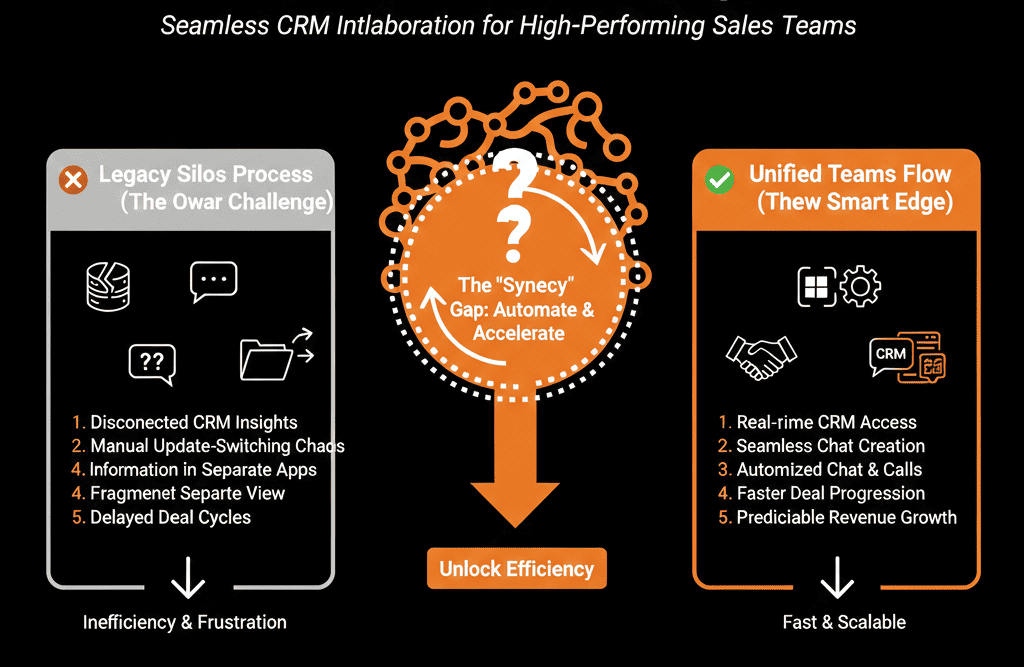
You've discovered the hard way that "all-in-one" just meant "all-in-one-bundle." You don't have a "unified platform"; you have a "DIY kit" of 40+ apps that were never truly built to work together.
This creates "data silos." It creates "integration spaghetti." It creates "chaos."
Your "all-in-one" system has become a full-time, high-stress "integration job." You haven't built a "self-driven" system; you're the full-time "mechanic" for a "Frankenstein's monster."
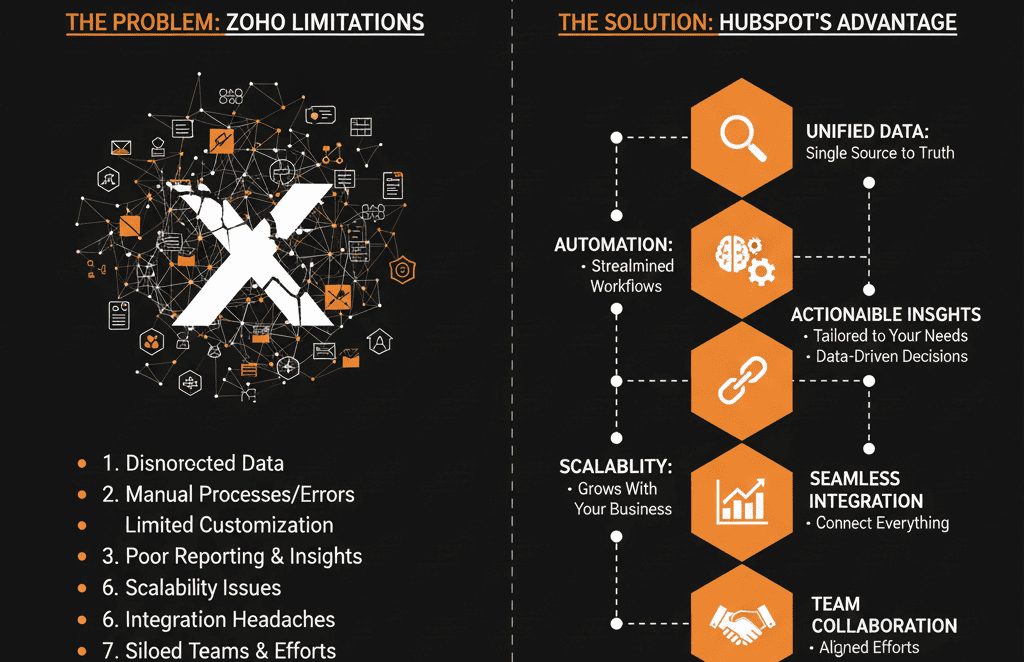
This is the classic sign that you've outgrown a "bundle of apps" and now need a true, "Single System of Record." Here are the 7 signs you're already there.
🩺 Sign 1: The "Landmine" Call
The Pain: Your top sales rep is on a call with your #1 client to discuss a $100k upsell. At the exact same time, that client has 5 "High Priority" unresolved tickets in Zoho Desk about a critical bug.
Why It Happens: Zoho CRM and Zoho Desk are two different apps with different databases. Your sales rep is blind. They walk into the "landmine" and the upsell (and maybe the entire account) is lost.
The "System of Record" Fix: In a true "system of record" like HubSpot, the Ticket object (Service Hub) and the Deal object (Sales Hub) live on the same Company record. The sales rep cannot miss the "landmine." They see the 10 open tickets before they make the call, saving the deal and the relationship.
🩺 Sign 2: The "Manual" MQL Handoff
The Pain: Your VP of Marketing says, "We generated 200 MQLs in Zoho Campaigns!" Your VP of Sales says, "Where are they?"
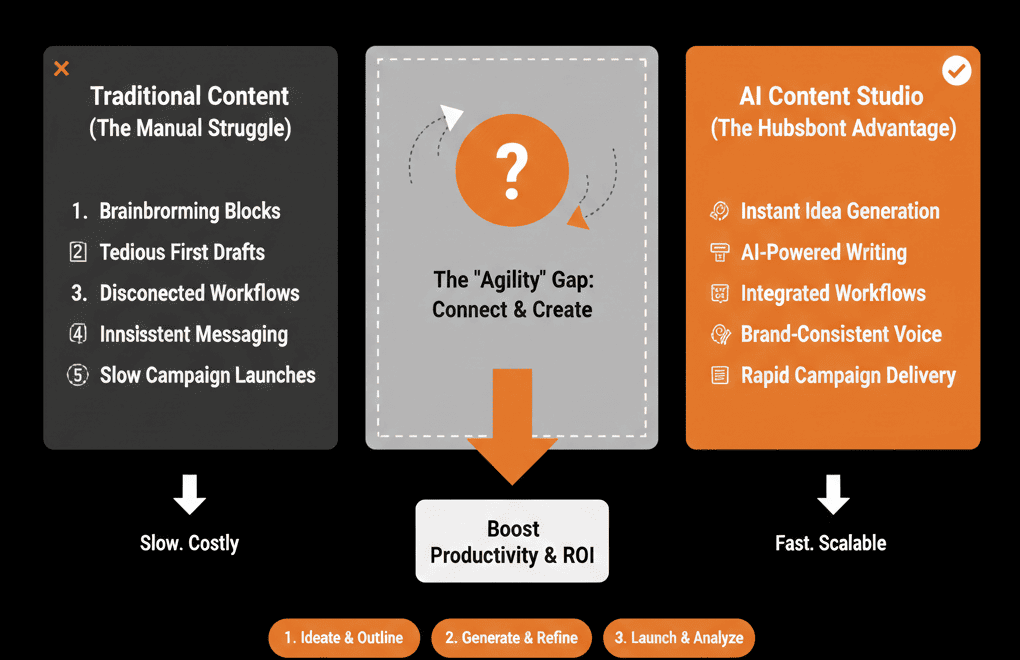
Why It Happens: Your "lead handoff" is a "manual" import/export. Your RevOps person has to "run a sync" every 24 hours to move leads from the "marketing app" to the "sales app." This "24-hour gap" is where 80% of your leads "die on the vine," as we've discussed in our "Lead Handoff" guide.
The "System of Record" Fix: In HubSpot, Marketing Hub and Sales Hub are the same system. When a lead becomes an "MQL," a "self-driven" Workflow instantly (in 10 seconds) assigns them to the correct rep and creates a task. Your "speed to lead" is now 10 seconds, not 24 hours.
🩺 Sign 3: The "Impossible" Report
The Pain: Your CEO asks a "simple" question: "What's our most profitable 'customer type,' measured by 'sales revenue' (from CRM) vs. 'project profitability' (from Projects) vs. 'service ticket load' (from Desk)?"
Why It Happens: You can't build this report. That data lives in three separate systems with three separate databases. You'd have to export 3 CSVs, hire a "data scientist," and spend a week in a spreadsheet to get an answer that's still probably wrong.
The "System of Record" Fix: When your Deals, Projects, and Tickets all live on one Company record, this report takes 10 minutes to build. You can finally move from "siloed" reporting to true "business intelligence."
🩺 Sign 4: You Employ a Full-Time "Zoho Plumber"
The Pain: You have a "Zoho Specialist" on your team (or a $150/hr consultant) whose entire job is just to build and maintain the Zoho Flow "duct tape" that makes CRM talk to Books and Desk talk to Projects.
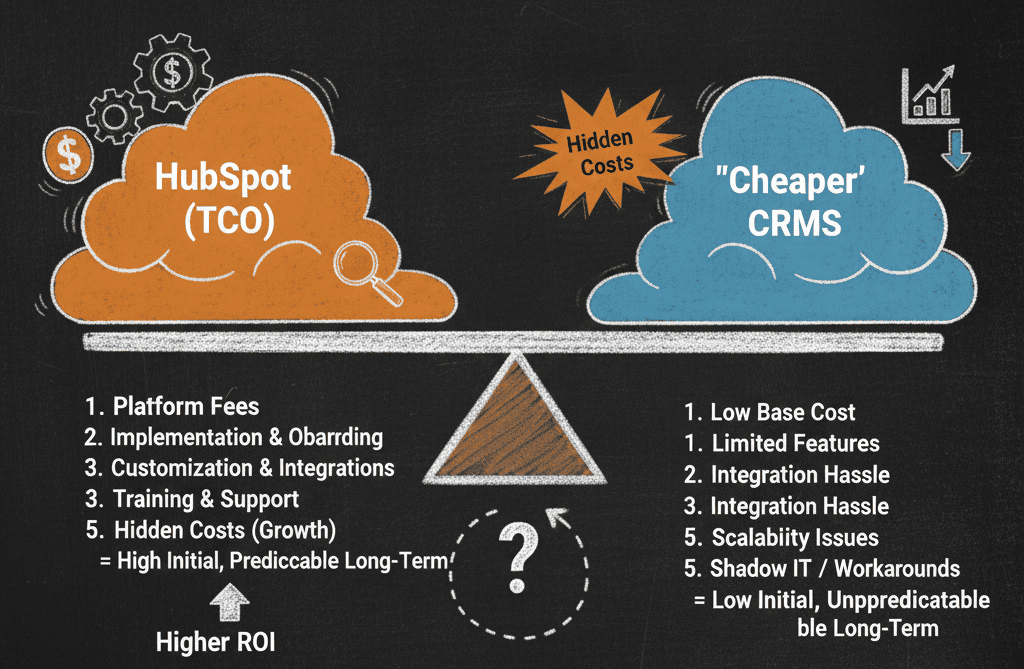
Why It Happens: You've fallen for the "low-cost" myth. The "Total Cost of Ownership" (TCO) of Zoho isn't the "sticker price." It's the "sticker price" + the "salary of the plumber" you must hire to make the "DIY kit" work.
The "System of Record" Fix: A "self-driven" system should reduce headcount, not require a new one. In HubSpot, the "integrations" between Sales, Marketing, and Service are native. They just work. This frees up your expensive "plumber" to become a "RevOps strategist" who can optimize revenue, not just "patch" leaks.
🩺 Sign 5: Your Sales Team Lives in Spreadsheets
The Pain: Your VP of Sales is furious because "no one is using the CRM." The team hates it. They claim it's "clunky," "slow," and "confusing."
Why It Happens: The "Zoho Hangover" includes a "User Experience" (UX) headache. Because it's 40+ different apps "bolted" together, the UI is inconsistent. Logging a call, starting a project, and closing a ticket are three different "experiences." This "friction" kills adoption.
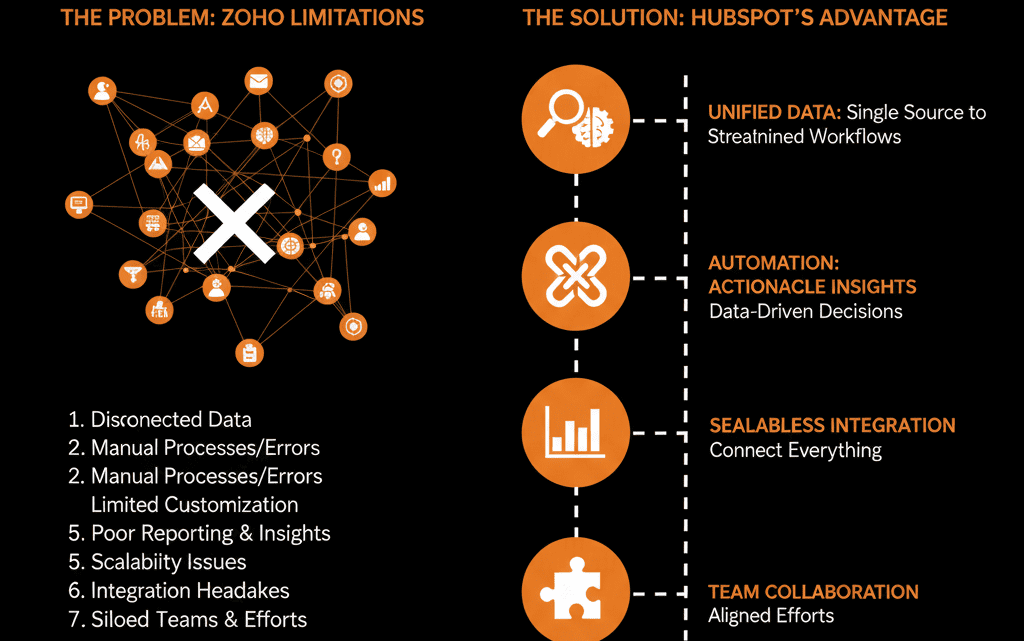
The "System of Record" Fix: A "unified" platform means a "unified" UX. In HubSpot, the entire client lifecycle (marketing, sales, service) is managed from one clean interface. A clean UX drives high adoption. High adoption = clean data.
🩺 Sign 6: Your "Automation" is a "House of Cards"
The Pain:A "key automation" (like your CRM-to-Books invoice trigger) silently fails for 3 days. You now have 50 "lost" invoices and an angry finance team.
Why It Happens: Zapier + Your "automation" is a fragile "house of cards" built on "Zapier" or "Zoho Flow." It's a "black box" (as we covered in our "Integrations" guide). When one part breaks, the whole system collapses, and no one gets an "error" message.
The "System of Record" Fix: A "self-driven" system has "self-healing" automation. HubSpot's Workflows are native. You can build one, single workflow that says: "When Deal = 'Closed Won' -> Create a Project -> Send a Ticket to Finance." It's one workflow in one tool, making it 100x more reliable and easier to "audit."
🩺 Sign 7: You Can't Answer, "What's Next?"
The Pain: Your entire "Zoho" system is reactive. You are "reacting" to tickets. You are "reacting" to deals. You have zero "proactive" intelligence.
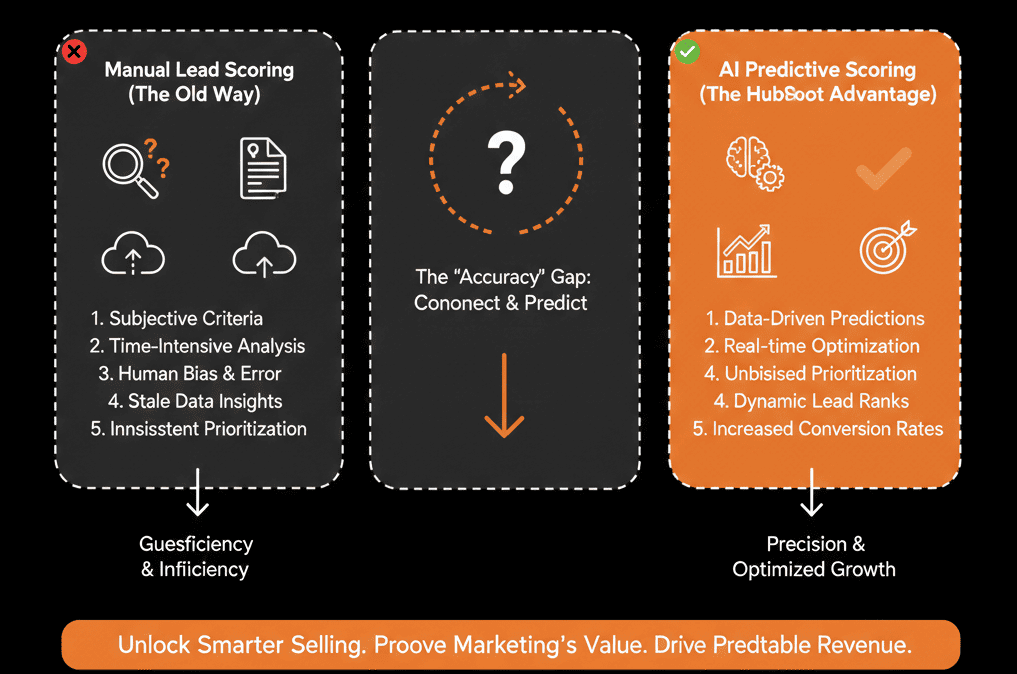
Why It Happens: Your "bundle" can't connect the dots. It can't tell you that "Customers in the 'Manufacturing' vertical who haven't logged in in 30 days and who submitted 3+ 'bug' tickets' are a 90% "churn risk."
The "System of Record" Fix: When all your data (logins, tickets, deals) lives in one "system of record," you can finally build proactive "self-driven" systems. You can (as we covered in our "Service Hub" guide) build a "Health Score" workflow that automatically creates a "Churn Risk" task for your CSM before the customer ever thinks of leaving.