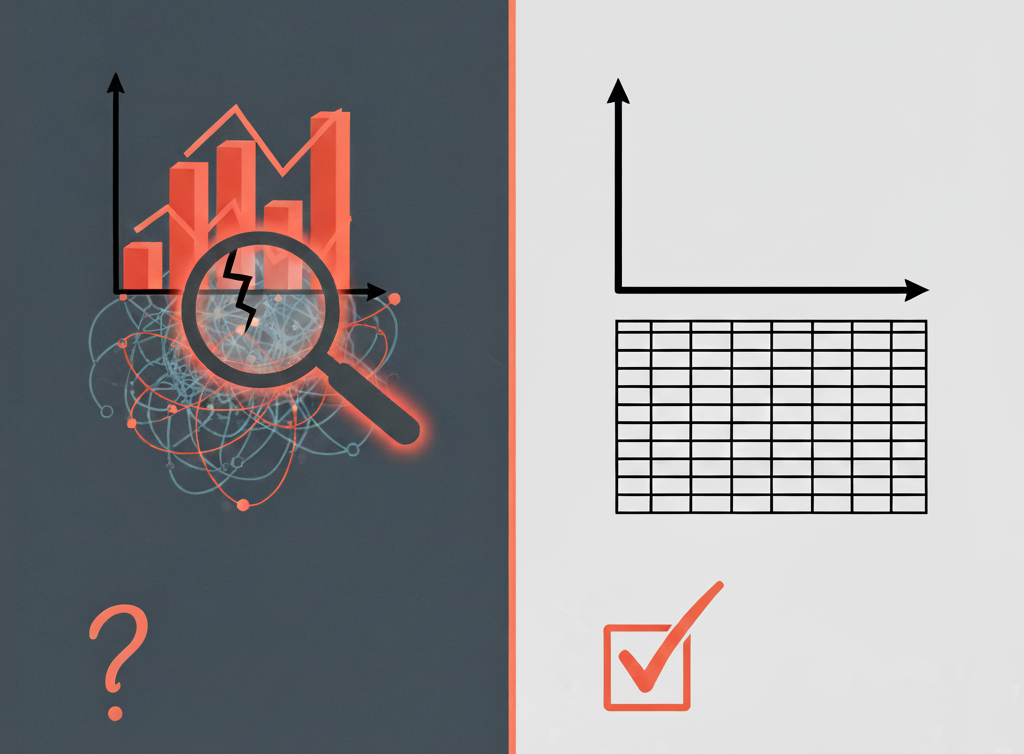
📈 The "Gut Feeling" Problem: When You Can't Trust Your Own CRM
As a VP of Sales or RevOps leader, your entire strategy relies on one thing: data. You live and die by your forecast, your pipeline velocity, and your team's activity metrics.
But what happens when you look at a HubSpot dashboard and your gut tells you, "This is wrong"?
- You see a 40% close rate on a report, but you know your team is struggling.
- Marketing claims 200 MQLs, but your sales team says the leads are "garbage."
- Your forecast shows a $2.5M quarter, but deals keep slipping, and no one knows why.
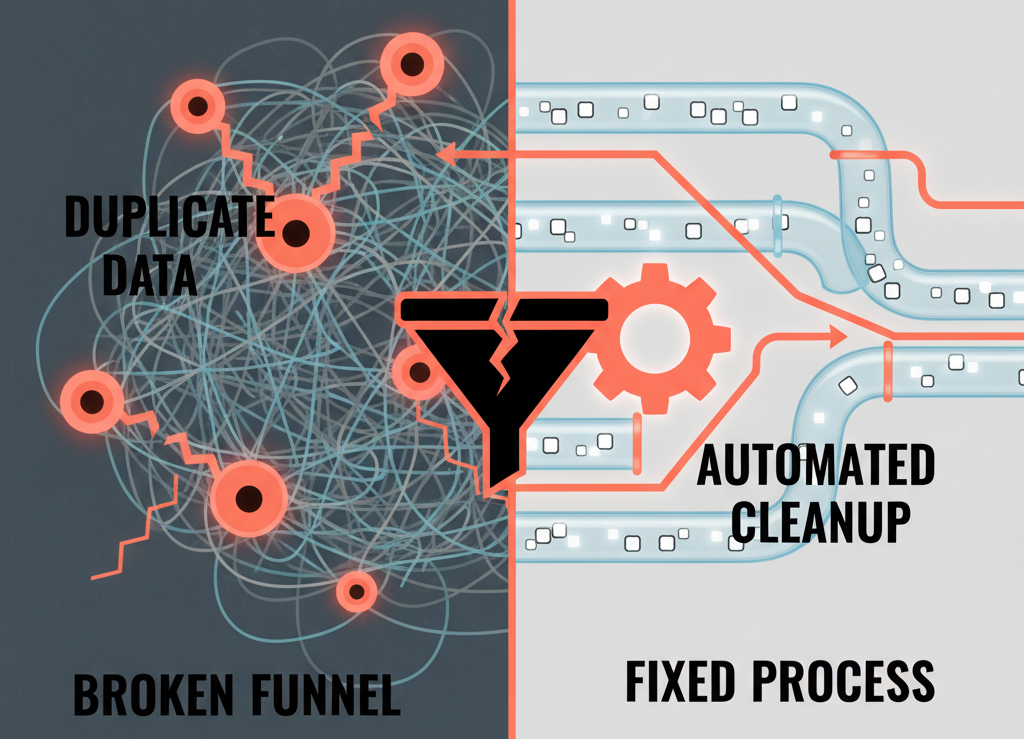
This is the most expensive problem in a B2B company. It’s not just a "messy portal"; it’s a foundational lack of trust in your central nervous system. Your HubSpot portal has become unreliable, and every decision you make based on its data is a high-stakes gamble.
Before you can build a "self-driven system" for growth, you must first diagnose the disease. Here are the 5 most common signs that your HubSpot data is unreliable and the practical steps to fix it.
🚩 Sign 1: Your Sales Team Lives in Spreadsheets
This is the most glaring red flag. If your sales reps open HubSpot to log a call but then immediately open a separate "shadow" spreadsheet to actually manage their pipeline, you have a catastrophic failure.
Why it Happens:
Your team doesn't trust the CRM. They do this because your HubSpot portal is "broken" for their workflow. Key data is missing, deal stages are confusing, or—most likely—they believe their spreadsheet is faster and more accurate. This creates two sources of truth, and the CRM will always lose, making your reporting completely blind.
How to Fix It (The "System" Fix):
- Audit Your Pipeline: Sit down with your top reps. Identify the 5–7 data points they actually track.
- Re-build Your Deal Stages: Simplify your pipeline and implement required properties.
- Mandate the CRM: Once fixed, all forecasting must be pulled directly from HubSpot.
🚩 Sign 2: You Have a "Duplicate" Epidemic
Your VP of Marketing sends a "Happy Holidays" email, and your most important enterprise client gets it three times—once to `john.smith`, once to `j.smith`, and once to `jsmith@company.com`.
How to Fix It (The "Hygiene" Fix):
- Use HubSpot’s Tool: Navigate to Contacts → Lists → Manage Duplicates.
- Enforce Unique Fields: Require unique emails for new contacts.
- Schedule a Cleanse: Perform a one-time "data cleansing" project.
🚩 Sign 3: Your Properties Menu is a Junkyard
You open a contact record to find 450 different properties. You see Lead_Source, LeadSource, Original Source (OLD), and Source-NEW. No one knows which one is correct.
How to Fix It (The "Governance" Fix):
- Lock It Down: Only RevOps leaders can edit property settings.
- Audit & Archive: Remove unused properties to clean up clutter.
- Create a "Data Dictionary": Define 50 gold-standard properties and document them.
🚩 Sign 4: Your Dashboards Are "Vanity," Not "Sanity"
Your main sales dashboard shows "Total Calls Logged" and "Emails Sent." These are vanity metrics. Real dashboards show conversion and velocity insights.
How to Fix It (The "Reporting" Fix):
Fix your data first, then build dashboards around lifecycle stages and lead status movement.
🚩 Sign 5: Your "Quick Fixes" Involve More Automation
You have 800 workflows and no one knows what half of them do. This is automation debt.
How to Fix It (The "System" Fix):
Stop building new workflows. Diagnose, simplify, and rebuild only what supports a clean data model.