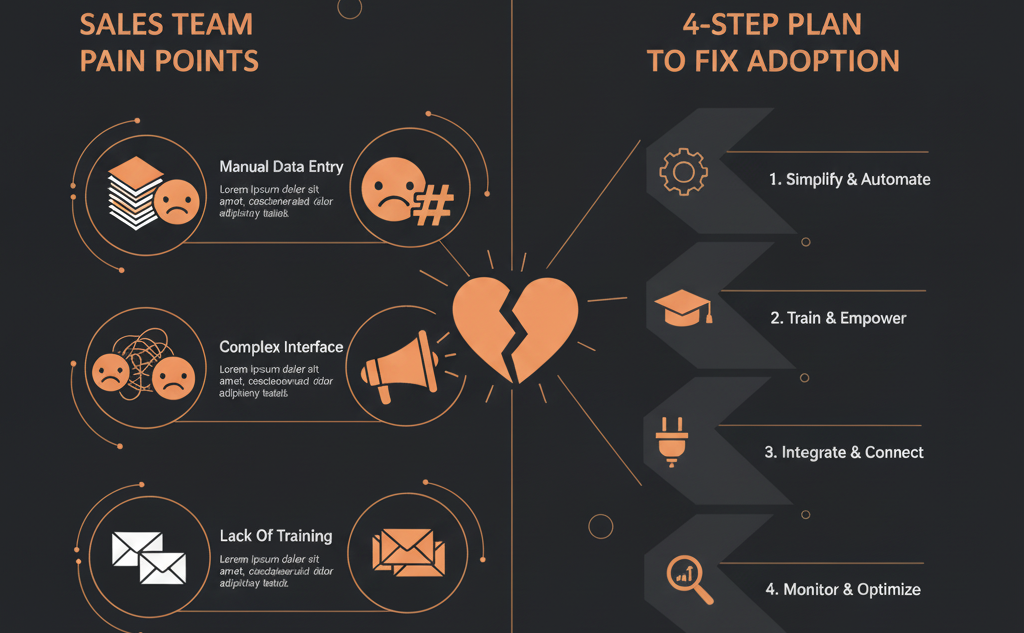
💸 The $50,000 Spreadsheet Problem
You spent it. You committed to the HubSpot Growth Suite—$50,000, $80,000, maybe more. You sat through the demos, you believed in the "all-in-one" vision, and you signed the contract, promising your board a "self-driven" revenue machine.
Six months later, you walk past your top sales rep's desk and see it: a "shadow" spreadsheet.
They're tracking their real pipeline in Excel. They log into HubSpot to satisfy a once-a-week "please update your deals" mandate from management, but their actual, day-to-day sales life lives completely outside the CRM.
Your $50,000 system has been defeated by a free spreadsheet. This isn't just a frustration; it's a catastrophic failure of the system. Your team doesn't trust HubSpot, and it's not their fault. It's your portal's fault.
As a VP of Sales or RevOps leader, you've heard the complaints:
- "It's just for marketing."
- "It's too clunky and slows me down."
- "I'm a salesperson, not a data-entry clerk."
- "I can't find the information I need."
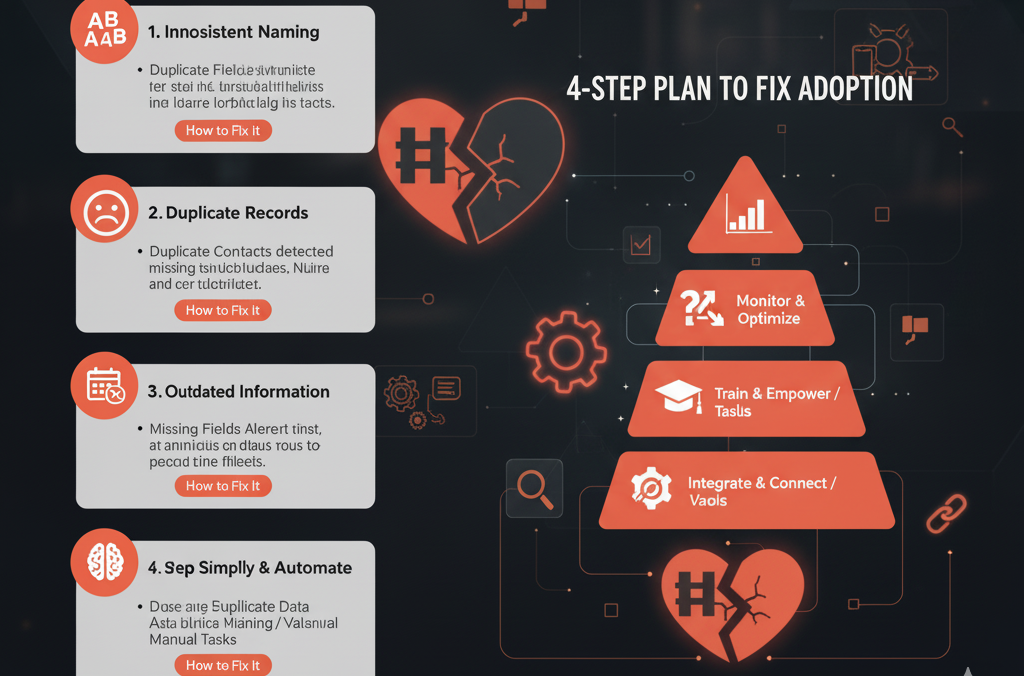
The truth is, your sales team doesn't hate HubSpot. They hate your HubSpot. They hate it because it was likely configured by marketers for marketers, or it was set up with a "default" configuration that doesn't match a single real-world sales process.
HubSpot sales adoption isn't a training problem; it's a systems design problem. You can't fix it with more "how-to" lunch-and-learns. You can only fix it by re-architecting the system around the seller.
Here is the 4-step plan to fix HubSpot sales adoption for good.
🔬 Step 1: Diagnose the Real Sales Workflow
Before you change a single setting, you must diagnose the real-world process. Don't ask your team "What do you want?" Instead, observe what they actually do.
Your reps built their spreadsheets for a reason: because your HubSpot portal has "friction," and their spreadsheet doesn't. Your first job is to find that friction.
Action: Conduct a "Shadow Audit." Sit with one top-performer and one mid-performer for 30 minutes each. Ask them to "show you their day." Watch them work.
Identify the "Core 7": Look at their spreadsheet. I guarantee they are only tracking 5–7 key data points (e.g., Company Name, Contact, Next Step, Next Step Date, Est. Value, 'Gut Feel' Stage).
Listen for Friction Words: When they do open HubSpot, listen for sighs or phrases like "Ugh, now I have to..." or "I can never find..." or "This takes forever..." Write down exactly what they are doing at that moment.
You will likely discover that your portal is forcing them to navigate 400 "marketing" properties just to find the 7 "sales" properties they actually care about. Your diagnosis is complete: The friction is greater than the value.
⚙️ Step 2: Re-Build the System for Sales
Now that you know their "Core 7" fields and their friction points, it's time to re-configure the portal. Your goal is to make HubSpot faster and more valuable than the spreadsheet.
Action: Create "Sales-Only" Record Views. HubSpot allows you to customize the left-hand sidebar of Contact, Company, and Deal records. Create a "Sales View" that only contains the "Core 7" properties you identified, plus a few other essentials. Hide everything else. When a sales rep lands on a record, they should only see what's relevant to them.
Action: Simplify Your Deal Pipeline. Do your deal stages reflect an internal management process or the actual sales conversation? If your stages are "Qualified," "Demo," "Proposal," that's fine. If they are "Internal Review," "Legal Sign-off," "Tech Fit Assessment," you've built a management tool, not a sales tool. Simplify the pipeline to 5–7 clear stages that your reps can update in seconds.
Action: Automate the "Admin" Work. A rep should never have to do something a machine can. Use simple workflows to eliminate "data entry."
- When a rep moves a deal to "Demo Scheduled," automatically create a task for them "Follow up 24 hours before demo."
- When a deal is marked "Closed Won," automatically change the Company lifecycle stage to "Customer."
- Automatically enroll inactive leads in a "breakup" sequence.
🏆 Step 3: Implement the "WIIFM" (What's In It For Me?)
Your team is coin-operated. If you can't prove that HubSpot will help them close more deals, faster, you will lose. Right now, they see the CRM as a "Big Brother" tool for you to inspect their work. You must flip this. You must make HubSpot their personal sales-closing "Easy Button."
Action: Build High-Value Sequences. Don't just give them the tool; give them the ammo. Build 3–5 high-performing email sequences for them: "Cold Outreach - ICP," "Post-Demo Follow-Up," "90-Day Re-engagement." Now, they don't just log work in HubSpot; they do work in HubSpot.
Action: Create "Money" Dashboards. Stop building dashboards that just show "Activity Logged." Build dashboards for the rep that help them find money.
- Dashboard 1: "My Hot Leads" (Leads who viewed the pricing page 3+ times).
- Dashboard 2: "My Stale Deals" (Deals with no 'Next Step Date' set).
- Dashboard 3: "My Unworked MQLs" (New leads assigned to me in the last 48 hours).
This small shift proves that HubSpot is a tool for them, not just for management.
⚖️ Step 4: Re-Launch and "Lock the Spreadsheets"
You've done the work. You've diagnosed the friction, rebuilt the system, and proved the WIIFM. Now, you must "re-launch" HubSpot to the team. This is not a "training." This is a "new contract."
Action: Hold the "New Contract" Meeting. Gather the team and present the new system. Use this script: "You told us the old system was clunky and slow. You were right. We've spent the last month rebuilding it based on your feedback. We removed the friction, automated the admin work, and built tools to help you close more deals. The new system is built for you."
Action: The "New Rule." "The new 'contract' is this: We've made the system easy to use. In return, it must be used. From this day forward, if it's not in HubSpot, it doesn't exist."
Action: Enforce the "Single Source of Truth." This is the final, non-negotiable step. All commission, all forecasting, and all reports are pulled only from HubSpot. The spreadsheets must be locked. When a rep says, "But I have this $100k deal in my spreadsheet," the answer is, "Then it's not a real deal. Get it in the system." This creates a "self-driven" enforcement model where their own pay depends on good data hygiene.