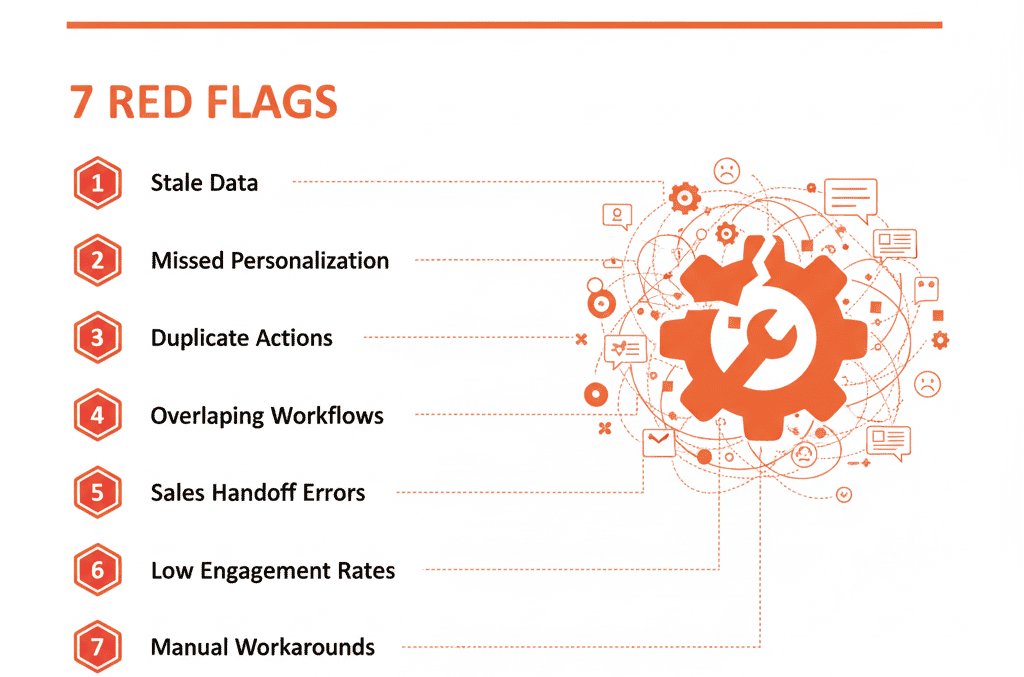
🤖 The "Automation Nightmare": When Your System Fights You
The dream of HubSpot workflow automation is a "self-driven system." You set it up, and it works tirelessly in the background—assigning leads, nurturing contacts, creating tasks, and managing data, all while you sleep.
The reality for most B2B companies? It's a nightmare.
Your portal has become a tangled, terrifying web of 700+ "Active" workflows. No one knows what half of them do. Reps are complaining about "ghost tasks." Leads are getting the wrong emails. And there's one workflow, probably named "TEST - DO NOT DELETE (copy)", that everyone is afraid to touch because it might bring the entire company to a halt.
This is automation debt.
You've layered "quick fixes" on top of "quick fixes" for so long that your automation is now working against you. It's not saving time; it's creating chaos, leaking revenue, and frustrating your team.
For RevOps leaders and VPs, a broken automation system is a liability. You can't scale a "messy" portal. You must diagnose the rot before you can build. Here are the 7 red flags that your HubSpot workflow automation is broken.
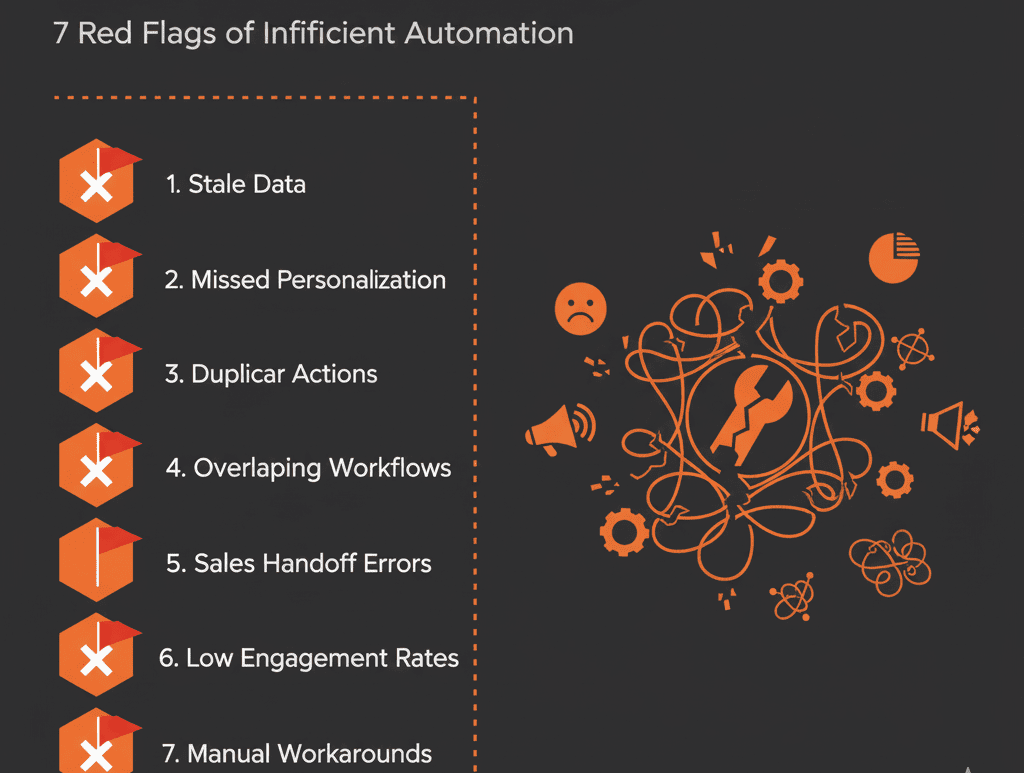
🚩 Red Flag 1: Your Naming Convention is Chaos
Open your Workflows tool. Do you see a list like this?
- Sales Assign - NEW
- John's Workflow (copy)
- TEST
- MQL Follow-up v2 (FINAL)
If your list doesn't have a clear, standardized naming convention (e.g., [Team] - [Trigger] - [Action]), you don't have a "system." You have a junk drawer. A chaotic naming convention is the #1 sign of an amateur, multi-admin portal where no one is following a central "Configuration Plan." It's impossible to troubleshoot, audit, or build upon.
🚩 Red Flag 2: Workflows Are "Set It and Forget It" (from 2021)
You find a key workflow, like "Nurture New Leads," and you see the "Last Modified" date was three years ago. This is a time bomb. Your business has changed. Your sales process has changed. Your messaging has changed. But this "set it and forget it" workflow is still dutifully sending ancient-sounding emails and using logic based on a process that no longer exists. This is how you end up "re-nurturing" a 7-figure customer.
🚩 Red Flag 3: Leads Are "Stuck" or "Looping"
This is a critical, high-priority failure.
- Looping: A lead becomes an "MQL." A workflow makes them a "SQL." A different, contradictory workflow sees the "SQL" status and (based on some other property) pushes them back to "MQL." The lead is "looping" between two stages, spamming your reps with notifications and destroying your attribution reporting.
- Stuck: A lead enters a "5-Day Nurture" workflow. On Day 2, they book a demo. But... the workflow has no "unenrollment" trigger. The lead is now talking to your AE while simultaneously getting "Day 3: Why You Should Book a Demo" emails. It's unprofessional and kills deals.
🚩 Red Flag 4: You Have 10 Workflows for One Job
You need to assign new leads to your sales team. Instead of one master workflow with clear if/then branches for territory or size, you have 10 separate, active workflows:
- Assign Leads - East
- Assign Leads - West
- Assign Leads - Manufacturing
- Assign Leads - Tech (NEW)
This is "automation bloat." It's impossible to manage. When you hire a new rep, you now have to remember which of the 10 workflows to update, creating a massive risk of error. A "self-driven system" aims for simplicity and consolidation.
🚩 Red Flag 5: Your Reps Complain About "Ghost Tasks"
A sales rep logs in and sees 50 "Overdue" tasks. They all look like this: "Follow up with Contact X" or "Update Deal Y." There's no context. The rep doesn't know why the task was created or what they're supposed to do.
This happens when you build automation at your team instead of for them. A good automation task provides value and context: "[High Intent] Contact just viewed pricing 3x. Call and reference their interest in [Product]." A "ghost task" is just digital noise that trains your reps to ignore their task queue completely.
🚩 Red Flag 6: You Use "Notification" Workflows for Everything
Is your Workflows tool just a glorified Slack notification system?
- Notify #sales when a lead becomes MQL
- Email VP of Sales when a deal is created > $100k
- Notify #marketing when a form is filled
This isn't automation; it's interruption. Instead of building "self-driven" dashboards where leaders can pull information, you are "pushing" a firehose of noise that everyone ignores. True automation acts on data (e.g., Set 'Hot Lead' property to 'True'), it doesn't just "report" it.
🚩 Red Flag 7: You Build "Quick Fix" Workflows to Patch Bad Data
This is the most dangerous flag of all. You discover that reps aren't filling out the "Industry" property. Instead of fixing the process (e.g., making the field mandatory in a deal stage), you build a "Band-Aid" workflow:
"If 'Deal Stage' is 'Proposal Sent' AND 'Industry' is 'Unknown,'... send a Slack notification to the RevOps team to manually chase down the rep."
You are now using your expensive automation platform to create more manual work for your most technical employees. You are automating a broken process. This is the very definition of automation debt, and it's the fast path to a completely unmanageable portal.