
🎶 The "Siren Song" of 40+ Apps
If you run a B2B professional services firm, you've heard the siren song of Zoho One. It's almost impossible to ignore:
"40+ enterprise-level applications. One single price. Run your entire business on Zoho."
For a managing partner, a founder, or a VP of Ops at a consulting, legal, or accounting firm, this is the dream. One vendor, one bill, one "all-in-one" system to manage everything from sales (Zoho CRM) to projects (Zoho Projects) to billing (Zoho Books).
So you bought in. And now you're living with the Zoho Hangover.
You've discovered the hard way that "all-in-one" just meant "all-in-one-bundle." You don't have one platform; you have 40 different apps, many acquired at different times, all bolted together.
Your sales partner in Zoho CRM has no idea what the project manager in Zoho Projects is doing.
Your project manager can't see the billing status from Zoho Books without three clicks and a separate login.
Your marketing team in Zoho Campaigns is sending "welcome" emails to a 10-year client who is currently in a high-priority dispute with your service team in Zoho Desk.
To "fix" this, you've had to hire a full-time "Zoho specialist" or an expensive consultant who has become your "integration plumber," spending all their time just trying to make your own apps talk to each other.
For a professional services firm, this is a business-killing failure. You don't sell "widgets." You sell trust, expertise, and relationships. Your entire business relies on a 360-degree view of the client.
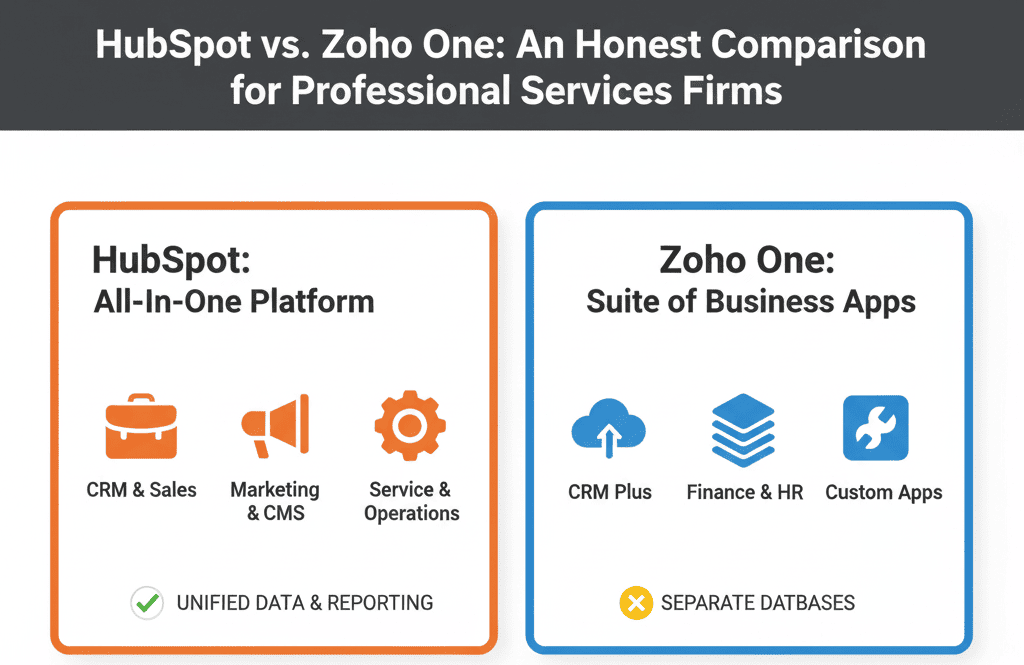
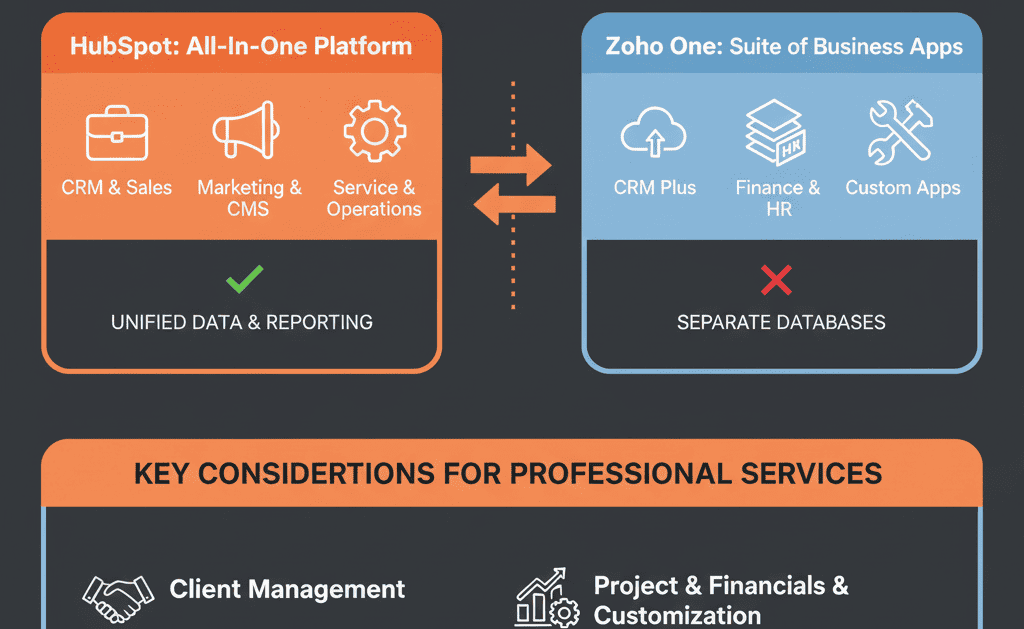
The HubSpot vs. Zoho debate isn't about features. It's a fundamental difference in philosophy: The "Box of Parts" vs. The "Unified Platform."
🔬 Diagnosis 1: The "Jack of All Trades, Master of None" Problem
The Zoho One model is a "suite" of separate products. This creates three critical failures for a service-based business.
1. The Illusion of a Single Database
You thought your data was unified. In reality, CRM, Projects, and Desk all have their own quasi-independent databases. A "Company" in one app is not always the same "Company" in another. This creates massive data silos. Your sales team and your delivery (consulting/project) team are working blind, leading to the ultimate "landmine" scenario: a sales partner trying to upsell a client who is simultaneously furious with your delivery team.
2. The Clunky, Low-Adoption User Experience (UX)
Because the "suite" is a bundle of different apps, the user interface (UI) is inconsistent. A rep has to learn and live in 5 different UIs just to manage one client relationship. The "look and feel" is clunky, slow, and disconnected. This kills adoption. Your team, forced to use a tool they hate, will inevitably revert to spreadsheets for their "real work."
3. The "Integration Nightmare" TCO (Total Cost of Ownership)
The sticker price of Zoho One is famously low. But the Total Cost of Ownership is dangerously high. Your "low-cost" software now requires a $150/hour consultant just to build and maintain the Zaps and custom "Flows" that get CRM to talk to Projects. You're not paying for a finished system; you're paying for a DIY kit and then paying for the labor to build it... over and over again.
⚙️ Diagnosis 2: HubSpot's "One Platform" Advantage for Services
HubSpot's philosophy is the complete opposite. It's not a "bundle." It's a singular platform built from the ground up on one core database: the Smart CRM.
The Sales Hub, Marketing Hub, Service Hub, and (critically) the Project Management tools are all native modules that sit on top of that one, single client record.
For a professional services firm, this is not a small difference. It is everything.
Advantage 1: The True 360-Degree Client View
This is the "holy grail" for professional services. Because it's one database, your Managing Partner, your sales rep, and your Project Manager all see the exact same screen (customized for their role).
On a single Company record, you can see, all in one place:
- Marketing: All emails they've received, all whitepapers they've downloaded.
- Sales: The original Deal that was won, including the proposal and line items.
- Service: All Tickets ever submitted (e.g., "Billing question," "Project scope change").
- Projects: The actual Project that is currently in-flight, including its status, tasks, and notes.
When your sales partner calls a client, they don't have to ask, "So... how's the project going?" They know.
Advantage 2: The Seamless "Sold-to-Delivery" Handoff
This is the single most broken process in most services firms. In Zoho, when a deal is "Closed Won" in CRM, a chaotic, manual process begins to "create a new project" in Zoho Projects.
In HubSpot, this becomes a "self-driven" system:
- A Workflow triggers the instant a Deal is marked "Closed Won."
- It automatically creates a new Project from a pre-built template.
- It automatically assigns the Project Manager and consulting team.
- It automatically associates the Company and Deal with the new Project.
The handoff from "Sales" to "Delivery" is now instant, automated, and error-proof. No data re-entry. No "kick-off meeting" just to figure out what was sold.
Advantage 3: Reporting That Connects the Entire Client Lifecycle
In Zoho, your reporting is siloed. You can pull a sales report from CRM and a project report from Projects, but you can't connect them without a complex data warehouse.
In HubSpot, you can build a single dashboard that answers the real business questions:
- "What is our average 'project profitability' by 'marketing campaign'?"
- "Which 'client type' submits the most 'service tickets' during a project?"
- "What is our 'sales pipeline' for 'repeat business' from 'past clients'?"
- "Show me all 'Projects' that are over-budget and the 'Sales Rep' who sold them."
This is moving from "data reporting" to "business intelligence."
Your Next Step Isn't a Demo. It's a De-Risking Plan.
If you're a services firm stuck in the "Zoho Hangover," you know you have a problem. But the idea of migrating 40 apps' worth of siloed data (contacts, projects, deals, tickets) is terrifying.
You're right to be scared. A "lift and shift" migration—just moving your "mess" from Zoho to HubSpot—is a guaranteed disaster. You'll pollute your new portal and be in the exact same spot in 6 months, only with a more expensive bill.
You must migrate your process and strategy, not just your data. You need a "Configuration Plan" before you move a single contact.
This is precisely why we start with our Free Migration & ROI Plan. This isn't a sales call. It's a high-value, de-risking engagement where our Gold Partner architects will:
- Audit your entire Zoho One setup (CRM, Projects, Campaigns, Desk).
- Map your future-state "Client Lifecycle" process in a unified system.
- Deliver a "Configuration Plan" to build HubSpot as a "self-driven" system for your firm.
- Provide a clear ROI model showing the TCO of moving from a "bundle" to a true "platform."
Stop paying a consultant to patch a broken system. Get the plan to build a "self-driven" machine for your firm.


