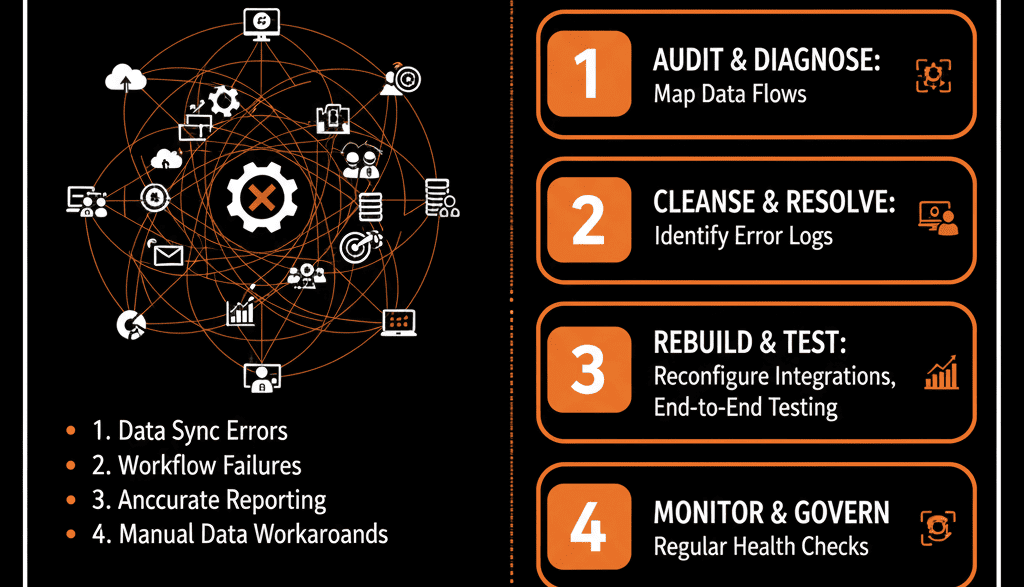
👻 The "Data Ghost" That's Haunting Your Portal
For a B2B tech company, your CRM is just one part of a complex "tech stack." You have your own proprietary app. You have NetSuite or a BI tool. You have a data warehouse.
You were promised a "360-degree view of the customer." Instead, you've created a nightmare. Your "self-driven" system is now haunted by "data ghosts."
A sales rep updates a Contact record, and 10 minutes later, the old data "mysteriously" reappears, overwriting their work.
Your proprietary app syncs "new users," but it creates 5,000 Duplicate contacts, setting your "duplicate hell" on fire.
Your NetSuite "invoice" integration works, but it pollutes your sales pipeline with "$0 draft" deals, completely destroying your sales forecast.
Your CEO's dashboard is wrong, and your new RevOps leader has traced the problem to a "black box" integration that a contractor built in 2021. No one knows how it works, and everyone is terrified to touch it.
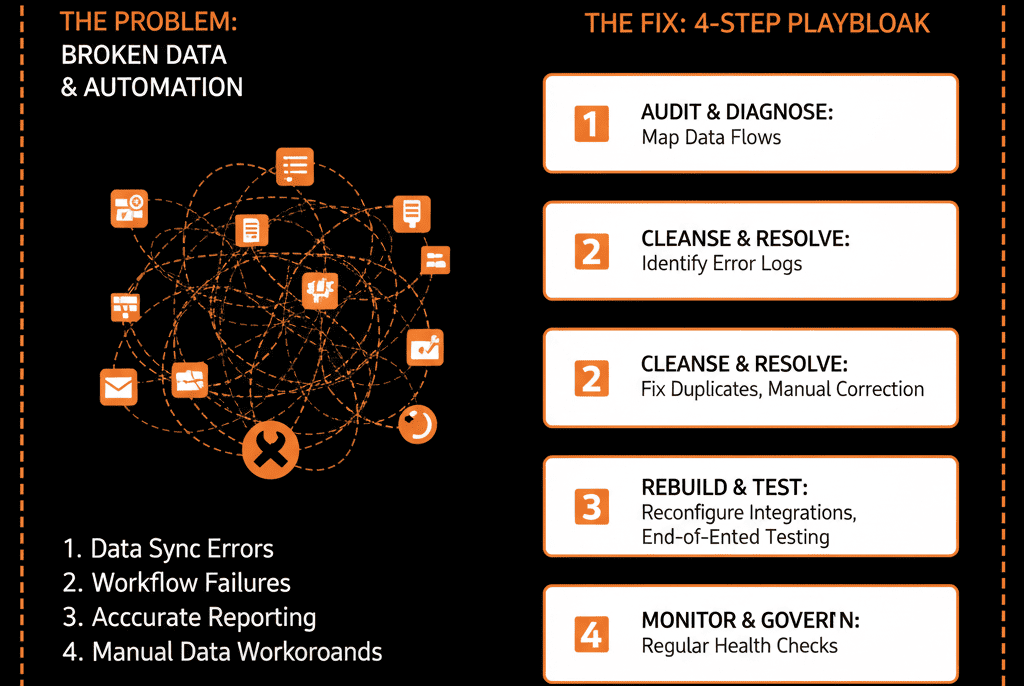
This is the "broken integration" problem. It's the moment your "messy" portal becomes a "dangerous" one. The data is not just "unreliable"; it's actively "dirty" and "self-destructing."
As a B2B tech leader, you can't build a revenue machine on this "haunted" foundation. The problem isn't your API; it's your strategy.
Here is the 4-part troubleshooting guide to find the real cause.
🩺 Diagnostic 1: The "Duplicate Hell" Loop
The Symptom: You are drowning in duplicates. A new "user" in your app creates a new Contact in HubSpot... even if that person already exists as a "lead" from your marketing site.
Or, even worse:- HubSpot syncs a Contact to NetSuite.
- NetSuite's ID doesn't match HubSpot's.
- The integration sees this as a new record and syncs it back to HubSpot as a Duplicate.
- This creates an infinite "duplicate loop" that runs all night.
- The Real Disease: No "Single Source of Truth"
This isn't an "integration bug." This is a fatal "Configuration Plan" failure. You never defined your "Single Source of Truth" (SSOT). You have two "dumb" systems (e.g., HubSpot and your app) yelling at each other, and neither knows who is "boss." - The Fix (A "Data Governance" Plan"): You must choose a "boss" for every data point.
- Step 1: Define the "System of Record" for each object. (e.g., "HubSpot is the SSOT for all Contact data." OR "Our App is the SSOT for User data.")
- Step 2: Define a "Unique Identifier." All systems must use one key to identify a record (e.g., Email Address or a custom External_App_ID).
- Step 3: Change your sync logic. The integration must not "Create a New Record" if one exists. It must "Find a Record by Email and Update it." This stops the loop.
🩺 Diagnostic 2: The "Data Overwrite" War
- The Symptom: Your sales rep spends 10 minutes adding detailed notes to a Contact property (like ICP_Fit_Notes). The next day, those notes are gone, replaced by a "null" value. The rep is furious. The data is lost.
- The Real Disease: A "Two-Way Sync" with No Rules
This is a "turf war." Your proprietary app and your HubSpot portal are fighting over the same data field.
Your app has a field (Notes) that is "null."
Your rep updates the ICP_Fit_Notes field in HubSpot.
The "two-way sync" runs. It sees the "null" value in your app and "helpfully" syncs it back to HubSpot, overwriting your rep's manual work. - The Fix (A "Property-Level" SSOT): You must get more granular. You can't just define the SSOT for the object (the Contact); you must define it for the property.
- Step 1: Create a "Data Dictionary."
- Step 2: Define the "Sync Direction" per property.
Email: Two-Way Sync (Either system can update it).
User_Login_Status: One-Way Sync (From App -> HubSpot).
ICP_Fit_Notes: No Sync. This is a "HubSpot-Only" property. - Step 3: Update your integration's "field mapping" to only sync the properties you've approved. You must remove ICP_Fit_Notes from the sync entirely.
🩺 Diagnostic 3: The "Broken Process" Sync
- The Symptom: Your HubSpot portal is suddenly "polluted" with bad data. Your sales dashboard is full of "$0 deals." Your Contact database is full of "test@test.com" junk accounts.
- The Real Disease: You Synced a "Sandbox" to "Production"
The integration is "working" perfectly. It's doing exactly what you told it to. The problem is you told it to do a dumb thing.
You connected your "Development" or "Staging" app database to your "Production" HubSpot portal.
Your developers, doing their jobs, created "test accounts" and "junk data."
The integration "helpfully" synced all of this "junk" into your live CRM, destroying your data integrity and your CEO's trust in the dashboard. - The Fix (A "Sandbox-to-Sandbox" Rule): This is a non-negotiable governance rule.
- Rule 1: Your Production HubSpot portal can only sync to your Production app.
- Rule 2: Your Development app must sync to a HubSpot Sandbox (Pro/Enterprise).
🩺 Diagnostic 4: The "Black Box" Failure
- The Symptom: The integration (e.g., HubSpot-to-NetSuite) just stops. No one gets an error message. Data is simply "stuck." Your RevOps team is in a panic, and when you ask "Why?" the only answer is, "We don't know. We have to call the consultant who built it."
- The Real Disease: No "Logging" or "Error Handling"
Your integration was built as a "black box." It has no "health-monitoring" system. It has no try...catch logic. When an API call fails (e.g., NetSuite's API is temporarily down), the integration doesn't "retry." It just "dies," silently. - The Fix (An "Auditable" Integration): A "self-driven" system must be "self-healing" and "self-reporting."
- Rule 1 (Error Handling): Your integration must have a "retry" logic (e.g., "If API call fails, retry 3 times in 5-minute intervals").
- Rule 2 (Logging): It must send a success/failure log to an external system (e.g., Slack or Datadog).
- Rule 3 (Alerts): If the "retry" fails 3 times, it must send a High Priority Alert to your RevOps team (e.g., "HubSpot-NetSuite Sync FAILED: Record ID 12345"). This turns a "silent black box" into a "transparent, auditable" system.