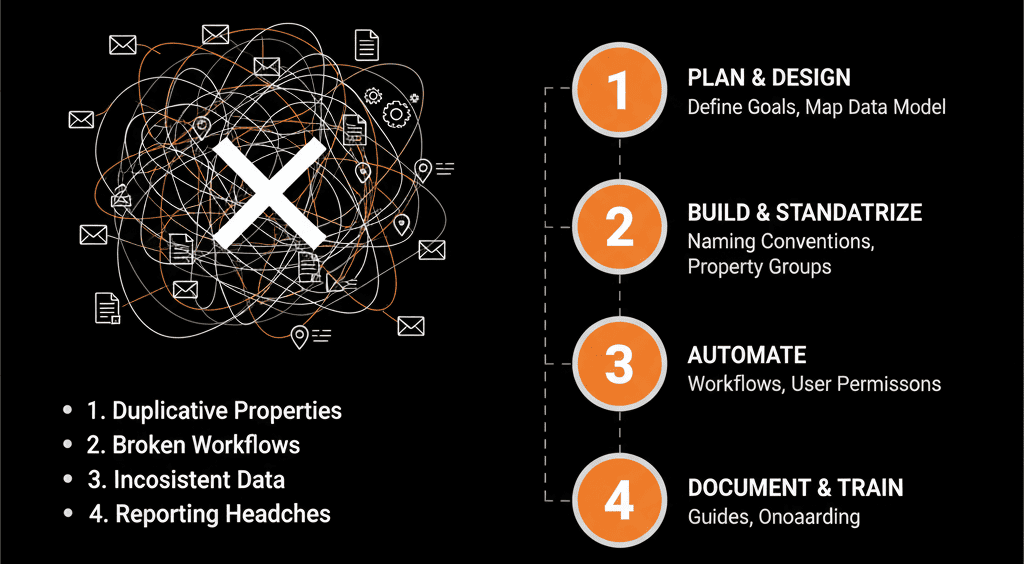
🏠 The "House" You Built Without a Blueprint
You'd never build a $500,000 house without a blueprint. You wouldn't let five different contractors show up and start "adding rooms" and "moving walls" without a central plan.
Yet, this is exactly how 99% of B2B companies build their $100,000 HubSpot portal.
The result? Total chaos.
- Your portal is a "messy" junk drawer of 700+ "duplicate" properties (as we covered in our "Property Bloat" guide).
- Your 500 "active" workflows are a tangled web of "automation debt."
- Your sales team "hates the CRM" because it's a clunky, unusable "data entry" tool.
- Your VPs of Sales and Marketing are in a constant "cold war" over "garbage MQLs" and "broken dashboards."
Your portal is "messy" for one simple reason: You never had a "Configuration Plan."
A "Configuration Plan" is the "master blueprint" for your portal. It is the single, foundational document that defines your "self-driven" system. It's the "constitution" for your data, your processes, and your people.
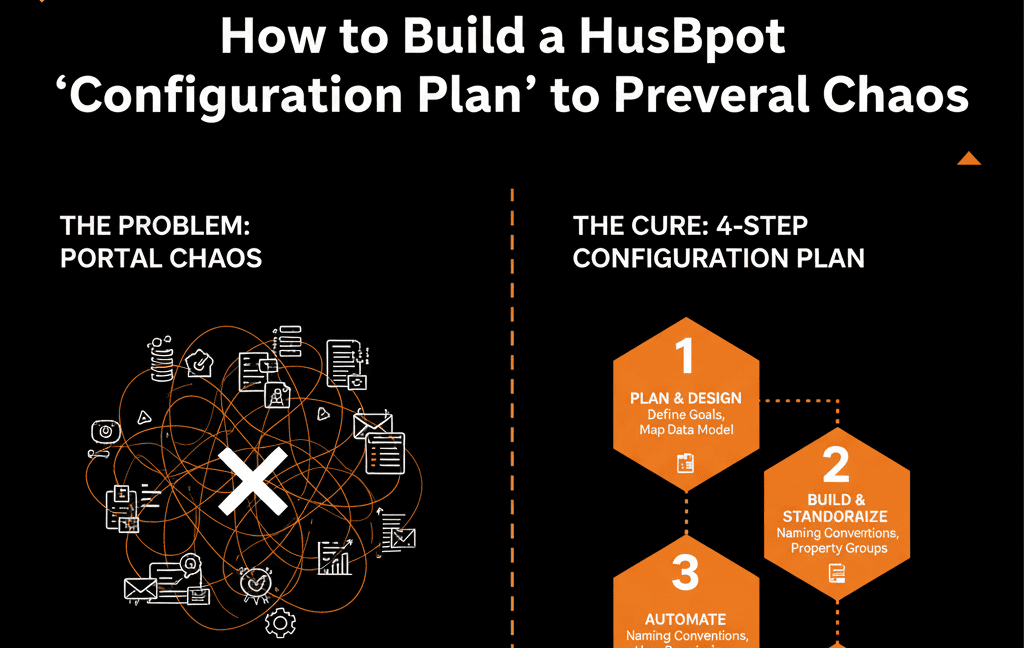
If your portal is already a "messy" Type B system, you must retroactively build this plan to fix the chaos. If you're a "Type A" company migrating to HubSpot, building this first is the only way to prevent chaos from Day 1.
Here are the 5 essential pillars of a "Configuration Plan."
1. The "Data Model" & "Data Dictionary"
This is the foundation of your blueprint. It answers the question: "What data do we actually need to run our business?"
Property bloat is the #1 killer of portal trust, and this pillar is the cure.
What it is: A simple, locked-down spreadsheet that lists your 50-75 "Golden Properties" (not 700).
Your Data Dictionary must include:
- Property Name:The exact internal name (e.g., icp_vertical).
- Property Label: The "human-friendly" name (ICP Vertical).
- Field Type: Dropdown, Number, Date Picker, etc.
- Definition: What does this field mean? (e.g., "The primary B2B vertical this company operates in, aligned with our ICP").
- Data Owner: Who is responsible for filling this out? (Sales Rep, Marketing Automation, Integration).
The Self-Driven Rule: If a property is not in this document, it does not get created. Period. This prevents your portal from ever becoming a "junk drawer" again.
2. The "Object & Association" Map
This is the structural engineering of your blueprint. It answers: "How does our data connect?"
What it is: A simple flowchart defining your full data hierarchy.
- Standard Objects: Contacts must be associated with Companies. Deals must be associated with both. Tickets must be associated with Contacts and Companies.
- Custom Objects: How do Assets (for manufacturing) or Subscriptions (for SaaS) connect to Deals and Companies?
- The "Single Source of Truth" (SSOT): This is the "golden rule" for integrations. You must declare which system is the "boss." (e.g., "HubSpot is the SSOT for all Contact data. NetSuite is the SSOT for all Invoice data."). This prevents the "data overwrite" wars that create "data ghosts.".
3. The "Lifecycle & Handoff" Logic
This is the "floor plan" of your blueprint. It answers: "How does a stranger become a customer?"
This is the pillar that solves the "MQLs are garbage" fight between Sales and Marketing.
What it is: A clear, objective definition of every stage of your funnel.
- Lifecycle Stage: What is the exact definition of a Subscriber, Lead, Marketing Qualified Lead (MQL), Sales Qualified Lead (SQL), and Customer?
- The "MQL" Trigger: What specific action (e.g., "Filled out 'Demo Request' form OR Intent Score > 100") automatically makes a Lead an MQL?
- The "SQL" Trigger: What specific action (e.g., "Sales Rep updates Lead Status to 'Attempting to Contact'") automatically makes an MQL a SQL?
The "Self-Driven" Rule: This logic is then built once into your HubSpot Workflows. The MQL-to-SQL handoff is no longer a "gut feel" process; it's an automated, "self-driven" system that everyone has agreed upon.
4. The "User & Team" Governance Model
This is the "security system" and "access key" list for your blueprint. It answers: "Who can do what?"
Portal chaos is caused by "too many admins." This pillar fixes that.
What it is: A clear matrix of Roles and Permissions.
- "Portal Owners" (1-2 people): These are your Super Admins (e.g., your RevOps leader). They are the only ones who can create new properties, build complex workflows, or change the "blueprint."
- "Sales Reps": Can View and Edit records, but cannot Delete them and cannot Edit property settings.
- "Marketing Users": Can Create emails and forms, but cannot Bulk Delete contacts.
- "Leadership(VPs)": Get "View-Only" access to everything, plus Report Building rights.
The Self-Driven Rule: You lock your portal down. You move from a "democracy" (where everyone is an admin) to a "benevolent dictatorship" (where 1-2 owners protect the system for everyone).
5. The "Automation & Reporting" Philosophy
This is the "purpose" of your blueprint. It answers: "Why did we build this house?"
This pillar aligns your "actions" (automation) with your "goals" (reports).
What it is: A short, guiding "manifesto" for your portal.
- Your "Sanity" Metrics: What are the 5-10 "Golden" reports your VPs actually need? (e.g., "Pipeline Velocity," "Win Rate by ICP"). This dictates your entire Data Model (Pillar 1).
- The "Automation" Rule: "Automation is used to enforce a clean process. It is never used to patch a broken one." (This prevents "automation debt").