📧 The "Two-Brain" Problem in Sales
Your sales team has a split personality.
In the Morning (Outbound): They live in Apollo.io. They search for leads, enroll them in "cold" sequences, and make calls.
In the Afternoon (Inbound): They live in HubSpot. They manage "warm" deals, check marketing activity, and forecast revenue.
The problem? These two brains don't talk.
- A prospect replies to an Apollo email, but HubSpot doesn't know. The Deal Stage doesn't update.
- A customer (in HubSpot) accidentally gets enrolled in a cold Apollo sequence because the "Do Not Contact" list didn't sync.
Your reporting is fractured. You have "Apollo Metrics" and "HubSpot Metrics," and they never match.
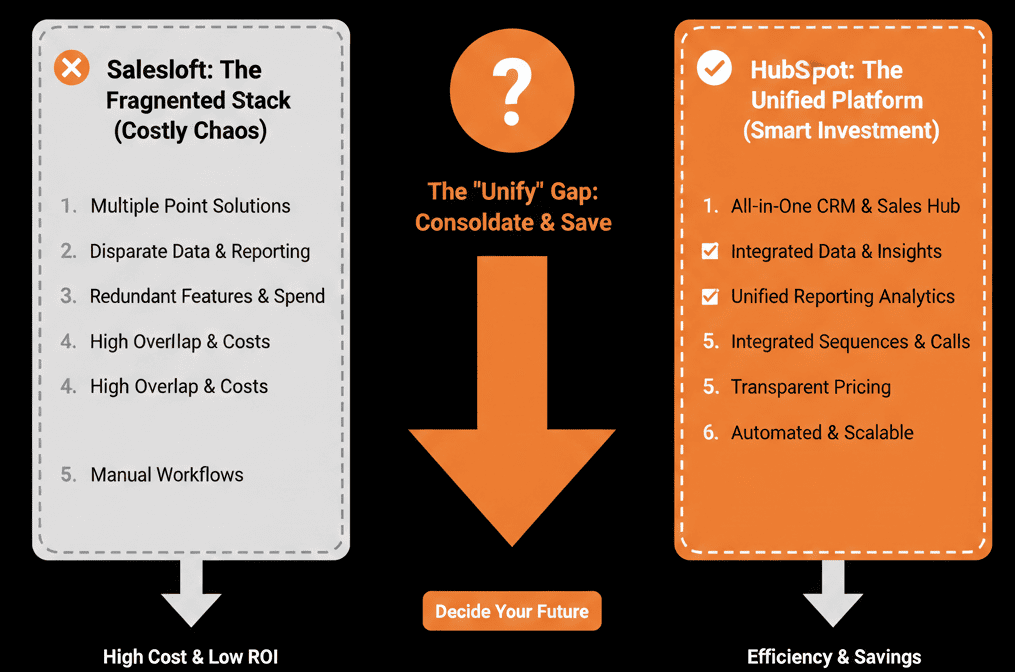
This is the "Outbound Silo."
As a RevOps leader, you have two choices:
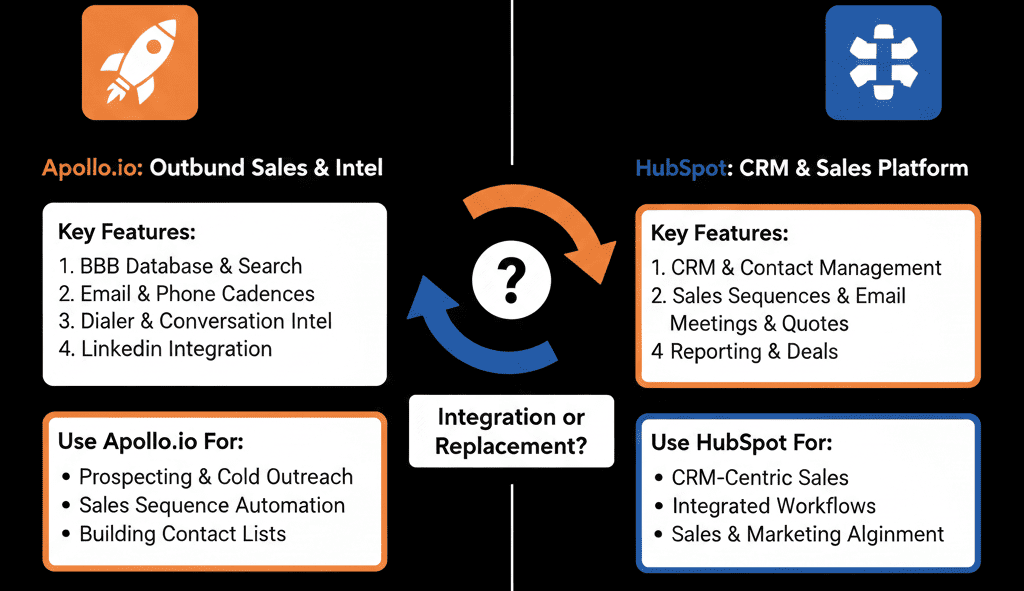
- Integrate: Make them talk perfectly (Hard).
- Consolidate: Kill Apollo and move everything to HubSpot (Strategic).
Here is how to decide.
🥊 Option 1: The "Power" Integration (Keep Both)
Who this is for: High-volume SDR teams who need Apollo's massive database of 250M contacts. HubSpot does not (yet) have a native B2B database like Apollo/ZoomInfo.
The Strategy: Use Apollo for Data, use HubSpot for Record.
The Setup:
- Bi-Directional Sync: Connect Apollo to HubSpot.
- The "Safety" Filter: Configure Apollo to only sync contacts to HubSpot IF:
- The prospect Replies.
- The prospect Books a Meeting.
- Why? If you sync every cold lead you email (10,000/month), you will explode your HubSpot bill (Marketing Contacts pricing). Keep the "trash" in Apollo. Move the "treasure" to HubSpot.
- The "Exclusion" List: Sync your HubSpot "Customers" and "Open Deals" list back to Apollo daily. This prevents the "emailing a customer" nightmare.
🥊 Option 2: The "Consolidation" (Kill Apollo Sequences)
Who this is for: Teams using Apollo just for the sequencing tool, not the data. Or teams who have upgraded to HubSpot Sales Hub Pro/Enterprise.
The Strategy: Use Apollo for Data Export Only. Use HubSpot for Sequencing.
The Setup:
- Export: Reps find leads in Apollo. Click "Push to HubSpot."
- Sequence: Reps enroll the contact in a HubSpot Sequence.
Why do this?
- Unified Reporting: You can see "Sequence Performance" next to "Deal Revenue."
- Workflow Triggers: If a contact clicks a link in the sequence, you can trigger a HubSpot Workflow (e.g., "Create Task"). You can't do that easily from Apollo.
- Safety: HubSpot's unenrollment logic (e.g., "Unenroll if Deal Created") is native and instant.
⚔️ The Decision Matrix
| Feature | Apollo.io | HubSpot Sales Hub | Winner |
|---|---|---|---|
| Contact Database | 250M+ Records | None (Needs Integration) | Apollo |
| Sequencing | Advanced | Advanced (Pro+) | Tie |
| Dialer | Included | Included | Tie |
| CRM/Deal Mgmt | Basic | World Class | HubSpot |
| Reporting | Siloed | Unified | HubSpot |
| Cost | Low ($49/mo) | Higher ($100+/mo) | Apollo |
The Verdict: Data vs. Engine
Apollo is a Data Vendor. HubSpot is an Operating System.
You probably need Apollo for the email addresses. You definitely need HubSpot for the revenue engine.
The "Best Practice" Stack:
- Buy Apollo for the Data.
- Push leads to HubSpot.
- Execute Sequences in HubSpot.
This gives you the best of both worlds: Cheap data, but Unified Operations.
Not sure how to set up the "Exclusion Lists" or the "Sync Filters"?
Fix Your Outbound Stack
This is part of our Free HubSpot Health Check. We will audit your "Outbound Stack." We'll check your sync settings, your API limits, and your sequence logic.
We’ll make sure you aren't paying for two tools to do the same job.
Fix Your Stack. Get Your Free Health Check.