🕵️♂️ The "Black Box" of Support
Your customer submits a ticket: "My server is down."
They get an automated email: "Ticket #1234 received."
Then... silence.
Two hours later, they email again: "Any update?"
Four hours later, they call your VP of Sales in a panic.
Meanwhile, your support team is working on it. They just haven't updated the customer yet.
This is the "Black Box" Problem.
When customers can't see progress, they assume nothing is happening. Anxiety spikes. Trust erodes.
The solution isn't "send more emails." The solution is Transparency.
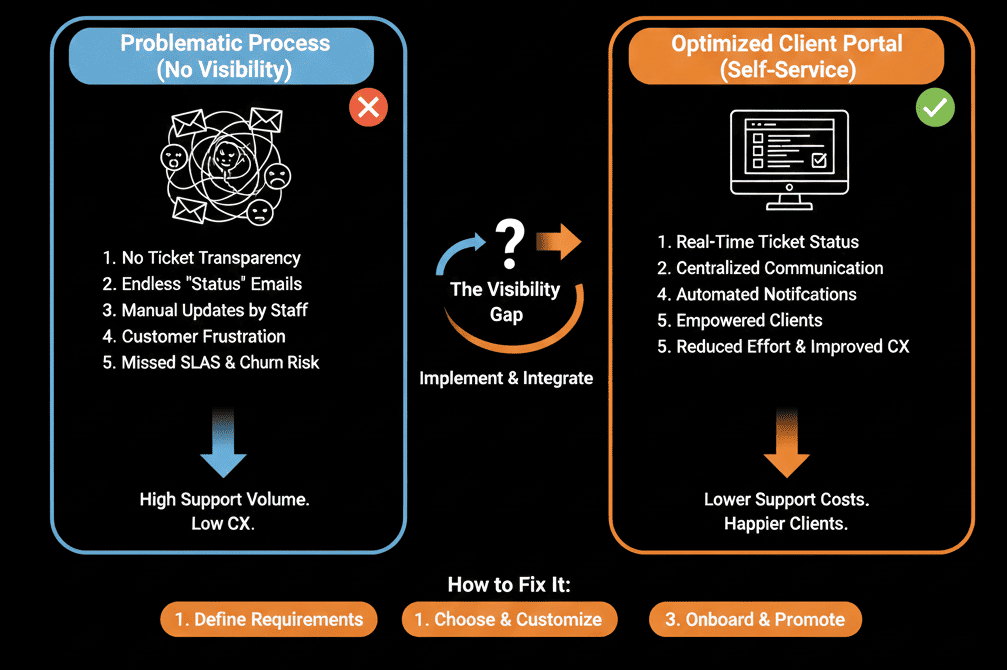
HubSpot Customer Portal (Service Hub Pro) allows you to give every customer a secure login to view, track, and reply to their own tickets. It turns "Black Box" support into "Glass Box" support.
Here is the audit to setting it up correctly.
🩺 Diagnostic 1: The "Login" Experience
The Symptom: You turned on the portal, but no one uses it.
The Root Cause: You made it too hard to find.
The Fix: SSO & Links.
The Link: Put a "My Tickets" link clearly in your website navigation and in every support email footer.
The Login: Use Single Sign-On (SSO) if you are Enterprise, or simple "Magic Link" email verification.
If they have to remember a new password just to check a ticket, they won't do it.
🩺 Diagnostic 2: The "Filter" Failure
The Symptom: A customer logs in and sees 50 "Closed" tickets from 2019, but can't find the "Open" one.
The Root Cause: Bad default views.
The Fix: View Configuration.
Configure the default filter to show: "Status = Open" first.
Create tabs for "Waiting on Me" vs. "Waiting on Support."
Result: They see what matters instantly.
🩺 Diagnostic 3: The "Reply" Dead End
The Symptom: Customers view the ticket in the portal, but then go back to Gmail to reply.
The Root Cause: You didn't enable "Conversations."
The Fix: Portal Commenting.
Ensure the setting "Allow customers to reply from portal" is ON.
This keeps the entire thread inside the ticket record, rather than fragmented across email threads.
🩺 Diagnostic 4: The "Knowledge Base" Disconnect
The Symptom: They are in the portal waiting for a reply. They are frustrated.
The Root Cause: No "Deflection" offer.
The Fix: Related Articles.
Configure the portal to show "Recommended Knowledge Base Articles" based on the ticket subject line inside the portal view.
"While you wait, did you try this?"
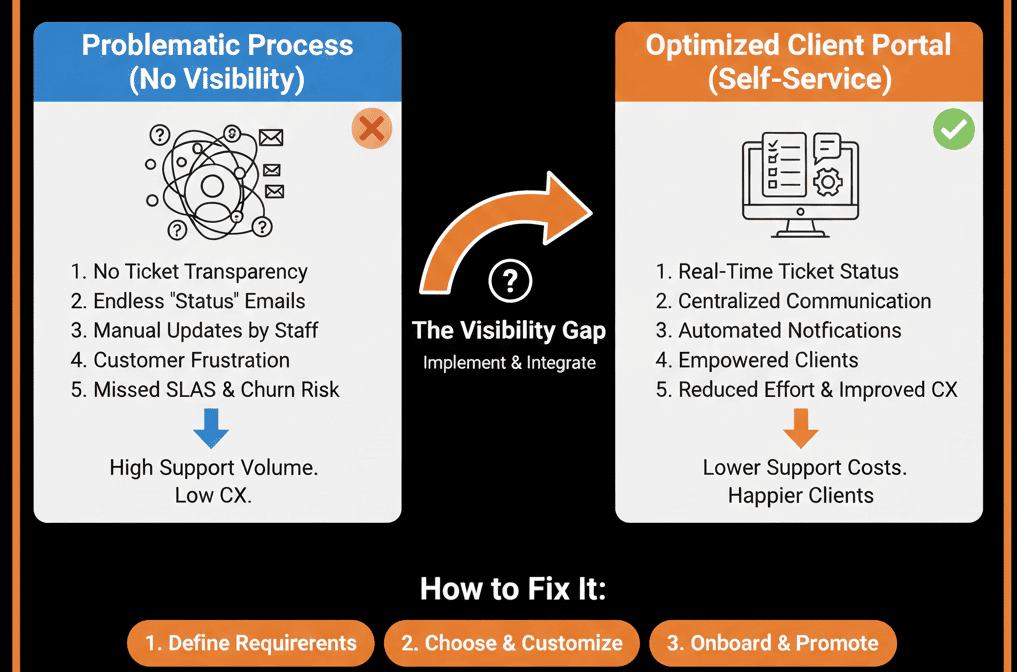
Trust comes from Visibility.
When a customer can see "Status: In Progress" and "Owner: Sarah," they relax. They know they haven't been forgotten.
The Customer Portal is the cheapest way to improve CSAT (Customer Satisfaction) and reduce ticket volume.
Not sure how to customize the branding or set up the URL?
Open the Box. Get Your Free Health Check.
This is part of our Free HubSpot Health Check. We will audit your "Support Experience." We'll configure your portal, test the login flow, and ensure your customers feel like partners, not "ticket numbers."
Open the Box. Get Free Hubspot Audit.