💸 The "Vanity Metric" Trap in Paid Ads
Your Performance Marketer sends you a report:
"We spent $10,000 on LinkedIn Ads. We got 500 Clicks and a $5 CPC. Great results!"
You (the Founder/VP) ask: "Okay... but did anyone buy?"
Silence.
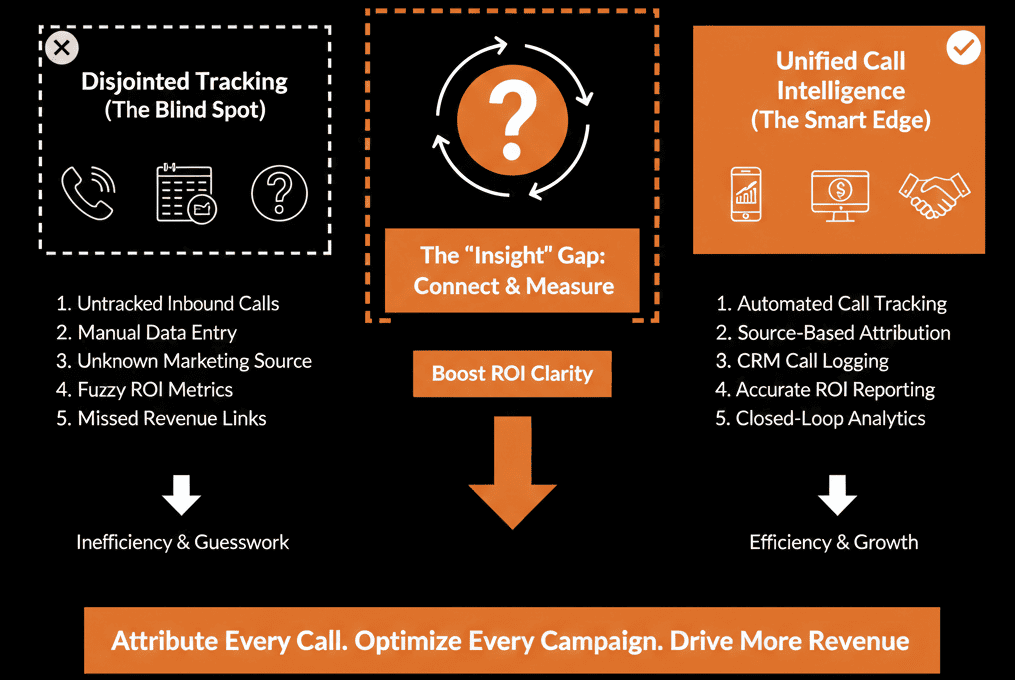
This is the "Attribution Gap."
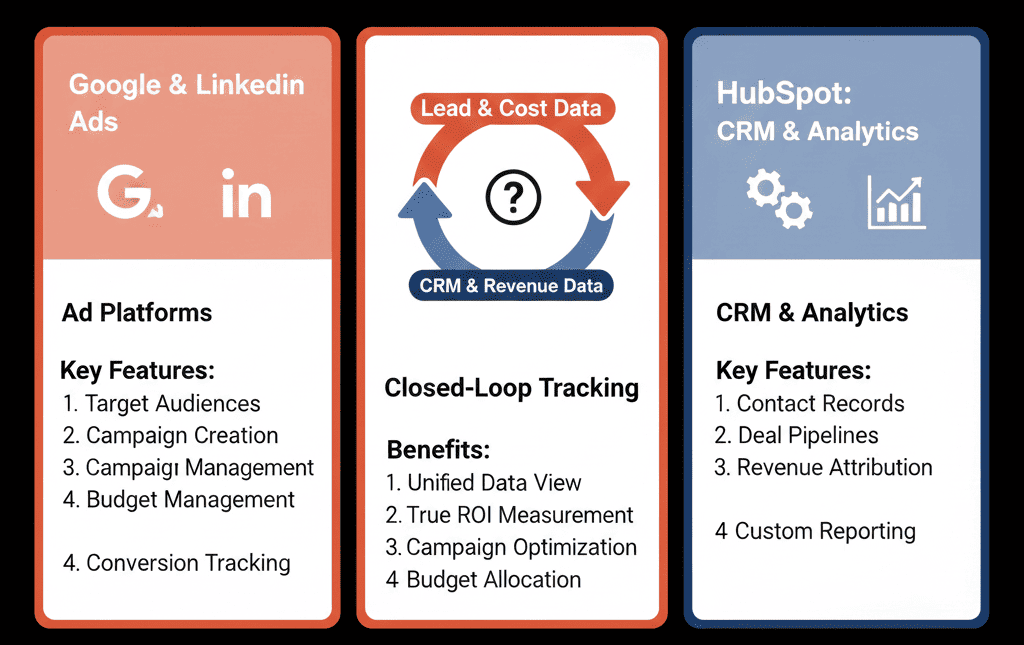
The Ad Platform sees Clicks.
The CRM sees Revenue.
If they aren't connected, you are optimizing for clicks, not customers. You might be spending $5,000 on a keyword that generates 100 "junk" leads and $0 revenue.
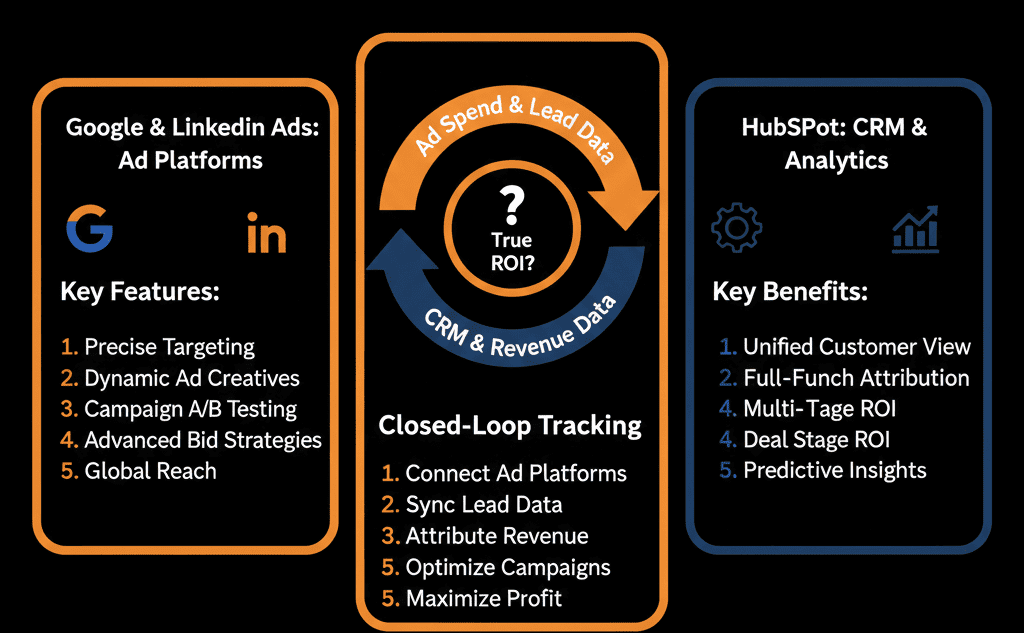
To fix this, you need "Closed-Loop Reporting." You need to send the "Revenue" data back to the Ad Platform so it can learn.
The HubSpot Ads Tool is the bridge. Here is how to build the loop.
🔄 Step 1: Connect the Accounts (The Easy Part)
HubSpot has native integrations for Google Ads, LinkedIn Ads, and Facebook (Meta) Ads.
Go to Marketing > Ads.
Click Connect Account.
The "Auto-Tagging" Magic: HubSpot automatically adds tracking parameters (utm_source, hsa_cam) to your ads. You don't need messy spreadsheets of UTM codes anymore. It just works.
🔄 Step 2: The "ROI" Dashboard (The Truth)
Once connected, HubSpot matches the "Click" to the "Contact."
The Report: You can now see a dashboard that shows:
- Ad Spend: $10,000
- Impressions: 50,000
- Contacts Created: 50
- Deals Created: 10
- Revenue: $50,000
The Insight: "Wow. LinkedIn Ads have a high CPC ($10), but they generated $40k in revenue. Google Ads had a low CPC ($2), but generated $0 revenue."
The Action: Kill the Google Ad. Double the LinkedIn Ad.
🔄 Step 3: The "Optimization Events" (The Loop)
This is the advanced move.
You don't just want to see the data. You want Google/LinkedIn to use the data.
Offline Conversion Import: HubSpot can automatically sync "Lifecycle Stage Changes" back to Google/LinkedIn.
The Workflow:
- When a Contact becomes an Opportunity (SQL) -> Ping Google Ads.
- Google Ads records a "Conversion."
- Google's AI optimizes the bidding to find more people like that.
Result: You are now bidding on "Revenue," not "Clicks."
⚠️ The "iOS 14" Reality Check
Tracking is getting harder. Cookies are dying.
HubSpot's First-Party Data (the CRM record) is the antidote.
Because the data lives in your CRM (not just a pixel), your attribution is more durable than standard ad platform tracking.
Stop Burning Money.
If you are spending >$5,000/month on ads and you aren't integrated with HubSpot, you are flying blind.
You are likely optimizing for "Cost Per Lead" (CPL) instead of "Customer Acquisition Cost" (CAC). Those are very different numbers.
Not sure if your "Auto-Tagging" is working?
See the ROI
This is part of our Free HubSpot Health Check. We will audit your "Ad Stack." We'll check your tracking pixels, your conversion events, and your ROI dashboards. We’ll show you exactly which campaigns are making money and which are burning it.
See the ROI. Get Free Hubspot Audit.