📊 The "Empty Dashboard" Problem
Your marketing team just finished a massive "Q3 Webinar Series."
- 5 Landing Pages.
- 20 Emails.
- 50 Social Posts.
- $5,000 in Ads.
Your CEO asks: "How much revenue did it generate?"
You pull up the HubSpot Campaigns Tool... and it shows $0 Influenced Revenue.
You panic. You know deals closed. You know leads came in. But the tool isn't showing it.
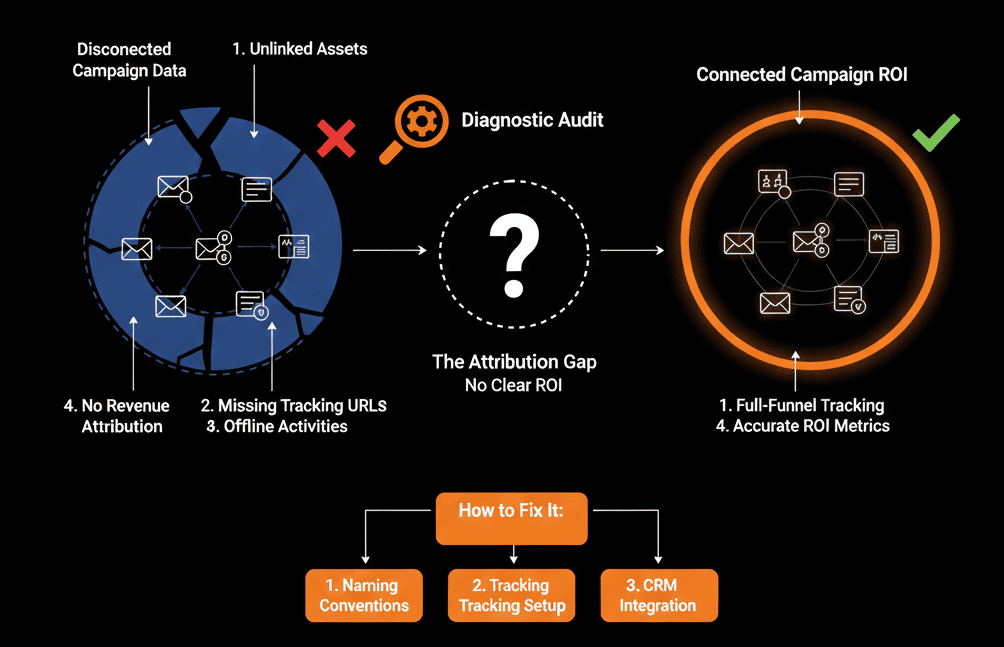
The problem isn't the campaign. The problem is your Asset Association.
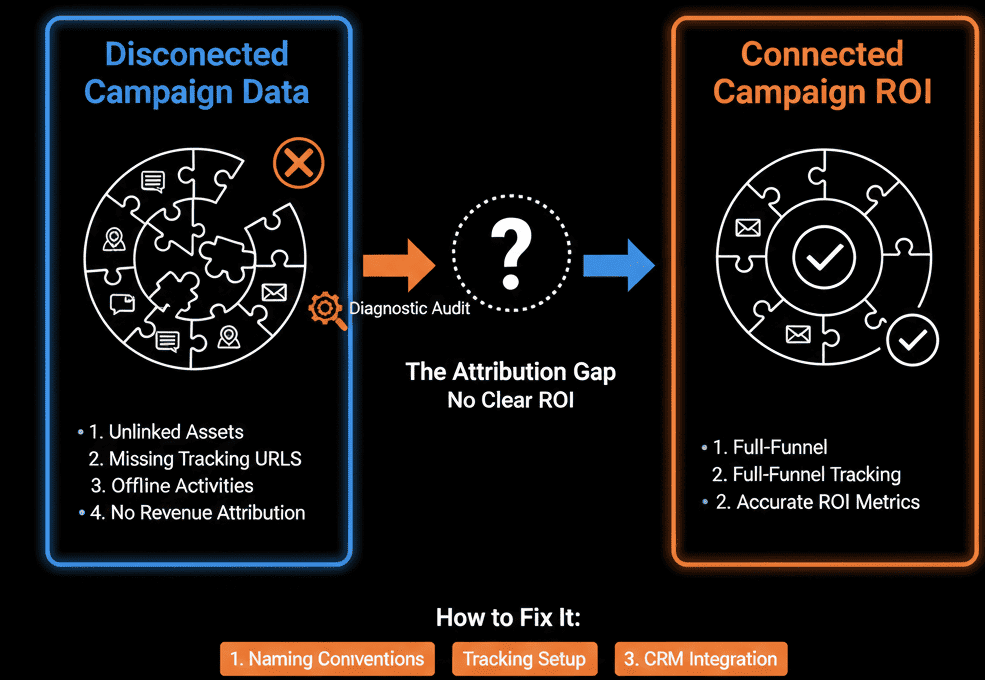
Most marketers use the Campaigns Tool as a "Folder"—a place to organize files. But HubSpot uses it as a "Digital Net." If you miss one hole in the net (e.g., forgetting to tag the landing page or the ad), the ROI slips through.
Here is the diagnostic guide to patching your net and proving your worth.
🩺 Diagnostic 1: The "Orphaned" Asset
The Symptom: You see "Sessions" but no "Contacts."
The Root Cause: You tagged the Email, but you forgot to tag the Landing Page.
- A user clicks the email (Tracked).
- They land on the page (Not Tracked).
- They fill out the form (Not Tracked).
The Fix: The "All Assets" Rule.
Every single asset involved must be tagged to the Campaign before launch.
- Checklist: Landing Page, Thank You Page, Form, CTA Buttons, Social Posts (via HubSpot Social), Ad Campaigns.
- Pro Tip: Use the "Clone" feature on a successful campaign to ensure all new assets are auto-tagged.
🩺 Diagnostic 2: The "Broken" UTM
The Symptom: Your "Direct Traffic" is huge, but your "Campaign Traffic" is zero.
The Root Cause: You are sharing "naked" links on LinkedIn/Slack.
The Fix: The Tracking URL Builder.
- Never share www.site.com/promo.
- Always use HubSpot's Tracking URL Builder to generate www.site.com/promo?utm_campaign=Q3_Webinar.
Why: HubSpot automatically associates traffic from that UTM to the Campaign Dashboard. If you skip this, the traffic is "homeless."
🩺 Diagnostic 3: The "Influence" vs. "Revenue" Confusion
The Symptom: You see "Influenced Revenue" ($1M), but "Closed Won Revenue" ($0).
The Root Cause: Misunderstanding the metric.
- Influenced Revenue: A contact touched this campaign at some point and is associated with a closed deal. (Good for "Nurture" campaigns).
- Closed Revenue (First Touch): This campaign was the first thing they ever saw. (Good for "Acquisition" campaigns).
The Fix: Educate the Execs.
Don't present just one number. Present the story. "This webinar 'Influenced' $1M in pipeline, and 'Originated' $50k in new customers."
⚠️ The "Time Travel" Warning
You can add assets to a campaign retroactively. If you forgot to tag a Landing Page last month, tag it today. HubSpot will re-calculate the data historically.
However: You cannot retroactively fix broken UTMs. If that traffic hit the site without a tag, it is lost to "Direct Traffic" forever.
Stop Guessing. Start Proving.
Marketing without attribution is just "Arts and Crafts."
The Campaigns Tool is your shield against budget cuts. If you can show "This campaign generated $50k," you get more budget. If you show "It generated 500 clicks," you get cut.
Connect the dots.
Not sure if your "Attribution Models" are set up correctly?
Prove Your ROI. Get Your Free Health Check.
This is part of our Free HubSpot Health Check. We will audit your "Campaigns" history. We'll check your asset tagging, your UTM discipline, and your attribution settings. We’ll help you build the "ROI Dashboard" that makes your CFO smile.
Prove Your ROI. Get Free Hubspot Audit