🤖 The "Digital Receptionist" That Everyone Ignores
You visit a website. A generic chime rings. A little bubble pops up: "Hi! How can I help you today?"
You ignore it. Or worse, you close it immediately because it's covering the content you're trying to read.
Your HubSpot Chatbot is likely suffering the same fate. You built it, you launched it, and now your "Chat Volume" report is a flatline.
Why? Because your bot is Context-Blind.
It treats every visitor—whether it's a stranger, a customer, or a CEO—exactly the same. It is a "dumb" receptionist.
In 2026, buyers expect "Contextual Conversations."
- If they are on the Pricing Page, they want pricing help.
- If they are a Customer, they want support.
- If they are a Lead, they want a demo.
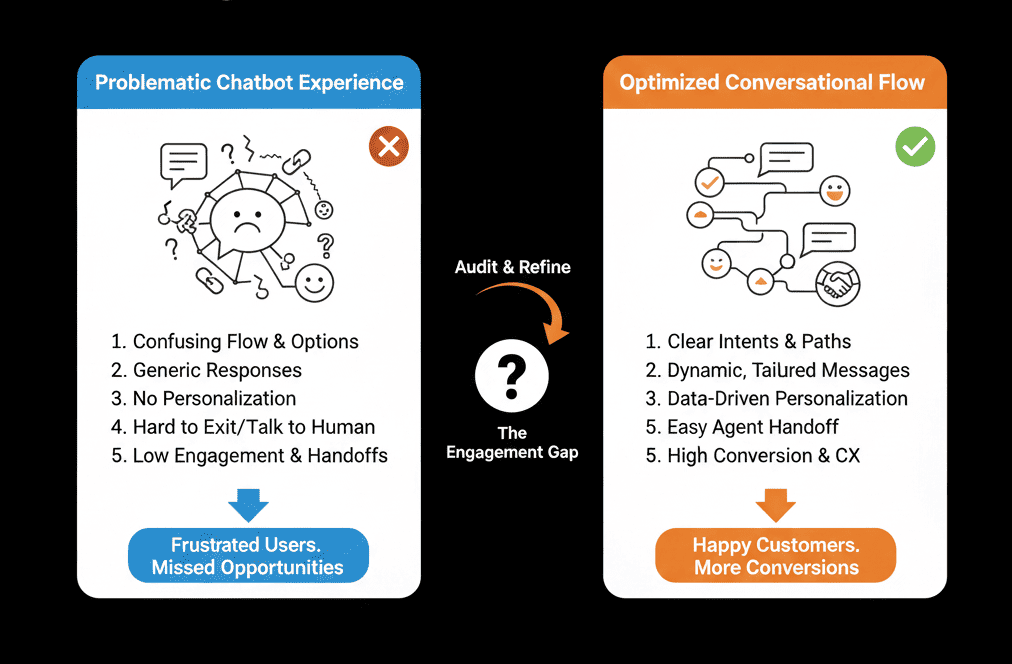
If your bot can't tell the difference, it's just noise. Here is the diagnostic to fixing your Chatflow logic.
🩺 Diagnostic 1: The "Generic Greeting" Fail
The Symptom: "Hi! How can I help?" on every page.
The Root Cause: Using one "Global" chatflow.
The Fix: Page-Specific Triggers (Pricing/Careers/Blog specific prompts and targeting rules by URL and behavior).
- On Pricing Page: "Hi! Do you have questions about the Enterprise plan vs. Pro?"
- On Careers Page: "Looking for a job? Apply here."
- On Blog Post: "Want the PDF version of this guide?"
Result: The bot feels like a helpful assistant, not a pop-up ad.
🩺 Diagnostic 2: The "Customer" Trap
The Symptom: An existing customer visits your site to login. The bot asks: "Want to book a demo?" It’s insulting.
The Root Cause: Ignoring segmentation like List Membership and Lifecycle Stage.
The Fix: Go to Chatflow > Target
- Rule: If Lifecycle Stage = Customer → Hide Sales Bot.
- Rule: If Lifecycle Stage = Customer → Show Support Bot ("Hi [Name], need help with your account?").
Result: You stop selling to people who already bought.
🩺 Diagnostic 3: The "Dead End" Loop
The Symptom: A user engages, clicks "I want Sales," and the bot says: "Great! Someone will email you."
The Root Cause: No instant scheduling inside chat.
The Fix: The Meeting Picker.
- Don’t promise a follow-up. Book it now.
- Use the "Book a Meeting" step inside the bot so the calendar appears in the chat window.
Result: Zero friction booking.
🩺 Diagnostic 4: The "Human" Handover Fail
The Symptom: A user asks a complex question. The bot says: "I don't understand." The user rage-quits.
The Root Cause: No fall-back + no office-hours routing.
The Fix: Availability Logic.
- During Office Hours: If the bot fails, route immediately to a live human ("Send to Team Member").
- After Hours: Be honest, capture email, and create a ticket automatically.
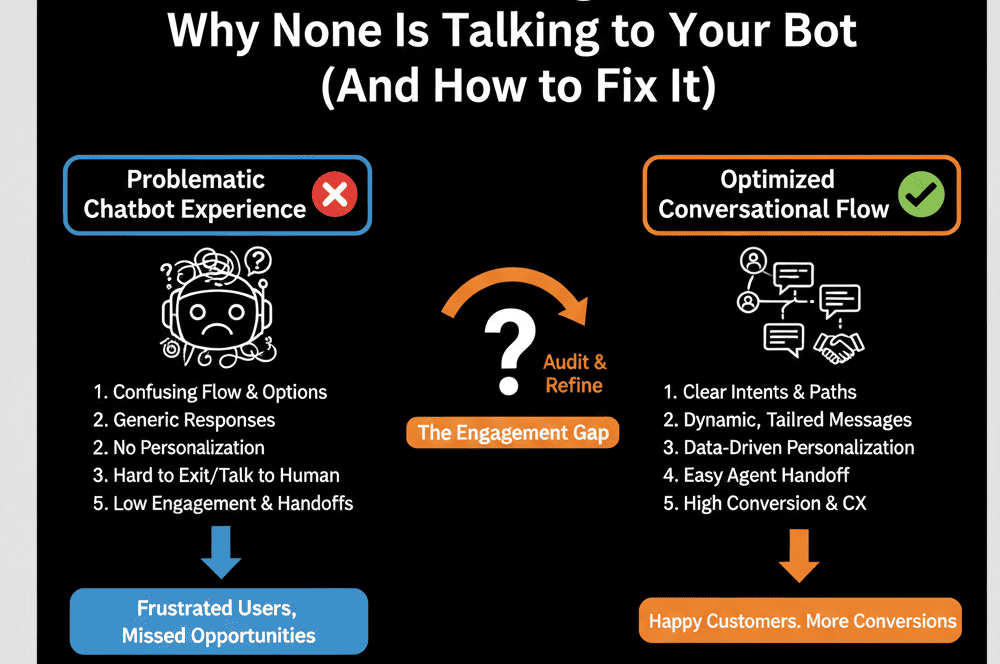
Stop Building "Bots." Build "Flows."
A chatbot isn't a person. It's a router. Its job is to get the user to the right destination (Knowledge Base, Calendar, or Human) as fast as possible.
If your bot is trying to "chat" too much, it's failing. Efficiency > Personality.
Not sure how to build the "If/Then" branches?
Make Your Bot Smart. Get Your Free Health Check.
This is part of our Free HubSpot Health Check. We will audit your "Conversational Strategy." We'll look at your page targeting, your audience segmentation, and your bot logic. We’ll turn your "Dumb Receptionist" into a "Smart Concierge."
Make Your Bot Smart. Get Free Hubspot Audit.