🗣️ The "Ad-Hoc" Nightmare
Your CEO Slacks you at 4:55 PM on a Friday.
To answer this, you have to:
- Open HubSpot.
- Go to Reports.
- Create a "Single Object" report.
- Add Filters (Industry = Manufacturing, Close Date = Q3).
- Run the report.
- Screenshot it.
- Send it.
It takes 15 minutes. It disrupts your flow. And it creates a "disposable" report that clutters your list.
This is the "GUI Tax." The Graphical User Interface (menus, clicks, filters) is slow.
What if you could just ask the database?
Enter ChatSpot (now part of HubSpot’s Breeze AI intelligence). It acts as a "Command Line Interface" for your CRM, but using natural language.
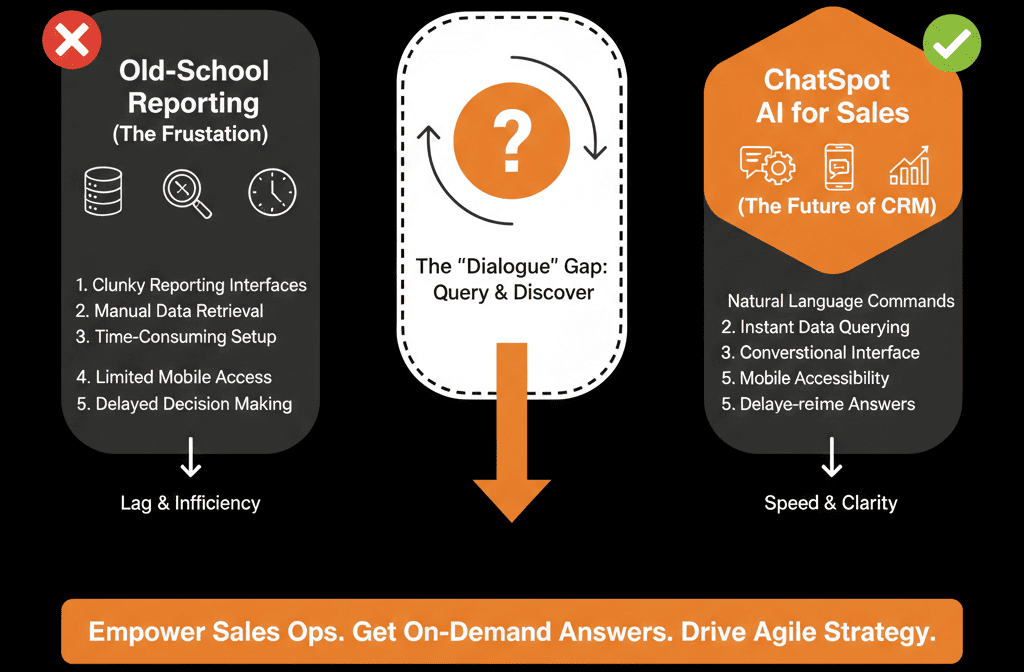
It turns "Report Building" into "Chatting." Here is how Sales Ops leaders are using it to cut admin time by 50%.
🧠 Use Case 1: The "Instant" Query (Reporting)
The Pain: Building reports for one-off questions.
The Fix: Natural Language Query.
Instead of clicking filters, type this into ChatSpot:
Show me all companies in Boston with revenue over $1M added last month.
The Magic: ChatSpot parses the prompt, queries the database, and returns a Table View instantly.
The Action: You can click "Add to Hub" to save it as a static list instantly.
Time Saved: 10 minutes per question.
🧠 Use Case 2: The "Research" Assistant (Enrichment)
The Pain: A rep finds a new target account ("Acme Corp"). They open 5 tabs (LinkedIn, Google News, Funding) to research them.
The Fix: Integrated Research.
Type: "Research Acme Corp."
The Magic: ChatSpot pulls data from public sources (funding rounds, tech stack, recent news) and summarizes it.
The Action: Click "Add to HubSpot" to create the Company record with all that data pre-filled. No manual entry.
🧠 Use Case 3: The "Content" Drafter (Sales Enablement)
The Pain: Reps writing "Follow Up" emails from scratch every time.
The Fix: Contextual Drafting.
Type: "Draft a follow-up email to [Contact Name] about our meeting last Tuesday regarding [Topic]. Make it witty."
The Magic: ChatSpot reads the Contact record context (if integrated) and uses LLMs (like ChatGPT) to write the draft inside the CRM context.
The Action: The rep edits, sends, and logs it.
⚠️ The "Prompt Engineering" Curve
ChatSpot is powerful, but it isn't a mind reader. It requires Specific Prompts.
- Bad Prompt: "Show me good leads." (Define 'good'?).
- Good Prompt: "Show me contacts with Lifecycle Stage 'MQL' and Last Activity Date > 30 days ago."
Pro Tip for Ops: Create a "Cheat Sheet" of standard prompts for your executives.
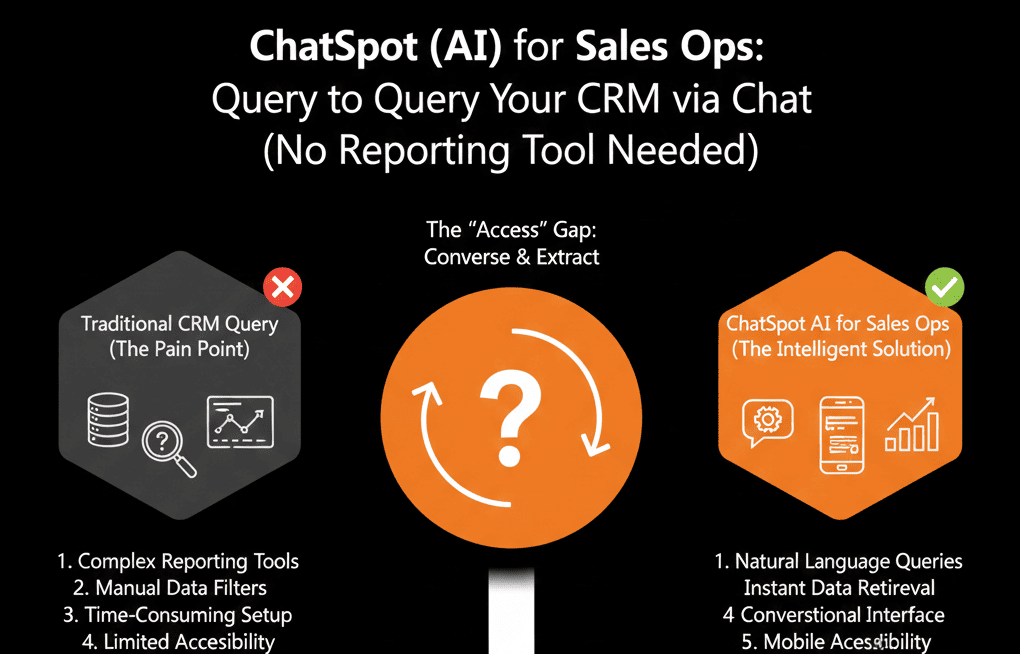
The Interface of the Future.
We are moving away from "Point and Click." We are moving toward "Ask and Receive."
If your Sales Ops team is spending 50% of their time acting as "Human Search Engines" for the C-Suite, you are wasting talent.
Democratize the data. Give your team ChatSpot.
Not sure if your data is clean enough for AI to read?
Talk to Your Data. Get Your Free Health Check.
This is part of our Free HubSpot Health Check. We will audit your "Data Readiness" for AI. We'll check your property naming conventions (AI hates bad names) and help you deploy ChatSpot to your leadership team.
Talk to Your Data. Get Free Hubspot Audit.