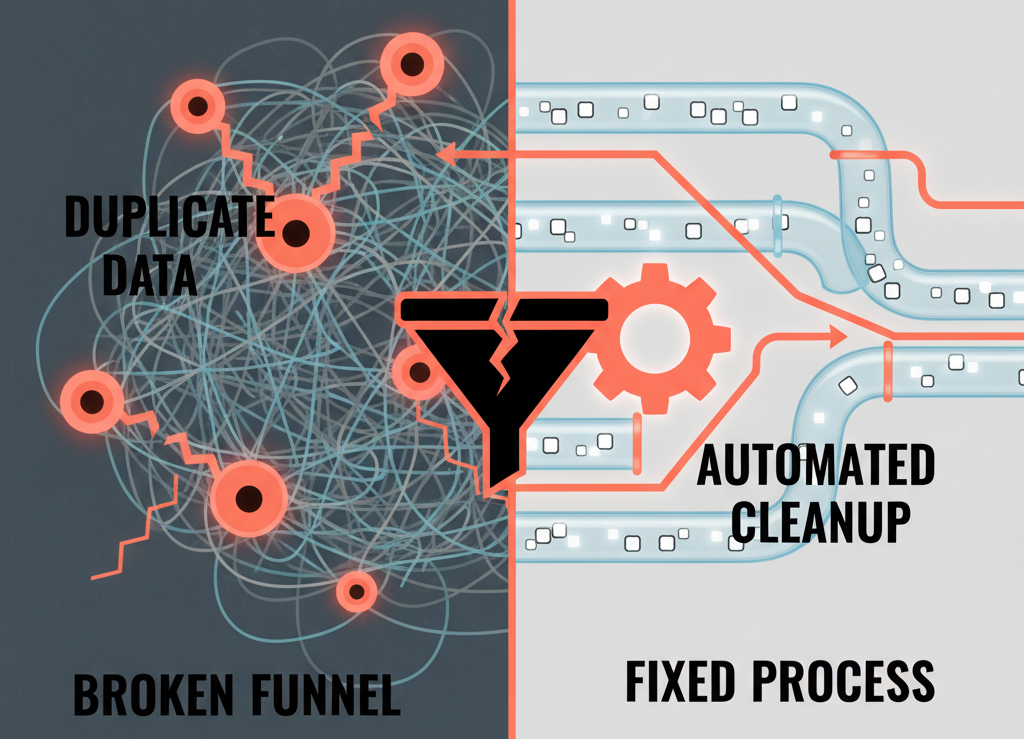
Why Your HubSpot Data Is a Revenue Problem, Not an Admin Problem
Dirty data doesn’t just annoy your RevOps team.
It quietly limits:
- Lead follow-up
- Pipeline accuracy
- Attribution and reporting
- Renewal and upsell visibility
In most portals we audit, HubSpot issues are not about “missing features.” They’re about:
- Duplicate contacts and companies
- Inconsistent or missing fields
- Conflicting lifecycles and stage histories
- Deals that live forever in the wrong stages
The challenge: you know it’s bad, but you’re afraid that touching anything will break workflows and reporting.
You don’t need a full rebuild to fix this. You need a disciplined, low-risk hygiene process for contacts, companies, and deals.
This guide walks through that process.
Step 1: Don’t Start in the UI. Start with a Safety Plan.
Before you bulk-edit anything in HubSpot, you need guardrails.
Clarify your “do not break” list
Identify critical dependencies:
- Workflows that depend on certain properties
- Reports execs rely on
- Integrations that sync on specific fields
Write down:
- “We cannot break lead routing.”
- “We cannot break lifecycle reporting for the last 12–24 months.”
Snapshot your current state
Export key property values for:
- Contacts: email, lifecycle, lead source, key segmentation fields.
- Companies: domain, owner, lifecycle, segment.
- Deals: stages, amounts, close dates, pipelines.
Save these exports with timestamps as a safety net.
Decide your cleaning windows
Avoid big rollouts during:
- End-of-quarter
- Major campaigns
- Reporting/board cycles
Commit to specific windows where some changes are allowed and monitored.
With a simple safety plan, you can clean with far less fear.
Step 2: Clean Contacts Without Destroying Reachability or Routing
Contacts are usually the noisiest object. Start with risk-limited operations.
2.1 Standardize and validate key contact fields
Start with:
- lifecycle stage
- lead source (primary)
- contact owner
- Any critical segmentation fields (region, segment, persona)
Actions:
- Run lists for missing critical fields
- “Contacts with email unknown”
- “Contacts with lifecycle unknown”
- “Contacts without an owner where they should have one”
For each list, decide:
- Can we enrich?
- Should we set a default?
- Or should we quarantine/archive?
Normalize values
Consolidate duplicate options:
- “US,” “USA,” “United States” → “United States”
- “Webinar,” “webinar,” “online event” → single canonical option
Use workflows or manual updates to standardize, not create new variations.
Address invalid emails carefully
Flag bounces and syntactically invalid emails.
Keep historical contacts for reporting but:
- Exclude from active send lists.
- Tag them as “invalid email” for future reference.
2.2 Deduplicate contacts safely
HubSpot’s dedupe tools are useful, but they still need thought.
Use HubSpot’s duplicate management as a starting point
- Start with small batches.
- Train someone to review and merge manually for high-value segments.
Define merge rules
For duplicate contacts:
- Most recent engagement wins for certain fields.
- Non-blank values trump blanks.
- Keep the email address that:
- Is used in key deals/tickets.
- Is most likely the main work email.
Protect key segments
- Do not mass-merge strategic accounts or high-value customers automatically.
- Handle those through a more careful review.
Outcome: contacts become more trustworthy without killing historical context.
Step 3: Clean Companies Without Breaking Associations
Companies are your account layer. If this is wrong, account-based views and reporting fall apart.
3.1 Standardize company identity
Key fields:
- company domain name
- company name
- company owner
- lifecycle stage
- segment / industry
Actions:
- Fill missing domains where possible
- Use existing email domains from associated contacts.
- Normalize common patterns (e.g., strip “www.”).
Use domain as the primary dedupe key
- Build views/lists of companies sharing a domain.
- For duplicates:
- Merge into the record with the most complete and active data.
- Ensure associations (contacts, deals, tickets) point to the merged record.
Clarify company ownership
Decide whether owners are:
- Assigned only at company level.
- Or set from deals / territories.
Create a rule and enforce it consistently.
Use workflows to backfill missing company owners from active deals.
3.2 Clean up company lifecycles
Misaligned lifecycles create noisy reports.
For example:
- Company = Customer, but all contacts = Leads.
- Companies in “Subscriber” with dozens of closed‑won deals.
Approach:
Derive company lifecycle from deals
- If a company has at least one closed‑won deal → set company to Customer.
- No closed‑won but active opportunities → Opportunity.
- Only engaged marketing contacts → Lead or MQL, based on your rules.
Run a one-time lifecycle alignment
- Define the logic carefully.
- Test on a subset of accounts.
- Then update in a controlled batch.
Outcome: account-level reporting starts matching actual customer reality.
Step 4: Clean Deals Without Trashing Pipeline History
Deals are sensitive. Bad cleanup here can kill trust overnight.
4.1 Define what a “healthy” deal looks like
Agree with sales leadership on basics:
- Required fields: amount, close date, stage, owner, primary company.
- Clear stage definitions and no zombie stages.
- No deals stuck for absurd durations.
4.2 Identify and close out obviously dead deals
Find stale deals
Deals in open stages with:
- No activity for X days (e.g., 60 / 90).
- Close date in the distant past.
Agree rules with sales
For each segment, decide:
- After how many days of inactivity is a deal likely dead?
- Should they move to “Closed Lost – Stale” or be re‑qualified?
Apply in two steps
First, build views and review with sales managers.
Second, bulk update:
- Set closed lost stage.
- Add a closed lost reason (e.g., “No response / stale”).
This restores pipeline accuracy without hiding what happened.
4.3 Unify deal stages and pipelines
If you have many pipelines and overlapping stages:
Map current vs desired design
- Which pipelines are truly needed (e.g., New Business, Expansion, Renewals)?
- Which are legacy or edge-cases?
Mark legacy pipelines as “to be archived”
- Stop new deals from entering them.
- Keep them read‑only for historical reporting.
Migrate active deals
For deals in legacy pipelines that are still live:
- Map them into the closest stage in the new structure.
- Do this with manager oversight, not blind automation.
Outcome: a smaller, more meaningful set of pipelines that still preserves history.
Step 5: Protect Workflows and Reporting While You Clean
Cleaning data without checking dependencies is how you “break everything.”
5.1 Audit key dependencies before changes
For each critical property or field you plan to change:
Check:
- Which workflows use it?
- Which lists and reports depend on it?
- Which forms or integrations touch it?
Create a small impact log:
Property: lifecycle stage
Used in: 12 workflows, 4 lists, 3 reports, 2 forms.
Plan: No renaming, only value alignment; test workflows in batches.
5.2 Pause and test risky workflows
When doing major clean-ups:
Temporarily pause non-essential workflows that:
- Trigger on mass-updated properties.
- Send emails or create tasks based on those changes.
Run a test on:
- A small subset of records.
- Or in a sandbox, if you have one.
Watch:
- Workflow enrollments and errors.
- Unexpected notifications or tasks.
Only then scale up to full batches.
5.3 Validate reports before and after
For critical dashboards:
- Save a “before” screenshot or export.
- After cleaning:
- Compare top-level numbers (pipeline totals, customer counts).
- Investigate any large, unexplained swings.
- If swings are expected (e.g., closing stale deals), explain them to stakeholders proactively.
Step 6: Build Ongoing Data Hygiene, Not a One-Off Cleanup
The fastest way to end up back in the same mess is to treat data hygiene as a project, not a practice.
6.1 Define monthly hygiene routines
Examples:
Contacts:
- New duplicates reviewed and merged.
- Invalid emails tagged and suppressed.
Companies:
- New companies with no domain flagged.
- Accounts with conflicting lifecycles reviewed.
Deals:
- Deals with no next activity flagged for reps.
- Stale deals flagged for manager review.
Assign clear owners and time-box the effort (e.g., 2–4 hours per month).
6.2 Tighten property creation rules
To avoid re‑creating the mess:
Introduce a simple property request form:
- What’s the business question?
- Where will it be used (workflow, report, segment)?
- Is there an existing field that could serve this purpose?
Restrict property creation to:
- Architect / RevOps / Admin roles.
- Not general users.
This keeps your schema from exploding again.
6.3 Add hygiene metrics to RevOps KPIs
Track:
- Number of duplicates over time.
- Percentage of records with key fields populated.
- Volume of stale deals.
These metrics show if your hygiene process is working or slipping.
Step 7: When to Bring in a Data Architect vs. DIY
You can and should clean many things internally. But some patterns justify external help:
- Complex, multi-region setups with custom objects.
- Significant integrations (billing, product, support) feeding HubSpot.
- Long history of ad-hoc configuration and many owners.
- Need to preserve reporting continuity while re-architecting.
A HubSpot data architect’s job is to:
- Design a data model that fits your business now and in 2–3 years.
- Plan a low-risk clean-up and migration path.
- Protect workflows and reporting while upgrading the foundation.
This is especially important before big moves like:
- Changing CRMs into HubSpot.
- Upgrading to Operations Hub with custom code.
- Scaling headcount or entering new markets.
Turn Data Hygiene Into a Revenue Lever, Not a Chore
Cleaning contacts, companies, and deals isn’t “admin work.” It’s revenue work:
- Sales trusts the pipeline again.
- Marketing trusts attribution again.
- Leadership trusts dashboards again.
You don’t need to fix everything at once. You do need:
- A safety plan.
- A clear sequence: contacts → companies → deals.
- Awareness of workflow/report dependencies.
- Recurring hygiene routines and better governance.
If your HubSpot data already feels like it’s holding back growth, we can help you design and execute this without guessing.
Our team at ElanceMind runs focused HubSpot Portal Health Checks and Data Hygiene Sprints for B2B teams that want:
- A clear diagnosis of where their data is failing them.
- A prioritized, low-risk clean-up plan.
- Hands-on help to execute without breaking daily operations.