📊 The "Choose Your Own Adventure" Disaster
You’ve built a powerful HubSpot portal. 50 custom Deal properties, 100 Contact properties, complex calculations running in the background. Then your CEO tries to build a simple report: "Revenue by Industry".
- Clicks “Create Report”
- Searches for "Amount"
- Sees dozens of options:
- Amount
- Amount_in_Company_Currency
- Total Contract Value
- Annual Recurring Revenue
- Weighted Amount
- Forecast Amount
- Guesses and picks Total Contract Value (includes 3-year deals)
- Pulls Industry (free-text field, not curated)
They walk into the board meeting with messy data. The numbers crumble. CEO looks incompetent. And who do they blame? You. "The data in HubSpot is a mess."
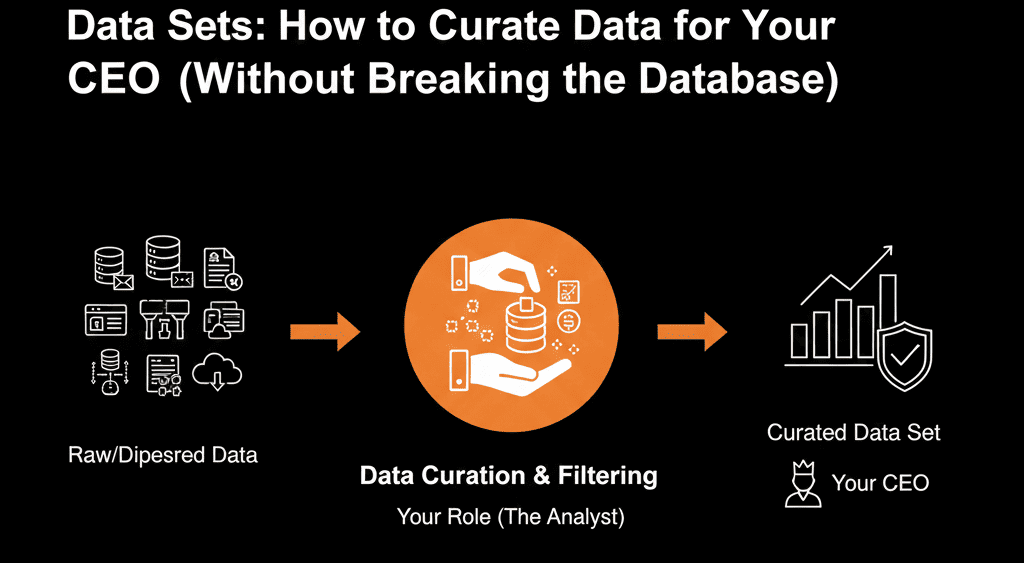
This is the Data Overload problem. Your database is granular for operations, but executives need curated simplicity. The solution? HubSpot Data Sets (Operations Hub Enterprise) — a "VIP Menu" for your leadership team.
🔬 What is a Data Set?
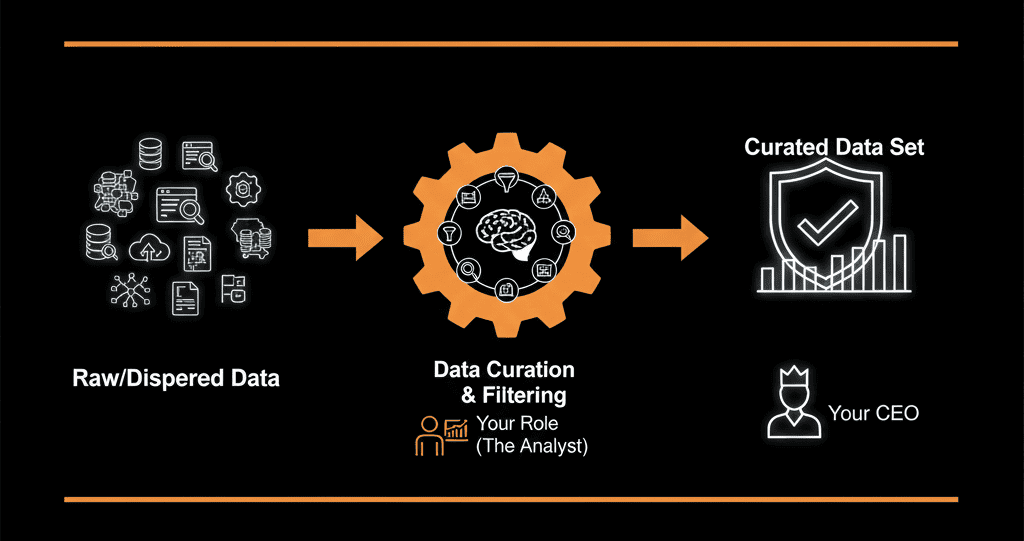
A Data Set is a pre-selected, pre-calculated, renamed collection of data tables. You, the RevOps Chef, select exactly which ingredients go into the box.
Think of HubSpot as a massive grocery store with 50,000 ingredients (properties). A report is a meal. A Data Set is a pre-selected, pre-calculated "Meal Kit" for executives.
- You pick the one correct "Amount" field.
- You pick the one correct "Industry" field.
- You rename them "Revenue" and "Vertical" so the CEO can't mess it up.
- Executives can’t mess up the report — they only see 5 clean options
When the CEO goes to build a report, they don't search the whole store. They select your "CEO Revenue Kit." They only see 5 clean options. They can't fail.
🛠️ Build Your First Executive Data Set
Step 1: The Curation (Select)
- Reports → Data Management → Data Sets → Create Data Set
- Source: Deals
- Filter: Only the properties that matter
- Deal Name
- Close Date
- Amount (correct one!)
- Deal Owner
Step 2: The Translation (Rename)
- Internal names are technical (e.g., mrr_monthly_amount_v2)
- Click on the property in the Data Set builder.
- Rename it to simply: Monthly Recurring Revenue. Note: This does NOT change the property name in the database. It only changes it in this specific view. You keep your technical precision; they get their clarity.
Step 3: The Calculation (Derived Fields)
- Create a new field: Margin %
- Formula: (Amount - Cost_of_Goods) / Amount
- Name it: Margin %.
- Now, Margin % appears as a drag-and-drop field for the CEO, calculated on the fly.
Step 4: The Delivery (Governance)
- Save as "EXECUTIVE: Sales Performance Pack"
- Tell your CEO: "When you want to build a report, don't start from scratch. Start from the 'Performance Pack'.
🚀 Advanced Use Case: The Merged View (Joins)
- Combine Deals + Custom Objects (Invoices) into a single Data Set
- Scenario: You want to report on "Sales Rep Commission vs. Invoice Paid Amount."
- The Data Set: You can join the Deals table and the Invoices table into one flat Data Set.
- The Result: Your Finance VP gets a single list showing "Deal Name" (from Sales) next to "Amount Paid" (from Finance). No VLOOKUPS required.
⚠️ Enterprise Reality Check
- Operations Hub Enterprise required (~$2,000/mo)
- NO: If you are a small team (under 20 reps) and your VP of Sales builds their own reports comfortably. Stick to standard dashboards.
- Yes: If you are a scaling organization (50+ employees) where "Self-Service Analytics" is the goal.
If you have a BI Team constantly exporting data to Tableau/Looker just to "clean it up," Data Sets can replace that entire workflow.
If your CEO complains weekly about "bad data," the cost of their mistrust is higher than the software license.
Is it worth it?
Curate, don’t clutter. RevOps is about delivering insights. Data Sets allow you to control the narrative, ensure numbers match, and give executives clarity.
Curate the Truth
Our Free HubSpot Health Check includes a "Reporting & Governance" review. A HubSpot Gold Partner will assess your property bloat, user behavior, and reporting friction. Learn if you need Data Sets or just a better Data Dictionary.
Get Your Free HubSpot Health Check