🧟♂️ The Walking Dead Deals
You look at your pipeline. It says $3,000,000.
You look closely.
- Deal A: Last activity 45 days ago.
- Deal B: Close Date was last month.
- Deal C: Has no Next Step.
This is a "Zombie Pipeline." It looks alive, but it's dead.
Sales reps hoard these deals because:
- Hope: "They might call back!"
- Vanity: "I don't want an empty pipeline."
- Laziness: "It takes too many clicks to close it."
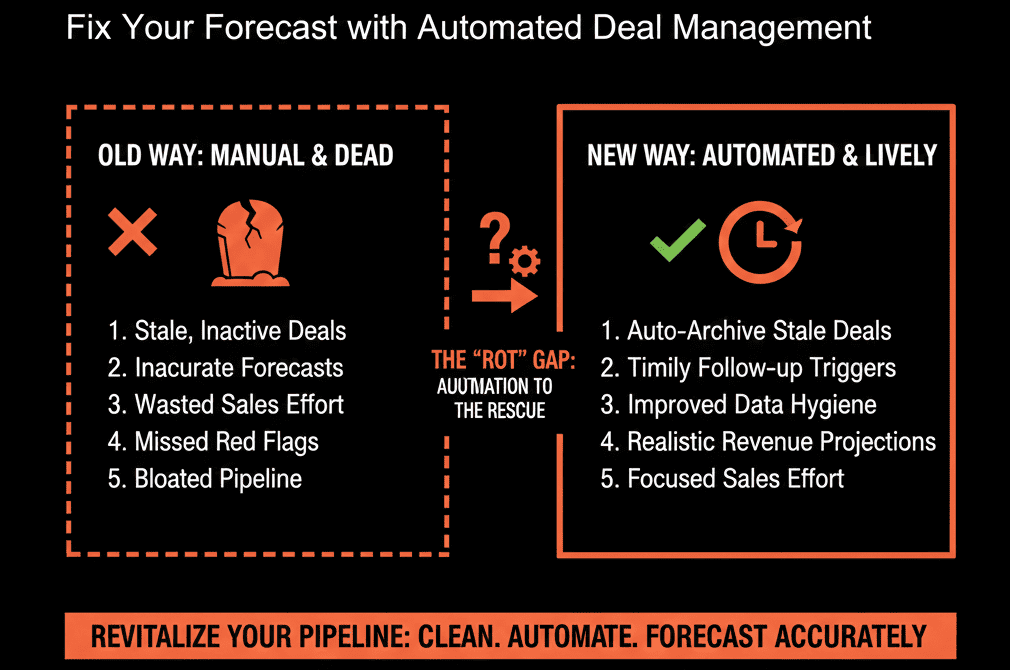
Zombies destroy your forecast accuracy. You cannot predict revenue on dead data.
You need a "Deal Rotting" System.
HubSpot can visually flag inactive deals on the board view (inactive/grey cards) via board settings, which helps surface stalled deals fast.
But you also need an automated enforcement mechanism.
Here is how to build the "Pipeline Janitor."
📉 Step 1: The Visual "Rot" (The Warning)
The Tool: Deal Board Settings.
Go to Settings > Objects > Deals > Pipelines.
Turn on / configure board card settings so inactive deals visually stand out on the board after X days without activity.
Rule (Example): If "Days inactive" > 14 -> treat it as a Zombie.
The Result: Your pipeline view lights up. Every flagged card is a Zombie. It shames the rep into action.
📉 Step 2: The "Nudge" Workflow (The Manager)
Don't wait for the rep to notice.
The Workflow:
- Trigger: Deal is open AND Last Activity Date is more than 14 days ago.
- Action: Send Slack/Email to Rep.
The Message:
"Deal [Name] is rotting. You haven't touched it in 2 weeks. Update it or lose it."
Last Activity Date in HubSpot updates based on logged activities such as notes, calls, tracked/logged sales emails, meetings, tasks, etc.
The Result: A gentle reminder to do their job.
📉 Step 3: The "Auto-Close" (The Executioner)
If they ignore the nudge, the system takes over.
The Workflow:
- Trigger: Deal is open AND Last Activity Date is more than 30 days ago.
- Action: Set Deal Stage to "Closed Lost."
- Action: Set Closed Lost Reason to "Auto-Closed: Inactivity."
- Action: Create Task for Rep: "This deal was auto-closed. If it wakes up, reopen it."
HubSpot workflows can automatically update deal properties (including deal stage) based on time / inactivity criteria, which is commonly used for closing stale deals.
The Result: Your forecast is instantly purified. The rep can always re-open it, but the default state is "Clean."
⚠️ The "Zombie" Re-Awakening
What if a Zombie wakes up?
If a prospect emails you back 3 months later, you don't want the deal lost forever.
The "Resurrection" Workflow:
- Trigger: Deal Stage = "Closed Lost" AND "Recent sales email replied date" becomes known.
- Action: Move Deal Stage to "Discovery" (Start Over).
- Action: Notify Rep.
HubSpot has properties like “recent sales email replied date” that can be leveraged to detect replies and re-engagement.
Result: You catch the momentum without polluting the forecast in the meantime.
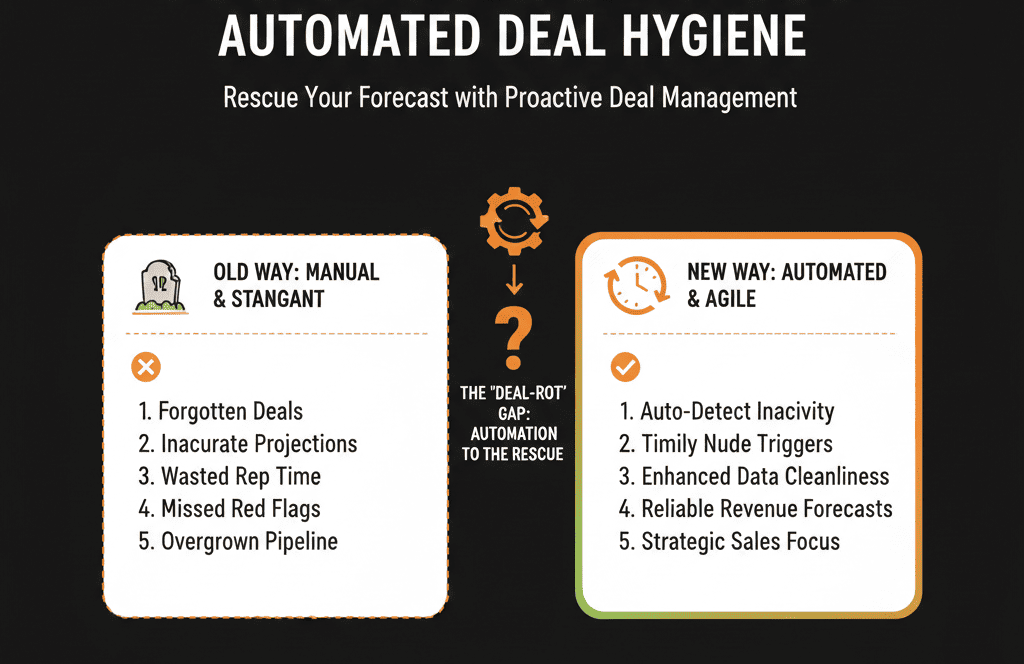
Pipeline Hygiene is not Optional.
A clean pipeline of $1M is worth more than a dirty pipeline of $3M.
Why? Because you can plan around the $1M. You can hire. You can spend.
The $3M is a hallucination.
Automate the hygiene. Don't make managers be the bad guys. Let HubSpot be the bad guy.
Not sure what your "Rotting Threshold" should be? (14 days? 30 days?).
This is part of our Free HubSpot Health Check.
We will audit your "Pipeline Velocity." We'll see how long winning deals stay in each stage vs. losing deals. We’ll calculate your "Rotting Point" and build the automation to enforce it.