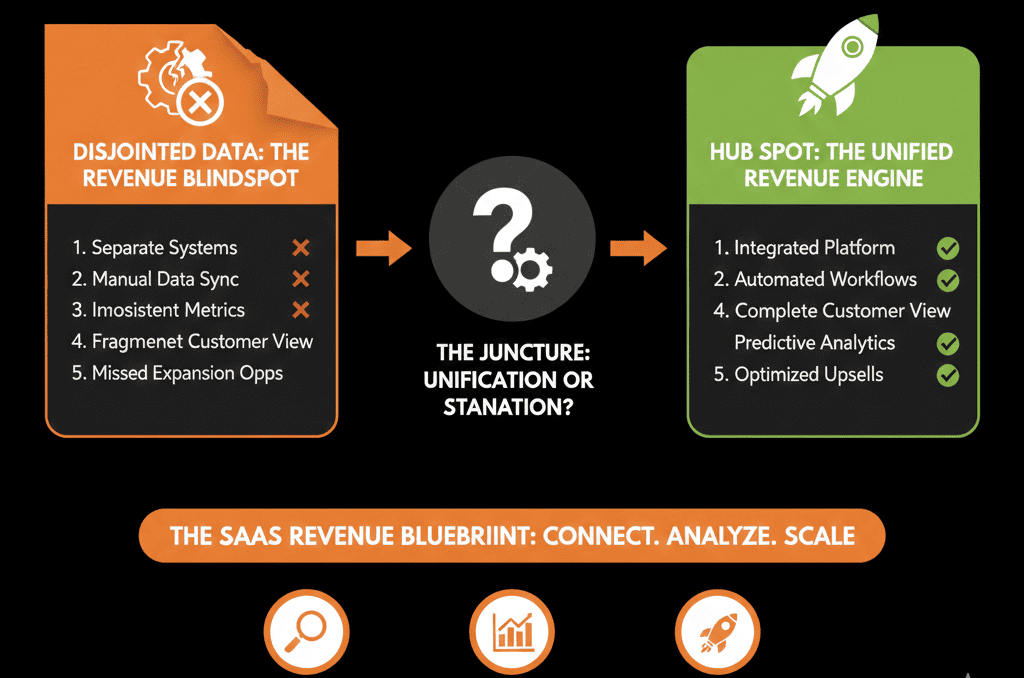
The B2B SaaS Problem: Three Systems, No Single Truth
If you run a B2B SaaS company, your revenue story usually lives in three places:
- Product – who’s using the product, how often, and which features.
- Billing – who’s paying, for what plan, and how much.
- CRM – who’s in pipeline, who’s a customer, and who owns the account.
Individually, each system works.
Together, they often fail to answer basic questions:
- Which product-qualified accounts are not yet in a sales motion?
- Which paying accounts are at churn risk based on usage?
- Which segments, plans, or features drive expansion revenue?
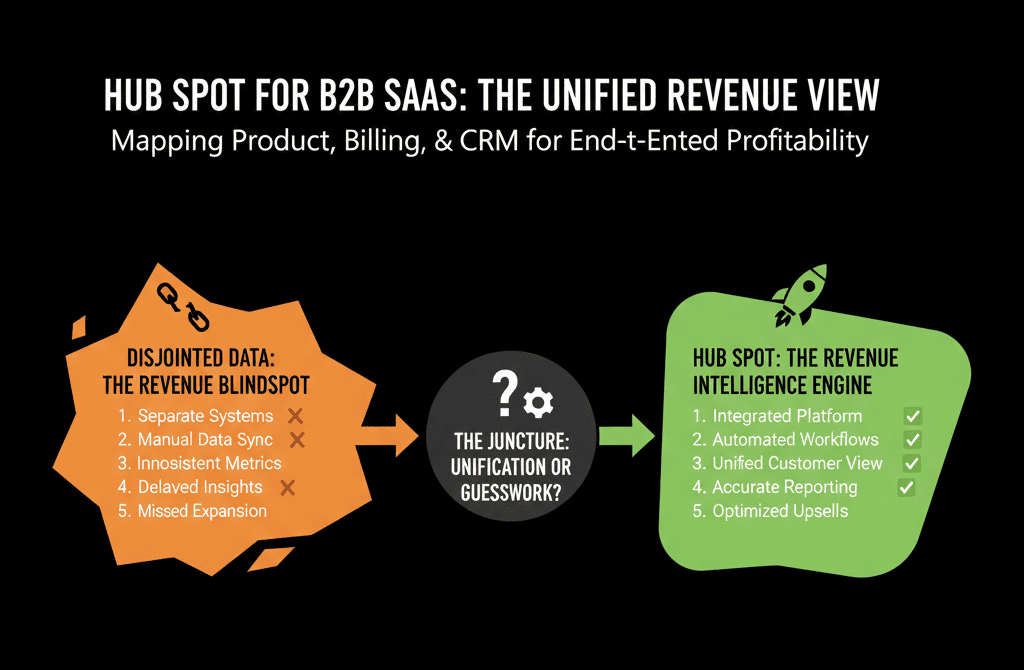
HubSpot can become your revenue command center for B2B SaaS—if you architect it to sit on top of product and billing, not beside them.
This article walks through how to map product, billing, and CRM into one clean HubSpot view.
Step 1: Decide What HubSpot Will Be the System of Record For
You don’t need to replicate your entire data warehouse in HubSpot.
You do need to make it the system of record for go-to-market decisions.
In a SaaS context, HubSpot should own:
- Account and contact identity (who we sell and talk to).
- Lifecycle and pipeline (where they are in the revenue journey).
- GTM-relevant product signals (health, usage, fit).
- Commercial context (MRR/ARR, plan, renewal dates, expansion state).
- GTM activity (emails, calls, sequences, tickets).
Your product and billing systems remain the source of truth for:
- Detailed usage events.
- Full invoice and transaction history.
- Accounting rules and revenue recognition.
HubSpot gets curated, GTM-ready slices of that data.
Step 2: Design a SaaS Data Model in HubSpot
Start with a clear object model before integrations.
2.1 Core objects
At minimum, you’ll use:
- Companies = accounts (one per customer org/tenant).
- Contacts = individual users and buyers.
- Deals = commercial events: new business, expansion (upsell/cross-sell), renewals.
- Tickets (optional but recommended): support issues, onboarding milestones.
2.2 Custom objects for SaaS
For most B2B SaaS, a custom object (or a set of them) is what makes the model work, and HubSpot supports creating custom objects.
Common patterns:
- Subscriptions / Contracts = plan, term, MRR/ARR, start and end date, billing frequency; associates to Company, primary Contact, and relevant Deals.
- Products / Plans = catalog of plans or packages tied to subscriptions and deals.
- Environments / Workspaces (if multi-instance per customer) = tenants/workspaces for one logo.
The goal: any user should be able to click a company and see:
- Active subscriptions and MRR.
- Key product metrics.
- Open opportunities and expansion potential.
- Support history and health.
Step 3: Decide Which Product Signals Belong in HubSpot
You don’t need every event (“clicked button X”).
You need a handful of normalized signals that drive GTM behavior.
Examples of good GTM-ready product fields:
- Seats provisioned vs seats purchased.
- Last login date (account-level or key personas).
- Active users in past 7/30 days.
- Feature adoption flags (e.g., “Using core feature Y: true/false”).
- Usage tier or band (e.g., low / medium / high).
- Health score (simple at first: green / yellow / red).
Decide on:
- Where these will live (Company, Subscription, or custom object).
- How often they should update (near-real-time vs daily batch).
- What GTM actions they should drive (expansion plays, churn prevention, PQL routing).
Think of HubSpot as the place where product data becomes actionable signals, not raw logs.
Step 4: Map Billing and Subscription Data into HubSpot
Billing and commercial data tell you:
- Who is paying.
- How much.
- For what and until when.
Rather than pushing every invoice line, focus on subscriptions and key billing fields.
4.1 Core subscription properties
On your Subscription (or Company if you keep it simpler), track:
- Plan name / SKU.
- Billing frequency (monthly / annual / custom).
- Contract start and end date.
- Current MRR/ARR.
- Next renewal date.
- Renewal type (auto-renew, manual).
- Payment status / risk flags (e.g., dunning, delinquent).
4.2 Deal and subscription relationship
For every new deal, associate it with:
- The Company.
- The Subscription(s) it creates or modifies.
This lets you answer:
- How much ARR did we add this quarter, tied to which plans and segments?
- Which expansion deals are predicted vs live?
4.3 Integration considerations
Whether you use Stripe, Chargebee, Recurly, or another system:
- Use native connectors or HubSpot Data Sync to connect HubSpot with other apps and keep customer data unified.
- Sync subscription-level data, not every invoice.
- Map fields to your Subscription/Company properties.
- Handle upserts (update existing subscriptions when upgrades happen).
Keep billing logic in the billing system.
Expose just enough in HubSpot to drive renewals, expansion, and reporting.
Step 5: Align Lifecycle and Pipelines to SaaS Reality
B2B SaaS lifecycles are different from project-based services.
5.1 Lifecycle stages
Define lifecycle at the contact and company level:
- Subscriber / Prospect.
- Product sign-up (trial, freemium, POC).
- PQL (product-qualified lead).
- SAL/SQL (sales-accepted/qualified).
- Opportunity (deal open).
- Customer.
- Expansion / Evangelist.
Document:
- Product-behavior triggers (signup, activation events).
- Marketing and outbound triggers.
- Ownership transitions between teams (PLG, SDRs, AEs, CSMs).
5.2 Pipelines
You’ll typically need:
- New Business pipeline (trial/prospect → paying customer).
- Expansion pipeline (upgrades, seats, modules, cross-sell).
- Renewal pipeline (term renewals for higher ACV accounts).
Each pipeline should have:
- Clear stage definitions tied to decision milestones.
- Required fields (ARR/MRR, term, segment, product family).
- Associations to Subscriptions and key Contacts.
This structure is what enables reliable SaaS forecasting in HubSpot.
Step 6: Build a Unified Revenue View in Dashboards
Once product and billing signals are mapped into your data model, you can build real SaaS dashboards.
Key dashboards to consider:
6.1 Executive SaaS dashboard
- New business ARR by segment and channel.
- Expansion ARR vs net-new ARR.
- Gross and net revenue retention (GRR/NRR) by cohort.
- Churn by reason and segment.
- Pipeline coverage for new and expansion.
6.2 Product-led growth (PLG) dashboard
- Signups by channel and ICP fit.
- Activation rate (defined product milestone).
- PQL creation rate and conversion to opportunities.
- Top product signals correlated with closed-won.
6.3 CSM / Success dashboard
- Accounts by health band (usage + tickets + NPS).
- Upcoming renewals by month and segment.
- Accounts in dunning or billing risk.
- Expansion opportunities flagged by product usage patterns.
All of this should be visible inside HubSpot, driven by:
- Clean objects and associations.
- Curated product and billing fields.
- Consistent lifecycle and pipeline definitions.
Step 7: Use HubSpot Workflows to Operationalize SaaS Plays
With the data in place, workflows turn your insights into repeatable revenue motions, and HubSpot supports creating workflows for automation. [web:1291]
Examples:
PQL → Sales
Trigger: product usage crosses a defined threshold for an ICP-fit account.
Actions:
- Create an expansion or new-business deal.
- Assign to AE/AM.
- Launch a tailored outreach sequence.
Renewal alerts
Trigger: renewal date within X days.
Conditions: health band, plan type, ARR.
Actions:
- Create renewal deal.
- Create tasks for CSM and AE.
- Send internal alerts and playbook links.
Churn risk flags
Trigger: drop in active users, logins, or core feature usage.
Actions:
- Update health property.
- Create ticket or task for intervention.
- Add to CSM “at-risk” view.
Billing events
Trigger: payment failure or dunning state in billing system.
Actions:
- Notify CSM/AM.
- Update company risk flag.
- Optionally trigger customer communication from the right owner.
These are the workflows that make HubSpot feel like a SaaS revenue engine, not just a marketing database.
Step 8: Govern Your SaaS HubSpot Like a Product
SaaS companies know how to manage iterative change in products.
Apply the same discipline to your HubSpot architecture.
What good governance looks like:
- Assign a RevOps / HubSpot architect to own the data model, integrations, and GTM logic.
- Document schema changes (properties, objects, pipelines) and announce new fields/dashboards to users.
- Monthly: clean unused fields, workflows, and reports.
- Quarterly: revisit health scoring, PQL definitions, and expansion logic based on results.
This prevents your SaaS HubSpot from decaying into an inconsistent mess as you scale.
Turn HubSpot into a True SaaS Revenue OS
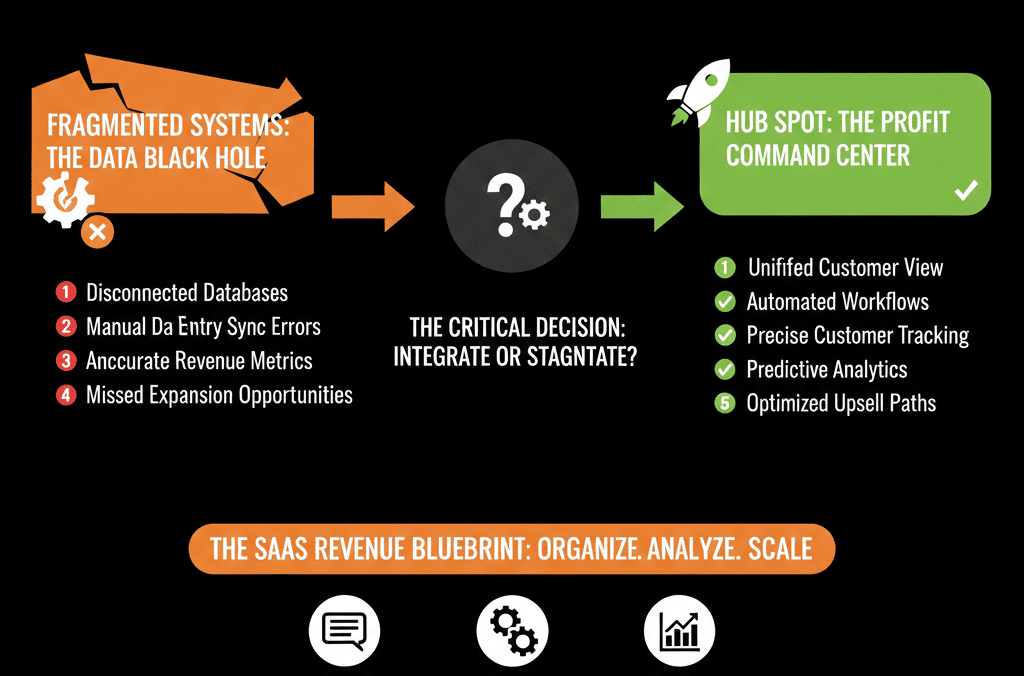
For B2B SaaS, HubSpot’s real value is unlocked when:
- Product, billing, and CRM data converge into one GTM-ready view.
- GTM teams share a common picture of who’s at risk, who’s ready to expand, and where pipeline is real.
- Leadership trusts HubSpot as the primary lens on ARR growth, churn, and NRR.
You don’t get there by turning on every integration at once.
You get there by:
- Designing a clear SaaS data model.
- Choosing the right product and billing signals.
- Building lifecycle, pipelines, and dashboards around those.
- Automating the SaaS plays that move the needle.
If you’d like help mapping your product, billing, and CRM into one coherent HubSpot revenue view, we can support that.
Our team at ElanceMind works with B2B SaaS companies to:
- Design SaaS-ready HubSpot architectures (companies, deals, subscriptions, health).
- Implement integrations with billing and product systems.
- Build dashboards and workflows that drive PLG, expansion, and renewals.