Why Professional Services Firms Struggle with “Predictable” Revenue
If you run a professional services or consulting firm, you probably see this pattern:
- A few big projects land, everyone is busy.
- Delivery overruns eat margin and capacity.
- Retainers churn quietly in the background.
- New business depends on founder networks and referrals.
HubSpot is often used for top-of-funnel marketing only:
- Landing pages.
- Email campaigns.
- Basic sales pipeline.
But your real problem is not leads alone.
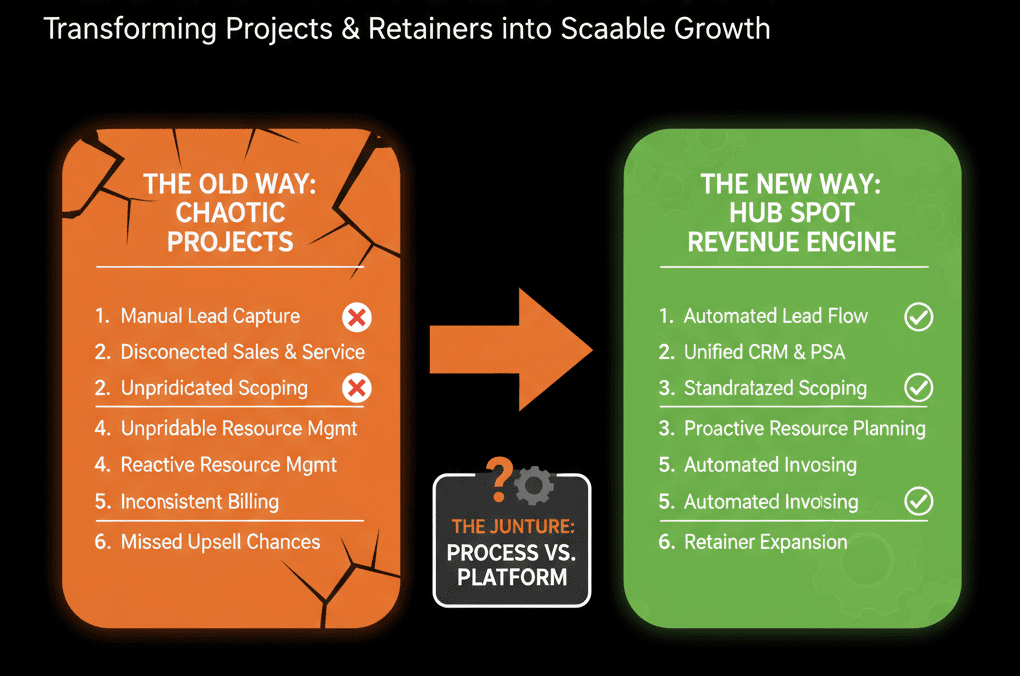
Your real problem is turning projects and retainers into a stable revenue engine.
For that, HubSpot must become:
- Your system of record for clients, projects, and retainers.
- Your coordination layer across sales, delivery, and account management.
- Your forecast engine for revenue, capacity, and renewals.
This article shows how.
Step 1: Define Your Services Revenue Model in HubSpot Terms
Before you touch settings, write down how you really make money.
Most B2B professional services firms mix:
- One-off projects (fixed fee or T&M).
- Recurring retainers (monthly or quarterly).
- Expansion work (change orders, extensions, add-ons).
- Ad-hoc support or advisory.
Translate that into HubSpot concepts:
Contacts and Companies
- Who buys from you?
- Who actually uses your services?
- Which roles matter (economic buyer, sponsor, champion, user)?
Deals
- New projects.
- New retainers.
- Upsell/expansion work.
- Renewals of existing retainers.
Tickets / Custom objects
- Delivery phases or onboarding work.
- Ongoing support or service requests.
- Projects or engagements (as a custom object if needed).
Your goal: every dollar of revenue should be tied to:
- A company (client).
- One or more contacts.
- A deal representing commercial agreement.
- Optional tickets/objects representing delivery.
This is the backbone of a predictable revenue machine.
Step 2: Separate New Business, Delivery, and Retainer Revenue
Many services firms blur these together.
HubSpot lets you separate and connect them using pipelines for objects like deals and tickets.
2.1 New business pipeline
Design a deal pipeline for:
- New projects.
- New retainers.
Stages might include:
- Discovery scheduled.
- Scoping / proposal.
- Commercial negotiation.
- Verbal yes.
- Closed won / lost.
For each stage, define:
- Exit criteria (what must be true).
- Required fields (service type, planned value, term length, start date).
- Owners (BD lead, AE, partner).
2.2 Delivery / onboarding pipeline
Once a project or retainer is sold, the work begins.
You can run onboarding/delivery using ticket pipelines so delivery work has its own stages and visibility.
Key data points to track:
- Planned vs actual start dates.
- Milestones achieved.
- Time-to-onboard or time-to-value.
2.3 Retainer and renewal pipeline
Recurring revenue is where predictability lives.
Create a Renewal/Retainer pipeline where each active retainer has a corresponding renewal or “evergreen” deal, and renewal dates/value/term are stored as properties.
Upcoming renewals move through stages (e.g., In review → Renewal proposed → Committed → Renewed/Churned).
This separation lets you answer:
- How much new work is in play?
- How much recurring revenue is at risk or likely?
- How much expansion is in the pipe?
Step 3: Use HubSpot to Align Sales, Delivery, and Account Management
Services revenue breaks in the handoffs:
- Sales oversells or mis-scopes.
- Delivery inherits unclear expectations.
- Account managers discover renewals too late.
HubSpot should structure those handoffs.
3.1 Sales → Delivery handoff
When a deal closes:
- Automatically create onboarding or project tickets.
- Copy key fields: scope summary, deliverables, timeframe, stakeholders, commercial terms.
- Notify the delivery lead or project manager.
- Attach relevant documents (SOW, proposals) via links or file uploads.
- Use a standardized handoff property set that delivery trusts.
3.2 Delivery → Account management handoff
Once initial delivery or onboarding is complete:
- Move the project ticket to “Completed” (or equivalent).
- Trigger creation of a renewal/expansion deal (for retainers).
- Trigger internal NPS/CSAT actions.
- Trigger a post-project review and upsell play (case studies, referrals, new work).
The account owner (CS or AM) should:
- See all past deals and tickets in one view.
- See upcoming renewal dates and potential expansions.
3.3 Account management → New business loop
Great delivery should produce new pipeline:
- Referrals.
- Phase 2 / new projects.
- Cross-sell to other business units.
Use HubSpot to:
- Log and tag advocates and referral sources.
- Trigger outreach sequences when a project hits defined success milestones.
- Attribute new deals back to existing relationships.
This loop is how you stabilize and grow services revenue without constant cold outbound.
Step 4: Build Properties That Reflect How You Sell and Deliver
For professional services, out-of-the-box fields are not enough.
You need service-specific properties that still stay clean, and HubSpot supports creating/editing custom properties on CRM objects.
Consider key properties for:
Deals
- Service line (e.g., Implementation, Strategy, Support, Training).
- Engagement type (fixed-fee project, retainer, T&M).
- Expected start and end dates.
- Contract term (months).
- Payment schedule (milestones, monthly, upfront).
- Source (referral, partner, inbound, outbound).
Companies
- Segment (SMB, mid-market, enterprise).
- Industry.
- Primary region.
- Client tier (A/B/C or gold/silver/bronze).
- Strategic account flag.
Tickets / Project object
- Project phase.
- Complexity or size.
- Allocated team / pod.
- Health (on track, at risk, off track).
The rule:
Each property must:
- Have an owner (who cares about it).
- Have a use (report, filter, automation, handoff).
- Avoid duplicates and free-text where possible.

Step 5: Use HubSpot to Forecast Services Revenue Realistically
Professional services forecasting is tricky:
- Start dates move.
- Scope creeps.
- Utilization constrains delivery.
HubSpot won’t solve capacity planning alone, but it can anchor financial visibility.
Use your pipelines and properties to:
Forecast new project/retainer revenue
- Weighted pipeline by stage and segment.
- Separate new vs expansion vs renewal.
- 30/60/90-day views.
Track active engagements
- Deals/tickets showing which clients are currently in delivery.
- Expected vs actual go-live dates.
- Projected revenue recognition schedule (if you model it in properties).
Track renewals
- Upcoming renewals by month/quarter.
- Renewal probability by client tier and health.
- Churn and expansion trends.
Dashboards your leadership should have:
- New business and expansion pipeline.
- Active project portfolio with key milestones.
- Renewal calendar and at-risk retainers.
- Revenue by service line, segment, and channel.
When everyone sees the same numbers, you stop running the firm from disconnected spreadsheets.
Step 6: Build Service-Specific Playbooks and Sequences
Once your data and pipelines are structured, you can build repeatable motions in HubSpot.
For sales
Sequences for:
- New inbound service inquiries.
- Referral follow-ups.
- Event or webinar follow-ups.
Playbooks for:
- Discovery calls (structured questions by service line).
- Proposal scoping (budget, timeline, stakeholders).
For account management
Playbooks for:
- Quarterly business reviews.
- Renewal prep and upsell discovery.
- Post-project debriefs.
Workflows to:
- Create tasks before renewals.
- Trigger sequences for expansion offers.
- Collect NPS/CSAT at the right time.
These make your revenue machine less dependent on individual heroics and more on systematized motions.
Step 7: Put Governance Around Your Services HubSpot
Services businesses change quickly:
- New offers.
- New pricing models.
- New delivery frameworks.
Without governance, every change request turns into:
- New pipelines.
- New properties.
- New workflows.
Your services HubSpot stays healthy if you:
Assign an internal or external architect
- Owns the data model and pipeline design.
- Reviews new property and pipeline requests.
Review monthly
- New fields and workflows added.
- Unused reports and objects to be cleaned up.
- Feedback from sales, delivery, and account teams.
Update quarterly
- Dashboards to match current strategy (offers, regions, segments).
- Playbooks and sequences based on what’s working.
Governance is how you keep HubSpot as a revenue machine, not a dumping ground.
What This Looks Like When It Works
When HubSpot is set up properly for professional services, you see tangible shifts:
- New business is less “lumpy” because renewals and expansions are visible and managed.
- Delivery teams get clean handoffs and fewer “what was sold?” surprises.
- Account managers work from a single view of all activity, contracts, and health.
- Leadership reviews one set of dashboards for pipeline, active delivery, and renewals.
- Founders and partners can step back from micro-managing deals and projects.
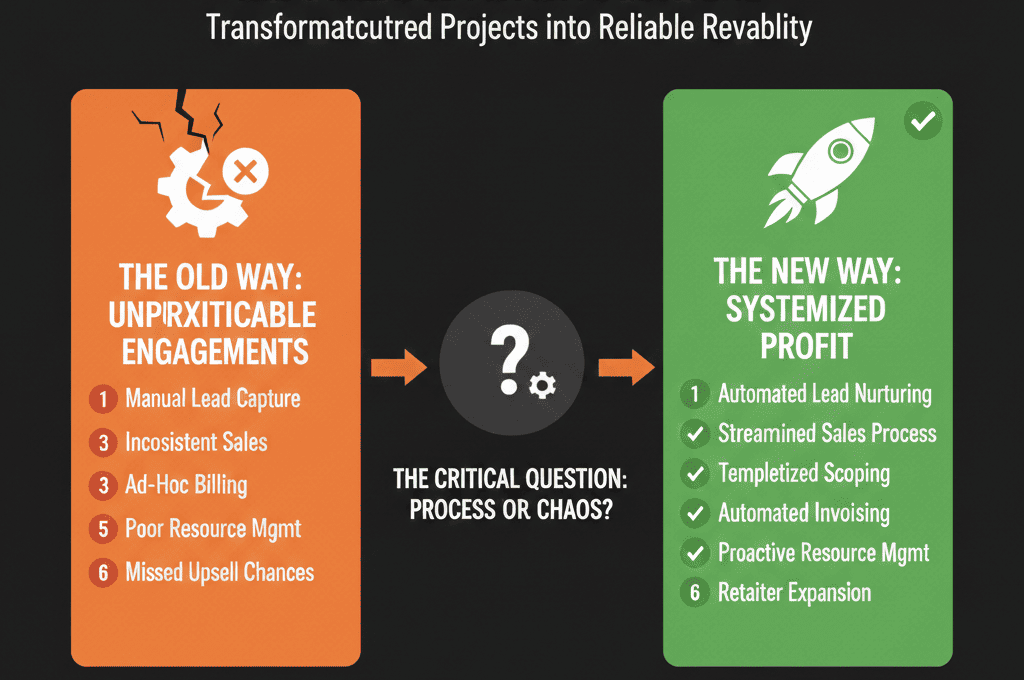
You move from a project shop to a predictable revenue firm.
Turn Your Professional Services HubSpot into a Revenue Machine
If your services firm is already on HubSpot—but it feels like a marketing tool plus a basic CRM—you are leaving predictability and profit on the table.
The fix isn’t “more features.”
It’s a services-specific architecture:
- Pipelines that reflect projects, retainers, and renewals.
- Data that connects sales, delivery, and account management.
- Dashboards that show where revenue is coming from and where it’s at risk.
Our team at ElanceMind works with professional services firms to:
- Redesign HubSpot as a services revenue system of record.
- Implement the right pipelines, objects, and properties.
- Build handoffs, playbooks, and dashboards for predictable growth.