🐛 The "Is it Fixed Yet?" Email
Your support agent gets a ticket: "Feature X is broken."
They escalate it to Engineering by sending a Slack message or creating a Jira issue manually.
Two weeks later, the customer emails: "Is it fixed?"
The agent has no idea. They have to hunt down the developer.
The developer says: "Oh yeah, we fixed that in the last sprint."
This is the "Dev/Support Silo." It makes your team look unorganized and frustrates your customers.
You need to connect the Customer Voice (HubSpot Service Hub) to the Product Reality (Jira).
HubSpot’s Jira integration lets teams associate an existing Jira issue or create a new Jira issue directly from a HubSpot ticket record.
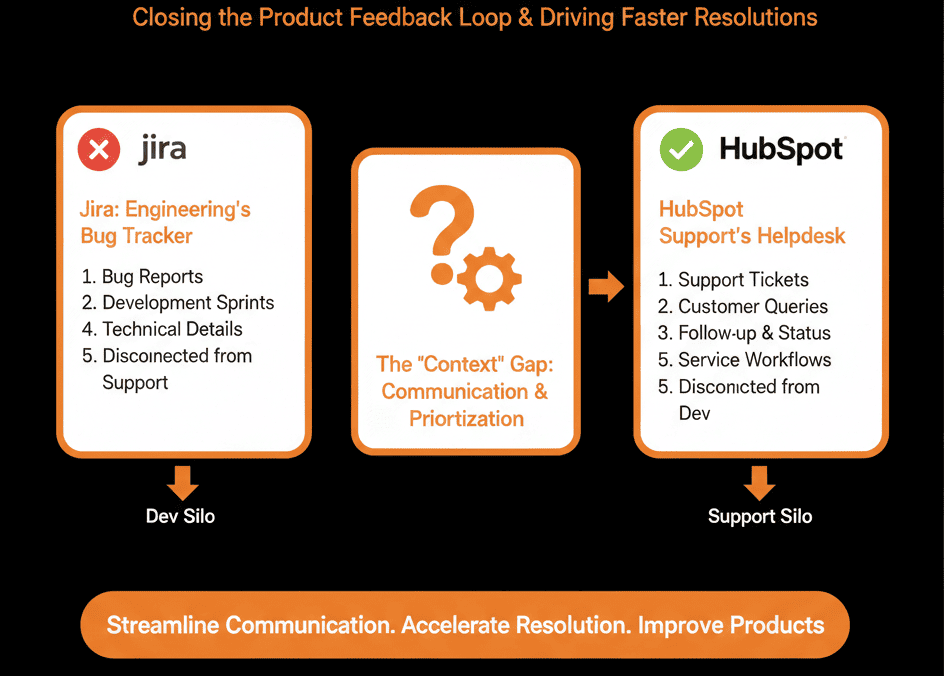
Here is how to build the bi-directional feedback loop.
🛠️ Feature 1: The "Create Issue" Button
The Pain: Agents copy/pasting bug reports into Jira.
The Fix: Native Creation.
In the HubSpot Ticket sidebar, you see a "Jira" card.
Action: Click "Create Issue."
The Magic: It pulls the Ticket Description, Attachments, and Customer Details into the Jira Issue automatically.
HubSpot tickets can be used to create Jira issues, and the integration supports associating Jira issues to ticket records from the right panel.
Result: Engineers get a clean bug report. Agents save 10 minutes.
🛠️ Feature 2: The "Status" Sync
The Pain: Agents constantly checking Jira for updates.
The Fix: Real-Time Sync.
HubSpot’s Jira (Data Sync) can sync Jira issue properties to HubSpot ticket properties, and ticket status can sync one-way from Jira to HubSpot.
When the Engineer moves the Jira Issue to "Done," the HubSpot Ticket status updates to "Waiting on Customer."
The Workflow:
- Trigger: Jira Status = Done.
- Action: Send Email to Customer: "Good news! The bug you reported is fixed."
Result: Automated delight.
🛠️ Feature 3: The "Product" Reporting
The Pain: Product Managers don't know which bugs are affecting the most customers.
The Fix: Attached Tickets.
You can attach multiple HubSpot Tickets to one Jira Issue.
The Atlassian marketplace listing for HubSpot for Jira notes you can have multiple HubSpot tickets associated with one Jira issue.
The Report: "Show me Jira Issues sorted by 'Number of Attached Tickets'."
The Insight: "This minor UI bug has 50 angry customers attached. Let's prioritize it."
⚠️ The "Comment" Noise
Engineers hate "Sales Chatter."
Best Practice: Configure the sync to send Status Changes only, not every internal comment.
HubSpot’s Jira (Data Sync) supports a separate sync to map HubSpot notes to Jira issue comments, so teams can control what gets mirrored and what stays in each system.
Keep the "Dev Talk" in Jira and the "Customer Talk" in HubSpot.
One Team. One Goal.
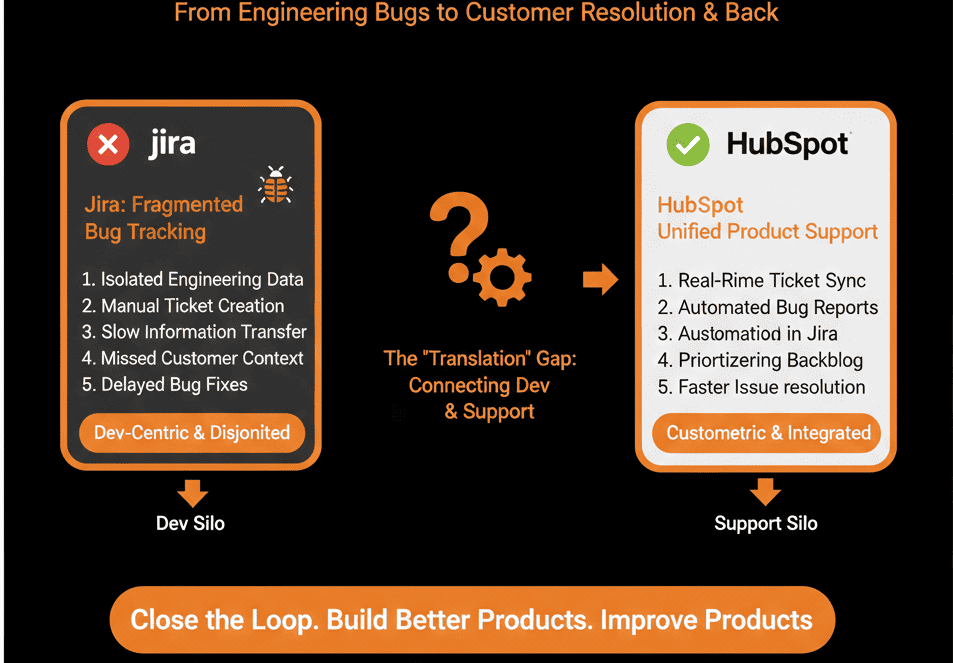
Support and Engineering are on the same team. They just speak different languages.
The integration translates "Customer Pain" into "Dev Tasks" and back again.
If you fix the bug but forget to tell the customer, you get zero credit.
Not sure how to map the "Issue Types"?
This is part of our Free HubSpot Health Check.
We will audit your "Bug Process." We'll connect Jira, set up the status automations, and ensure your customers are the first to know when their problem is solved.