📚 The "Ghost Town" Library
You did the right thing. You bought HubSpot Service Hub. You spent weeks writing 50 help articles. You launched your Knowledge Base (KB).
And then... nothing happened.
Your ticket volume didn't drop. Customers are still emailing support@ with questions like "How do I reset my password?"—even though you have an article titled "Password Reset Guide."
Why?
Because your Knowledge Base is a "Ghost Town." It exists, but no one visits it.
- It’s not indexed by Google.
- It’s not searchable.
- It’s written for "Engineers," not "Humans."
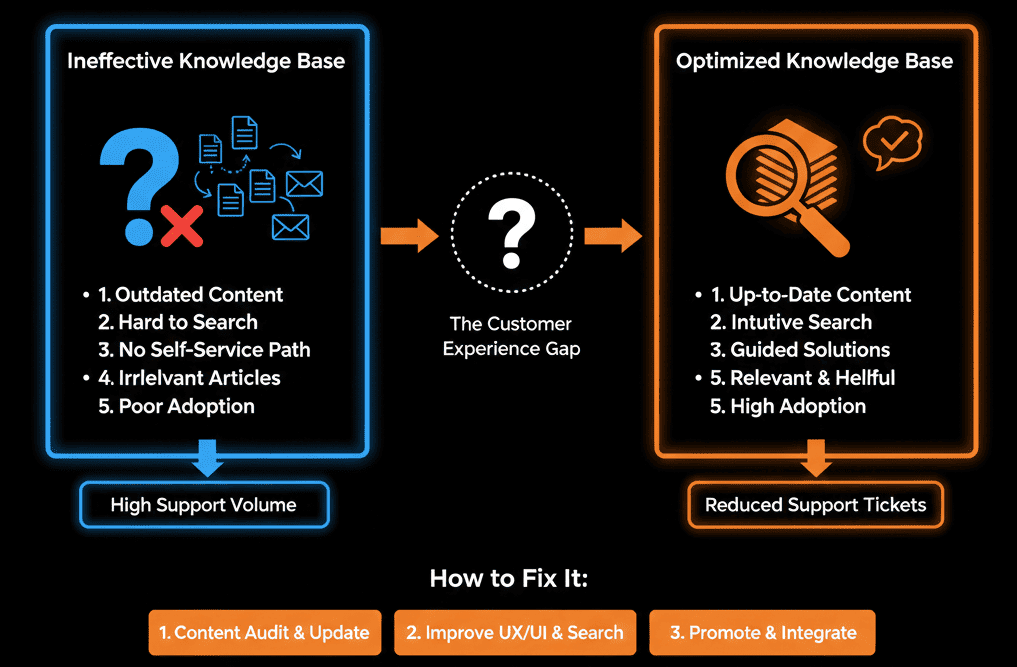
A KB isn't just a library; it's a Deflection Engine. If it doesn't stop the ticket, it failed.
Here is the audit to find out why your customers are ignoring your help docs.
🩺 Diagnostic 1: The "Google" Test (SEO)
The Symptom: Customers Google your product name + "issue," and they find... nothing. Or worse, they find a Reddit thread complaining about you.
The Root Cause: Your KB is set to "Private" or has bad SEO.
The Fix: Public Indexing.
- Go to Service > Knowledge Base > Settings.
- Ensure "Public Access" is ON.
- Title Tags: Rename articles to match search intent.
- Bad: "User Authentication Protocol V2."
- Good: "How to Reset My Password."
Result: Customers find the answer on Google before they even think about emailing you.
🩺 Diagnostic 2: The "Search Bar" Failure
The Symptom: Customers visit your help center, type a keyword, see "No Results," and click "Submit Ticket."
The Root Cause: Tagging failure.
The Fix: Synonym Tagging.
- Your article is titled "Invoicing."
- Your customer searches for "Billing" or "Receipt."
- Action: Go to the article settings and add these as Keywords/Tags.
Result: The search bar becomes "smart," catching different phrasings.
🩺 Diagnostic 3: The "Wall of Text" (UX)
The Symptom: High "Bounce Rate" on KB articles. Customers open it, get overwhelmed, and email support anyway.
The Root Cause: You wrote a technical manual, not a guide.
The Fix: The "Skimmable" Format.
- Screenshots: Every 3 steps needs a visual.
- Videos: Embed a 30-second Loom video at the top. (Visual learners skip the text).
- Callout Blocks: Use "Warning" or "Tip" boxes to break up the text.
🩺 Diagnostic 4: The "Chatbot" Disconnect
The Symptom: You have a Chatbot on your site, but it just says "Hi, how can I help?"
The Root Cause: The bot isn't connected to the KB.
The Fix: Knowledge Base Search Bot.
- Configure your Chatflow to automatically search the KB based on the user's input.
- User: "I can't login."
- Bot: "I found this article: 'Login Troubleshooting.' Did this help?"
Result: Ticket deflected before a human is notified.
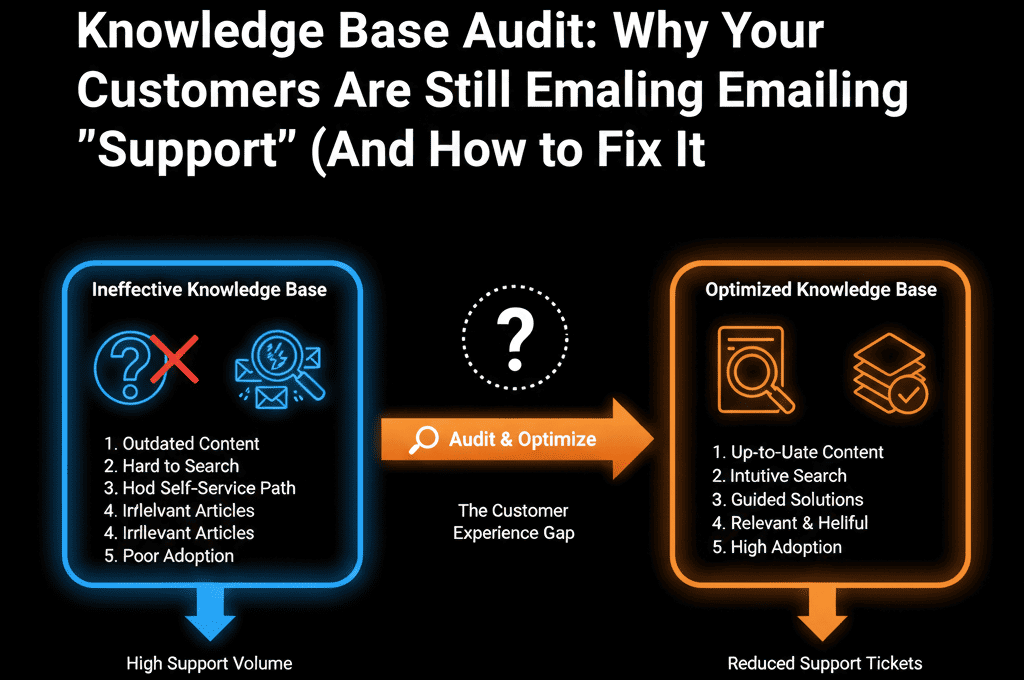
📊 The "Deflection" Metric
Stop measuring "Article Views." Start measuring "Helpfulness."
Turn on the "Was this helpful? (Yes/No)" feedback survey at the bottom of every article.
If an article has 1,000 views and 90% "No," rewrite it immediately. It is causing tickets, not stopping them.
Help Them Help Themselves.
Your customers want to self-serve. They don't want to wait 4 hours for an email reply.
If they are emailing you, it means your Knowledge Base failed them.
Not sure which articles to write first?
Deflect More Tickets. Get Your Free Health Check.
This is part of our Free HubSpot Health Check. We will audit your "Ticket History." We'll see the top 10 questions your team answers manually, and we'll help you build the "Killer Articles" that automate those answers forever.
Deflect More Tickets. Get Free Hubspot Audit