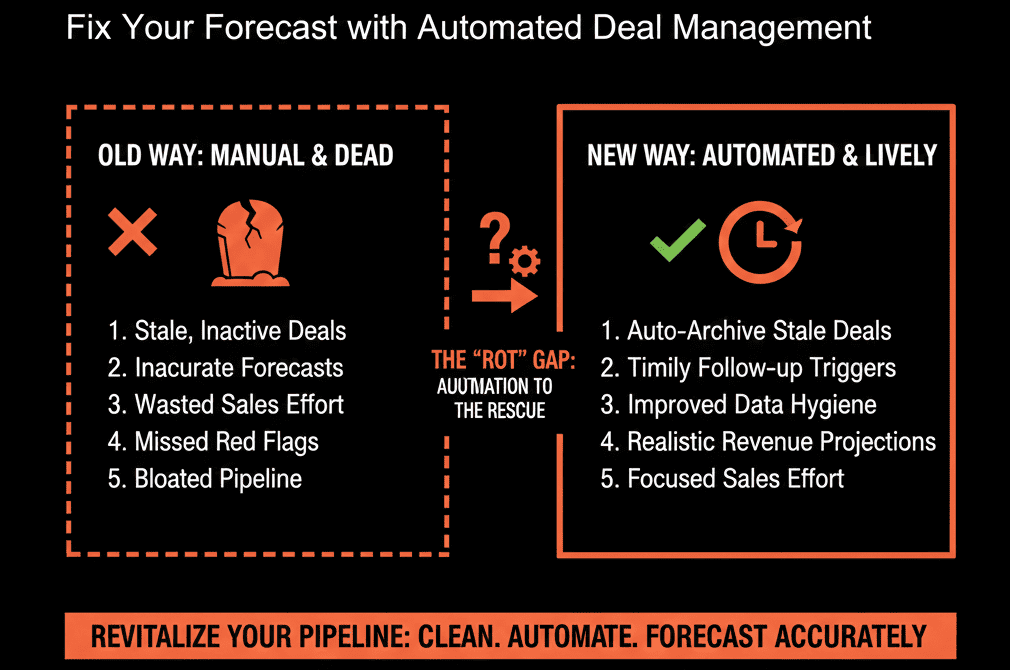
🍒 The "Wild West" Sales Floor
You have 3 sales reps. A lead comes in.
Rep A sees it first. They grab it.
Rep B is at lunch. They miss it.
Rep C is busy closing a deal. They miss it.
This is the "Shark Tank" model. It works for tiny teams because it rewards hustle.
But when you grow to 10 reps, it breaks.
- Speed: Leads sit untouched if everyone is busy.
- Fairness: The "fastest" rep gets the leads, not the "best" rep.
- Morale: New reps starve because they don't know how to game the system.
You need to switch to "Automated Rotation" (Round Robin).
But if you do it too early, you kill hustle. If you do it too late, you kill culture.
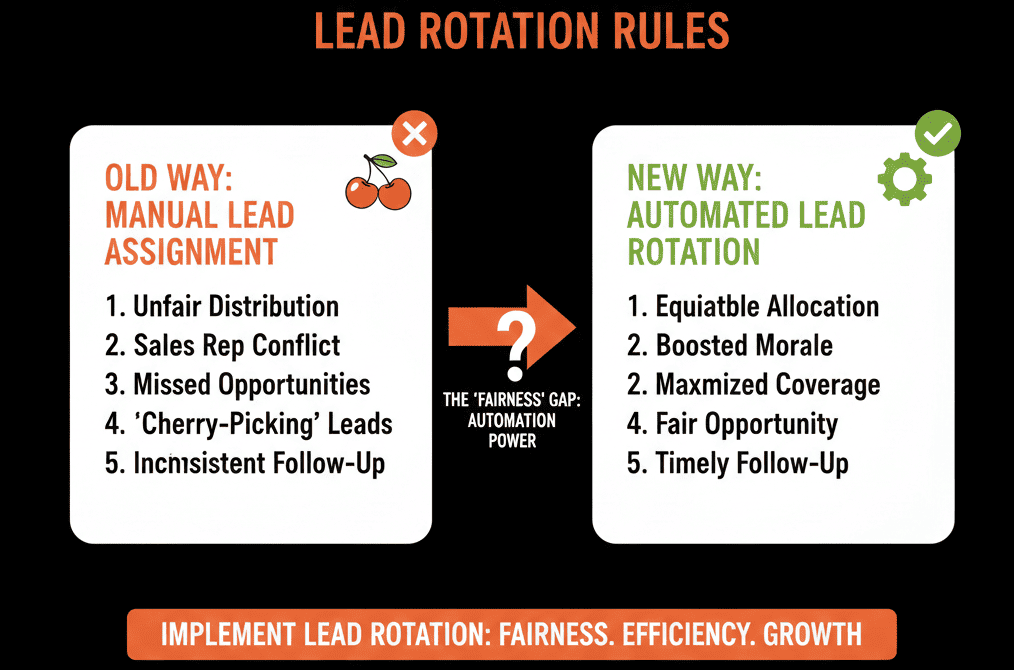
Here is the strategic guide to timing the switch and building the machine.
⏱️ The Trigger: When to Switch?
Don't automate until you break.
Stay Manual If:
- You have < 5 reps.
- Lead volume is low (< 50/month).
- You want reps to feel "hungry."
Switch to Rotation If:
- You have > 5 reps.
- Lead volume is high (> 100/month).
- Speed to Lead is suffering (Average > 1 hour).
- You are hiring faster than you can train.
🛠️ The Build: 3 Rotation Models in HubSpot
HubSpot (Sales Hub Pro/Ent) includes a Rotate record to owner action that can distribute records evenly across selected owners or a team.
Use it wisely.
Model 1: The "Simple" Round Robin (Fairness)
Goal: Equal distribution.
The Workflow:
- Trigger: New MQL.
- Action: Rotate to Team "All Sales."
- Logic: HubSpot assigns A -> B -> C -> A.
Pros: Easy to set up. Fair.
Cons: Doesn't account for skill or availability (vacation).
Model 2: The "Weighted" Round Robin (Performance)
Goal: Feed the closers.
The Workflow Logic:
You want Top Rep A to get 2x the leads of Junior Rep B.
The Reality: HubSpot rotation is designed for even distribution, and uneven/percentage-based distribution has historically been a requested feature.
Better Way (clean + scalable): Filter leads before rotation.
- High Score Leads: Rotate to Senior Team only.
- Low Score Leads: Rotate to Junior Team only.
Model 3: The "Territory" Router (Strategy)
Goal: Geographic or Vertical expertise.
The Workflow:
- Trigger: MQL.
- Branch 1: If State is NY/MA/CT -> Rotate to "East Team."
- Branch 2: If State is CA/WA/OR -> Rotate to "West Team."
- Branch 3: If Industry is Healthcare -> Assign to "Specialist Rep."
HubSpot workflows support If/then branching so you can route records down different paths based on property values (e.g., state, region, industry).
⚠️ The "Availability" Toggle
The biggest failure of rotation is assigning a lead to a rep who is On Vacation.
The lead dies. The customer is angry.
The Reality Check: Skipping users automatically based on an “Away”/availability status is a commonly requested feature for rotate-record workflows. [web:1066]
Governance: Make "Toggling Status" part of the PTO checklist.
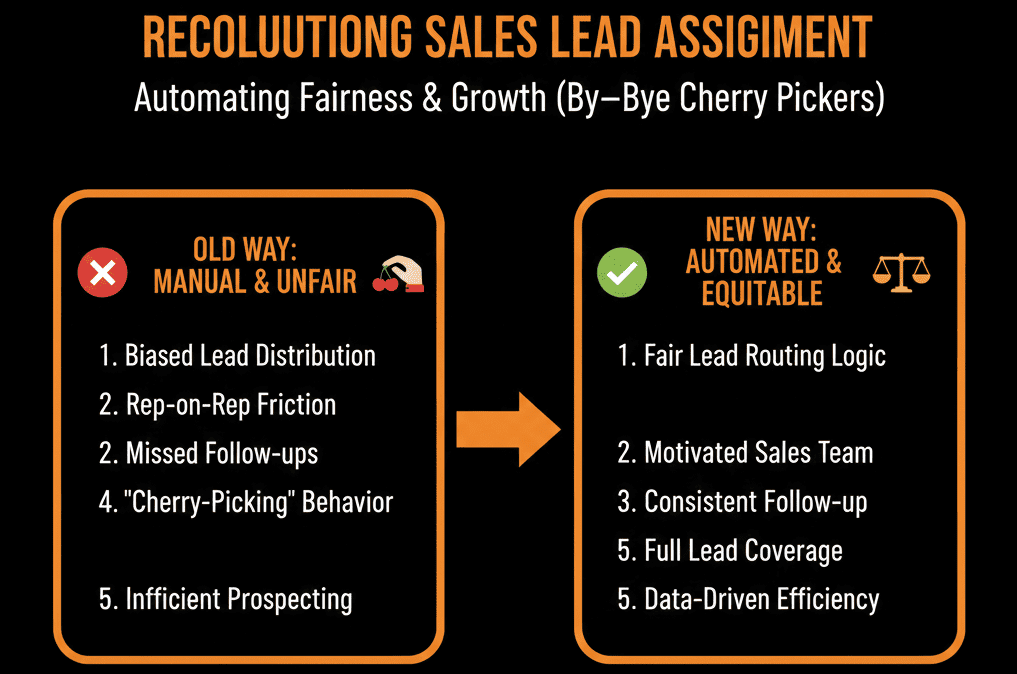
Fairness isn't Equality. It's Optimization.
Your job isn't to make sure every rep has the same number of leads.
Your job is to make sure every Lead has the best possible experience.
If your best rep converts at 30% and your new rep converts at 10%, "Fairness" costs you money.
Use tiered models to optimize for Revenue.
Not sure how to build the "State/Region" branching logic?
This is part of our Free HubSpot Health Check.
We will audit your "Routing Rules." We'll look at your team structure, your lead volume, and your conversion rates. We’ll build the "Rotation Engine" that ensures the right lead meets the right rep, instantly.