🟦 The "Enterprise" Communication Gap
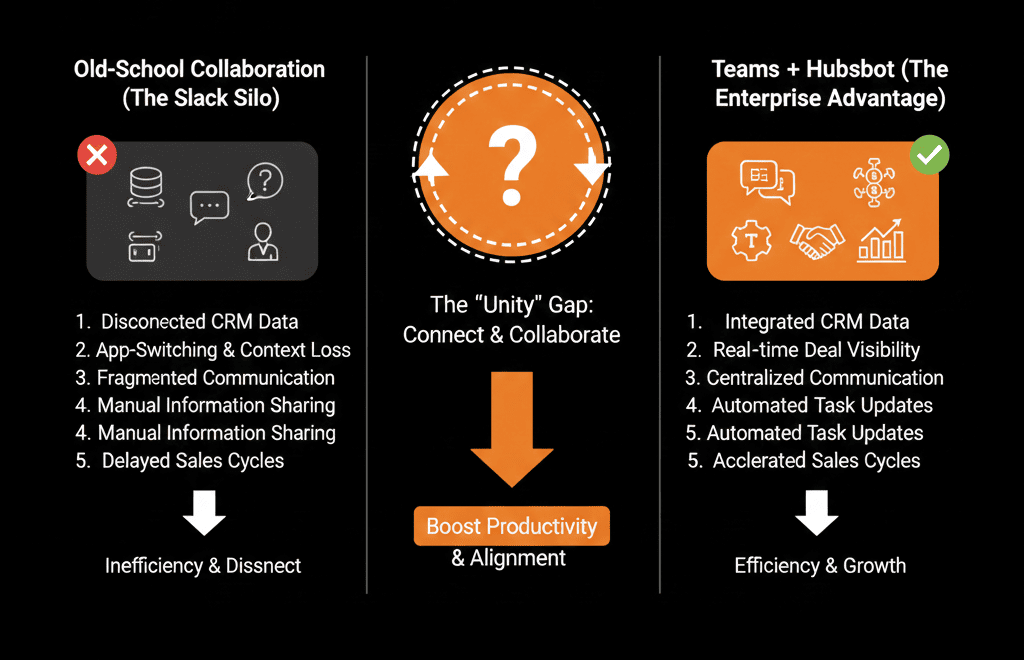
If you work at a startup, you use Slack.
If you work at a Global Enterprise or Manufacturing firm, you use Microsoft Teams.
But most "modern" CRM advice assumes everyone is on Slack. "Just set up a Slack alert!"
This leaves Microsoft shops feeling left behind.
- Your sales reps miss lead notifications because they live in Teams.
- They manually copy/paste meeting links.
- They take screenshots of HubSpot deals to paste into Teams chats.
The gap is closed. The HubSpot + Microsoft Teams Integration is powerful, native, and essential for any M365 organization.
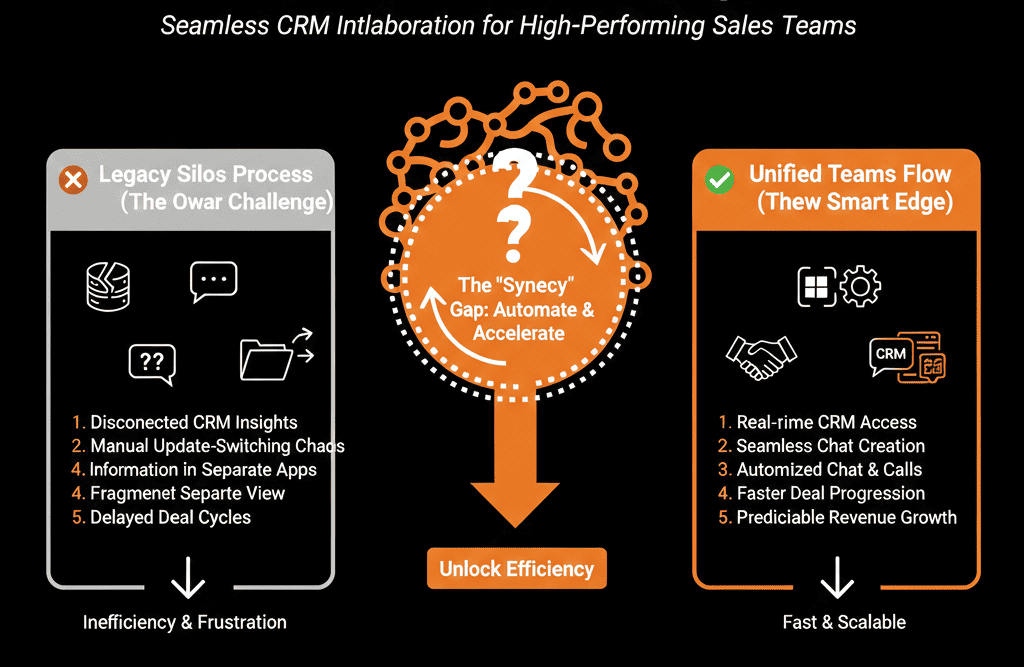
Here is how to turn Teams into your Sales Command Center.
🔔 Feature 1: The "Bot" Notification (Speed)
The Pain: Sales reps ignore email notifications about new leads.
The Fix: The HubSpot Bot.
Install the HubSpot app in Teams.
The Trigger: Build a HubSpot Workflow ("New MQL Assigned").
The Action: "Send Microsoft Teams Notification."
The Result: The rep gets a ping in their "Activity" feed.
"New Lead Assigned: [Name]. Click to View."
Action Buttons: They can click "Call" or "Add Note" directly from the notification.
🔔 Feature 2: The "Meeting" Scheduler (Convenience)
The Pain: Creating a Zoom/Teams link, copying it, pasting it into the invite.
The Fix: Native Scheduling.
When you book a meeting via HubSpot Meetings, it automatically generates a unique Microsoft Teams Conference Link.
It syncs seamlessly with Outlook Calendar.
Result: One click for the prospect to book; one click for the rep to join.
🔔 Feature 3: The "Deal Room" (Collaboration)
The Pain: A big deal requires help from Legal, Product, and Finance. The conversation is scattered across email threads.
The Fix: Associate Team Channel to Deal.
On the HubSpot Deal Record, you can "Associate" a specific Microsoft Teams Channel.
The Workflow:
- Deal moves to "Solutioning."
- HubSpot creates a new Teams Channel: Deal Room - Acme Corp.
- It adds the Rep, the Engineer, and the Manager.
- It posts the Deal Details into the chat.
Result: All collaboration happens in one place, linked to the CRM record.
🔔 Feature 4: The "In-Meeting" Context (Preparation)
The Pain: You are in a Teams video call with a prospect. You forgot their job title or last note.
The Fix: HubSpot in Teams Meetings.
You can pin the HubSpot record to the side panel of the video call.
While talking, you can see their Timeline, Properties, and Open Tickets.
You can take notes during the call that save directly to HubSpot.
⚠️ The "Permission" Hurdle
Microsoft Teams requires Global Admin approval to install apps.
For IT: The HubSpot integration is secure, SOC2 compliant, and respects user permissions.
For RevOps: You need to be best friends with your IT Director to get this installed. Bring donuts.
Don't Let the Tool Silo You.
Just because you aren't on Slack doesn't mean you can't have "Real-Time Sales."
Microsoft Teams is a robust platform. When connected to HubSpot, it breaks down the wall between "Communication" and "Data."
Not sure how to build the "Deal Room" automation?
This is part of our Free HubSpot Health Check.
We will audit your "Communication Stack." We'll help you navigate the Microsoft Admin Center permissions, install the bot, and build the workflows that keep your enterprise team moving fast.