Why “HubSpot Is Better” Is Not a CFO Argument
Your CFO doesn’t care that HubSpot looks nicer.
They care whether a migration will:
- Increase revenue.
- Reduce operating cost or risk.
- Pay back in a clear, defensible timeframe.
This article gives you a simple ROI model you can drop into a slide or memo:
- How to structure the business case.
- The numbers to collect.
- How to talk about HubSpot in CFO language.
You don’t need perfect precision.
You need reasonable, conservative assumptions and a clear story.
The Structure of a HubSpot Migration Business Case
A CFO-friendly case has five parts:
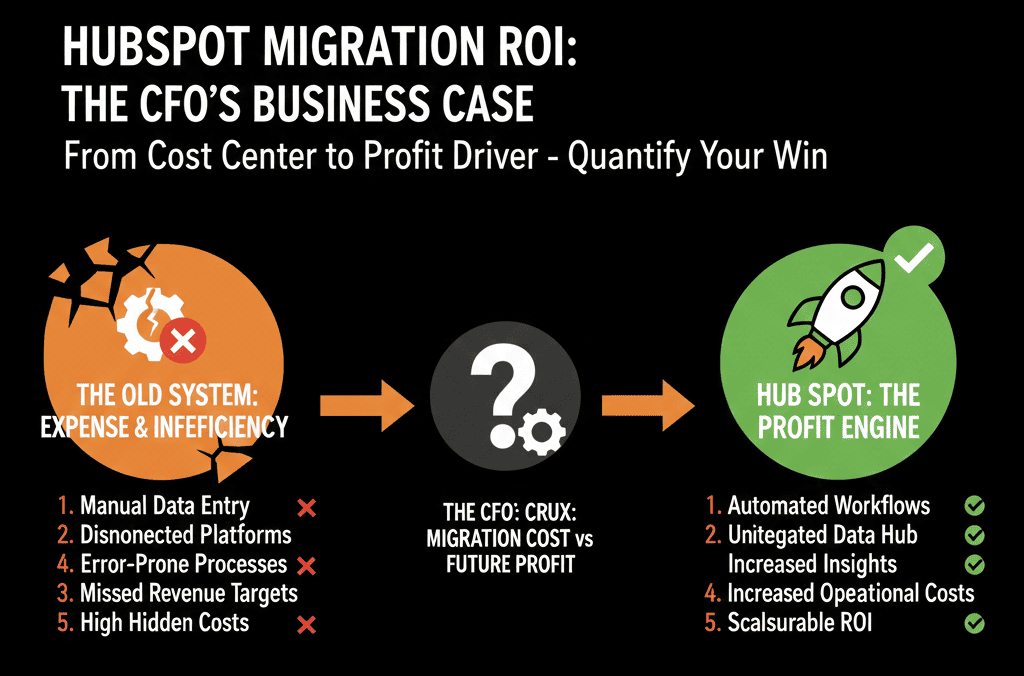
- Current state cost and pain
- Target state with HubSpot
- Revenue uplift assumptions
- Efficiency and cost savings
- Risk reduction and strategic value
We’ll walk through each and then combine them into a simple ROI calculation.
Step 1: Quantify Your Current State (Baseline)
You need a starting point for “business as usual” without HubSpot.
Capture three categories:
1.1 Direct tech spend
List your current stack:
- CRM licenses (e.g., Zoho, Pipedrive, legacy CRM).
- Marketing tools (email, automation, landing pages).
- Sales tools (sequencing, calling, enrichment).
- Support/helpdesk tools (if separate).
- Integrations, connectors, and add-ons.
Get:
- Annual license cost per tool.
- Any implementation/consulting retainers.
This is your baseline tech cost.
1.2 People time lost to tools
Ask each lead (marketing, sales, CS, RevOps):
How many hours per week does your team spend on:
- Manual data cleanup.
- Exporting/importing between tools.
- Fixing broken integrations.
- Building one-off reports in spreadsheets.
- Chasing missing information for deals or renewals.
Convert into a conservative estimate:
Example:
5 GTM team members.
~3 hours/week each on manual ops.
5 × 3 × 52 = 780 hours/year.
Multiply by a blended cost per hour (salary + overhead).
That gives you hidden operational cost.
1.3 Revenue leakage
Your current CRM issues already cost you revenue. Examples:
- Slow lead follow-up.
- Poor qualification and routing.
- Lost renewals or missed expansion opportunities.
- Inaccurate pipeline and forecast.
Estimate conservatively:
“We closed $X last year. Given our response times and process gaps, it is reasonable to assume we lost at least Y% in preventable leakage.”
Even a 2–5% conservative estimate on annual new/renewal revenue is meaningful.
Step 2: Define the Target State with HubSpot
Now describe what HubSpot is supposed to change in concrete terms.
You’re not selling “features,” you’re selling:
- Faster, cleaner pipeline management.
- Better lead capture and follow-up.
- Reliable marketing-to-revenue attribution.
- Structured renewal and expansion tracking.
Define:
Scope of the migration
- Which Hubs (Marketing, Sales, Service, Operations).
- Which teams (marketing, SDR, AE, CS, support).
- Which legacy tools will be consolidated or replaced.
Implementation approach
- Architected configuration plan (data model, pipelines, lifecycles).
- Phased rollout (foundation → migration → adoption).
Timeframe
- Migration and go-live (e.g., 8–16 weeks).
- First full year of value (Year 1 post-migration).
This becomes the context for your ROI assumptions.
Step 3: Model Revenue Uplift
This is the heart of your CFO conversation. Keep it tight and conservative.
3.1 Lead-to-opportunity and win-rate improvements
With a clean HubSpot setup, you’re usually aiming for:
- Better lead routing and follow-up.
- Cleaner qualification and lifecycle design.
- Stronger visibility for coaching and pipeline reviews.
Pick 1–2 levers:
Improved speed-to-lead and follow-up
Baseline: average first response in 12–24 hours.
Target: under 2 hours using HubSpot workflows and queues.
Conservative assumption:
X% lift in MQL → SQL conversion (e.g., +10–20%).
Improved win rate
Baseline: close rate of, say, 18%.
Target: close rate of 20–22% due to clearer stages, coaching, and visibility.
Conservative assumption:
2–4 percentage point increase in win rate.
Example calculation:
Current:
1,000 opportunities/year.
18% win rate.
$15,000 average deal.
Revenue = 1,000 × 0.18 × 15,000 = $2.7M.
With HubSpot:
18% → 20% win rate (only 2 points).
Revenue = 1,000 × 0.20 × 15,000 = $3.0M.
Incremental revenue: $300K/year from win-rate improvement alone.
Plug in your real numbers, but keep the assumed improvement modest.
3.2 Renewal and expansion improvements
If you have recurring or service contracts:
Current renewal rate (e.g., 85%).
Target renewal rate (e.g., 87–90%) with structured renewal tracking and early risk flags.
Example:
200 renewing customers/year.
$10,000 average renewal value.
Baseline renewal: 85% → $1.7M.
Improved renewal: 88% → $1.76M.
Incremental renewal revenue: $60K/year.
Add any projected expansion uplift:
- Better visibility into usage/health.
- Structured upsell motions via HubSpot.
You don’t need to overcomplicate—capture small, believable improvements.

Step 4: Model Efficiency Gains and Cost Savings
Now quantify non-revenue gains.
4.1 Tool consolidation
Identify tools you can retire once HubSpot is implemented:
- Email/automation platform.
- Landing page builder.
- Sales engagement tool.
- Basic ticketing system.
- Reporting/BI add-ons (if HubSpot will cover the core needs).
Example:
Current annual spend across 4 tools: $40K.
HubSpot incremental license cost over your existing CRM: $25K.
Net $15K/year in direct tool savings.
4.2 Time savings
Revisit the manual hours you calculated earlier.
Example:
780 hours/year of manual CRM/reporting work.
HubSpot reduces this by even 30–50%.
At a blended $60/hour:
780 × 0.4 × $60 ≈ $18,720/year in recovered time.
You can present this as:
- Reduced overtime or contractor cost.
- Freed-up capacity to handle more pipeline or customers without extra hires.
4.3 Reduced external “patchwork” spend
If you currently pay freelancers or consultants to:
- Maintain brittle integrations.
- Build custom reports from multiple systems.
- Clean and merge data periodically.
Estimate that spend and model a reasonable reduction (not zero, but materially lower).
Step 5: Quantify Risk Reduction
Risk is hard to price, but CFOs take it seriously.
Examples:
- Data fragmentation risk: lost or conflicting data across tools that impacts billing, compliance, or audits.
- Key-person risk: one admin or developer who is the only person who understands your current setup.
- Operational failure risk: leads not being routed, renewals missed, or SLAs breached because systems don’t talk.
Approach:
- Don’t force a dollar number.
- Instead, articulate:
Specific scenarios (e.g., “a missed $100K renewal because there was no system-level reminder”).
How a unified HubSpot architecture and governance reduce those risks.
Your CFO will connect the dots to risk-adjusted returns and business continuity.
Step 6: Combine into a Simple ROI Model
Put it together in Year 1 terms.
1) Incremental revenue (conservative)
Win-rate improvement: +$X
Renewal/expansion improvement: +$Y
Total incremental annual revenue: $R
Apply a conservative gross margin (if you want net contribution):
Contribution = R × gross margin.
2) Cost and efficiency gains
Tool consolidation net savings: +$A
Time/ops savings: +$B
Reduced external patchwork spend: +$C
Total annual operating gain: $O = A + B + C
3) Total annual benefit
Total Benefit = R (or contribution from R) + O.
4) Investment
HubSpot license uplift in Year 1: L
Implementation + migration (internal + external): M
Total Investment Year 1 = I = L + M
5) ROI and payback
ROI (%) = (Total Benefit − I) ÷ I × 100
Payback period = I ÷ (Total Benefit ÷ 12) in months.
Your goal: show that even under conservative assumptions, the migration:
- Pays back within 12–24 months.
- Generates a clear multiple on investment over 3 years.
Step 7: Present It in CFO Language
When you present this to your CFO:
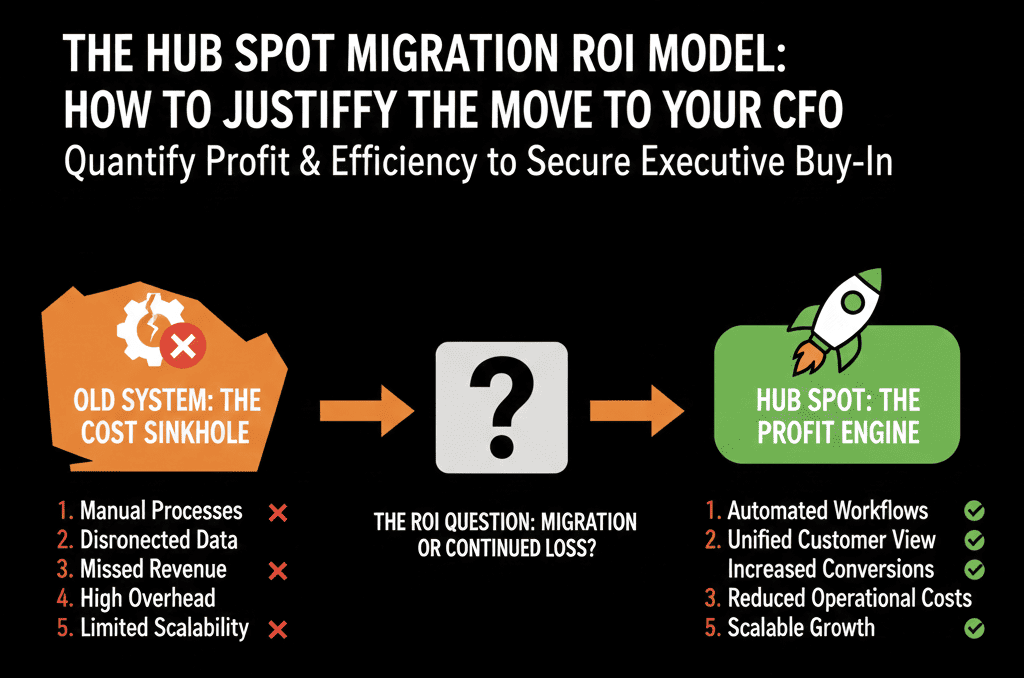
1) Lead with the business problem, not HubSpot.
“Our current stack can’t give us reliable pipeline and revenue visibility, and we’re leaking deals and renewals due to process gaps.”
2) Show the baseline numbers.
Current tools spend.
Manual hours.
Rough revenue leakage.
3) Walk through specific levers HubSpot will improve.
Lead follow-up and qualification.
Pipeline and forecast accuracy.
Renewal and expansion coverage.
Operational efficiency and tool reduction.
4) Share the conservative model.
Explicit assumptions.
Total benefit vs investment.
Payback period.
5) Acknowledge risks and mitigations.
Migration risk → mitigated by a configuration plan and phased rollout.
Adoption risk → mitigated by role-based training and governance.
CFOs appreciate that you’ve thought through both upside and execution risk.
How We Help Teams Build a HubSpot Migration ROI Plan
If you’re serious about HubSpot but need a stronger case for your CFO, you don’t have to guess the numbers alone.
Our team at ElanceMind works with B2B companies to:
- Audit your current CRM and GTM stack.
- Quantify manual work, leakage, and tool overlap.
- Design a HubSpot architecture and migration scope.
- Build a conservative 12–36 month ROI and payback model.
- Support implementation so the model becomes reality, not a slide.