🚗 The "Parking Lot" Problem
Your field sales rep just finished a critical meeting with a prospect. They get back in their car.
Option A: They open their laptop, tether to a hotspot, log into HubSpot, navigate to the deal, and type notes. (Time: 10 minutes).
Option B: They drive to the next meeting and tell themselves, "I'll log it tonight." (Time: 0 minutes).
They choose Option B. And by tonight, they've forgotten the details.
This is the "Field Friction Tax."
If you force "Road Warriors" to use a "Desktop Workflow," you get zero data.
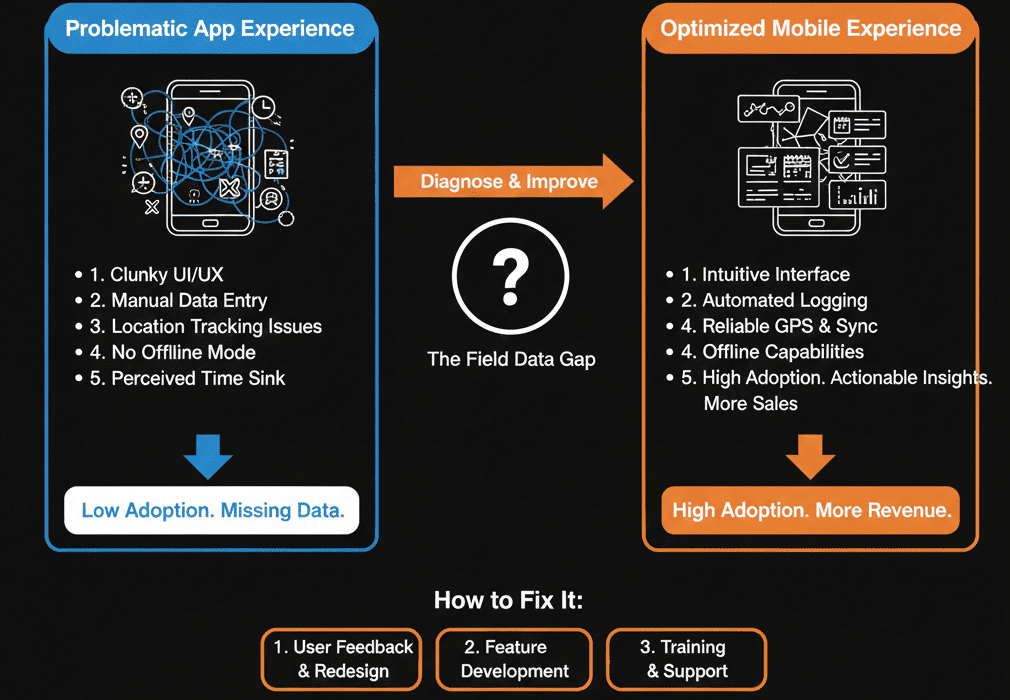
HubSpot has a world-class mobile app. But most portals are configured for desktop users, making the mobile experience clunky and unusable.
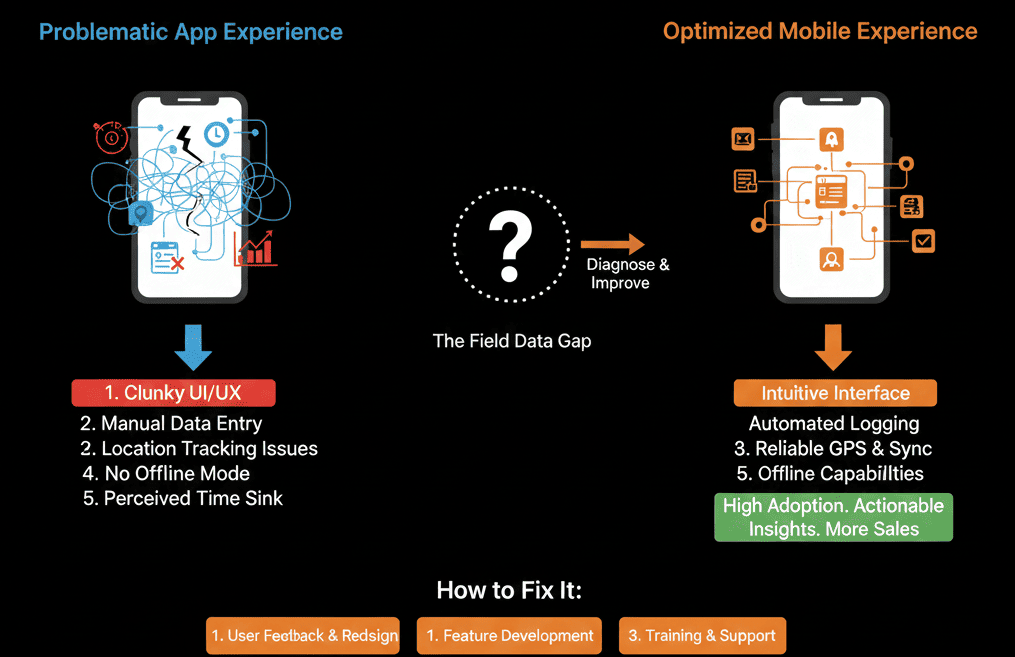
Here is the diagnostic to fixing your mobile configuration so your reps can log a visit in 30 seconds or less.
🩺 Diagnostic 1: The "Cluttered" Record
The Symptom: A rep opens a contact on their phone and has to scroll past 50 marketing properties (IP Address, Twitter Handle) to find the Phone Number.
The Root Cause: You are using the same "Record Sidebar" for Mobile as you do for Desktop.
The Fix: Conditional Mobile Logic.
Go to Settings > Record Customization.
Unfortunately, HubSpot does not yet fully split "Mobile vs. Desktop" layouts natively (as of late 2024), BUT you can reorder your "Default View" properties.
The Action: Put the "Critical 5" properties at the very top: Phone, Email, Last Note, Next Step.
Result: No scrolling. Immediate action.
🩺 Diagnostic 2: The "Typing" Fatigue
The Symptom: Reps hate typing long notes on a glass screen with fat thumbs.
The Root Cause: Ignoring native hardware features.
The Fix: Voice-to-Text Training.
The HubSpot Mobile App has a Microphone Icon next to the note field.
This isn't just dictation; it's transcription.
The Training: Teach your reps the "Parking Lot Routine":
- Get in car.
- Open App.
- Hit Mic.
- "Meeting went well. They are worried about price. Send case study tonight."
Result: A 10-minute typing task becomes a 10-second talking task.
🩺 Diagnostic 3: The "Geolocation" Void
The Symptom: "I don't know if they actually visited the client."
The Root Cause: Not using the "Log Meeting" geolocation feature.
The Fix: Geo-Tagging.
When a rep logs a meeting type "On-Site Visit" via the mobile app, HubSpot can prompt to use their location.
Pro Tip: Use the "Map View" in the app. A rep can open the map and see "Nearby Contacts" to fill gaps in their schedule. "I'm here anyway, might as well visit Acme Corp next door."
🩺 Diagnostic 4: The "Scanner" Miss
The Symptom: Reps come back from trade shows with a pocket full of business cards. They manually type them in 3 days later.
The Root Cause: Ignoring the Business Card Scanner.
The Fix: The Camera Input.
The HubSpot App has a free, built-in scanner.
Open App > "+" > "Scan Business Card".
It uses OCR to parse Name, Email, and Phone instantly.
Result: The lead is in the CRM before the rep leaves the booth.
Design for the Device.
If you are a Field Sales leader, you need to audit your portal from your phone.
- Try to log a call while walking.
- Try to find a phone number in direct sunlight.
- If it's hard for you, it's impossible for your team.
Adoption follows Convenience.
Not sure if your "Default View" is optimized?
Mobilize Your Team. Get Your Free Health Check.
This is part of our Free HubSpot Health Check. We will audit your portal specifically for "Mobile Usability." We'll clean up the clutter, train your team on Voice/Scan features, and build the "Road Warrior" workflow that captures data without slowing them down.
Mobilize Your Team.Get Free Hubspot Audit.