The “Year 1” HubSpot Trap
Year 1 with HubSpot usually looks good on paper.
Marketing launches campaigns, sales gets a new CRM, and reports start to appear.
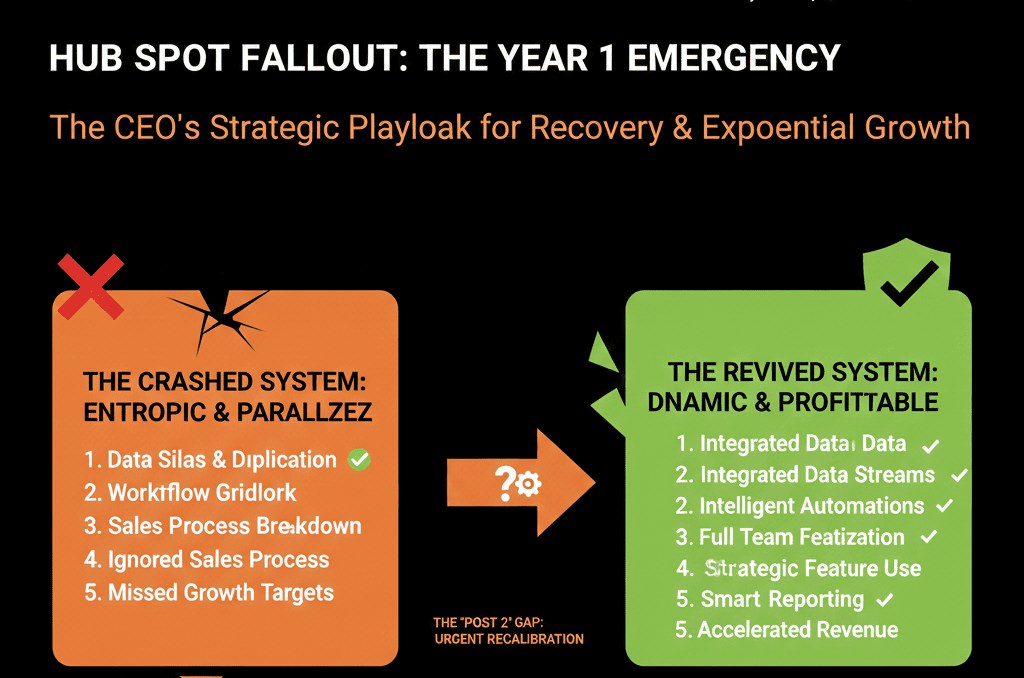
Then, somewhere between month 12 and 18, problems surface:
- Reps stop updating deals.
- Marketing can’t prove which campaigns drive revenue.
- Leadership dashboards don’t match finance numbers.
The portal hasn’t “broken” completely.
It’s just become unreliable enough that people work around HubSpot instead of inside it.
This article explains:
- Why most HubSpot portals hit a wall after year 1.
- The specific patterns we see across B2B teams.
- How to fix yours before it silently caps your growth.
Reason 1: HubSpot Was Implemented as a Tool, Not a System of Record
Many teams implement HubSpot for a quick win:
- Replace Mailchimp with Marketing Hub.
- Replace a legacy CRM with Sales Hub.
- Add Service Hub for tickets.
Configuration follows features, not revenue architecture.
After year 1, that approach shows its limits:
- Data is scattered across objects with no clear model.
- Important numbers still live in spreadsheets and other tools.
- There’s no single definition of what HubSpot is “for.”
Symptoms you’ll recognize:
- Execs don’t treat HubSpot as the “source of truth.”
- Revenue, churn, and pipeline health come from other systems.
- HubSpot reports are “nice to have,” not trusted decision inputs.
How to fix it
Decide what HubSpot will be the system of record for:
- Pipeline and forecast.
- Customer lifecycle and ownership.
- Lead source and channel performance.
Map which systems own:
- Revenue numbers (billing, invoicing).
- Product usage or delivery (for SaaS or services).
- Contract data and terms.
Sync only what’s needed into HubSpot so GTM teams can:
- Qualify and prioritize accounts.
- Run campaigns and sequences based on reality.
- See the full journey from lead to renewal.
The mindset shift is critical:
You’re not “using HubSpot.” You’re running your revenue system on it.
Reason 2: Property Bloat and Data Debt Quietly Kill Adoption
In the first year, every request sounds reasonable:
- “Let’s create a new field for this.”
- “We need another checkbox.”
- “We’ll just add one more dropdown.”
Fast-forward a year and your portal has:
- Hundreds of custom properties no one can explain.
- Multiple versions of the same concept (Lead Source, lead_source, primary_source).
- Important data stored in free-text fields instead of structured options.
What this does to your team:
- Reps don’t know which fields to fill in.
- Forms collect messy, inconsistent data.
- Reports can’t be trusted because the underlying fields are wrong.
How to fix it
Audit your properties by object:
- Export all properties for Contacts, Companies, Deals, and Tickets.
- Tag each as:
- Used in active workflows/views/reports.
- Needed but unused (for future design).
- Obsolete or duplicated.
Standardize naming and purpose:
- One field per concept (e.g., “Primary Lead Source”).
- Clear descriptions so any new hire can understand what to use.
Set guardrails:
- Limit who can create new properties.
- Review new field requests monthly against your data model.
Cleaning data debt is not glamorous.
But without it, every new automation or report adds friction rather than clarity.
Reason 3: Pipelines Reflect Internal Chaos, Not Real Buying Journeys
In year 1, pipelines get built fast:
- Sales asks for stages that match their old CRM.
- Ops adds extra stages for admin steps.
- New pipelines appear for “special” teams or one-off experiments.
Over time, this leads to:
- Deals parked in stages that mean nothing to leadership.
- Overlapping pipelines that fragment reporting.
- Win/loss analysis that’s impossible to run.
Your forecast becomes guesswork because the underlying pipeline is messy.
How to fix it
Start with reality, not tools:
Map how your best deals actually progress:
- First meaningful contact.
- Real discovery.
- Proposal/terms shared.
- Decision maker alignment.
- Verbal yes.
- Signed.
Redesign your core pipelines around those steps:
- New Business pipeline with 6–8 clear stages.
- Renewal/Expansion pipeline if your model requires it.
For each stage, define:
- Entry criteria: what must be true to enter this stage.
- Exit criteria: what must be true to move forward.
- Required fields and actions.
Archive or merge legacy pipelines that no longer match your process.
When pipeline stages reflect real buying behavior, your forecast and conversion analysis instantly gain credibility.
Reason 4: Handoffs Happen in Slack and Email, Not in HubSpot
Year 1 rollouts often focus on one team:
- Marketing runs campaigns.
- Sales logs deals.
- Or CS tracks tickets.
What rarely happens is a clean design of handoffs:
- Marketing → Sales (MQL → SQL).
- Sales → CS (Closed Won → onboarding).
- CS → Sales (renewal/expansion).
So people fill the gap with:
- Slack messages.
- Google Sheets.
- Email threads.
Work gets done, but the system never learns.
How to fix it
Define each handoff in simple terms:
- What qualifies a lead for sales?
- What information must move from sales to onboarding?
- When does a renewal become “in play”?
Implement these in HubSpot:
Workflows that:
- Create and assign tasks or deals.
- Create onboarding tickets when a deal closes.
- Surface renewal opportunities based on dates or health.
Views and queues that show each team “what’s next” inside HubSpot.
Measure the health of handoffs:
- Time-to-first-touch for new MQLs.
- Time from Closed Won to onboarding start.
- Renewal deals created X days before contract end.
When handoffs live inside HubSpot, you stop losing revenue in the gaps between teams.
Reason 5: Reporting Is Built Backwards from “Cool Charts,” Not CEO Questions
In year 1, it’s easy to get excited by dashboards:
- Traffic charts.
- Email open rates.
- Deal velocity graphs.
But if reports are created without a clear executive question, you end up with:
- Pretty dashboards nobody uses.
- Conflicting versions of “the number.”
- Weekly meetings where people argue over data instead of decisions.
How to fix it
Start from 5–7 core questions leadership cares about:
Examples:
- Where is revenue growth really coming from (segment, region, channel)?
- How healthy is our new business and renewal pipeline?
- Where do we lose deals in the journey?
- Which campaigns or offers drive opportunities, not just leads?
Design reports to answer those, and only those, first.
Validate numbers with finance and RevOps:
- Reconcile 1–2 quarters to build trust.
- Document how metrics are calculated so they can be challenged and improved, not ignored.
Only then expand into more detailed operational dashboards.
The goal is not to impress; it’s to make it safe for leaders to rely on HubSpot in high-stakes decisions.
Reason 6: No Governance, So the Portal Slowly “Rots”
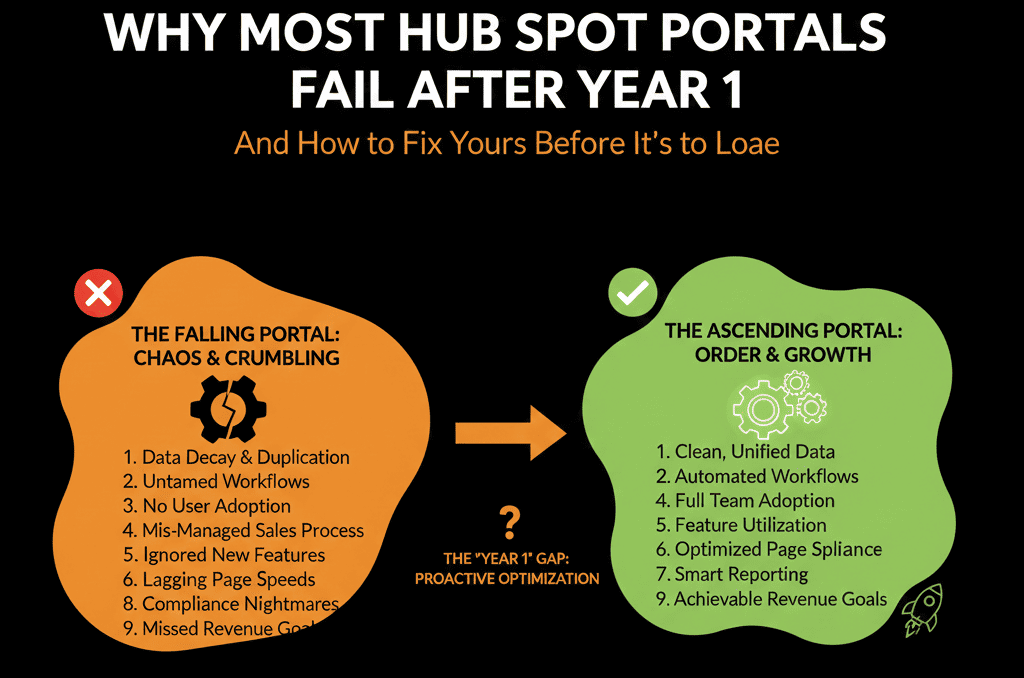
Even with a good start, most portals fail after year 1 because nothing prevents slow decay:
- New properties are created without review.
- Workflows are cloned and left running.
- Users come and go; permissions and ownership aren’t updated.
The result is “automation debt” and operational risk.
How to fix it
Establish clear roles:
- HubSpot Architect: owns data model and high-level design.
- HubSpot Admin(s): own day-to-day config and support.
- Business Owners: marketing, sales, CS leaders who sponsor changes.
Create a lightweight governance rhythm:
Monthly:
- Review new fields, workflows, and major changes.
- Decommission unused assets.
Quarterly:
- Assess adoption and data quality.
- Update roadmap based on business priorities.
Set change rules:
- No new pipelines or lifecycle definitions without review.
- No mass updates to core properties without a rollback plan.
- No “shadow systems” for core processes that belong in HubSpot.
Governance sounds heavy.
Done right, it’s just a recurring conversation that keeps your system from drifting.
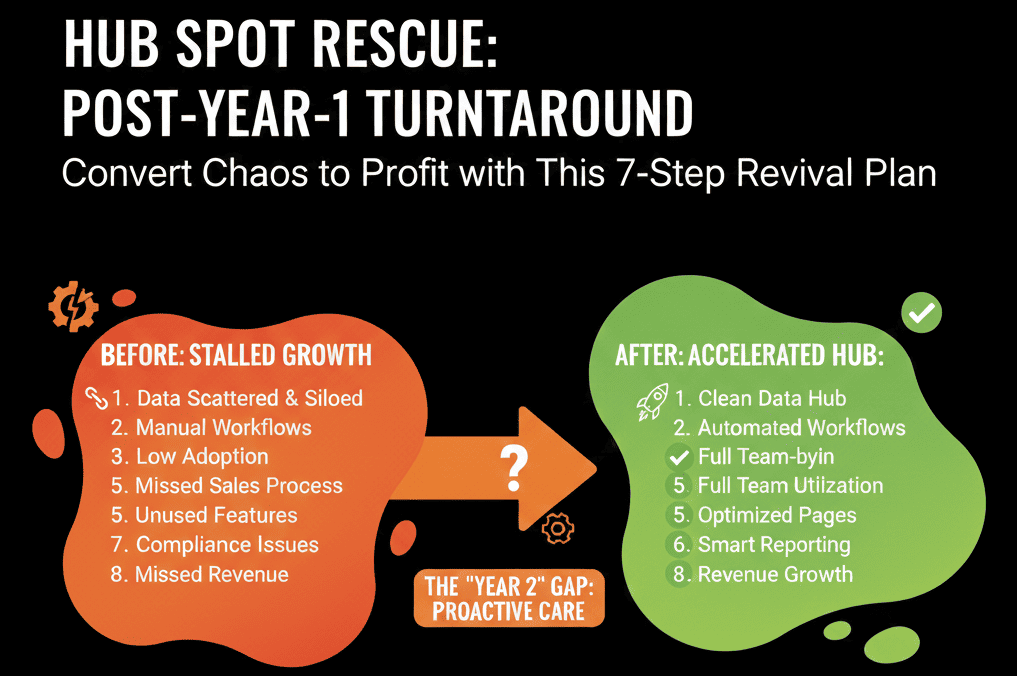
How to Know if Your Portal Is at Risk Right Now
You don’t need a full audit to see if your HubSpot is heading toward failure in year 2 or 3. A few quick checks:
- Do your leadership meetings use HubSpot dashboards as the primary view into pipeline and revenue?
- Do marketing, sales, and CS all agree on what each lifecycle stage means inside HubSpot?
- Are there clear, documented handoffs in HubSpot between teams?
- Can a new hire quickly understand which fields and objects matter?
- Is there a named owner responsible for keeping HubSpot coherent as you scale?
If you hesitate on most of these, your portal is likely drifting toward that “we don’t trust HubSpot anymore” moment.
The earlier you intervene, the cheaper and safer it is to fix.
Fix Your HubSpot Portal Before It Caps Your Growth
HubSpot doesn’t fail because the software is weak.
It fails because the implementation stops evolving while your business keeps changing.
You can avoid or reverse the “post-year-1” failure pattern by:
- Treating HubSpot as your revenue system of record, not just a marketing tool.
- Cleaning property bloat and data debt before automating more.
- Redesigning pipelines and handoffs around how you actually sell and retain customers.
- Building reporting from CEO-level questions downward.
- Putting light but firm governance in place.
If you’d like a structured, outside view on where your portal stands today, we can help.
Our team at ElanceMind runs focused HubSpot Portal Health Checks and Audits for scaling B2B companies. We:
- Diagnose the underlying reasons your portal is stalling after year 1.
- Map the gaps in data, pipelines, handoffs, and reporting.
- Deliver a practical 30–90 day roadmap to stabilize and upgrade your HubSpot architecture.