🧾 The "Did They Pay?" Slack Message
It happens every end-of-quarter. Your sales rep is trying to close an upsell.
They Slack the Finance Manager: "Hey, is the invoice for [Client X] paid yet?"
Finance is busy closing the books. They reply 4 hours later: "No, it's 30 days overdue."
The rep is embarrassed. They almost pitched an upsell to a delinquent client.
This is the "Finance Silo."
Sales lives in HubSpot.
Finance lives in QuickBooks/Xero.
The wall between them creates friction, slows down deals, and annoys customers.
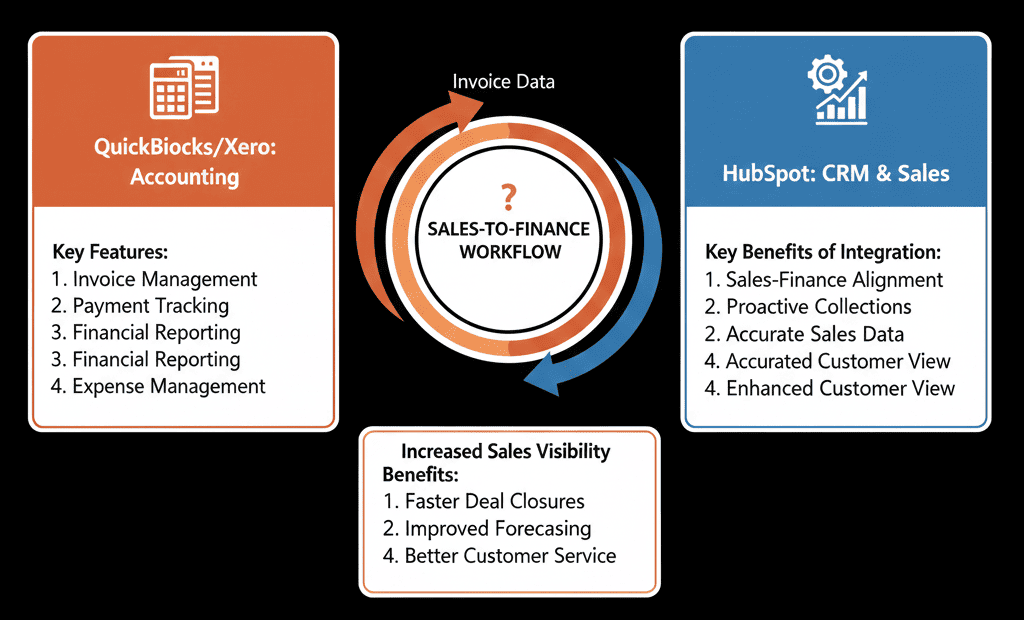
You need to tear down the wall. You need Invoice Visibility inside the CRM.
Here is how to connect your ledger to your revenue engine.
🔍 Feature 1: The "Invoice" Card (Visibility)
The Pain: Sales is blind to payment status.
The Fix: Native Data Sync.
Connect QuickBooks or Xero to HubSpot using the native integration (or Ops Hub).
The Result: An "Invoices" card appears on the Company Record sidebar.
The View: Sales can see:
- Invoice #101: PAID (Green).
- Invoice #102: OVERDUE (Red).
The Value: They never have to ask Finance again. They know before they call.
🔍 Feature 2: The "Create Invoice" Workflow (Speed)
The Pain: Sales creates a "Deal." Finance manually re-types the data into QuickBooks to create an invoice. Typos happen.
The Fix: Automated Invoice Creation.
The Workflow:
- Trigger: Deal Stage = "Closed Won."
- Action: Create Invoice in QuickBooks/Xero.
- Mapping: Map Deal Amount to Invoice Amount. Map Line Items to Products.
The Value: Zero data entry. Zero typos. The invoice is ready to send instantly.
🔍 Feature 3: The "Payment" Trigger (Automation)
The Pain: A customer pays. Finance knows. Sales doesn't.
The Fix: Payment-Based Workflows.
- Trigger: QuickBooks Invoice Status changes to PAID.
- Action: Update HubSpot Deal Property Payment Status to PAID.
- Action: Trigger "Onboarding Sequence" (Welcome Email).
The Value: Operations start the second the money hits the bank, not when Finance remembers to email Sales.
⚠️ The "Permission" Lock (Governance)
Finance leaders are often terrified of this integration. "I don't want Sales messing up my books!"
The Reassurance:
- Sales can VIEW invoices.
- Sales can DRAFT invoices (for approval).
- Sales CANNOT DELETE or post to the general ledger without approval.
Governance is key.
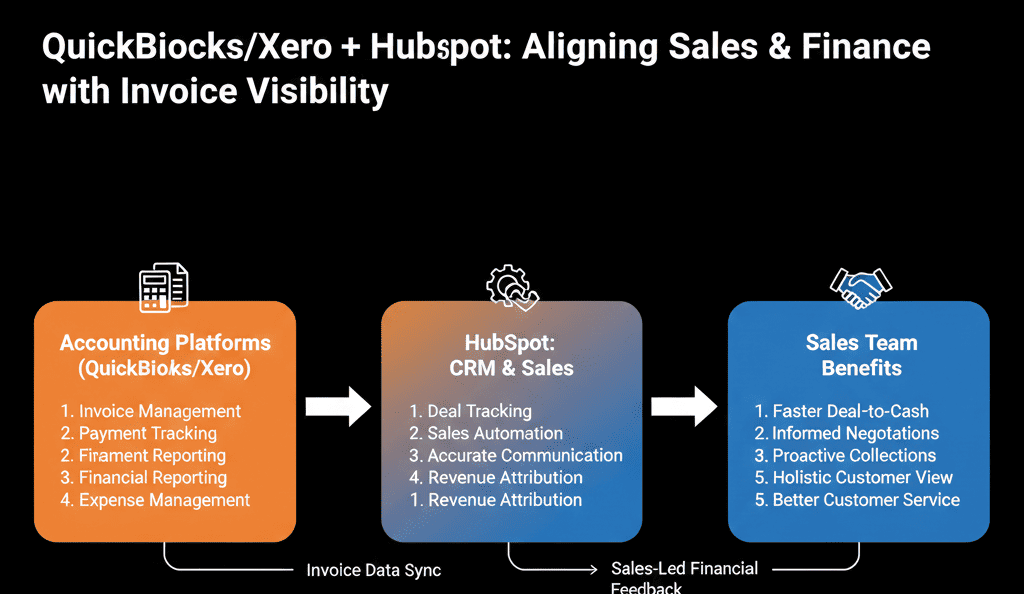
Align Sales and Finance.
When Sales and Finance share data, the company moves faster.
Sales stops selling to bad payers.
Finance stops chasing data entry.
Customers get a seamless "Quote-to-Invoice" experience.
Not sure how to map your "Chart of Accounts"?
Bridge the Gap
We will audit your "Finance Stack." We'll connect QuickBooks/Xero, set up the permissions, and build the "Payment Notification" workflows that keep everyone aligned.
Bridge the Gap. Get Free Hubspot Audit.