📄 The "Receipt" Effect
You spend months building a relationship. You present a beautiful slide deck. You win the verbal "Yes."
Then, you send the contract.
And it looks like... a receipt from a hardware store.
- Basic font.
- No colors.
- A giant "HubSpot" logo at the bottom.
- A grid of line items that looks like an Excel sheet.
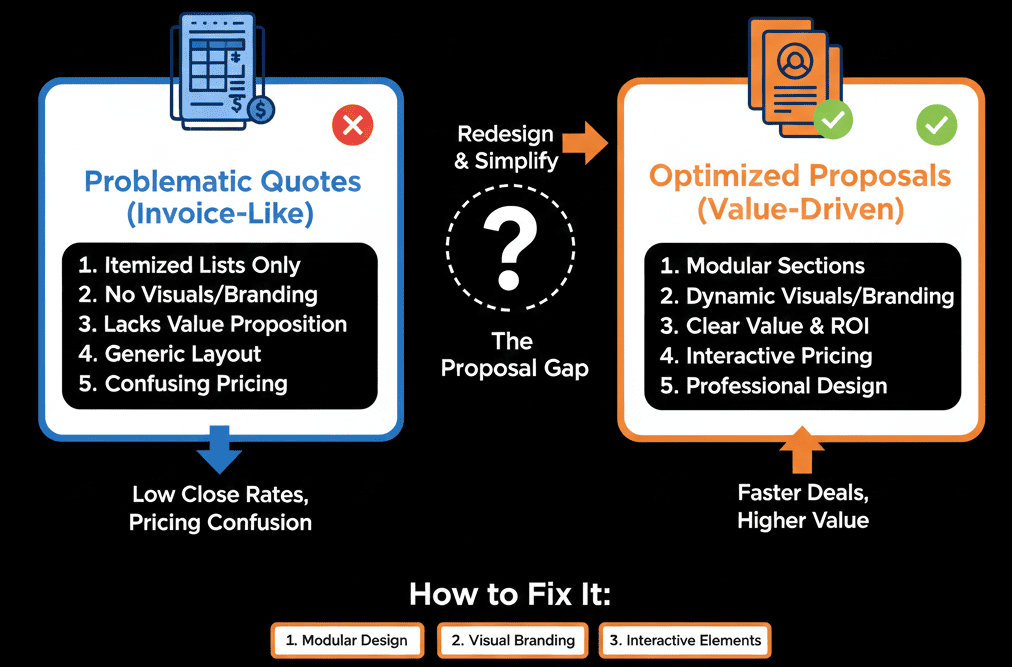
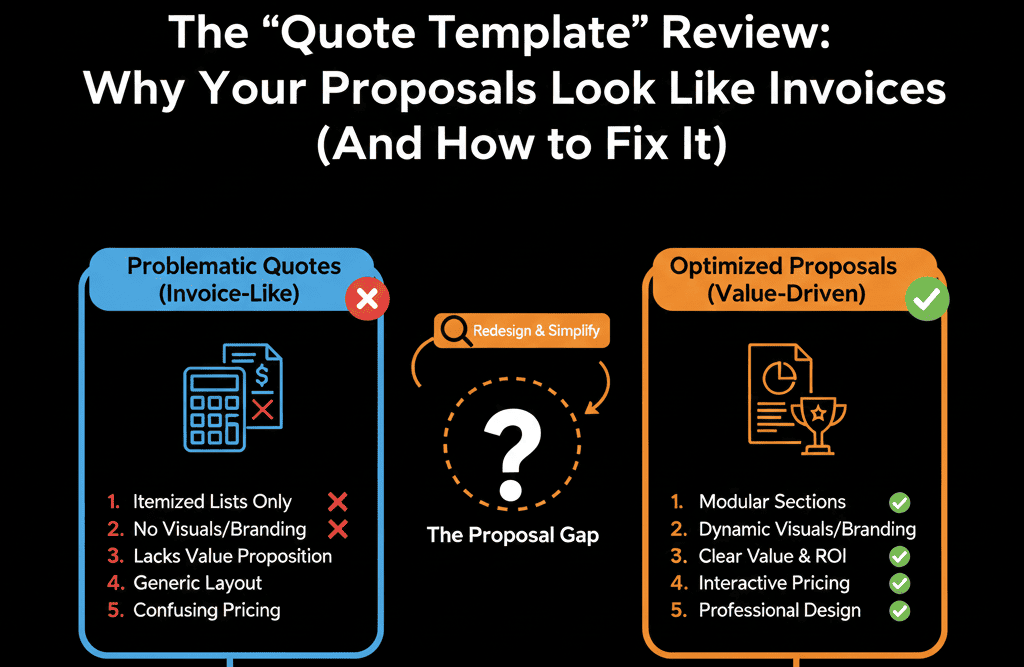
This is the "Receipt Effect." It unconsciously devalues your premium service. It tells the customer: "The romance is over. Now pay me."
HubSpot's default quote templates ("Modern," "Basic") are functional, but they are not "Sales Assets." They are "Financial Documents."
You can fix this. HubSpot allows for fully custom Quote Templates (using the Design Manager). You can turn a "Receipt" into a "Microsite."
Here is the audit to upgrading your closing experience.
🩺 Diagnostic 1: The "Logo" Brand Fail
The Symptom: Your quote has a tiny logo in the corner, but the rest is black and white text. It looks generic.
The Root Cause: Using the "Standard" template without customization.
The Fix: Custom CSS Colors.
You don't need to be a coder. Even in the basic editor, match the Button Colors and Header Bars to your brand hex codes.
The "Hero" Image: Add a full-width banner image at the top of the quote that matches your website branding. It instantly makes it feel like a "web page," not a PDF.
🩺 Diagnostic 2: The "Context" Vacuum
The Symptom: The quote lists "products" but doesn't explain "value."
Item: Consulting. Price: $5,000.
The Root Cause: Ignoring the "Comments to Buyer" or "Snippet" sections.
The Fix: The "Scope of Work" Block.
Customize your template to include a Rich Text Module before the pricing table.
Use this space to reiterate the "Why."
"As discussed, this package includes A, B, and C to help you achieve X Goal."
Remind them of the value before you show them the price.
🩺 Diagnostic 3: The "T&C" Wall of Text
The Symptom: A 5-page wall of tiny legal text at the bottom. It’s intimidating.
The Root Cause: Poor layout.
The Fix: Expandable Modules.
Use a custom template to put T&Cs inside an "Accordion" or "Scrollable Box."
It keeps the quote clean and short, but the legal protection is still there if they need to read it.
🩺 Diagnostic 4: The "Domain" Trust Gap
The Symptom: The URL of the quote is yourcompany.hubspot.com/....
The Root Cause: You haven't connected your domain for quotes.
The Fix: Domain Connection.
- Go to Settings > Objects > Quotes.
- Connect your actual domain (e.g., quotes.yourcompany.com).
Result: It looks like your proprietary system, not a third-party tool. Trust increases.
🎨 The "Custom" Unlock (Design Manager)
If you have Sales Hub Pro/Enterprise and CMS Hub, you can build anything.
- You can add Video (a "Thank You" Loom from the CEO).
- You can add Testimonials (Social Proof next to the price).
- You can add Chat (Let them ask a question right on the contract).
A "Custom Quote Template" is basically a landing page. Treat it like one.
Your Contract is Marketing.
The "Closing Experience" is the first taste of your "Customer Experience."
If it feels cheap, they will expect your service to be cheap.
If it feels premium, they will pay the invoice faster.
Don't settle for the default.
Not a designer? Don't know HTML/HubL?
Close with Style. Get Your Free Health Check.
This is part of our Free HubSpot Health Check. We will audit your "Closing Assets." We'll look at your current quote design, your domain setup, and your conversion rates. We can even help you deploy a "Custom Template" that matches your brand.
Close with Style. Get Free Hubspot Audit