📅 The "Fairness" Trap
You set up a HubSpot Round Robin meeting link. It rotates leads evenly: Rep A, Rep B, Rep C. It seems fair. Everyone gets the same number of "At Bats."
But then, disaster strikes.
Scenario: The VP of Engineering at "Coca-Cola" (a Strategic Account) books a demo.
The Routing: The Round Robin assigns it to "Rep C"—your brand new junior rep who started last week.
The Result: The call is a disaster. The deal is lost.
This is the "Fairness Trap."
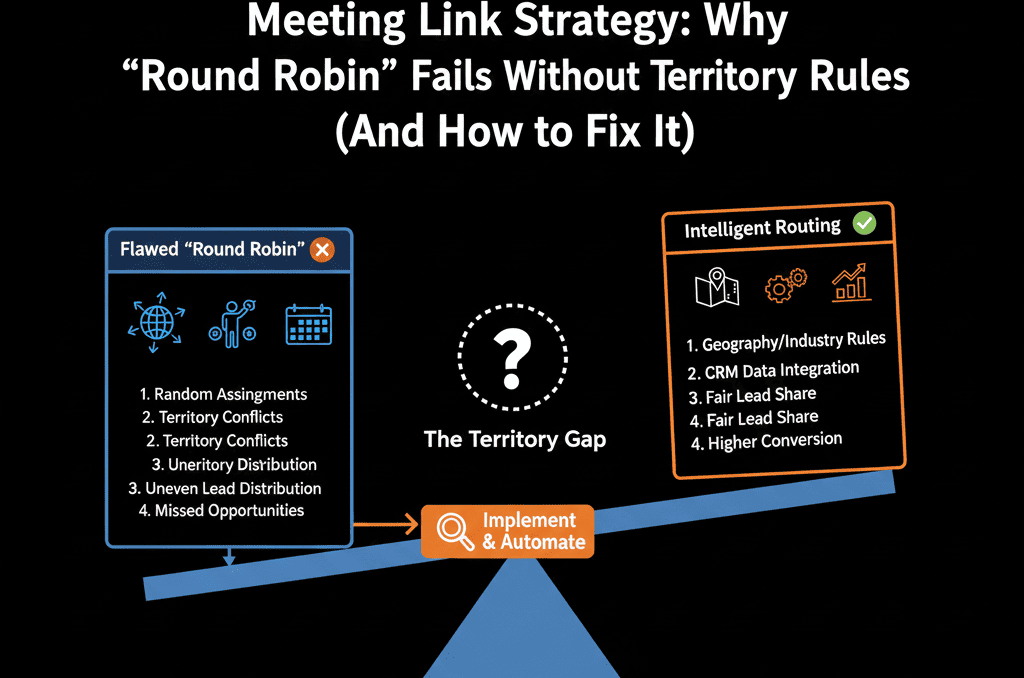
Round Robin optimizes for equality (volume). It does not optimize for quality (match).
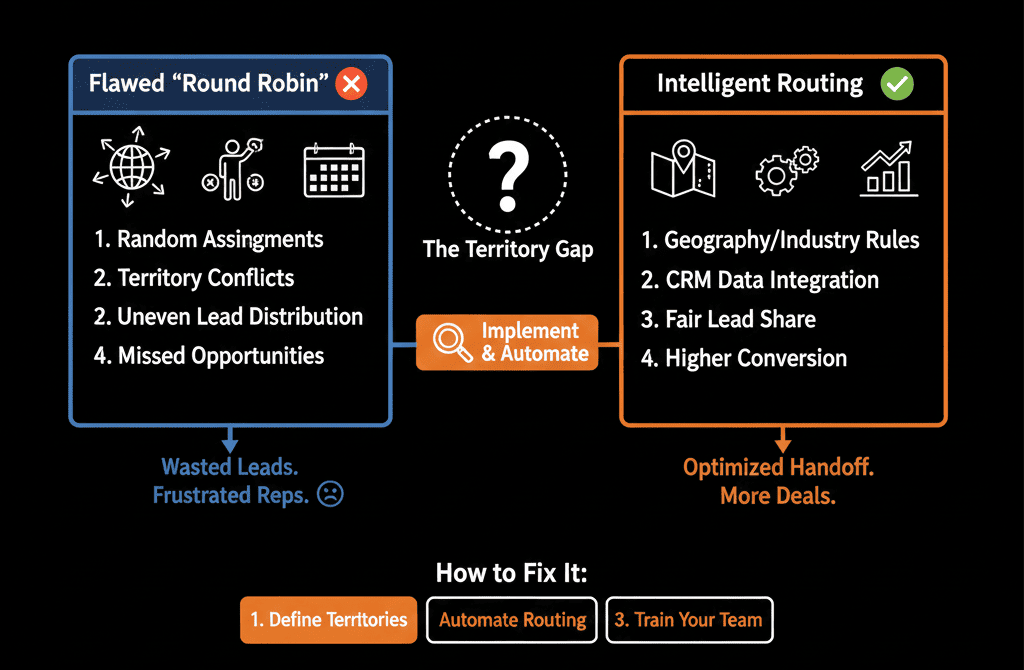
If you have Territories (East/West), Segments (SMB/Enterprise), or Expertise (Verticals), a simple Round Robin link will kill your conversion rate.
Here is the diagnostic to finding the " Routing Leaks" and building a smarter scheduler.
🩺 Diagnostic 1: The "Territory" Mismatch
The Symptom: Your "West Coast" rep wakes up to a meeting with a "New York" lead.
The Root Cause: You are using one link for everyone.
The Fix: Team-Based Links.
Don't have a "Book a Demo" link. Create "East Coast Team" and "West Coast Team" links.
The Routing Logic: Use a HubSpot Form with a "State" dropdown.
- If State = NY -> Redirect to "East Coast Link".
- If State = CA -> Redirect to "West Coast Link".
Result: The Round Robin only rotates among the eligible reps.
🩺 Diagnostic 2: The "Seniority" Fail
The Symptom: Junior reps are burning Enterprise leads.
The Root Cause: No "Tiered" Logic.
The Fix: Weighted Rotation (or Chili Piper).
Native Fix: In HubSpot Sales Hub Enterprise, you can create separate teams. Create an "Enterprise Team" link and an "SMB Team" link. Route based on Company Size.
The Hack: If you can't afford Enterprise, simply remove Junior Reps from the main "Demo" link. Let them hunt their own leads. Only give the "Inbound" link to the closers.
🩺 Diagnostic 3: The "Account Owner" Bypass
The Symptom: An existing customer books a meeting... and gets routed to a new sales rep.
The Root Cause: The scheduler ignores "Contact Owner."
The Fix: "Prioritize Owner" Setting.
- Go to Meetings > Edit Link.
- Turn on "If Contact is Owned, show Owner's Calendar."
Result: If John Smith is owned by Rep A, he only sees Rep A's calendar. The Round Robin is bypassed entirely. This protects the relationship.
⚠️ The "Availability" Bug
Sometimes, Round Robin feels "unfair" because one rep gets 10 meetings and another gets 2.
Why? Calendar Availability.
If Rep A blocks off their calendar for "Deep Work," the Round Robin skips them.
The Fix: Audit your reps' calendars. Ensure everyone has open slots during "Prime Time" (10 AM - 3 PM).
Fairness < Revenue.
Your job isn't to be "fair" to sales reps. Your job is to maximize Revenue Per Lead.
If that means routing 100% of Enterprise leads to your Top Rep and 0% to the Junior Rep... do it.
Smart Routing aligns the best rep with the best lead.
Not sure how to build the "Form Redirect" logic?
Route Smarter. Get Your Free Health Check.
This is part of our Free HubSpot Health Check. We will audit your "Inbound Flow." We'll look at your meeting links, your form logic, and your team structure. We’ll build the "Smart Router" that ensures your whales never end up with a junior rep again.
Route Smarter. Get Your Free Health Check.