📉 The "Crystal Ball" is Broken
It’s the end of the quarter. You promised the board $2M in revenue.
The quarter closes. You hit $1.4M.
You missed by 30%. Again.
Your CEO asks, "What happened? The HubSpot forecast said we had $2.5M in the commit pipeline!"
You don't have a good answer. "Deals slipped." "Prospects ghosted."
This is the Forecasting Crisis. It destroys credibility. If you can't predict revenue, you can't hire, you can't invest, and you can't sleep.
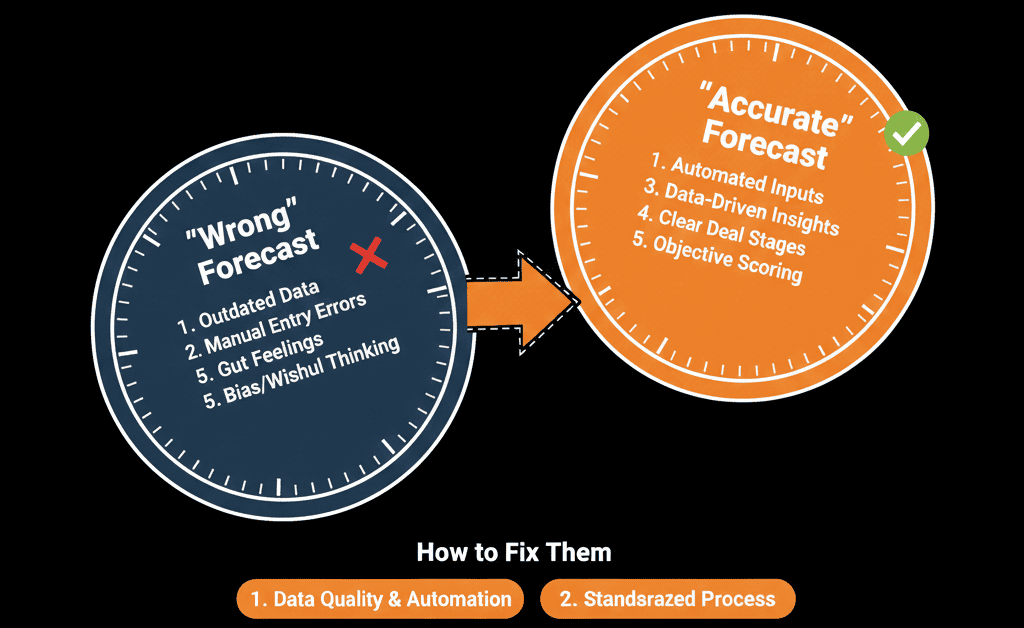
The problem isn't that your sales team is bad at selling. It's that your HubSpot Forecast Configuration is lying to you. You are relying on "Default Settings" that don't match your actual buying cycle.
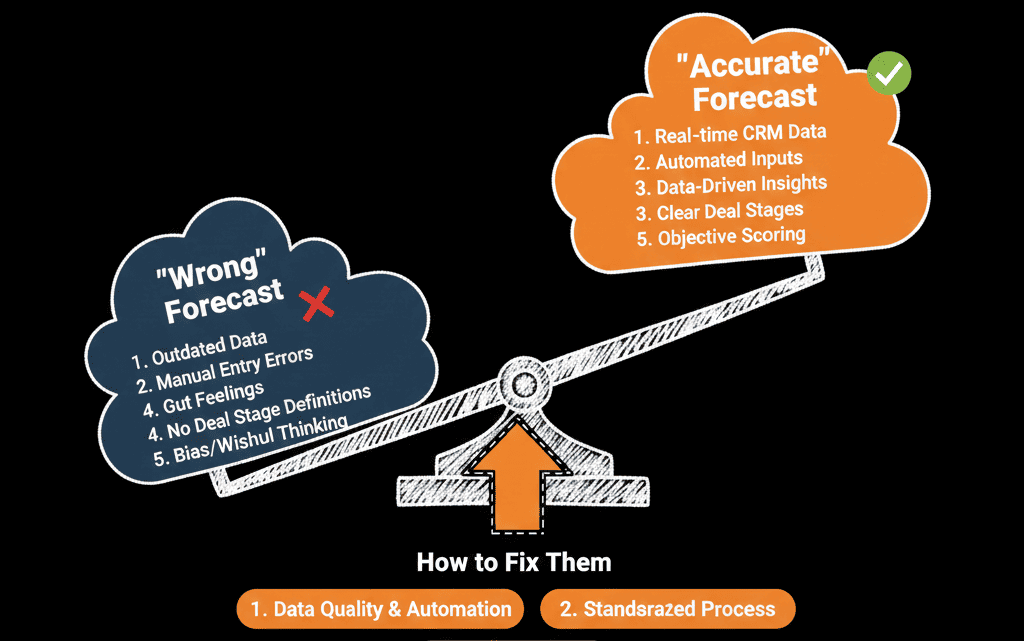
Here is the diagnostic guide to auditing your Forecast logic and rebuilding a prediction engine you can trust.
🩺 Diagnostic 1: The "Default Probability" Trap
The Symptom: Your "Weighted Pipeline" looks healthy, but deals aren't closing.
- The Root Cause: You are using HubSpot's default "Win Probabilities." By default, HubSpot assigns a % to every stage. (e.g., "Qualified to Buy" = 40%).
- The Reality: Just because a deal is in "Qualified," does not mean it has a 40% chance of closing. If your rep moved it there manually but hasn't spoken to the decision-maker, the real probability might be 5%.
The Fix: Validate Your Math.
- Go to Reports > Sales > Funnel Analysis.
- Look at your actual historical win rates from each stage over the last 12 months.
- If "Proposal Sent" historically closes at 20%, but your Pipeline Setting says 60%, change the setting. Align the math with reality.
🩺 Diagnostic 2: The "Close Date" Fiction
The Symptom: You have a "Bow Wave" of deals pushing to the end of the month.
- The Root Cause: Lazy data entry. When a rep creates a deal, they often pick "End of Month" as a default Close Date. As the date approaches, they just bump it to next month.
The Fix: The "Stale Date" Workflow.
- Build a workflow: If Close Date is in the past AND Stage is not Closed -> Create High Priority Task for Rep.
- Enforce a rule: A rep cannot move a deal stage forward unless the Close Date is verified with the customer.
🩺 Diagnostic 3: The "Forecast Category" Ignorance
The Symptom: You are forecasting based on "Stage" instead of "Commitment."
- The Root Cause: Not using Forecast Categories. "Deal Stage" tells you where the deal is in the process (e.g., Contract Sent). "Forecast Category" tells you how the rep feels (e.g., Pipeline, Best Case, Commit).
The Fix: Implement the "Commit" Logic.
- Train reps that "Commit" means "I will bet my paycheck on this."
- Build a Dashboard View that shows ONLY deals marked "Commit" for this month. This is your real number. Ignore the "Pipeline" fluff.
🩺 Diagnostic 4: The "Sandbagging" vs. "Happy Ears"
The Symptom: Some reps always hit 110% (Sandbaggers), others miss by 50% (Happy Ears).
- The Root Cause: Inconsistent criteria for entry.
The Fix: Stage Verification Properties.
- You must gate your stages.
- To move from "Discovery" to "Solution," require the property: Economic Buyer Identified.
- To move from "Solution" to "Commit," require: Procurement Process Confirmed.
- If the rep can't fill these out, the deal cannot advance probability. This removes "optimism" from the equation.
Build a "Manager's Forecast" View
HubSpot has a dedicated Forecasting Tool (Sales Hub Pro/Ent). Use it. It allows Sales Managers to look at a rep's pipeline and submit a "Manager Override" forecast.
- Rep says: $100k.
- Manager sees: Risky deal.
- Manager submits: $70k.
This allows leadership to add a layer of realism on top of rep optimism.
Stop Guessing. Start Calculating.
If your forecast is wrong, your strategy is wrong. This is part of our Free HubSpot Health Check. We will audit your "Forecast Logic." We'll look at your historical win rates, your stage probabilities, and your rep behaviors. We’ll help you recalibrate your settings so your "Weighted Pipeline" actually predicts the future.
Fix Your Numbers. Get Free Hubspot Audit.