🖥️ The "Swivel Chair" Interface
Your support agent is on the phone with a customer.
"Where is my order?" the customer asks.
The agent looks at HubSpot. They see the name and email. But they don't see the order.
So they:
- Alt-Tab to the ERP.
- Search for the email.
- Find the tracking number.
- Alt-Tab to FedEx.
- Check the status.
- Alt-Tab back to HubSpot to reply.
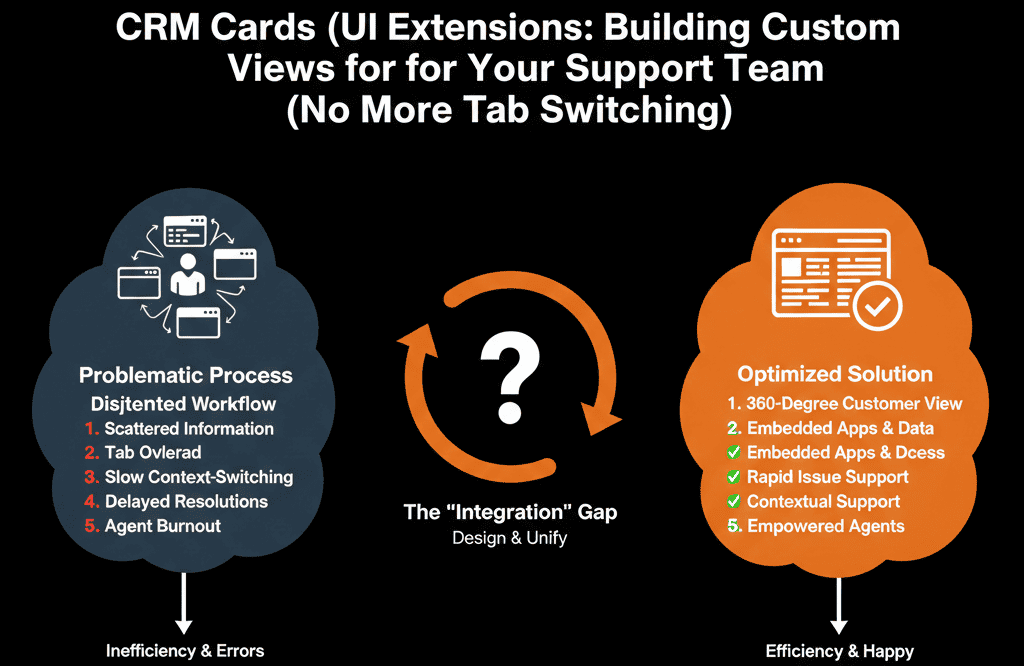
This is the "Swivel Chair" effect. It kills efficiency. It increases "Average Handle Time" (AHT). It frustrates the customer.
You don't need to import all that shipping data into HubSpot properties (that's expensive and messy). You just need to see it.
Enter HubSpot UI Extensions (formerly known as CRM Cards).
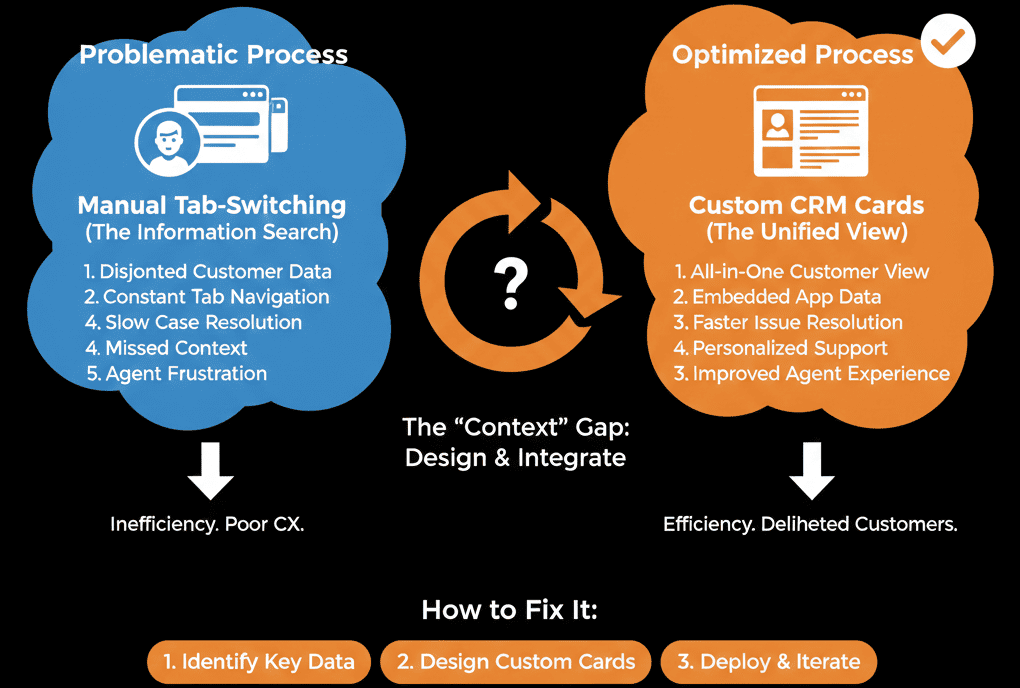
This feature allows developers to build Custom Cards in the middle column of the HubSpot record. You can use React to render data from any external API directly inside the CRM.
It is the key to building a "Single Pane of Glass." Here is how to use it.
🪟 What is a UI Extension?
Standard HubSpot records have three columns:
- Left: Properties (Name, Email).
- Middle: Activity Timeline (Calls, Emails).
- Right: Associations (Deals, Tickets).
UI Extensions let you hijack the Middle Column (or Sidebar) to render your own mini-app.
It’s not just text. It’s interactive.
It can have buttons, graphs, and tables.
It queries your external database in real-time.
🛠️ Use Case 1: The "Order Status" Card (E-commerce)
The Pain: Support agents check Shopify/Magento constantly.
The Fix: Build a custom card that queries the Order API.
The View:
When the agent opens John Smith, the card loads.
It displays a table: Recent Orders.
Row 1: Order #123 | Status: Shipped | Tracking: [Link].
The Tech: You aren't storing this data in HubSpot properties. You are just fetching it when the page loads. It is always 100% accurate.
🛠️ Use Case 2: The "SaaS Usage" Card (Product Data)
The Pain: Sales reps don't know if a trial user is actually using the software.
The Fix: A "Usage Stats" card connected to your Data Warehouse (Snowflake/Postgres).
The View:
- Logins (Last 7 Days): 15
- Storage Used: 85%
- Feature X Activated: ✅ Yes
The Action: The rep sees this instantly. "Hey John, I see you're hitting your storage limit. Want to upgrade?"
🛠️ Use Case 3: The "Action" Button (Internal Tools)
The Pain: To reset a password or issue a refund, the agent has to log into an admin panel.
The Fix: Interactive Buttons.
UI Extensions support Serverless Functions.
You can add a button: [Reset Password].
When clicked, HubSpot sends an API call to your backend, resets the password, and returns a success message: "Password Reset Sent!"
Result: The agent never left the CRM.
💻 The "Dev" Requirement
Unlike standard Workflows, this is a Developer Feature.
Required: Sales/Service Hub Enterprise.
Tech Stack: You build these using React and the HubSpot CLI.
Hosting: The code is hosted on HubSpot (Serverless Functions), so you don't need to spin up your own AWS server.
It requires code, but the payoff is massive. You are building a custom software interface inside a commodity CRM.
Stop Context Switching.
Every time an agent switches tabs, they lose focus.
Every time they have to log into another tool, you pay for another seat license.
UI Extensions bring the data to the user.
If you are a SaaS, show usage. If you are Logistics, show shipping. If you are FinTech, show transaction history.
Make HubSpot the only tab they need.
Don't have a React developer? Not sure if your API is compatible?
Build Your Single Pane of Glass. Get Your Free Health Check.
This is part of our Free HubSpot Health Check. We will audit your "Agent Workflow." We'll count the number of tabs they keep open and design a "UI Extension" roadmap to consolidate those tools into a single, custom HubSpot view.
Build Your Single Pane of Glass. Get Free Hubspot Audit.