📅 The "CSV Upload" of Shame
It’s the day after your big webinar. You had 500 registrants. It was a success.
But now, the "Marketing Hangover" begins.
- You log into Zoom/Eventbrite.
- You export the "Registrant List."
- You export the "Attendee List."
- You manually scrub the CSVs.
- You upload them to HubSpot.
- You manually enroll them in a "Follow Up" workflow.
It takes 3 hours. And because of the delay, your "Thank You" email goes out 24 hours late. The momentum is lost.
This is the "Manual Event Tax."
In 2026, your webinar strategy should be "Self-Driven."
- The registration form should be HubSpot.
- The link should be auto-sent.
- The "Did they attend?" data should be in HubSpot instantly.
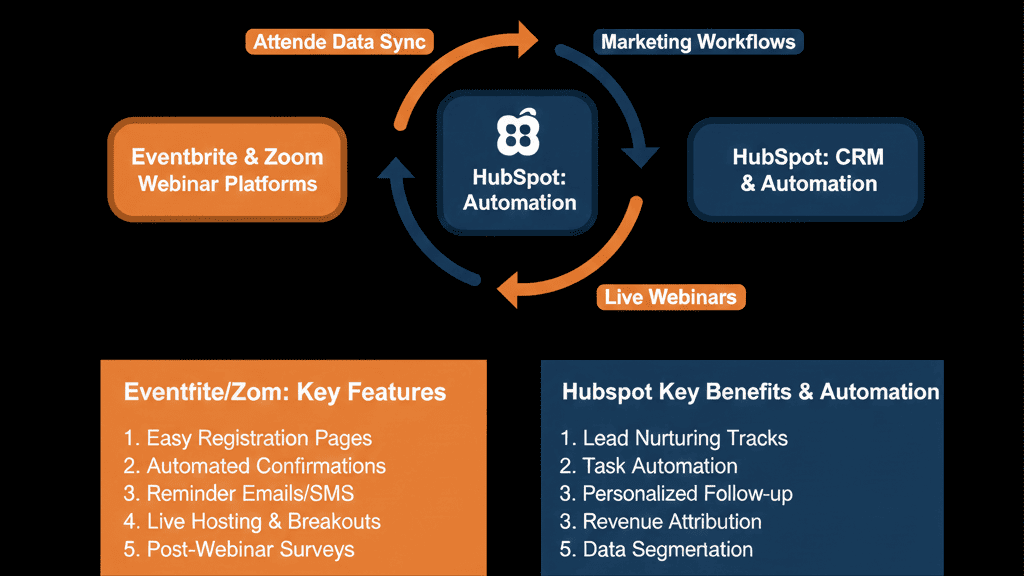
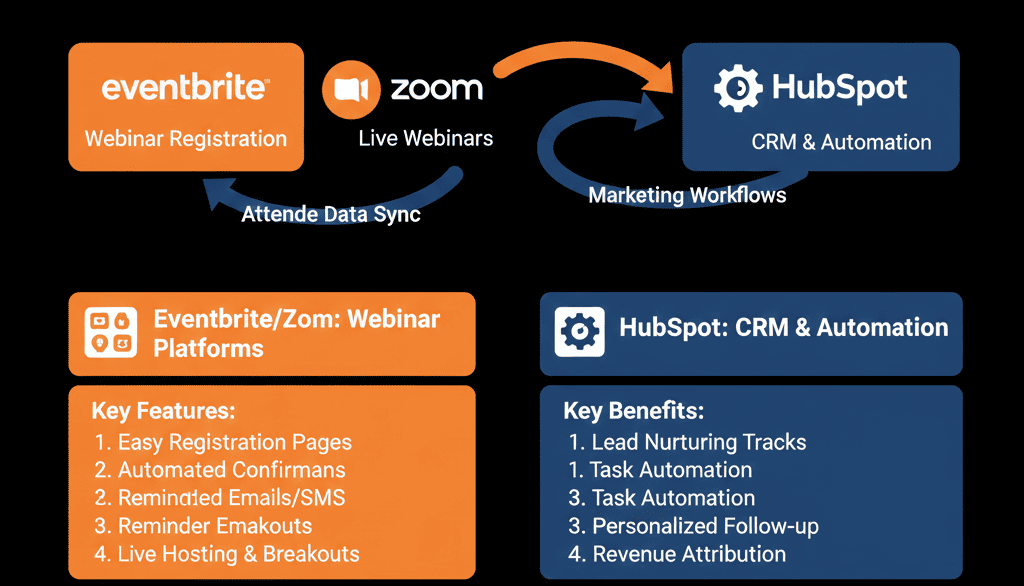
The HubSpot + Zoom (or Eventbrite) integration is the engine that makes this possible. Here is how to build the automated webinar machine.
🎟️ The "Zoom" Webinar Workflow
The Goal: Seamless experience for high-intent B2B webinars.
Step 1: The "HubSpot" Landing Page
- Don't use the ugly Zoom registration page. Build a branded Landing Page in HubSpot.
- The Form: Use a HubSpot Form.
- The Workflow: "When Form Submitted -> Add Contact to Zoom Webinar."
- The Integration: In the workflow action, select "Add contact to Zoom webinar" and pick your event ID.
- The Result: The user stays on your site. Zoom sends the unique join link back to HubSpot.
Step 2: The "Instant" Confirmation
- Don't use Zoom's email. Use HubSpot's.
- The Email: Use personalization tokens ({{ contact.zoom_webinar_join_link }}).
- The Benefit: You control the branding, the tracking, and the "Add to Calendar" button.
Step 3: The "Attendance" Trigger
- Zoom syncs "Attendance Duration" and "Attended Status" back to HubSpot automatically (usually within 15-30 mins post-event).
- The Workflow:
- If: "Attended Webinar = True" -> Send "Recording + 'Book a Demo' CTA."
- If: "Attended Webinar = False" -> Send "Sorry we missed you + Recording."
- The Result: Hyper-segmented follow-up without lifting a finger.
🎟️ The "Eventbrite" Live Event Workflow
The Goal: Managing physical events or paid tickets.
Step 1: The "Two-Way" Sync
- Eventbrite is a different beast. People register on Eventbrite (not your site).
- The Sync: Turn on the native integration.
- The Logic: "When new Order is created in Eventbrite -> Create/Update Contact in HubSpot."
- The Mapping: Map Event Name to a custom property Last Registered Event.
Step 2: The "Pre-Event" Nurture
- Since they registered on a third-party site, you need to bring them into your brand.
- The Workflow: "Trigger: Registered for [Event Name]."
- Action: Send "Know Before You Go" email from HubSpot. (Better design, better tracking).
Step 3: The "Check-In" Sync
- If you use the Eventbrite Organizer App to scan tickets at the door, that data syncs to HubSpot.
- The Trigger: Eventbrite Check-In Status = "Checked In."
- The Action: "Send 'Thanks for Coming' email + PDF of slides."
- The Result: Instant gratification for the attendee.
📊 The "ROI" Dashboard
Stop reporting on "Registrants." Report on Revenue.
Because the data is in HubSpot, you can build a Campaign Report:
- Influence: "How many Deals were influenced by the 'Q3 Webinar'? "
- Attribution: "How much Revenue came from contacts who attended (not just registered)? "
This is how you prove to your CFO that webinars aren't just "brand awareness"—they are "revenue generators."
Stop Being an Event Planner. Be a Marketer.
If you are spending your time uploading CSVs, you are an Event Planner.
If you are spending your time optimizing follow-up workflows, you are a Marketer.
The integrations exist. They are native. They are free.
Not sure how to map the "Zoom Join Link" token? Or how to handle "reschedules"?
Automate Your Events
This is part of our Free HubSpot Health Check. We will audit your "Event Stack." We'll connect Zoom/Eventbrite, test the data flow, and build the "Post-Event Nurture" workflow that turns attendees into demos.
Automate Your Events.Get Free Hubspot Audit.