Why Most HubSpot Implementations Stall After Go-Live
Many teams “implement” HubSpot like this:
- Connect the website.
- Import contacts.
- Build a few dashboards.
- Turn on some basic workflows.
Six months later:
- Sales still lives in spreadsheets.
- Marketing can’t trust lifecycle and attribution.
- Leadership sees HubSpot as “just another tool.”
The issue isn’t HubSpot.
The issue is treating implementation as a one-time project instead of a 90-day habit-building program that turns HubSpot into a self-driven revenue system.
Here’s the playbook we use across B2B teams to get from zero (or messy) to self-driven in 90 days.
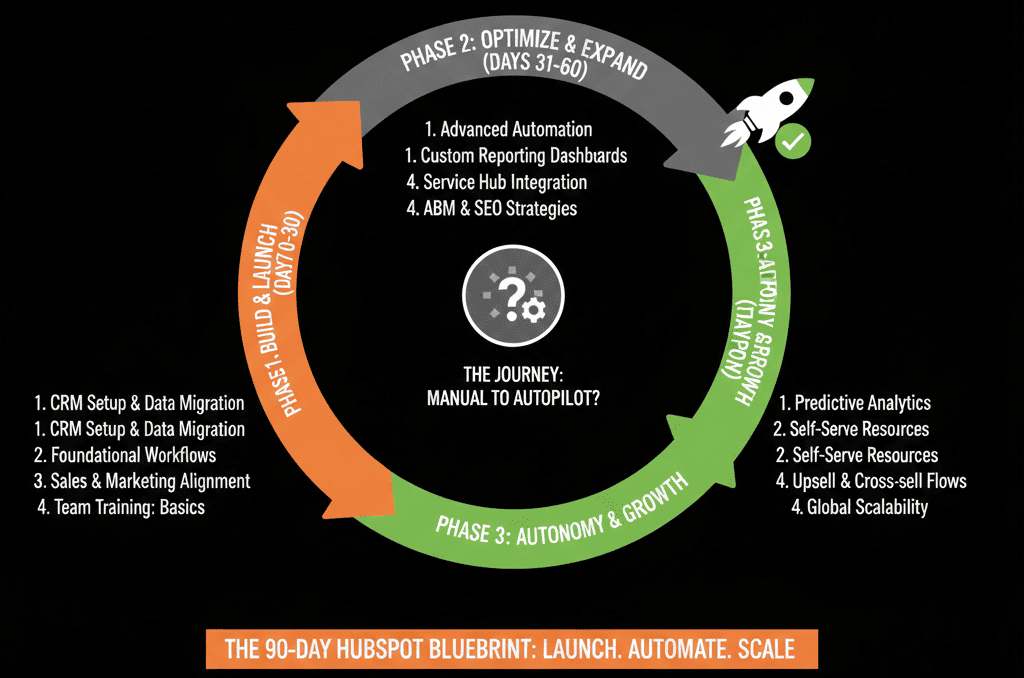
Overview: The 90-Day Phases
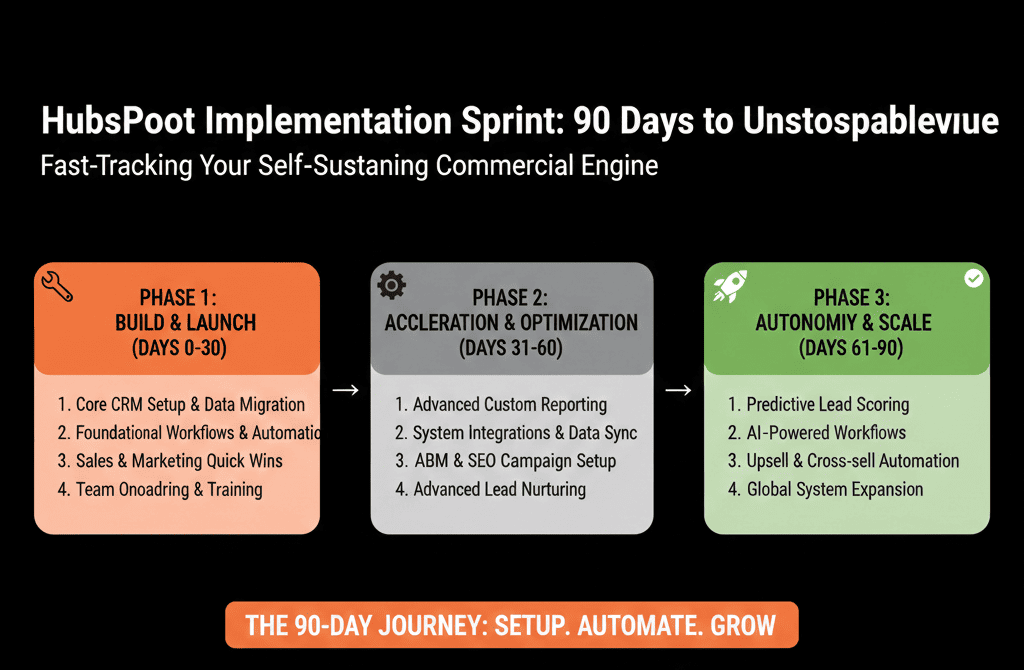
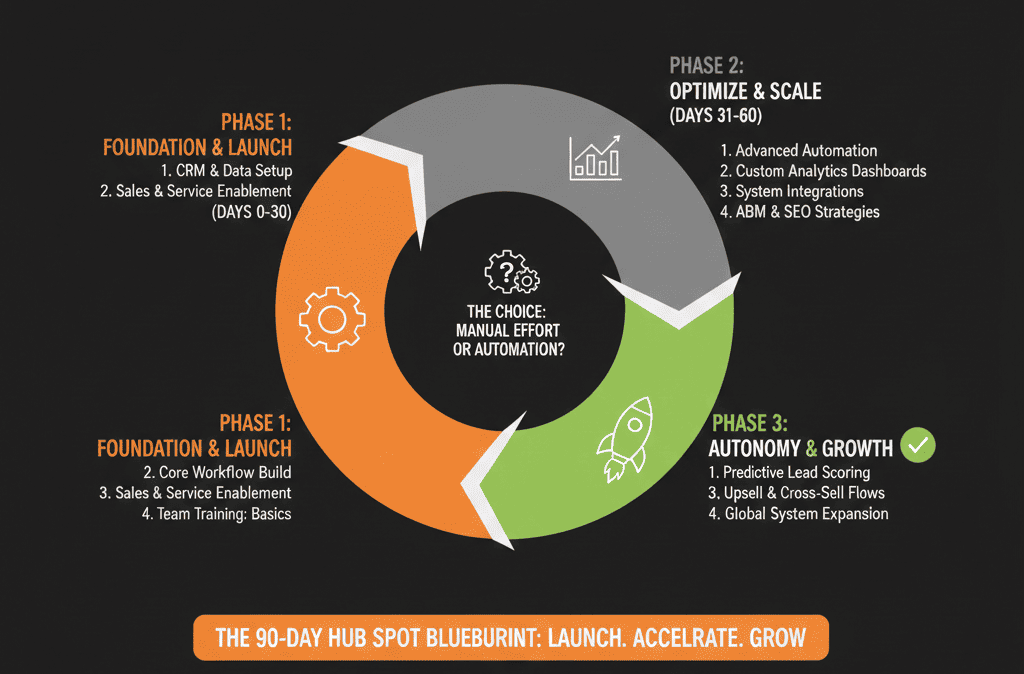
We break implementation into three 30-day sprints:
- Days 1–30: Foundation & Architecture — Get the data model, lifecycles, and pipelines right.
- Days 31–60: Automation & Adoption — Layer in workflows, handoffs, and role-based usage.
- Days 61–90: Reporting & Optimization — Build executive-ready reporting and tune based on real usage.
Each phase has clear outcomes and constraints:
You don’t move forward until the previous layer is stable.
Days 1–30: Foundation & Architecture
Objective
Turn HubSpot into a clean, scalable system of record for your customer lifecycle.
1. Clarify business outcomes
In week 1, align leadership:
- What must HubSpot do in the next 12–18 months?
- What decisions should executives be able to make from HubSpot alone?
- Which systems will stay (billing, support, product) and what will HubSpot own?
Capture 3–5 primary outcomes, for example:
- One trusted pipeline and forecast.
- Clear lead lifecycle from first touch to opportunity.
- Accurate reporting by segment/channel.
2. Design your data model
Decide which objects you’ll actually use:
- Contacts, Companies, Deals, Tickets as standard.
- Custom objects where business-critical (subscriptions, projects, locations, etc.).
For each object, define:
- 10–20 must-have properties.
- Owners for each property.
- Naming conventions and descriptions.
Don’t import everything.
Import what supports those outcomes.
3. Define lifecycle and pipelines on paper
Before creating anything in the portal, document:
- Lifecycle stages, entry/exit criteria, and owners (marketing, SDR, AE, CS).
- At least one New Business pipeline with 6–8 meaningful stages.
- Optional Renewal/Expansion and Onboarding pipelines if your model needs them.
Every stage must answer:
- What is happening with the buyer?
- What must be true to enter/leave this stage?
- Which fields are mandatory?
HubSpot supports multiple pipelines (deals/tickets/custom objects), plus conditional stage properties to require specific fields when users create or move records to a stage.
4. Clean import, not “lift-and-shift”
When bringing in data:
- Deduplicate contacts and companies as much as possible.
- Normalize key fields (country, industry, lifecycle, owners).
- Archive or exclude junk (old, unqualified, irrelevant records).
HubSpot includes deduplication tools (including matching on Record ID and unique properties) to help identify and merge duplicates.
Outcome for Day 30:
- Clean data model in HubSpot.
- Lifecycle and pipelines configured.
- Key fields in place with clear usage.
- No serious workflows yet. Just a solid frame.
Days 31–60: Automation & Adoption
Objective
Make HubSpot the daily workspace for GTM teams by automating key motions, not everything.
5. Map and automate handoffs
Identify 2–3 critical handoffs:
- Marketing → Sales (MQL to SQL).
- Sales → CS (Closed Won to onboarding).
- CS → Sales (renewal/expansion).
For each handoff, define:
- Trigger (lifecycle change, property update, deal stage).
- Required context (segment, source, notes, expectations).
- Owner and SLA (who responds, by when).
Implement workflows that:
- Create and assign tasks or deals.
- Move lifecycle stages.
- Notify the right people.
HubSpot supports creating workflows for automation across objects.
6. Build role-based “home” views
For each role (AE, SDR, CSM, marketer), create:
- Saved views/boards: AEs (open deals by stage/close date), SDRs (new MQLs/unworked), CSMs (renewals/at-risk), marketers (leads by campaign/lifecycle).
- Minimum dashboards: personal productivity, team performance.
Train each role on:
- Where they start their day in HubSpot.
- Which fields they must maintain.
- How their updates affect downstream reporting.
7. Automate a small number of high-leverage workflows
Limit yourself initially to 5–10 core workflows, such as:
- Lead assignment and rotation.
- Lifecycle stage updates.
- Deal/ticket auto-creation on key events.
- Basic data-quality enforcement (normalize country, set defaults).
No “pretty to have” automations yet.
Only items that prevent leaks, reduce manual busywork, and improve speed-to-lead and handoffs.
8. Run weekly adoption and friction reviews
For weeks 5–8, hold a 30–45 minute weekly review with GTM leads:
- What works well?
- Where are people stuck?
- Which views or workflows are confusing?
Tweak:
- Field groups and layouts (not the core data model).
- Views and dashboards.
- Workflow notifications and conditions.
Outcome for Day 60:
- Teams are using HubSpot daily for pipeline, tasks, and key handoffs.
- 5–10 core workflows humming.
- Friction documented and being addressed quickly.
Days 61–90: Reporting & Optimization
Objective
Turn HubSpot into the single pane of glass for leadership decisions and continuous improvement.
9. Build your executive reporting stack
Start from leadership questions, not chart types. Typical:
- Where is revenue coming from (segment, product, channel)?
- What does our 30/60/90-day pipeline coverage look like?
- Where do we lose deals in the funnel?
- How well do marketing efforts translate to pipeline and revenue?
Create a small set of dashboards:
- Executive: pipeline/forecast, new vs existing business, revenue by segment/channel, conversion metrics.
- Marketing + RevOps: leads/MQLs/SQLs by source/campaign, funnel conversion, cost per opp/won.
- Sales + CS: performance, win rates, renewal/expansion views.
Validate numbers against finance/ops for at least one prior period.
10. Tune lead scoring and prioritization (if applicable)
Once you have 30–60 days of real activity, analyze:
- Which attributes correlate with real opportunities.
- Which behaviors show buying intent.
Build a simple scoring model first:
- Fit (role, company size, industry).
- Intent (page views, form fills, events).
Use score for prioritization, alerts, and channel quality reporting.
Refine every quarter. Don’t overfit early.
11. Close the loop with a 90-day review
At the end of 90 days, answer:
- What has changed in data quality, pipeline clarity, speed-to-lead, handoffs, reporting confidence?
- Where is HubSpot still not supporting your revenue process?
From here, build a next-90-day roadmap:
- Deeper integrations (billing, product, support).
- More advanced automation (branching, custom code if needed).
- Additional objects/pipelines only if justified by strategy.
The 90-day point is not “done.”
It’s when you move from implementation to continuous optimization.
Common Failure Modes (and How This Playbook Avoids Them)
This 90-day structure is designed to prevent typical pitfalls:
- Building workflows before architecture → we front-load data model and pipelines.
- Importing everything → we import only what supports defined outcomes.
- Treating go-live as the finish line → we assume weeks 5–12 are adoption and tuning.
- Reporting as an afterthought → we dedicate the last 30 days to executive visibility.
Following it doesn’t guarantee perfection.
It does dramatically reduce the chance of a “nice setup nobody uses.”
Turn Your HubSpot Implementation into a 90-Day Revenue Project, Not an IT Task
If you’re planning a HubSpot rollout or your current portal feels half-implemented, you don’t need more random assets. You need:
- A clear 90-day plan.
- Architecture-first decisions.
- Habit-building for your GTM teams.
- Reporting that leadership can trust.
Our team at ElanceMind helps B2B companies:
- Design and execute 90-day HubSpot implementation and reimplementation projects.
- Build configuration plans, data models, and pipelines aligned to revenue strategy.
- Run adoption, training, and reporting sprints so the system becomes self-driven.