
🚪 The "Unlocked Front Door" Problem
A sales rep quits on a Friday. On Monday, they start at your #1 competitor. On Tuesday, they log into their HubSpot mobile app—which you never de-activated—and export their entire 5,000-contact pipeline.
Your "messy" portal just became a catastrophic data breach.
As a B2B leader, you've been trained to see your HubSpot portal as a "growth" tool. But you've overlooked its other, more critical function: it's a "vault." It contains your single most valuable corporate asset—your client and prospect list.
Yet, most companies in the 20-200 employee range run their portal like a "college dorm" with an open-door policy. Everyone has a key. Everyone is an "Admin."
This is the "Configuration Plan" failure that creates portal chaos. A portal without governance isn't just "messy"; it's a high-stakes liability. Your "data integrity" problems (property bloat, bad reports) and your "data security" problems (leaks, theft) are the same problem.
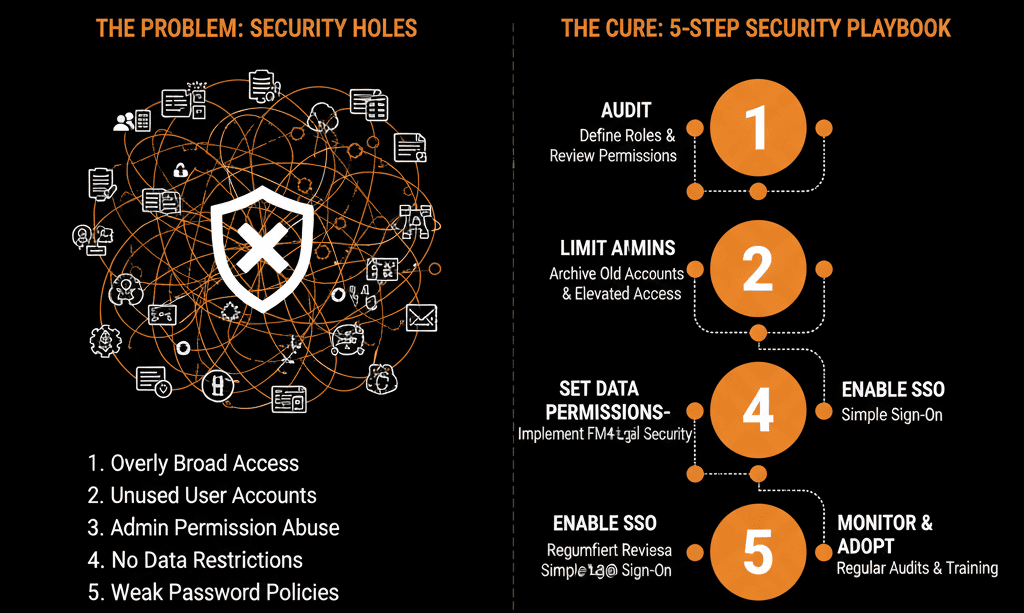
This isn't an "IT" issue. This is a "RevOps" issue. Here is a 5-step diagnostic to plug the most dangerous "permission holes" in your portal.
🩺 Hole 1: "Everyone is a Super Admin"
The Symptom: You go to Settings > Users & Teams. You have 25 active users. 15 of them are Super Admins. Your marketing manager is a Super Admin. Your new sales intern is a Super Admin.
The Real Disease: This is the root cause of 90% of your "portal chaos." It's not just a "security" risk; it's a "data integrity" nightmare.
A "Super Admin" can permanently delete other users.
A "Super Admin" can create 100 "junk" properties (our "Property Bloat" guide) and break your data model.
A "Super Admin" can build 50 "broken" workflows (our "Automation Debt" guide) that create "duplicate hell."
The Fix (The "Portal Owner" Model):
Step 1: Create a Role called "Portal Owner." This is for your 1-2 true RevOps leaders. This is the only role that gets Super Admin rights.
Step 2: Go through every other user on your team and downgrade their permissions. Your VP of Sales does not need to be a Super Admin. They need a "Sales Leader" role. Your marketing team needs a "Marketing" role.
Step 3: Lock it. From now on, your "Portal Owners" are the "architects" of the blueprint. Everyone else "works" in the house.
🩺 Hole 2: The "Accidental Bulk-Delete"
The Symptom: A new sales rep, trying to "clean up their territory," creates a list of 500 "old" contacts. They select all and hit "Permanently Delete." They've just accidentally deleted 15 active customers and 3 open deals. The data is gone forever.
The Real Disease: You have given "god-like" destructive power to junior employees. The "delete" button is the most dangerous feature in HubSpot, and you've handed it out like candy.
The Fix (A "No-Delete" Policy):
Step 1: Go to Roles & Permissions for your "Sales" and "Marketing" teams.
Step 2: Go to the CRM tab. Find the "Delete" permissions for Contacts, Companies, and Deals.
Step 3: Turn them OFF.
Your "Portal Owner" (from Hole 1) is now the only person who can "take out the trash." If a rep wants a contact deleted, they must add it to a "To Be Deleted" list, which the Portal Owner reviews once a month. You've just "de-risked" your entire database.
🩺 Hole 3: The "Dirty Import" Overwrite
The Symptom: Your VP of Sales's dashboard is "broken." All Lifecycle Stages are "Lead," and all Contact Owner fields are "blank."
The Real Disease: A marketing manager, trying to be helpful, imported a "Trade Show List" (a 5,000-row CSV). They didn't know how the Import tool works.
They didn't check the "Don't Overwrite" box.
The import "helpfully" found 3,000 existing contacts (including customers) and "updated" them. It overwrote their "Customer" lifecycle stage with "Lead" and erased all their "Contact Owners." Your "clean" database is now "dirty."
The Fix (A "Gated" Import Process):
Step 1: Go to your "Marketing" role permissions. Turn OFF the ability to "Import" records.
Step 2: All "imports" are now run exclusively by the "Portal Owner" (or a trained RevOps specialist).
Step 3: This "gated" process forces a "Configuration Plan." The Portal Owner can now clean the list (Step 3 of our "Migration Plan") and ensure the Import settings are correct before the data is ever allowed to "pollute" your "self-driven" system.
🩺 Hole 4: The "Wandering Eyes" (Data Visibility)
The Symptom: Your sales floor is toxic. A rep on "Team A" can see the "Team B" pipeline. They see a "hot" lead in their territory, and "poach" it. Or, a junior rep logs into the "CEO Dashboard" and sees the entire company's revenue, creating a morale-killing rumor.
The Real Disease: You are running your portal as one "flat" database. You have no internal "walls." This is a rookie mistake that kills sales team alignment.
The Fix (A "Partitioned" Portal):
This requires HubSpot Pro or Enterprise.
Step 1: Go to Settings > Users & Teams > Teams. Create a "Team" for "Sales - East" and "Sales - West."
Step 2: Assign your reps to their Team.
Step 3: Go to your Sales Role permissions. Under the CRM tab, change Contacts, Companies, and Deals from "All" to "Team Only."
Result: You've just created "digital walls." A "Team East" rep cannot see "Team West's" records. You've just eliminated "lead poaching" and "pipeline jealousy" with a "self-driven" system.
🩺 Hole 5: The "Ex-Employee Ghost" (Offboarding)
The Symptom: A sales rep quits (or is fired). They are angry. Two weeks later, they are still in your portal. They log in, export their entire contact list, and walk away with your most valuable asset.
The Real Disease: Your "HR" process and your "RevOps" process are not connected. You have no "Configuration Plan" for employee offboarding.
The Fix (An "Immediate De-Activation" Checklist):
Step 1: This is a process fix. The moment an employee is terminated or gives notice, HR or their manager must notify the "Portal Owner."
Step 2: The Portal Owner immediately goes to Settings > Users & Teams and Clicks Actions > Suspend User Account.
"Suspend" is better than "Delete": Deleting the user un-assigns all their records and can break historical reporting. "Suspending" logs them out of all devices immediately and preserves their data ownership.
Step 3: The Portal Owner then re-assigns that user's Contacts and Deals in a clean, controlled-batch process.
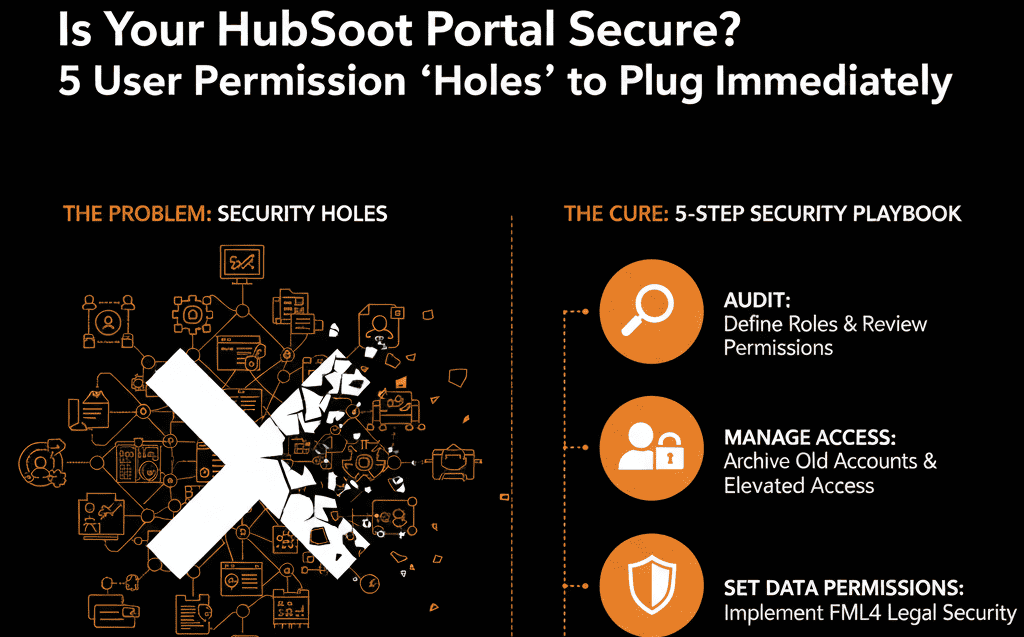
From "Chaos" to "Configuration":
These 5 "holes" are not "IT problems." They are symptoms of a "portal" that was built without a "blueprint." You are missing a "Data Governance Model," which is a core pillar of a "Configuration Plan."
This "Governance Audit" is a core part of our Free HubSpot Health Check. A HubSpot Gold Partner will run a diagnostic on your Roles, Permissions, and Data Visibility settings to find these "leaks" before they become catastrophic. We'll deliver an 8-slide "Strategic Roadmap" to build a "self-driven," secure portal you can finally trust.
Stop Letting "Everyone" Be an Admin. Get Your Free HubSpot Health Check.


