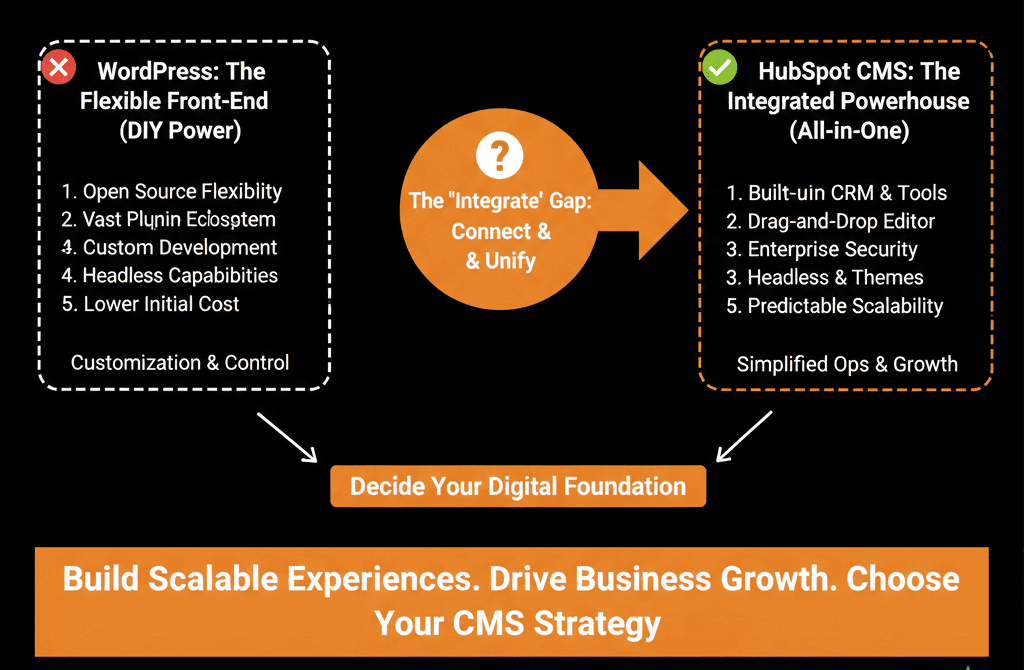
🤖 The $9 vs. $800 Debate
You need to clean up phone numbers in your CRM.
Option A: Buy HubSpot Operations Hub Pro ($800/mo). Use the "Format Data" action.
Option B: Buy Make.com ($9/mo). Build a scenario to watch HubSpot -> Format Number -> Update HubSpot.
The price difference is staggering. It’s almost 100x.
Your CFO says: "Use the $9 one."
But is it that simple?
Make (formerly Integromat) is incredibly powerful. It’s more visual than Zapier and cheaper than Ops Hub. But it introduces Latency, Fragility, and Security Risks.
Operations Hub is expensive, but it runs inside the HubSpot infrastructure.
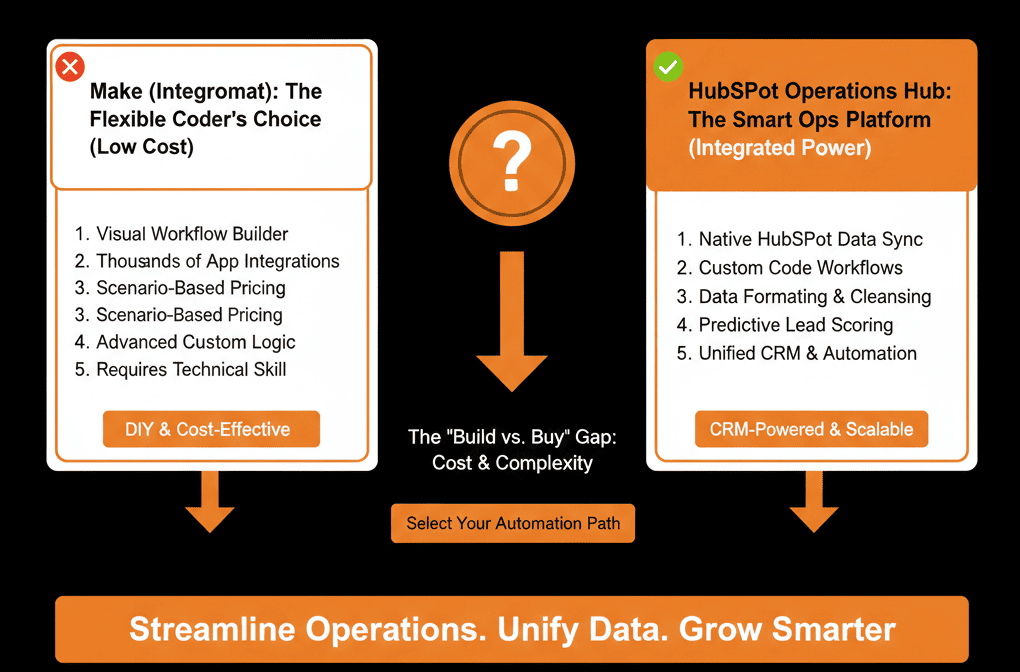
Here is the technical breakdown of when to save money and when to pay for stability.
🥊 The Champion: Make.com (The "Hacker's" Choice)
Make is a visual coding platform.
Pros:
- Cost: It is absurdly cheap for the power you get.
- Flexibility: You can connect anything. Parse an email, update a Google Sheet, post to Slack, and update HubSpot all in one flow.
- Visual Debugging: You can watch the data "bubbles" move through the logic. It’s great for troubleshooting.
Cons:
- Latency: It’s external. It has to poll HubSpot (every 5-15 mins) or wait for a webhook. It’s not "instant."
- API Rate Limits: Every action burns a HubSpot API call. If you have a massive database, Make can crash your portal by hitting the API cap.
- The "Bus Factor": If the one guy who built the complex Make scenario gets hit by a bus, no one else knows how it works. It’s "Shadow IT."
Verdict: Use Make for Cross-Platform orchestration (e.g., Typeform -> Slack -> HubSpot) or low-volume data cleaning.
🥊 The Contender: Operations Hub (The "Native" Choice)
Ops Hub is part of the HubSpot OS.
Pros:
- Instant: It triggers immediately on property change. No polling.
- No API Limit: Native workflows do not count against your API call limit. This is huge for enterprise scale.
- Governance: It lives in the "Workflows" tab. Any admin can see it, edit it, and debug it. It’s safe.
Cons:
- Cost: The jump from Starter ($50) to Pro ($800) is painful for small teams.
- Visuals: Writing "Custom Code" (JavaScript) in a small window is less intuitive than Make’s drag-and-drop bubbles.
Verdict: Use Ops Hub for High-Volume Data Hygiene, Mission-Critical Logic (Commissions), and Native Sync.
⚔️ The Decision Framework
Scenario A: The "Formatting" Job
You need to Capitalize Names.
Winner: Ops Hub Starter ($50). It’s native, fast, and cheap enough. Don't send data out of the CRM just to capitalize a letter.
Scenario B: The "External" Job
You need to watch a Google Sheet for new rows and create deals.
Winner: Make. HubSpot can't "watch" external apps natively without Data Sync (which might not support Sheets). Make owns this space.
Scenario C: The "Complex Logic" Job
You need to rotate leads based on zip code, rep availability, and deal size.
Winner: Ops Hub Pro. Writing this in JavaScript inside HubSpot is safer and faster than building a spaghetti monster in Make.
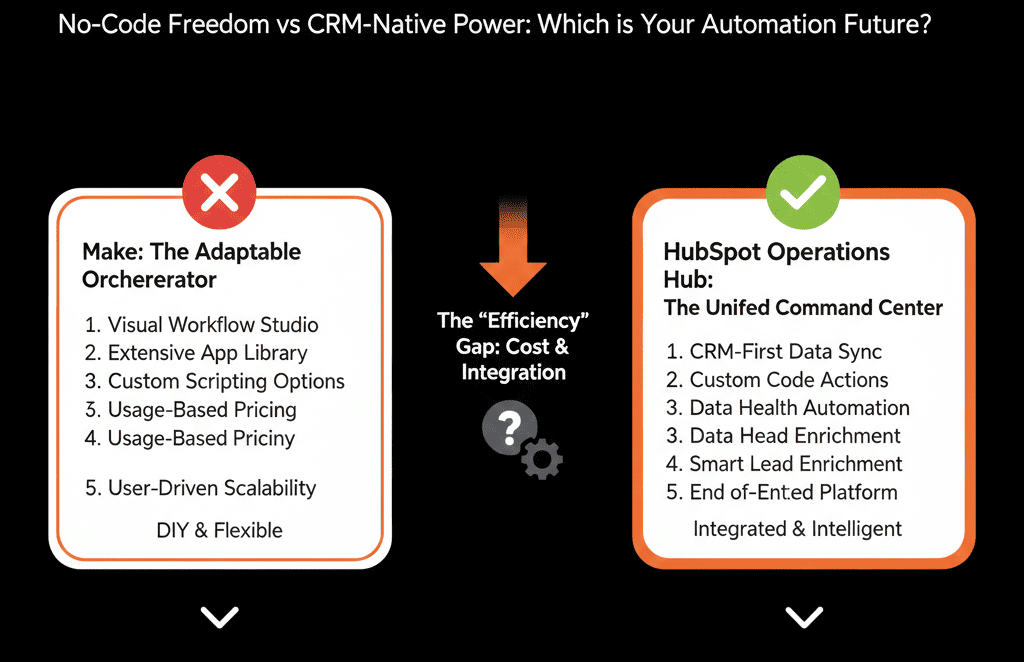
Don't Build a Spaghetti Monster.
We often see clients with Make accounts that look like a bowl of spaghetti. Hundreds of modules. Errors firing daily.
Simplicity is Stability.
If you can do it natively, do it natively.
If you can't, use Make.
But never prioritize "Saving $50" over "System Reliability." When the sync breaks, it costs you way more than the subscription fee.
Not sure if your Make scenarios are secure?
This is part of our Free HubSpot Health Check.
We will audit your "Automation Stack." We'll look at your API usage, your Make scenarios, and your Ops Hub needs.
]