What “Zoho Hangover” Really Looks Like
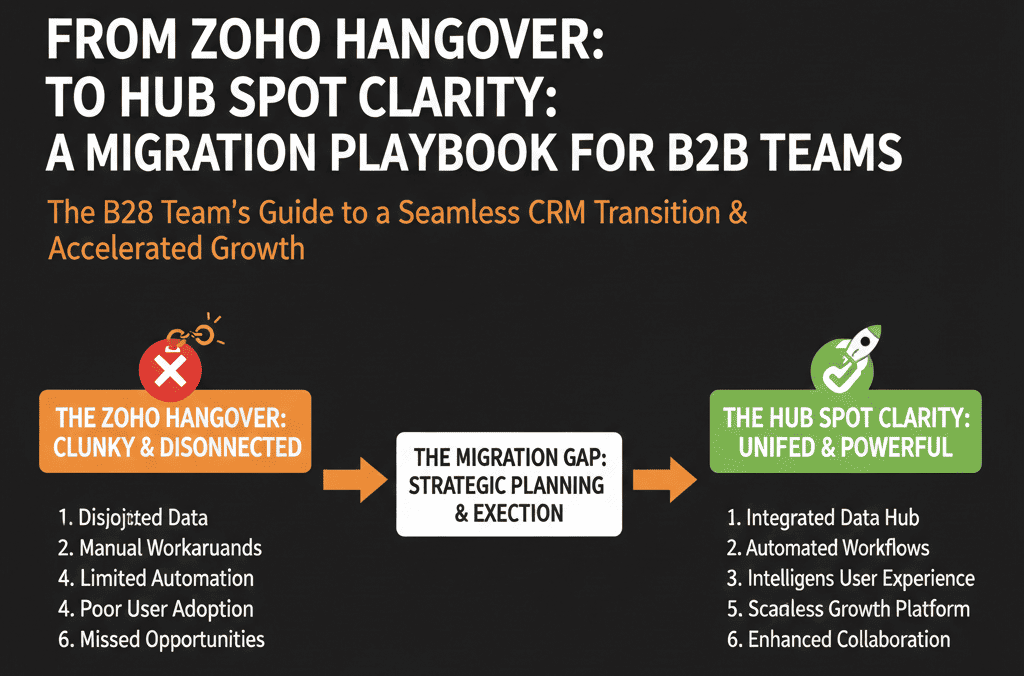
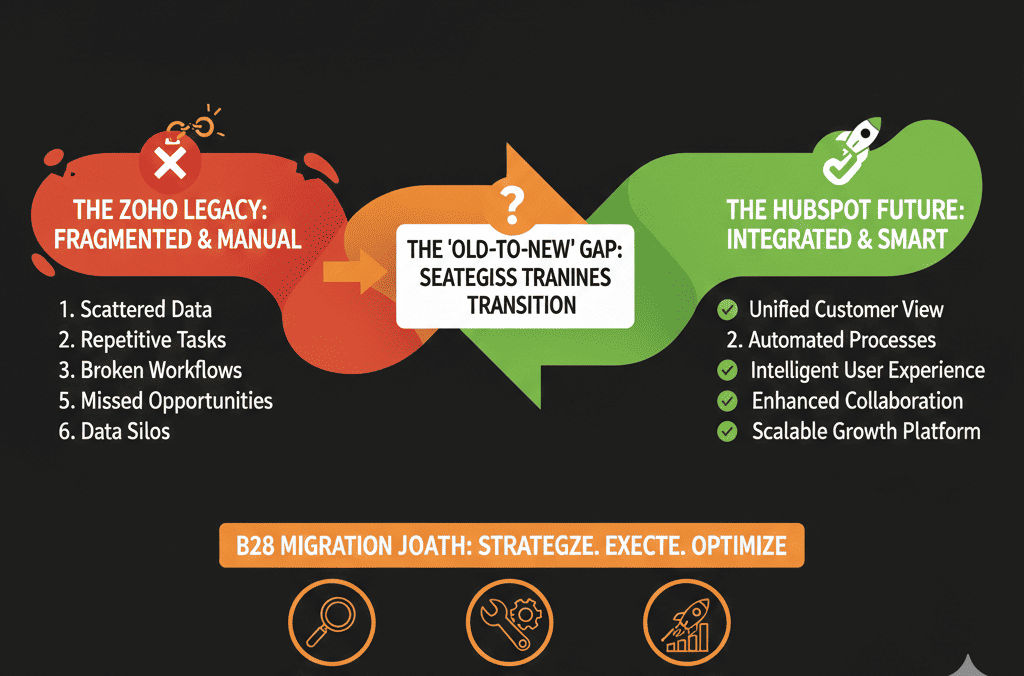
If you’re moving from Zoho to HubSpot, you’re probably not starting from a blank slate. You’re starting from years of habits and shortcuts.
Common symptoms we see in B2B teams:
- Multiple Zoho modules used inconsistently by sales, marketing, and support.
- Custom fields created on the fly with no central plan.
- Spreadsheets and Zapier automations filling the gaps.
- Everyone agreeing it’s “time to move,” but nobody having a plan.
When those patterns are migrated one-to-one into HubSpot, you don’t get a fresh start. You get Zoho Hangover inside HubSpot—same chaos, nicer UI.
This playbook shows how to migrate with clarity, not just copy-paste.
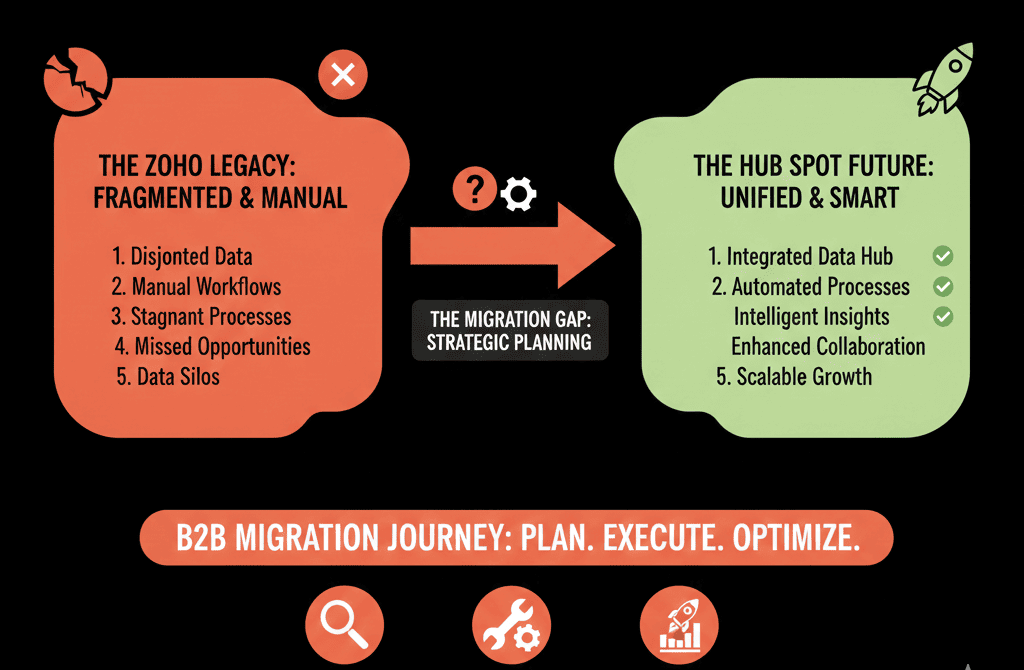
Principle 1: Migrate Strategy, Not Just Data
Most failed migrations are run like this:
- Export everything from Zoho.
- Map fields into HubSpot.
- Import.
- Hope it works.
That’s how you import all your existing problems into a new portal. Instead, think in this order:
- What revenue system do we want in 12–24 months?
- What should our lifecycle, pipelines, and reporting look like in HubSpot?
- Which parts of Zoho data support that vision (and which don’t)?
You are not obliged to bring across:
- Every field.
- Every historical record.
- Every custom object or workflow.
You are obliged to bring across:
- The data required to run your current and near-future revenue engine.
- The history needed for reporting, compliance, and customer context.
Step 1: Clarify Your Future-State HubSpot Architecture
Before you talk exports and imports, define the destination. For a typical B2B team migrating from Zoho, that means:
Core objects in HubSpot
- Contacts = people.
- Companies = accounts.
- Deals = opportunities.
- Tickets = support or delivery work.
In HubSpot, these “objects” are the core record types in your CRM, with properties and associations connecting them.
Custom objects (optional)
Use custom objects only if your business model truly needs a separate record type (e.g., subscriptions, locations, projects, products).
Lifecycle model
Document how you want to define and track:
- Lead
- MQL
- SQL
- Opportunity
- Customer
- Expansion / Renewal
Pipelines
- One New Business pipeline that reflects how you actually sell.
- Optional Renewal / Expansion pipeline.
- Optional onboarding/delivery pipeline if you have complex implementations.
Reporting expectations
Decide which questions HubSpot must answer after migration:
- Where is pipeline and revenue coming from?
- Which channels and campaigns create real opportunities?
- How healthy is our renewal and expansion motion?
- Which reps and segments are driving growth?
Write this down first. This architecture becomes your migration filter.
Step 2: Audit Your Zoho Setup Like an Outsider
You can’t design a clean migration if you don’t understand what you’re leaving behind. Ask your team to walk you through:
Which Zoho modules are actually used
- CRM (Leads, Contacts, Accounts, Deals).
- Campaigns, Projects, Desk, or others.
- Any custom modules.
Key fields and customizations
- Which fields are must-have for segmentation, sales prioritization, reporting, and renewals.
- Which fields were “just added one day” and never standardized.
Current integrations
- What tools feed Zoho today (forms, billing, support, product, etc.).
- What’s handled manually in sheets or via one-off connectors.
Data quality reality
- How many duplicates?
- How many incomplete records?
- Where is the “real truth” today (Zoho vs spreadsheets vs finance)?
Document this in plain language, not technical detail. You’re trying to decide what to keep, clean, or leave behind.
Step 3: Decide What Data to Migrate (And What to Archive)
This is where most teams overcomplicate things. They try to migrate everything “just in case.”
Pick the time horizon
Example: migrate all active data + 2–3 years of relevant history. Archive older data to secure storage or a data warehouse.
Segment data into tiers
Tier 1 (must migrate into HubSpot):
- Active customers and open opportunities.
- Recent leads that still fit your ICP.
- Key contacts with ongoing relationships.
Tier 2 (archive, optionally migrate later):
- Old, inactive leads with no engagement.
- Stale opportunities from years ago.
- Low-value or non-ICP records.
Rationalize fields
For each Zoho field:
- Map it to a future HubSpot field.
- Or mark it as “archive only.”
- Or retire it.
The goal is a lean, purposeful dataset in HubSpot that supports RevOps— not a museum of everything you ever stored.
Step 4: Build a Proper Zoho → HubSpot Mapping
Now you translate your architecture and audit into a mapping document. Include:
Object mapping
- Zoho Leads → HubSpot Contacts (with lifecycle rules).
- Zoho Contacts → HubSpot Contacts.
- Zoho Accounts → HubSpot Companies.
- Zoho Deals → HubSpot Deals.
- Zoho custom modules → HubSpot custom objects (if needed) or archived.
Field mapping
For each key field:
- Source: Zoho module.field_name.
- Destination: HubSpot object.property_name.
- Type: text, number, dropdown, multi-select, date, etc.
- Notes: transformations needed (e.g., normalize country values).
Ownership mapping
- Map Zoho owners to HubSpot users.
- Handle departed employees (reassign to current team members or generic owners).
Status and lifecycle mapping
- Zoho Lead Status → HubSpot Lifecycle Stage + custom status.
- Zoho Deal Stage → HubSpot Deal Stage (in your new pipelines).
Do this once, carefully. It’s the backbone of a predictable migration.
Step 5: Clean Before You Move (At Least the Worst of It)
Trying to “clean while you migrate” is where projects slip. Decide what to clean pre-migration vs post-migration.
Pre-migration cleaning in Zoho
- Deduplicate obvious duplicates (contacts and accounts).
- Standardize a few key fields (country, industry, segment, etc.).
- Close out clearly dead or long-dead deals.
Migration-time cleaning
- Normalize dropdown values.
- Convert free-text to structured options where feasible.
- Remove obviously invalid emails/domains.
Post-migration cleaning in HubSpot
- Use HubSpot lists, views, and workflows to flag incomplete records for enrichment.
- Identify and merge remaining duplicates.
- Find fields that are no longer needed.
HubSpot includes tools to manage and merge duplicates (e.g., contacts/companies) so you can keep the CRM clean after migration.
The rule: Don’t move junk you know you’ll never use.
Step 6: Plan a Phased Go-Live (Don’t Flip Everything Overnight)
A migration is not one big switch. It’s a controlled sequence.
A safe Zoho → HubSpot pattern:
Phase 1 – Foundation
- Build HubSpot architecture: objects, pipelines, properties.
- Basic workflows and handoffs.
- Connect key integrations (website, forms, email sending, calendar).
Phase 2 – Data migration (test portal first)
- Run a test migration with a subset of data (hundreds, not thousands).
- Validate: mapping, ownership, pipelines, lifecycle values.
- Fix issues, then run the full migration into production.
Phase 3 – Parallel run (short but deliberate)
- For 2–4 weeks: keep Zoho read-only for history and fallback.
- Use HubSpot for new activity and new records.
- Monitor adoption, data correctness, and integration behavior.
Phase 4 – Cutover and decommission
- Lock Zoho for new data after a clear date.
- Communicate: HubSpot is now the only place for GTM activity.
- Archive Zoho data safely for compliance and backup.
This approach reduces risk without dragging out the transition.
Step 7: Train for New Habits, Not Just New Clicks
Zoho and HubSpot clicks are different. But the bigger shift is daily behavior.
To avoid “new tool, same mess”:
Role-based training
- Sales: pipeline hygiene, tasks, logging activity, sequences.
- Marketing: lists, campaigns, assets, attribution basics.
- CS/Support: tickets, SLAs, notes, renewal indicators.
- Leadership: dashboards and how to interpret numbers.
Clear expectations
- What “good usage” looks like for each role.
- Which reports and dashboards will be used in reviews.
- What won’t be tolerated (shadow spreadsheets for pipeline, off-system notes, etc.).
Early feedback loop
- Daily or weekly check-in during the first month: what’s confusing, what’s missing, what blocks adoption.
- Fix friction quickly.
You’re not just migrating systems; you’re migrating habits.
Step 8: Model the ROI of Your Zoho → HubSpot Move
You’re not doing this migration for fun. You’re doing it to run revenue more effectively.
Define ROI in three buckets:
Revenue impact
- Improved conversion from lead → opportunity → closed-won.
- Better upsell/cross-sell visibility.
- Faster time-to-first-response on new leads.
Efficiency impact
- Hours saved per week from manual exports and reconciliations.
- Fewer tools and logins needed.
- Reduced dependency on fragile integrations or custom scripts.
Risk reduction
- Lower chance of data loss or compliance issues.
- Reduced single-point-of-failure reliance on “that one Zoho admin.”
- More resilience in handoffs between marketing, sales, and CS.
If you go into migration with a clear ROI model, it’s much easier to justify doing it properly, not cheaply and quickly.
When You Should Bring in a HubSpot Migration Partner
You can own parts of the migration internally. You should consider a partner when:
- You have multiple Zoho modules and customizations.
- You operate across regions, brands, or business units.
- You rely on billing, product, or support data that must sync cleanly.
- You want to design a RevOps-first HubSpot architecture, not a straight Zoho replica.
A good migration partner will:
- Design the future HubSpot configuration plan first.
- Build a robust mapping and testing process.
- Handle the heavy lifting of data migration, validation, and integration.
- Support training and change management so teams actually use the new system.
Avoid the Hangover. Start with a Clean, Architected HubSpot Portal.
Moving away from Zoho is a chance to reset. Done right, your HubSpot portal can become:
- A clean system of record for revenue.
- A place where marketing, sales, and CS actually work together.
- A source of trustworthy reporting that leadership uses every week.
Done wrong, you’ll end up with the same confusion in a new environment.