📈 The "Board Meeting Nightmare"
You're in the quarterly board meeting. Your VP of Marketing is presenting. "It was a great quarter. As you can see on our HubSpot dashboard, we generated 210 MQLs, 10% over target."
Then, it's your VP of Sales's turn. "It was a tough quarter. We're fighting for every deal. As our dashboard shows, we only received 150 MQLs, and most were junk."
The CEO looks at both of them. The investors look at the CEO. The room goes cold.
You have a "multi-million dollar" problem. Your "single source of truth" just provided two different sources of truth. In an instant, all trust in your "self-driven" system has evaporated. Your VPs are in a "cold war," and your "broken dashboards" just made them look misaligned and incompetent.
Here's the critical, hard truth: This is not a HubSpot "bug."
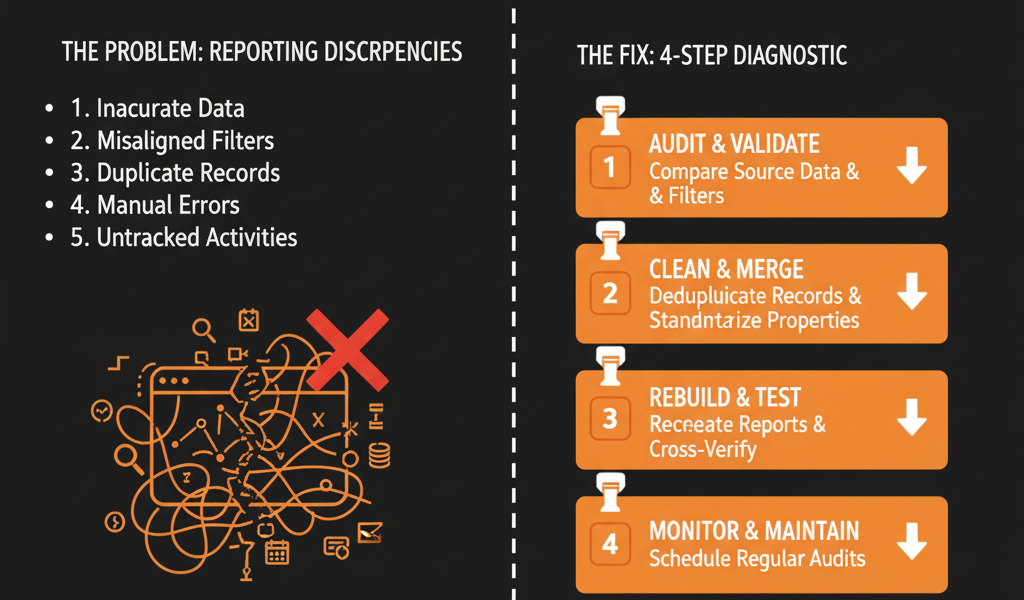
Your reports "don't match" because your strategy doesn't match. HubSpot is a powerful calculator, and it's doing exactly what you told it to. The problem is you've given your VPs two different calculators and two different sets of numbers to add up.
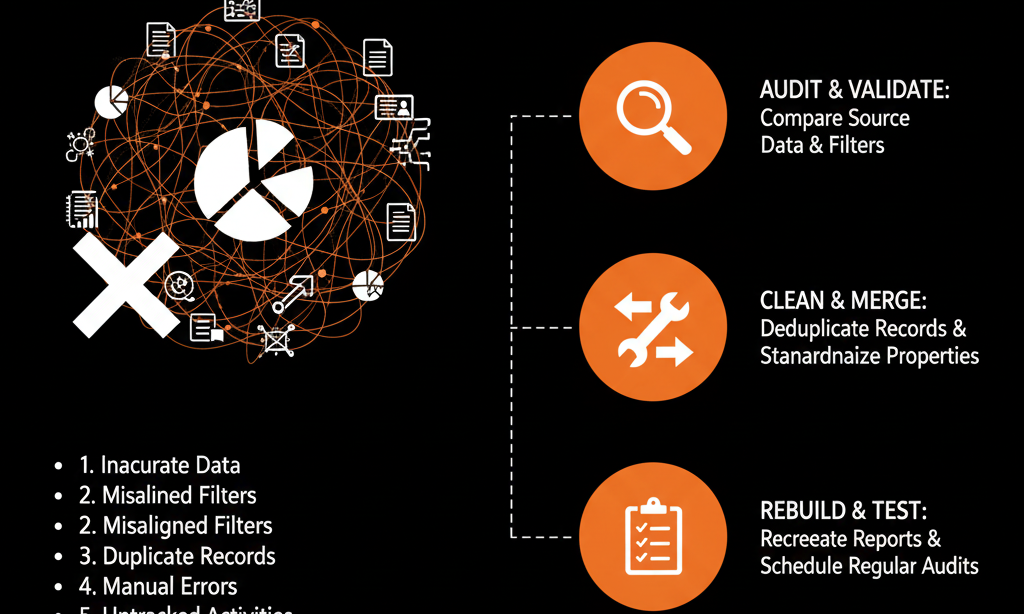
This is the ultimate symptom of a "messy" portal. It's a "Configuration Plan" failure. Here is the 4-part diagnostic to find the real cause.
🩺 Diagnostic 1: The "Different Definitions" Disease
The Symptom: Marketing's "MQL" report shows 210. Sales's "MQL" report shows 150. Both are "correct."
The Real Disease: Your VPs have not agreed on the definition of an "MQL." They are measuring two different things.
Marketing's "MQL" Report: "Show me a count of all contacts where the Lifecycle Stage became 'MQL' in the last 30 days."
What it measures: An event. An activity. This is a "gross" number.
Sales's "MQL" Report: "Show me a count of all contacts currently in the 'MQL' stage who have not been touched."
What it measures: A state-in-time. A snapshot. This is a "net" number.
The Fix (A "Data Dictionary"):
- Stop the "gut feel" definitions. This must be fixed in your "Configuration Plan" with a "Data Dictionary."
- Agree on One "Golden" Definition: (e.g., "The official 'MQL' metric is 'Event-Based': A contact whose MQL Date was set this month.")
- Build One "Golden" Report: Build one report called "[OFFICIAL] MQLs Generated (by MQL Date)".
- Put it on One "Shared" Dashboard: Both VPs must use this one shared "RevOps" dashboard in their meetings. You've just eliminated the "dueling dashboards" problem.
🩺 Diagnostic 2: The "Property Bloat" Poltergeist
The Symptom: Your "Revenue" dashboard shows $1.2M. Your "Finance" dashboard shows $1.8M. Both are pulling from HubSpot.
The Real Disease: You have "Property Bloat." Your data for the same metric is living in two different places.
- Your "Sales Dashboard" is summing the Deal Amount property.
- Your "Finance Dashboard" is summing the Invoice_Amount synced from NetSuite.
The Fix (A "Single Source of Truth" Property):
- Declare the "Golden" Property:(e.g., "The only property for 'revenue' is the Deal Amount property on a 'Closed Won' deal.").
- Consolidate the Data: Build a Workflow that, when an Invoice is paid in NetSuite, it copies that actual dollar amount into the Deal Amount property.
- Fix All Reports: Update all "Revenue" reports across the entire portal to pull from this one "Golden" property. Now your data is "self-healing" and consistent.
🩺 Diagnostic 3: The "Different Data Set" (Filter) Failure
The Symptom: Marketing's "Total Contacts" report shows 150,000. Sales's report shows 85,000.
The Real Disease: Their report filters are different, but the titles are the same. They are arguing about the "total" when they're not even looking at the same set of data.
The Fix (Explicit Naming Conventions):
- Marketing's Report: "Count of all Contacts" (Title: "Total Contacts").
- Sales's Report: "Count of all Contacts... BUT... Lifecycle Stage is NOT 'Subscriber' AND Email does NOT contain 'gmail.com'." (Title: "Total Contacts").
The Fix (Explicit "Naming Conventions"):
- Enforce "Explicit" Report Titles: You must name the report after its filters.
- The "Fix": Marketing's report is renamed: "[ALL] Total Contacts (Incl. Subscribers)".
- The "Fix": Sales's report is renamed: "[SALES] Total Contacts (Excl. Subscribers/Junk)".
The argument instantly stops. Both VPs can now see why the numbers are different and can agree on which one to use for which conversation.
🩺 Diagnostic 4: The "Attribution Model" Mismatch
The Symptom: The "board meeting nightmare," part 2.
VP of Marketing: "The 'Spring Webinar' campaign generated $500k in revenue."
VP of Sales: "That's false. My team generated that $500k from 'Cold Outreach'."
The Real Disease: You are using two different "attribution models" to claim 100% of the credit for the same deal.
- Marketing's Report: Is using a "First Touch" attribution model. (The prospect's first interaction was the webinar).
- Sales's Report: Is using a "Last Touch" model. (The last interaction before the deal was "Closed Won" was the sales rep's "cold call").
The Fix (A "Full Funnel" Dashboard):
- Stop fighting: Stop fighting over "who" gets the credit. A "self-driven" system shows the full story.
- Agree on Your Philosophy: Your "Configuration Plan" must state your "attribution philosophy." (e.g., "We are a 'First Touch' org for 'Origination' and a 'Last Touch' org for 'Conversion.'").
- Build a "Full Funnel" Dashboard: Stop using two dashboards. Build one that shows both metrics.
- Report 1: "Revenue by 'First Touch' (Marketing Origination)"
- Report 2: "Revenue by 'Last Touch' (Sales Conversion)"
- Report 3 (Enterprise): "Revenue by 'Multi-Touch' (The Full Story)"
Result: You've just ended the "cold war." Now, Marketing gets credit for sourcing the lead, and Sales gets credit for closing it. Both VPs win.
From "Dueling" Dashboards to a "Single" Blueprint:
Your "reports don't match" problem is not a "bug." It is the final, loudest symptom that your portal was built without a "blueprint."
You are suffering from "Different Definitions," "Property Bloat," "Filter Failures," and "Attribution Mismatches." You cannot "fix" this by "tweaking one report." You must fix the foundation. You must create a "Configuration Plan."
This is exactly what our Free HubSpot Health Check delivers.
Stop Fighting Over "Whose Number is Right." Get Free Hubspot Audit