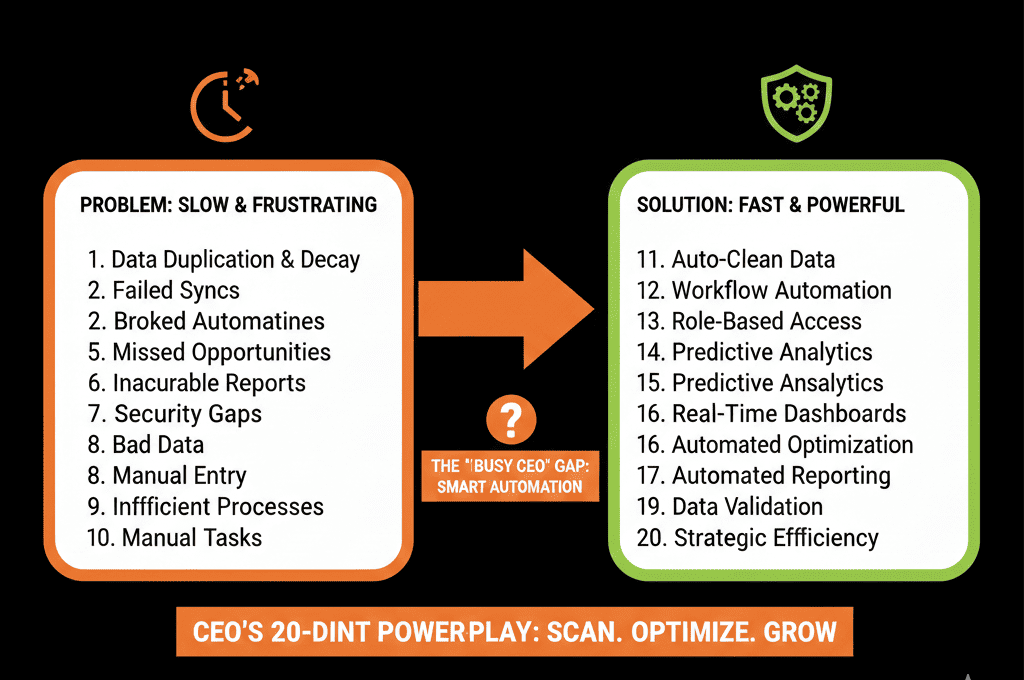
🏷️ The "Mystery Revenue" Problem
You run a report: "Revenue by Product."
You expect to see "Software" and "Services."
Instead, you see:
- "Software License" ($50k)
- "software lic" ($20k)
- "Consulting - John's Deal" ($10k)
- "Line Item 1" ($5k)
Your data is a mess. You have no idea what you are selling. You can't forecast inventory. You can't automate billing.
The culprit? "Custom Line Items."
HubSpot allows reps to type whatever they want into a quote if you let them. They are bypassing your Product Library because it's either outdated, confusing, or too hard to use.
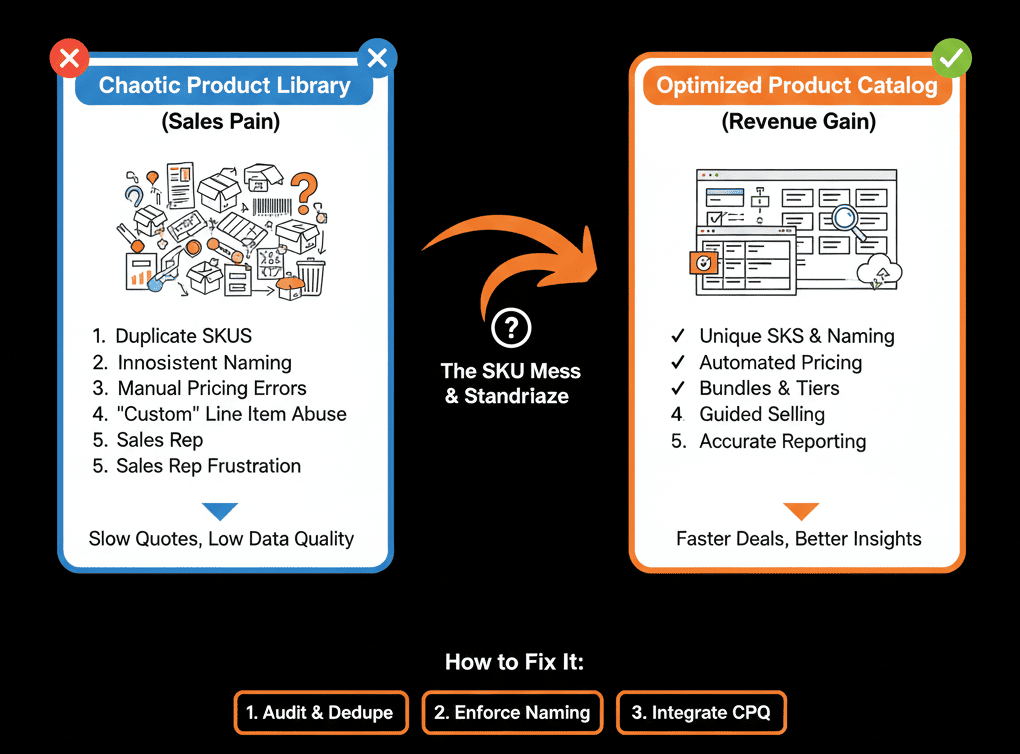
You need to lock it down. The Product Library must be the Single Source of Truth for what you sell.
Here is the audit to cleaning up the chaos.
🩺 Diagnostic 1: The "Custom Item" Leak
The Symptom: 50% of your revenue is categorized as "Custom Line Item."
The Root Cause: Reps are lazy (or creative).
The Fix: Permission Lockdown.
Go to Settings > Users & Teams.
Edit the Sales Role.
Products: Set "Create Custom Line Items" to OFF.
Result: Reps must pick from the library. If the product doesn't exist, they have to ask RevOps to add it. This forces governance.
🩺 Diagnostic 2: The "SKU" Duplicate
The Symptom: You have Gold Plan, Gold Plan (2024), and Gold Plan - Discounted.
The Root Cause: Creating new products for price changes.
The Fix: Discount Logic.
Teach reps to use the "Discount %" column on the quote, rather than picking a "Discounted SKU."
Archive old products immediately. Do not delete (keeps history), just archive so they don't show up in search.
🩺 Diagnostic 3: The "Folder" Mess
The Symptom: Reps can't find the product, so they give up and make a custom one.
The Root Cause: No Folder Structure.
The Fix: Folder Organization.
Organize by Product Family (Software, Hardware, Service).
Naming Convention: [Family] - [Product Name] - [Term].
Example: SW - Enterprise License - 1 Year.
🩺 Diagnostic 4: The "Billing" Disconnect
The Symptom: Finance has to manually re-type invoices because the HubSpot product names don't match QuickBooks/Stripe.
The Root Cause: SKU Mismatch.
The Fix: SKU Mapping.
Ensure the SKU field in HubSpot matches the Item ID in QuickBooks exactly.
This allows for automated "Invoice Creation" (as we covered in our QuickBooks guide).
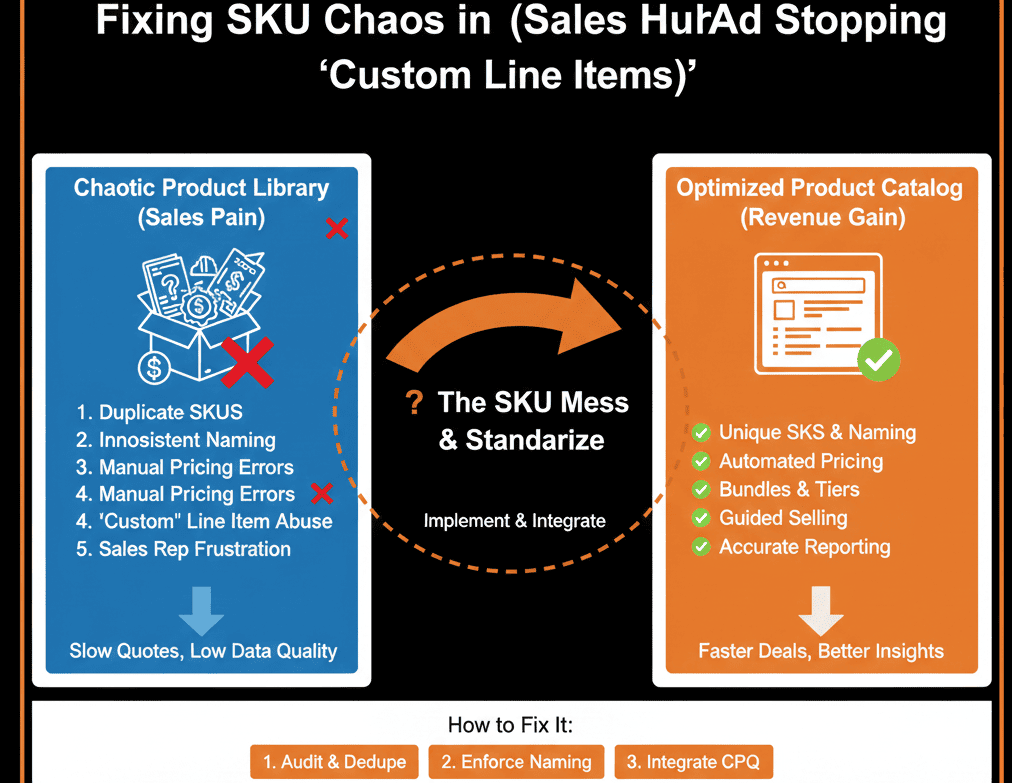
Sell From the Menu.
Imagine a waiter writing "Burger - Special Price" on a ticket instead of entering the item code. The kitchen would be confused. The register would be wrong.
Your Sales Reps are the waiters. The Product Library is the Menu. Stick to the menu.
Not sure how to bulk-update your 500 products?
Standardize Your Sales. Get Your Free Health Check.
This is part of our Free HubSpot Health Check. We will audit your "Product Library." We'll merge duplicates, fix SKUs, and set up the permissions to stop the "Custom Line Item" madness forever.
Standardize Your Sales. Get Free Hubspot Audit