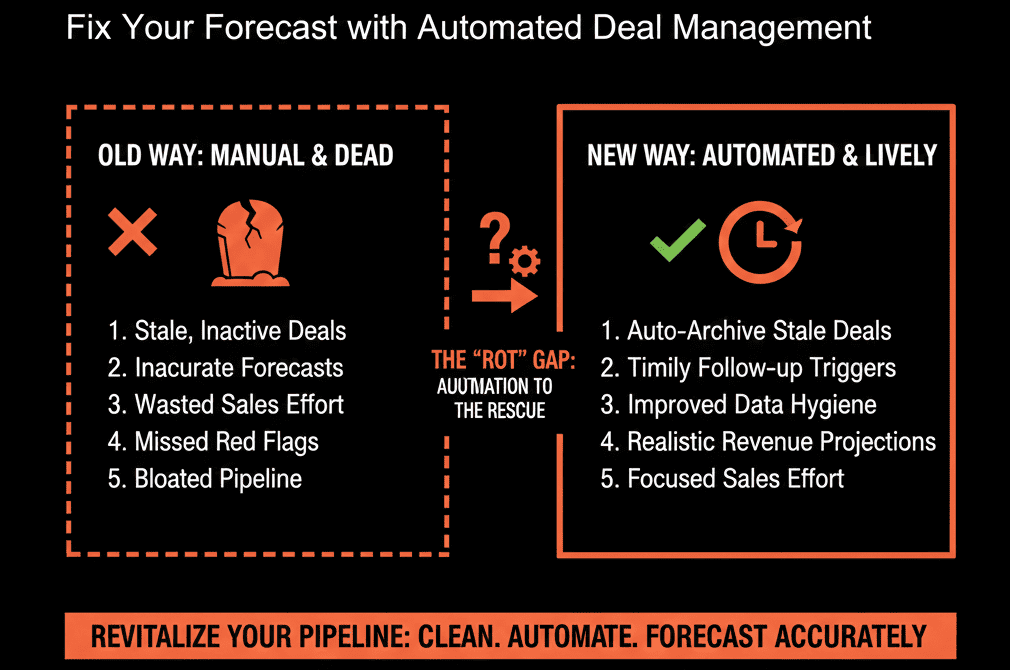
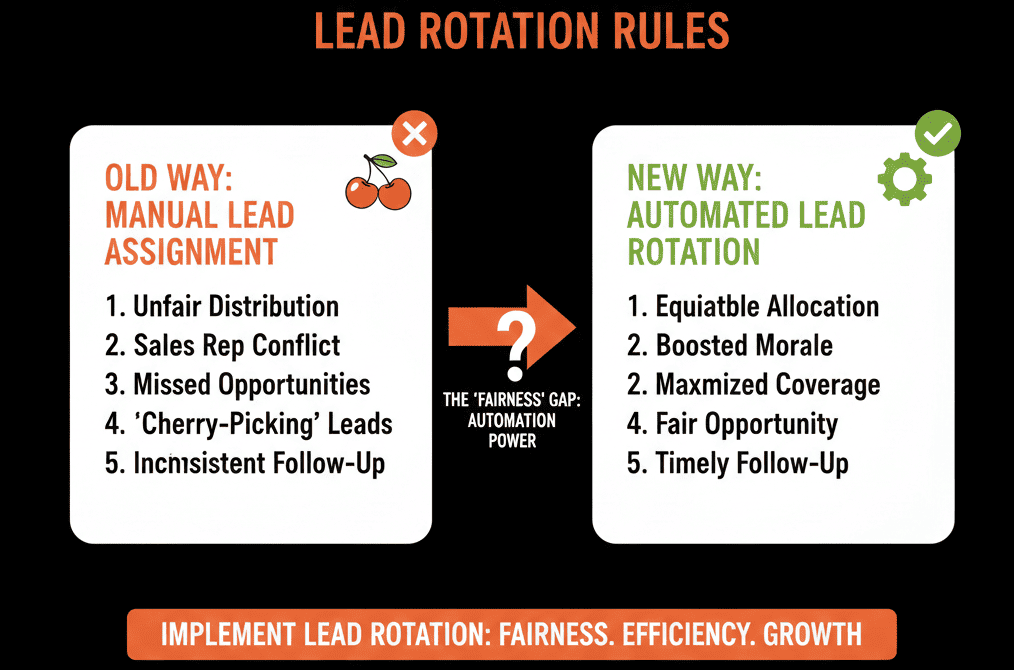
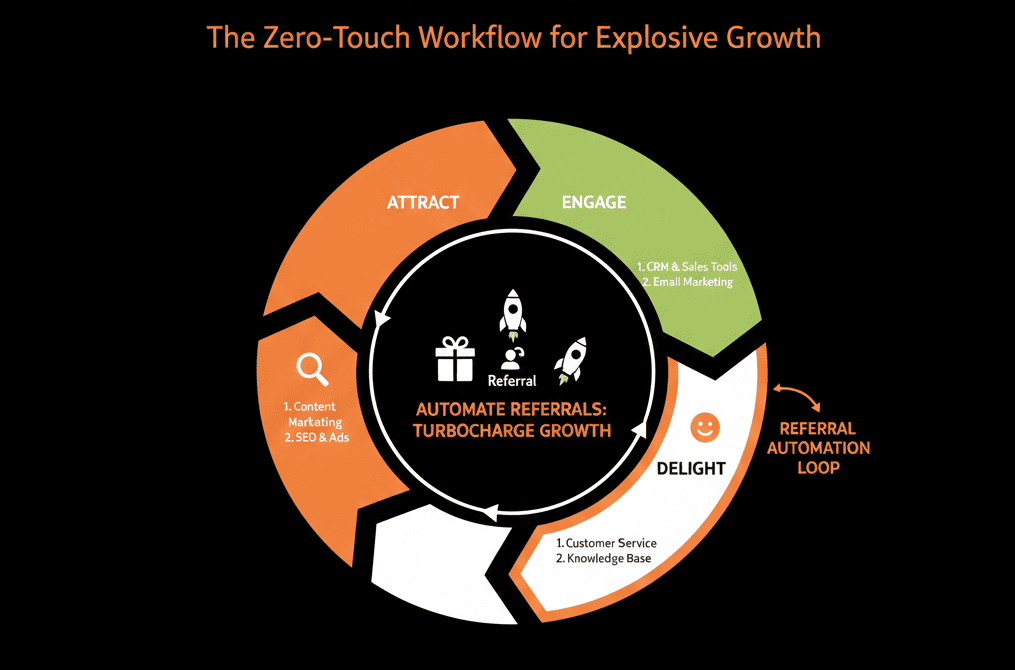
🚧 The "Wall" Between Sales and Delivery
Your sales rep closes a $50,000 deal. They ring the gong.
They "throw the deal over the wall" to the Project Manager (PM).
The PM opens Asana (or Monday/ClickUp). They create a new project.
They ask: "What exactly did we sell?"
The Rep says: "Check the notes in HubSpot."
The PM doesn't have a HubSpot login.
So, the PM guesses. They start the project blind.
Two weeks later, the client complains: "That's not what the sales rep promised me."
This is the "Handoff Gap."
It exists because you have split your Revenue Data (CRM) from your Delivery Data (PM Tool).
For Service businesses (Agencies, Consulting, Onboarding), this separation is fatal.
It creates data silos, manual re-entry, and broken promises.
It is time to move Project Management inside the CRM.
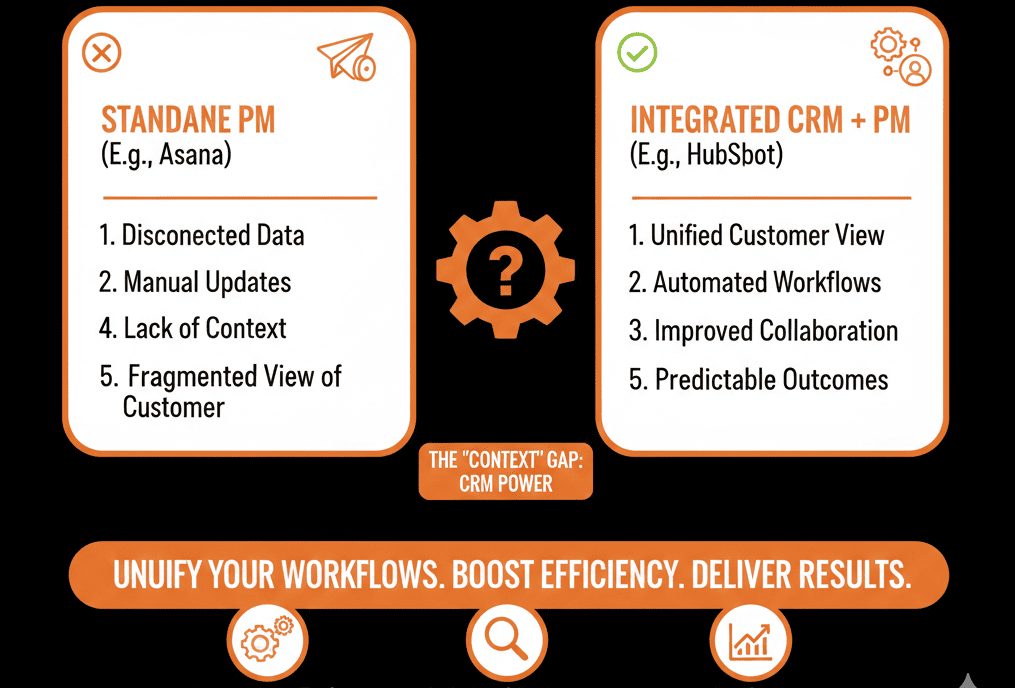
HubSpot supports a Projects object to organize and track work, and you can associate projects with CRM records like deals and contacts.
Whether you use HubSpot’s native Projects tool or build a "Project" Custom Object, unification is the strategy of 2026.
Here is why you should consolidate.
🔨 Reason 1: The "Zero-Touch" Handoff
The Old Way:
- Deal Closed.
- Rep emails PM.
- PM manually creates project in Asana.
- PM copy/pastes notes. (Errors happen).
The HubSpot Way:
Deal Closed.
Workflow Triggers:
- Auto-Create "Project" record associated with the Deal.
- Auto-Copy "Line Items" to "Project Scope."
- Auto-Assign PM based on Territory/Load.
- Auto-Email Client: "Meet your PM."
HubSpot workflows can create new records (including custom object records) and automatically associate them with the enrolled record.
The Result: The project is ready 0 seconds after the signature. No data loss.
🔨 Reason 2: The "Context" King
The Old Way: The PM sees a task list: "Build Website."
They don't see the 6 months of sales conversations, the email history, or the specific pain points discussed during discovery.
The HubSpot Way:
Because the Project lives on the Company record, the PM can see everything.
- They see the Activity Timeline.
- They see the Original Proposal.
- They see the Decision Maker's personality notes.
The Result: The PM treats the client like a partner, not a ticket.
🔨 Reason 3: The "Revenue" Reporting
The Old Way:
CEO asks: "Which projects are the most profitable?"
You can't answer. Revenue is in HubSpot. Hours are in Asana. You need a spreadsheet wizard to merge them.
The HubSpot Way:
Since the Project is linked to the Deal, you can report instantly:
- "Show me Project Delays by Sales Rep." (Are we overselling?).
- "Show me Upsell Revenue by Project Manager." (Who is growing accounts?).
The Result: You stop managing "Tasks" and start managing "Profitability."
⚠️ The "Feature" Reality Check
Is HubSpot as powerful as Asana? No.
Asana has better Gantt charts, dependencies, and resource management.
When to Switch:
- Use HubSpot Projects: If your delivery is Linear and Repeatable (e.g., Onboarding, Standard Implementations). The value of integration outweighs the value of features.
- Keep Asana (Integrated): If you are building custom software or complex engineering. But... integrate it deeply so the data syncs back to the CRM.
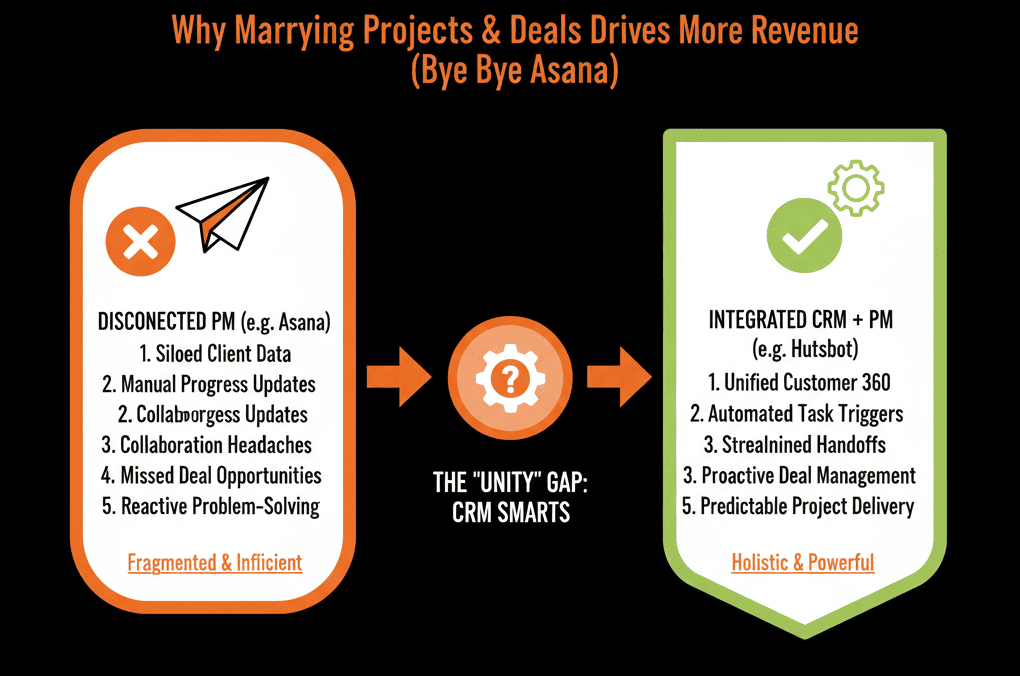
The Client Journey is One Line.
To the client, "Sales" and "Delivery" are the same company. They expect you to remember what they said.
If you fragment their journey across two disconnected tools, you fragment their experience.
Consolidate the stack.
Not sure if HubSpot Projects is robust enough for you?
This is part of our Free HubSpot Health Check.
We will audit your "Delivery Stack." We'll compare your Asana workflow to HubSpot's capabilities. We’ll help you decide if you should migrate fully or build a tight integration to close the gap.