🧱 The "Glass House" Problem
You have two sales teams.
- Enterprise Team: Hunters working on $1M deals. They are protective of their accounts.
- SMB Team: Velocity reps working on $5k deals. They are hungry for leads.
In a standard HubSpot portal (Pro), everyone sees everything. It’s a "Glass House."
An SMB rep sees a "Coca-Cola" lead owned by an Enterprise rep.
They call it.
They pitch a $5k product.
The Enterprise rep loses their $1M deal because the account is now "confused."
This is "Internal Poaching." It kills morale and revenue.
As you scale, you need privacy. You need walls.
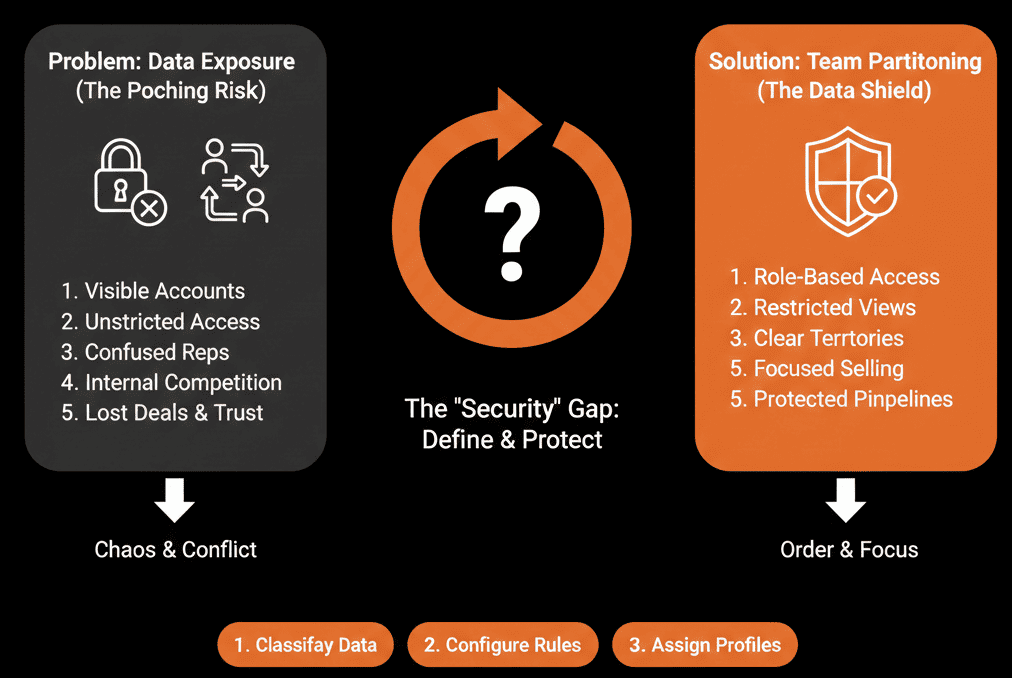
In HubSpot, you can restrict record access and asset access by selecting specific users and teams, so the wrong team can’t view or manage what they shouldn’t.
Here is how to build the firewall.
🛡️ Step 1: The "Team" Structure
You cannot partition without a hierarchy.
Go to Settings > Users & Teams.
Create Teams: "Enterprise - East," "Enterprise - West," "SMB - Inbound."
Create Parent Teams: "Global Enterprise" (Parent) > "East" (Child).
Assign Users: Every user must belong to a team, because team membership is used in team-based record access.
🛡️ Step 2: The "Role" Permission (The Switch)
This is where you turn on the wall.
Go to Roles. Edit the "SMB Sales Rep" role.
CRM Objects:
- View: Change "Everything" to "Team Only".
- Edit: Change "Everything" to "Owned Only".
The Result: When an SMB rep searches for "Coca-Cola" (owned by the Enterprise Team), they see "No Results." It doesn't exist to them.
🛡️ Step 3: The "Asset" Partitioning
It’s not just about Contacts. It’s about Content.
- Lists: Create an "Active Customers" list. Limit access to "Customer Success Team" only, so Sales can’t see or export it.
- Workflows: Limit the "MQL Handoff" workflow to "RevOps Team" only, so reps can’t accidentally turn it off.
- Dashboards: Limit the "Executive Forecast" to "Leadership Team" only, so junior reps can’t see sensitive company metrics.
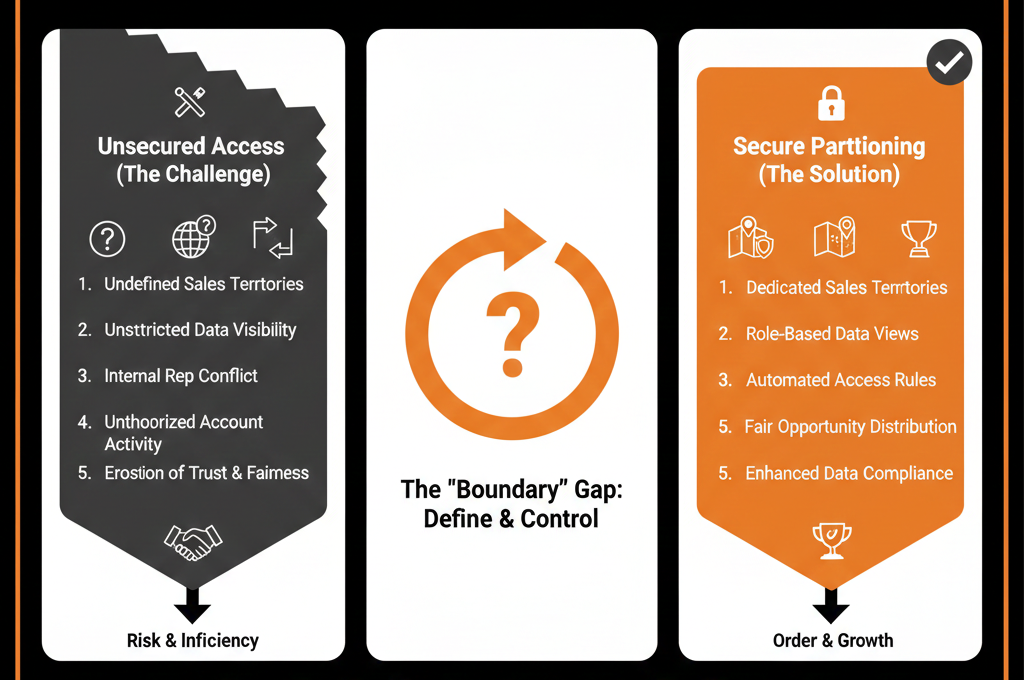
⚠️ The "Shared" Record Dilemma
What if both teams need to work on the same account?
Scenario: SMB sells a small tool to Division A. Enterprise sells a big tool to Division B.
The Fix: "Business Units" (or Child Companies).
Create separate Company records: Coca-Cola (SMB) and Coca-Cola (Enterprise). Associate them via Parent/Child. Partition the records separately.
Good Fences Make Good Neighbors.
Partitioning isn't about secrecy. It's about Focus.
An SMB rep shouldn't be distracted by Enterprise whales. An Enterprise rep shouldn't be distracted by SMB noise.
Not sure how to set up the "Parent/Child" team hierarchy?
Build the Wall. Get Your Free Health Check.
This is part of our Free HubSpot Health Check. We will audit your "Permission Architecture." We'll build the Teams, assign the Roles, and test the "Digital Walls" to ensure your data is secure from the inside out.
Build the Wall. Get Free Hubspot Audit.