🎨 The "Campaign" Bottleneck
You have a new ad campaign launching on Monday.
You need a Landing Page.
You ask your Web Developer.
"I can build it in 2 weeks," they say.
You panic. You need it now. So you sign up for Unbounce, drag-and-drop a template, and launch it in 2 hours.
It works. But now you have a new problem: Data Isolation.
The leads live in Unbounce.
The domain is a subdomain.
The "Smart Content" features of HubSpot don't work.
This is the classic Marketer's Dilemma: Speed vs. Integration.
HubSpot's native Landing Page tool has improved massively. It now rivals Unbounce in ease of use. Is it time to consolidate?
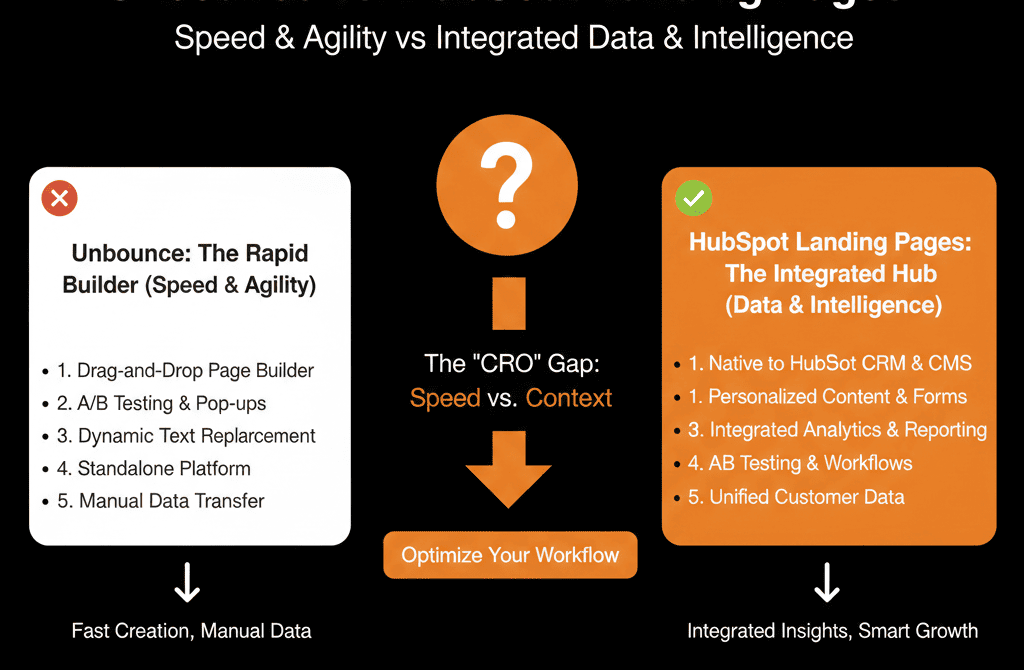
Here is the head-to-head breakdown.
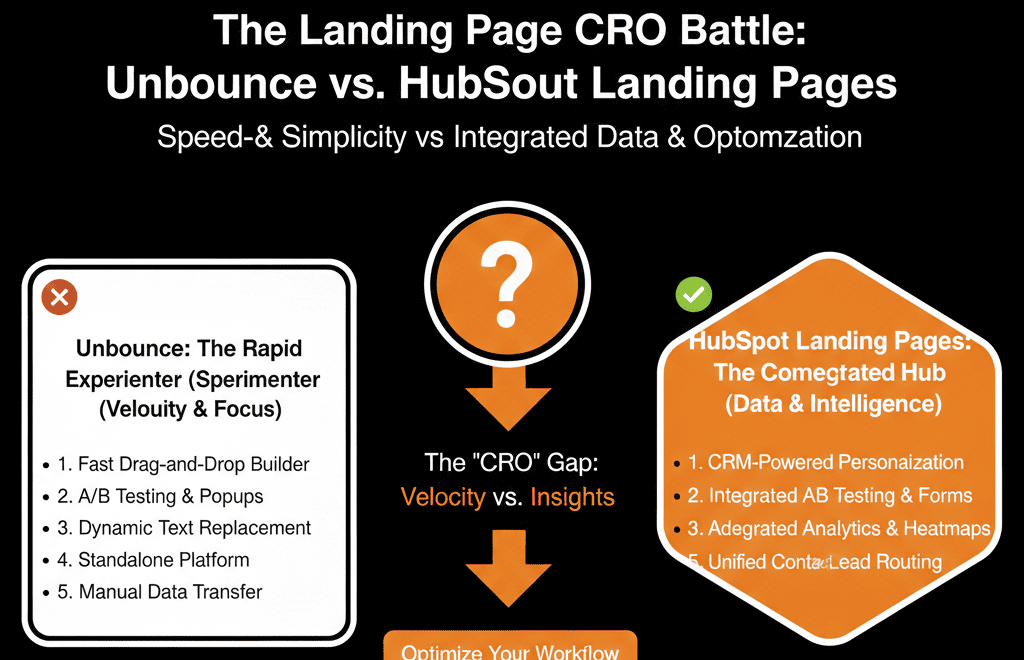
🥊 The Champion: Unbounce (The "Speed" Choice)
Unbounce is a pure-play builder.
Pros:
- Smart Traffic: Their AI automatically routes visitors to the variant that is most likely to convert for them. This is powerful.
- Zero Dev: It is truly "No-Code." A junior marketer can build a stunning page in minutes without touching CSS.
- Templates: Their library is massive and CRO-optimized out of the box.
Cons:
- The Sync: You have to Zap or sync leads to HubSpot. Syncs break.
- No "Smart Content": You can't say "Hi [First Name]" or show different content to existing customers easily.
Verdict: Use Unbounce for Cold PPC Traffic where speed and A/B testing volume matter most.
🥊 The Challenger: HubSpot Pages (The "Data" Choice)
HubSpot pages are part of the CMS/Marketing Hub.
Pros:
- Smart Content: This is the killer feature.
- Visitor is Customer? -> Hide the "Free Trial" button. Show "Login."
- Visitor is Enterprise? -> Show the "Enterprise" case study.
- Unified Reporting: You can see "Revenue Attribution" per page instantly. No connecting disparate data sources.
- Chat Integration: The Chatbot on the page knows exactly who the visitor is.
Cons:
- Templates: The default templates can be rigid unless you buy a "Theme" from the marketplace.
- A/B Testing: It’s good (Pro/Ent), but lacks the "AI Routing" of Unbounce.
Verdict: Use HubSpot for Retargeting, Email Traffic, and ABM where context matters more than raw conversion speed.
⚔️ The Feature Head-to-Head
| Feature | Unbounce | HubSpot Pages |
|---|---|---|
| Builder Ease | Superior | Good (with Themes) |
| A/B Testing | AI-Powered | Standard Split |
| Personalization | Dynamic Text (Basic) | Smart Content (Advanced) |
| Integration | Requires Sync | Native |
| Reporting | Conversion Only | Revenue Attribution |
The "Hybrid" Strategy.
You don't have to kill Unbounce.
Top of Funnel (Cold Ads): Use Unbounce. Optimize for raw conversion.
Middle of Funnel (Nurture/ABM): Use HubSpot. Optimize for personalization and context.
Integration Tip:
If you use Unbounce, use the native HubSpot integration (not Zapier). It allows you to map Unbounce form fields directly to HubSpot properties and track the "Page Variant" as a hidden field.
Stop Building Dead Ends.
A landing page shouldn't be a cul-de-sac. It should be an on-ramp to your CRM.
If your landing page can't say "Welcome Back, [Name]," you are leaving money on the table with your existing customers.
Not sure if your Unbounce sync is leaking leads?
This is part of our Free HubSpot Health Check.
We will audit your "Landing Page Strategy." We'll check your conversion rates, your sync settings, and your personalization opportunities.