🔑 The "Temp" Who Never Left
In 2022, you hired a freelancer to fix your workflows. You gave them Super Admin access because it was "easier."
They finished the job. They sent the invoice. You archived the project.
But you never archived the user.
Two years later, that freelancer's laptop is stolen. A hacker logs into their accounts. They find a saved password for your HubSpot portal.
And just like that, they have full access to export your entire database.
This is the risk of "Forever Permissions."
Most companies grant access once and never review it. This leads to "Permission Creep"—where employees and contractors accumulate more and more access over time, turning your portal into a "Zero Trust" nightmare.
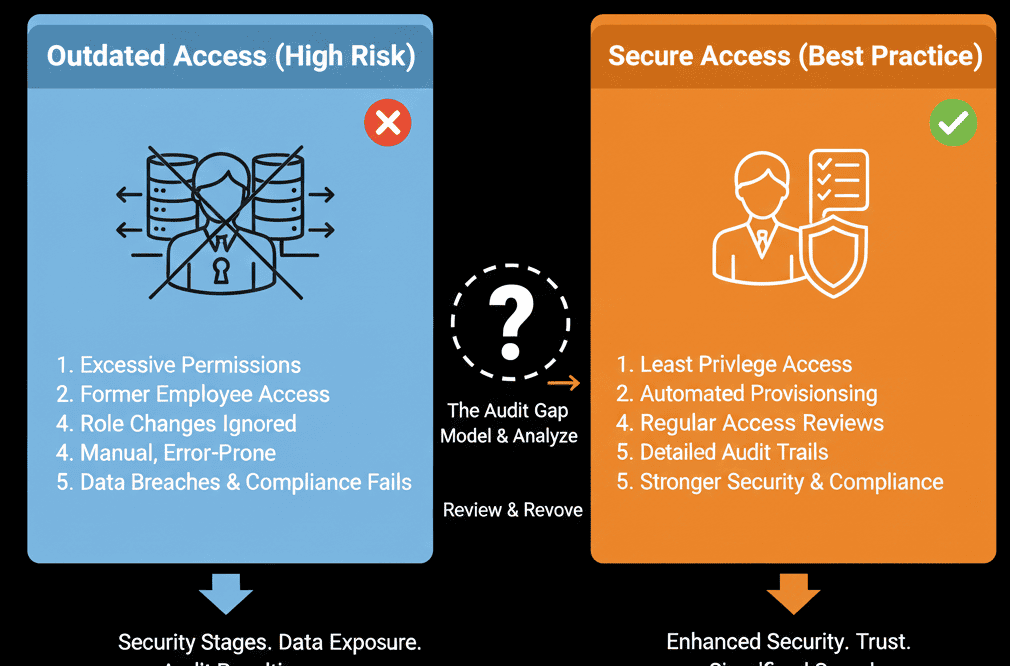
Security is not a state; it is a cycle. You need a Quarterly Access Review.
Here is the 4-step diagnostic to securing your "Front Door."
🩺 Diagnostic 1: The "Super Admin" Glut
The Audit: Go to Settings > Users & Teams. Filter by "Super Admin."
The Standard: A healthy portal should have 2-3 Super Admins MAX (RevOps + CTO).
The Reality: You probably have 10.
- Your VP of Sales (doesn't need it).
- Your Marketing Manager (doesn't need it).
- That Agency from 2021 (definitely doesn't need it).
The Fix: Downgrade ruthlessly.
- Move Executives to a "View Only" role. They need reports, not "Delete" buttons.
- Move Managers to a "Team Only" role.
🩺 Diagnostic 2: The "Export" Leak
The Audit: Check the permissions of your Sales Reps.
The Question: Can they "Export" contacts?
The Risk: If a rep can export, they can steal your pipeline in 5 seconds before quitting.
The Fix: Turn OFF Export.
- Go to the Sales Role > CRM Tools > Export.
- Set it to OFF.
If a rep needs a list, they should ask the RevOps admin. Friction is security.
🩺 Diagnostic 3: The "Inactive" Ghosts
The Audit: Look at the "Last Login" column in the Users list.
The Warning: Anyone who hasn't logged in for 90 days is a security risk. It’s a dormant account that no one is monitoring.
The Fix: Deactivate.
Don't delete (you lose history). Just Deactivate.
This effectively locks the door without throwing away the key.
🩺 Diagnostic 4: The "API Key" Legacy
The Audit: (For older portals). Check your "Integrations" -> "API Key" section.
The Risk: HubSpot deprecated API Keys in favor of "Private Apps" (Oauth) because API Keys are easily stolen (copy/pasted). [web:203][web:206]
The Fix: Rotate and Replace.
If you see any old, static API keys being used by custom scripts, shut them down.
Migrate all custom integrations to Private Apps which have granular scopes (e.g., "This app can ONLY read contacts, not export them"). [web:203]
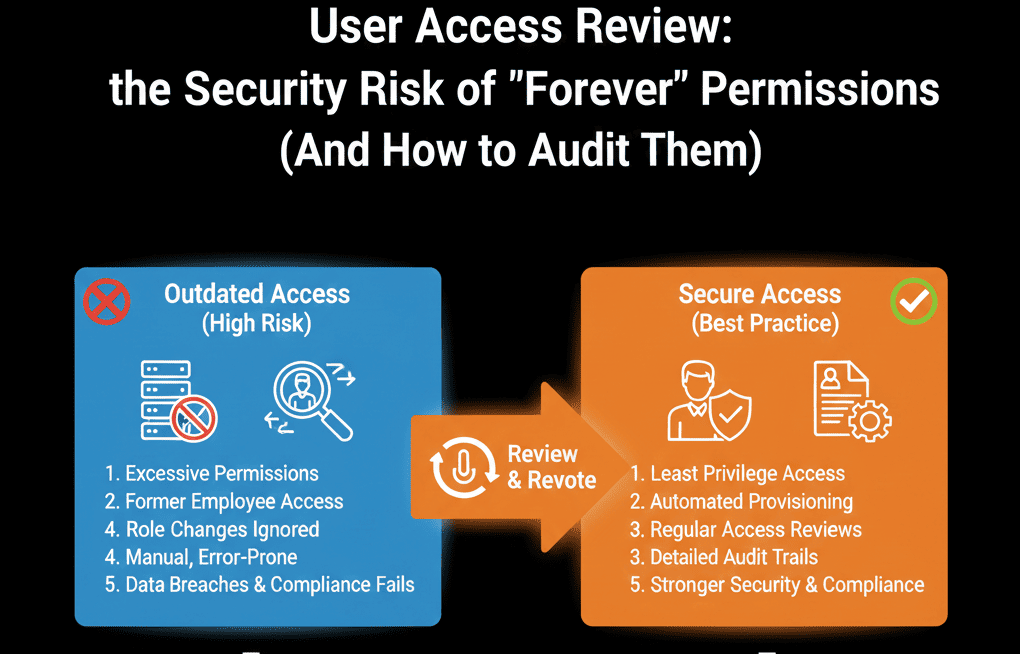
🛡️ The "Quarterly Review" Ritual
You cannot do this once. You must operationalize it.
The Protocol:
- Calendar Invite: Set a recurring task for the 1st of every Quarter. "User Access Review."
- The Export: Export your User List to CSV.
- The Verify: Send the list to every Department Head. "Is John Smith still on your team? Does he still need Admin access?"
- The Action: Revoke access immediately based on responses.
This is the baseline requirement for SOC2 and ISO 27001 compliance. Even if you aren't SOC2 certified, you should act like you are.
Zero Trust is the Only Trust.
Your customer data is your competitive advantage. Protecting it isn't "IT's job." It's RevOps' job.
If you have 15 Super Admins, your door is unlocked.
Not sure how to configure "Private Apps" or granular "Field Level" permissions?
Lock the Door. Get Your Free Health Check.
This is part of our Free HubSpot Health Check. We will run a "Security Scan." We'll list your Super Admins, identify your "Export" risks, and flag any "Ghost Users." We’ll help you lock down the portal so you can focus on growth, not breaches.
Get Free Hubspot Audit.