Who This HubSpot Health Check Is For
We designed this 30-day HubSpot Health Check for B2B companies that have outgrown spreadsheets and basic tools, but feel HubSpot has become an expensive address book instead of a growth engine.
You’re likely a fit if you’re:
- 11–250 employees, scaling fast, with a growing sales team.
- Sitting on years of messy data, duplicate records, and unreliable reports.
- Dealing with complaints like “we don’t trust the numbers” and “HubSpot is too complicated.”
If this sounds familiar, you’re not alone. Many teams struggle with data quality, duplicates, and consistency—exactly the type of issues HubSpot’s Data Quality tools are designed to help you monitor and fix.
Our Free HubSpot Portal Health Check applies a focused audit to your portal and turns the findings into a 6-slide strategic roadmap you can act on immediately.

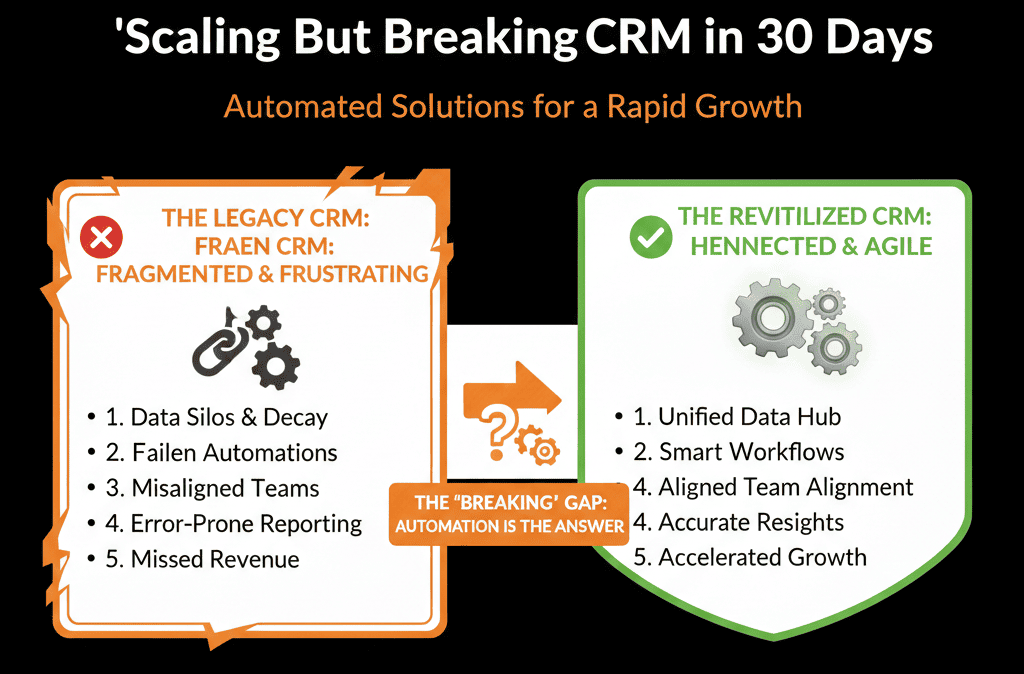
The Core Problem: “Scaling but Breaking” HubSpot Portals
When HubSpot starts creaking under the weight of growth, symptoms usually appear in four areas:
1) Data quality
- Duplicates everywhere.
- Inconsistent fields.
- Conflicting values for simple things like country or lifecycle stage.
The result: nobody trusts reports, so critical decisions move back to spreadsheets and guesses.
2) Pipeline and process design
- Too many pipelines or deal stages that don’t reflect reality.
- No clear entrance/exit criteria for each stage.
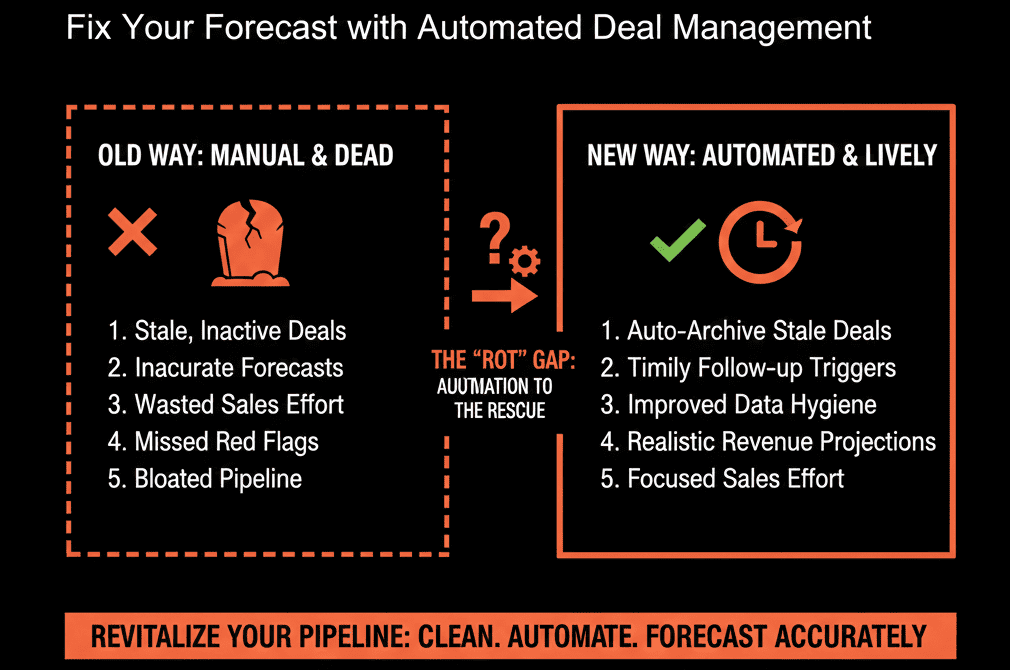
- Deals that live forever in “Open” or “Proposal Sent.”
The result: your forecast is a fantasy, and teams argue instead of aligning.
3) Adoption and usage
- Reps skipping HubSpot because “it takes too long.”
- Key activities not logged, or logged inconsistently.
- Managers spending more time chasing updates than coaching.
The result: HubSpot becomes an admin chore instead of a selling advantage.
4) Automation and reporting
- Workflows that no one understands or owns.
- Dashboards that don’t match what’s in the board deck.
- Leaders bouncing between HubSpot, spreadsheets, and slide decks to find “the truth.”
The result: the system feels slow, fragile, and disconnected from real operations.
Fixing this requires a time-bound, focused health check—not another random batch of tweaks. That’s exactly what this 30-day plan delivers.
The 30-Day HubSpot Health Check: Overview
We break your HubSpot health check into four weekly outcomes:
- Week 1 – See clearly: Baseline your data, pipelines, and key metrics.
- Week 2 – Stabilize the foundations: Fix the worst data issues and lock in core architecture.
- Week 3 – Align teams and workflows: Clean up handoffs, routing, and core automation.
- Week 4 – Build the revenue cockpit: Implement a reliable, leadership-ready reporting layer.
You finish with:
- A cleaner, governed data model.
- A simplified, realistic pipeline structure.
- Clear lifecycle & handoff rules everyone understands.
- A small set of accurate dashboards leaders can rely on.
Week 1: See Clearly (Diagnosis, Not Decoration)
The only goal of Week 1 is truth. No big changes yet—just visibility.
1) Data and object baseline
Export basic summaries and answer:
- How many Contacts, Companies, Deals, and Tickets exist?
- How many records have missing critical fields (email, owner, lifecycle stage, close date, amount, etc.)?
- How many duplicate contacts and companies are obvious at a glance?
Use this to define your “data debt” and highlight the worst holes.
2) Pipeline and stage baseline
For each pipeline:
- List all stages and their intended meaning.
- Count how many deals live in each stage.
- Identify stale deals (e.g., no activity in 30/60/90+ days).
This quickly shows where your funnel is clogged and which stages are meaningless.
3) Adoption and usage baseline
Look at:
- Percentage of deals with no associated company or contact.
- Percentage of deals with no activities logged in the last 30 days.
- Users who have not logged in or logged minimal activity.
This tells you where HubSpot is being bypassed and where training or simplification is required.
4) Reporting baseline
Document your current reality:
- Which dashboards do leaders actually use?
- Do “revenue” and “pipeline” numbers in HubSpot match what finance or leadership reports elsewhere?
- What numbers do leaders not trust, and why?
Deliverable for Week 1:
A short internal summary (or slide deck) answering: “What is the true current state of our HubSpot data, pipelines, adoption, and reporting?”
Week 2: Stabilize the Foundations (Data & Architecture)
With clarity in place, Week 2 is about removing chaos, not building fancy automation.
1) Define your core data model
Agree on a minimum viable data model:
- Contacts: what must we always know? (email, role, country, lifecycle stage, lead source).
- Companies: what must we always know? (industry, segment/size, region, status).
- Deals: required fields at creation and at each stage (amount, close date, product/segment, stage, owner).
Then:
- Make critical fields required at appropriate moments.
- Standardize picklists (countries, industries, segments) to avoid “custom text chaos.”
2) Quick-hit data cleanup
Use a two-lane approach:
- Lane 1 – High-impact manual cleanup: Top accounts and active deals; fix ownership, duplicates, and key fields for anything touching live pipeline.
- Lane 2 – Rules & automation going forward: Set basic validation rules; implement simple workflows to normalize common fields.
You don’t need perfection—just reliable data where revenue lives.
3) Rationalize pipelines and stages
For each pipeline:
- Remove or merge stages that don’t represent a clear customer reality.
- Define entrance and exit criteria for each stage in plain language.
- Flag any pipeline that exists for “reporting only” and decide whether to retire or re-purpose it.
The goal: a clean, minimal stage set where every stage is meaningful and forecastable.
Deliverable for Week 2:
A documented data model + pipeline schema and a prioritized list of cleanup actions.
Week 3: Align Teams and Workflows (Operational Fixes)
Now that data and architecture are stable, Week 3 focuses on how leads and deals move.
1) Clarify lifecycle and handoffs
Define, in one page:
- What qualifies a Lead, MQL, SQL, Opportunity, and Customer.
- Who owns what at each step (Marketing, SDR, AE, CS).
- SLA expectations: time to first touch, follow-up sequence length, and recycling rules.
Configure this in HubSpot:
- Ensure Lifecycle Stage is driven by clear events (not random manual edits).
- Align lifecycle transitions with deal creation and progression where appropriate.
2) Lead routing and speed-to-lead
Audit:
- Forms, chat, imports, and integration entry points.
- Who receives each type of lead.
- How quickly they respond today.
Then implement or refine:
- Assignment rules by region, segment, or product.
- Alerts (email, Slack, tasks) when high-intent leads enter the system.
- Simple automation to create follow-up tasks for owners.
The goal is to eliminate “black holes” where good leads go to die.
3) Core workflows, not workflow sprawl
Identify:
- Critical workflows that impact revenue (lifecycle, handoffs, routing, key alerts).
- Legacy or unclear workflows no one can explain.
Action:
- Pause and document anything risky or mysterious.
- Consolidate duplicative automations into a single, clear workflow per outcome.
Deliverable for Week 3:
A documented lead management and handoff process that your teams review and agree to, backed by a small, controlled set of workflows.
Week 4: Build the Revenue Cockpit (Reporting & Governance)
With the system stabilized, Week 4 gives leadership a trusted view of the business.
1) Design your core dashboard set
We recommend three tiers:
Executive / CEO Dashboard
- New pipeline created by week/month.
- Forecast by close date and stage.
- Bookings vs target.
- Win rate and average sales cycle.
Revenue Ops / Leadership Dashboard
- Funnel conversion by lifecycle stage.
- Speed-to-lead performance.
- Activity vs outcomes (meetings, deals created, deals won).
- Segment/region performance.
Team Dashboards (Sales, Marketing, CS)
- For sales: pipeline by owner, stalled deals, tasks due.
- For marketing: MQLs, opportunities influenced, key campaign performance.
- For CS: renewals/expansions, health indicators, ticket trends.
Make sure every number is sourced from the clean data and architecture you put in place in Weeks 2–3.
2) Governance and change control
To avoid sliding back into chaos:
- Define who can create properties, pipelines, and workflows.
- Create a simple change request process (even if it’s a shared internal form).
- Schedule a monthly HubSpot governance review to approve changes and monitor health.
3) Training and adoption
Run short, focused training sessions:
- Show sales and marketing how to use the new pipelines and dashboards.
- Clarify expectations: what must be logged, when, and why.
- Explain how better data feeds into better forecasts, targets, and recognition.
Deliverable for Week 4:
A small set of accurate dashboards, a basic governance process, and a trained team that understands the “why” behind the changes.
What You Should Do in the Next 7 Days
If your HubSpot portal feels “scaling but breaking,” treat this like a medical issue:
- Run a quick baseline: Spend one afternoon assessing data quality, pipelines, adoption, and current reports.
- Pick a 30-day window: Commit internally that the next 30 days are your HubSpot Health Check sprint.
- Get an external diagnostic: Our team runs a structured Free HubSpot Portal Health Check that applies an 80/20 analysis to your CRM, Sales Hub, and data foundations, then turns it into a 6-slide strategic roadmap you can act on immediately.