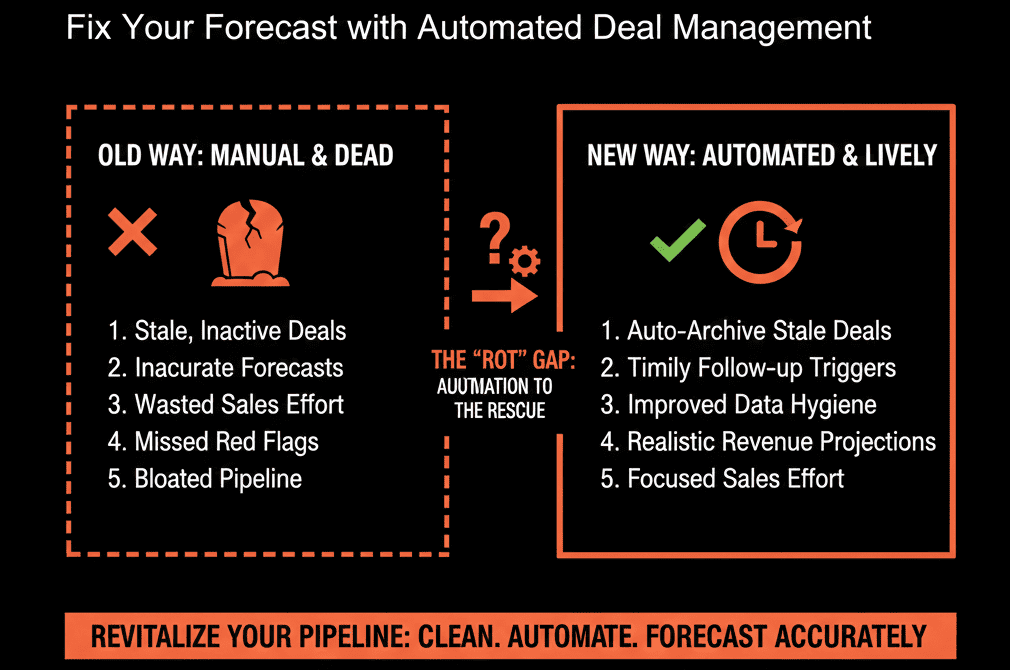
Why Scaling Teams Need a Real HubSpot Portal Audit (Not Just “Tidying Up”)
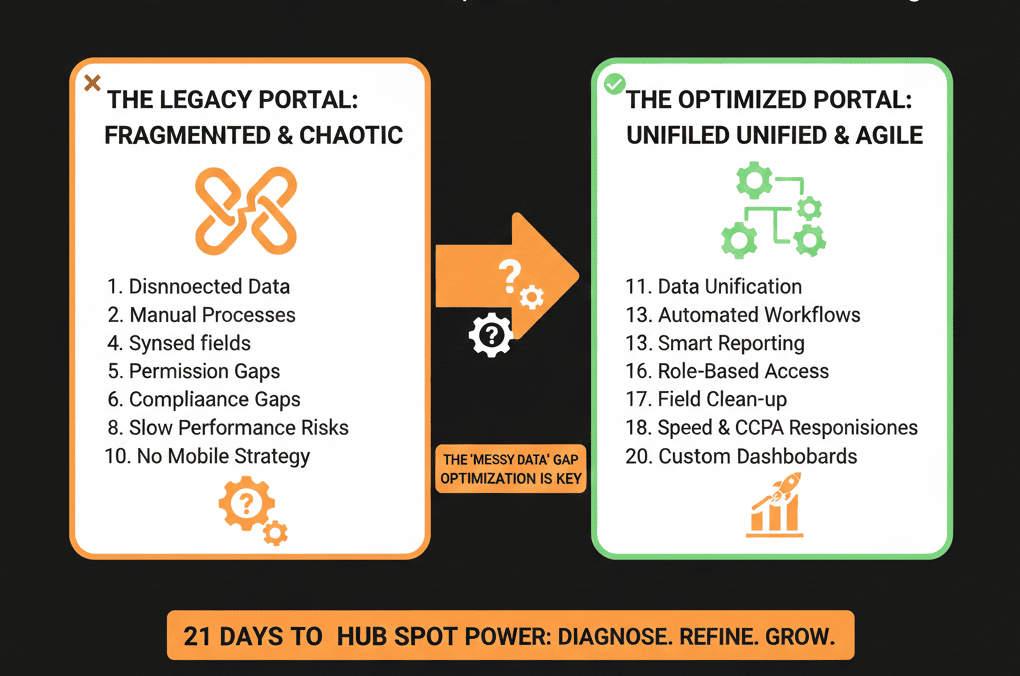
When B2B teams hit 11–250 employees, HubSpot usually starts showing cracks. Spreadsheets and “quick fixes” that worked at 5 people don’t work at 50.
- New sales reps arrive. New marketing channels appear. New regions open.
- But the HubSpot portal was never redesigned for this new complexity.
That’s why we run structured HubSpot Portal Health Checks. We look at your portal the way an architect looks at a building that’s been extended three times without a plan.
Below is the 21-point HubSpot portal audit checklist we use to decide what to fix first for scaling B2B teams. You can walk through this internally, or use it to benchmark the depth of any external audit you’re considering.

Section 1 – Data Foundations & Properties
1) Contact data completeness for active funnel
We start by checking whether contacts in your active funnel (leads → opportunities) have the minimum fields required to market and sell effectively.
We look at:
- % of contacts missing email, lifecycle stage, lead source, persona/role, and country/region.
- Whether those fields are standardized (e.g., “United States” vs “USA” vs “US”).
If funnel contacts are incomplete, campaigns, routing, and reporting will be too.
Fix first: define a minimum viable contact profile, then monitor and enforce it using HubSpot’s data quality tooling.
2) Company/account data integrity
Next, we check whether companies are properly linked and enriched:
- % of deals associated with a company.
- % of companies missing industry, segment/size, and region.
- Duplicated or conflicting company records.
When companies are messy, account-based views and revenue reports fall apart.
Fix first: normalize industries/segments and enforce a simple rule—no strategic deal without a company association.
3) Deal property sanity and required fields
We then review your deal properties:
- Which fields are used in reporting and forecasting.
- Which are optional but should be required (amount, close date, stage, pipeline, owner, product/line of business).
- How many deals are missing any of those.
If deals lack core data, your pipeline and forecast cannot be trusted.
Fix first: enforce required properties at creation and at stage gates (HubSpot pipelines support stage-level structure and rules).
4) Property sprawl and naming conventions
We always find portals with:
- Multiple properties capturing the same thing (e.g., “Industry”, “Industry_2”, “Sector”).
- Inconsistent naming conventions for lists, workflows, and properties.
- Legacy fields no one uses but everyone is scared to delete.
This slows down every future optimization.
Fix first:
- Identify redundant properties and mark them for consolidation.
- Introduce a simple naming convention (e.g., z_ prefix for deprecated items, standardized prefixes by object or function).
5) Duplicate contacts and companies
Duplicate records create:
- Conflicting activity timelines.
- Confusion on ownership.
- Inflated funnel metrics and email send volumes.
We look at:
- Volume of obvious duplicates (same email / domain).
- Common sources (integrations, imports, forms).
Fix first: run targeted dedupe on high-value segments (open deals, key accounts, active MQLs) before broad cleanup—HubSpot supports deduplication to merge duplicates.
Section 2 – Pipeline, Stages & Lifecycle
6) Number and purpose of pipelines
More pipelines do not equal more clarity. We often see:
- 5–7 pipelines where 2–3 would do.
- Pipelines acting as “reporting hacks” rather than real processes.
- Legacy pipelines never used but still visible to reps.
Fix first: categorize each pipeline:
- Revenue-critical and active.
- Specialized but needed (e.g., renewals).
- Legacy / to be archived.
Then simplify down to the fewest pipelines that reflect your actual revenue motions (HubSpot lets you create and manage multiple pipelines).
7) Deal stage definitions and usage
We review each deal stage for:
- Clear entrance and exit criteria in plain language.
- Whether deals flow through in a logical sequence.
- Stalled deals (e.g., 60+ days in the same stage, no activity).
If reps use stages as “notes” instead of real status, your pipeline is fiction.
Fix first: rewrite stage definitions, train the team, and close/clean stale deals that clearly aren’t active.
8) Lifecycle stages and funnel alignment
Lifecycle stages should tell the story of the funnel. Often they don’t.
We check:
- How lifecycle stages are updated (manual vs rules vs workflows).
- Whether they align with deal creation and opportunity stages.
- Whether reporting by lifecycle is consistent.
Fix first: document one lifecycle model and align workflows so lifecycle changes are tied to specific events.
9) Lead source and attribution hygiene
Without reliable source data:
- You can’t see which channels actually produce pipeline.
- You can’t justify budget or cut underperforming channels.
We review:
- How sources are set and overwritten.
- Whether custom “lead source” properties conflict with default ones.
- How influence (if any) is tracked.
Fix first: choose a source-of-truth field, fix the logic that populates it, and stop uncontrolled overwrites.
10) Handoffs between Marketing, SDR, AE, and CS
We assess:
- When and how Marketing hands off leads to SDR or Sales.
- How deals are created and who owns them.
- When/how CS is engaged (handoff at close, pre-sale for complex deals, etc.).
Every misaligned handoff shows up as missed SLAs, lost leads, and frustrated customers.
Fix first: design one simple written handoff flow and ensure HubSpot reflects it with ownership rules, tasks, and lifecycle changes.
Section 3 – Workflows, Automation & Adoption
11) Workflow inventory and risk check
We start with a workflow inventory:
- Total number of active workflows.
- Workflows no one can explain or that were built by people who left.
- High-risk workflows (auto-updating key fields, mass enrollment, deletions).
Fix first:
- Tag risky workflows.
- Pause anything outdated or undocumented.
- Consolidate duplicate logic into a small, owned set of core workflows.
12) Lead routing and speed-to-lead setup
Speed-to-lead is where revenue quietly dies. We review:
- How inbound demo and high-intent leads are assigned.
- Whether alerts exist (email, tasks, Slack) for new high-intent leads.
- Average time from lead creation to first touch.
Fix first: build or refine routing so every lead gets fast assignment, clear ownership, and automatic follow-up tasks.
13) Sales sequences and follow-up consistency
We check:
- Whether sequences exist for key scenarios (inbound demo, trial sign-up, reactivation).
- How consistently reps use them.
- Open/reply metrics.
Fix first: standardize 1–2 core sequences and train the team on when to use them.
14) Task and activity logging habits
We look at:
- % of deals with no logged activity in last 14/30 days.
- Whether tasks enforce process (qualification steps, next steps).
- Differences in logging between top and average performers.
Fix first: set a minimal activity standard, then support it with automation (tasks created at key triggers).
15) Email & marketing automation health
We assess your Marketing Hub usage:
- Key nurture workflows and whether they’re still relevant.
- Old campaigns still running with outdated lists.
- Deliverability risks from emailing poor-quality segments.
Fix first: pause/adjust legacy nurtures and blasts targeting unengaged segments before they hurt reputation and metrics.
Section 4 – Reporting, Dashboards & Leadership Visibility
16) Executive dashboard clarity
We review the dashboards leadership actually uses:
- Are they aligned to revenue and pipeline, or just activity vanity metrics?
- Are key metrics defined (e.g., what counts as an opportunity)?
- Do numbers match what the CFO/board sees?
Fix first: build one executive dashboard that answers: How much pipeline do we have, is it enough vs target, and where are we leaking?
17) Funnel and conversion reporting
We assess whether you can clearly see:
- Conversion rates between lifecycle stages.
- Conversion between deal stages.
- Funnel performance by segment, channel, or region.
Fix first: standardize lifecycle/stage fields so funnel reports have consistent inputs (data quality drives reporting).
18) Forecast and quota tracking
We examine:
- How forecasts are generated (manual, weighted, custom).
- Whether reps use forecast categories consistently.
- Whether forecasts line up with actuals over time.
Fix first: standardize forecast categories and align a forecast dashboard to that process.
19) Source and campaign performance reports
We check:
- Which campaigns/sources appear to create opportunities and revenue.
- Whether reports match what the team feels is working.
- If critical fields (original source, campaigns) are missing or misused.
Fix first: ship a small set of source dashboards, then fix the property logic feeding them.
Section 5 – Governance, Ownership & Next Steps
20) Ownership and governance model
We always ask:
- Who can create properties, workflows, and pipelines?
- Is there a review/approval process?
- Is there a backlog and roadmap?
Without ownership, the portal drifts back into chaos.
Fix first: assign a clear HubSpot/RevOps owner and a simple governance cadence (monthly HubSpot review).
21) Documentation and training
Finally, we review:
- Whether the current setup is documented anywhere.
- Whether new hires receive role-specific HubSpot training.
- Whether updates are communicated or just “appear” one day.
Fix first: document the critical flows (lead mgmt, pipeline, lifecycle) and record short Loom-style walkthroughs for onboarding.
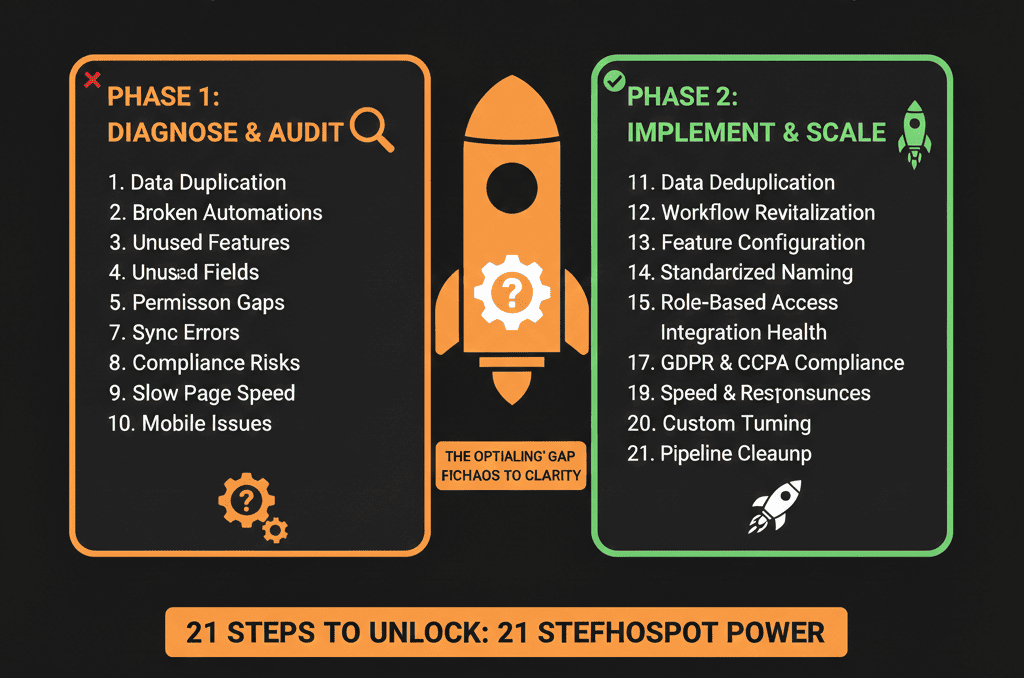
How to Use This HubSpot Portal Audit Checklist
We recommend three passes:
- Quick scoring (1–3 hours): Score each of the 21 items from 1–5 based on your current reality.
- Prioritization: Pick the top 5–7 issues that most impact revenue visibility, lead follow-up, and leadership reporting.
- 30-day action plan: Turn those top issues into a focused 30-day HubSpot Health sprint.
If you want outside eyes, this is the exact structure we apply during portal reviews—starting with data quality and deduplication because reporting is only as good as the underlying data.
Ready for a Structured, External View of Your HubSpot Portal?
If this checklist surfaced more red flags than you’re comfortable with, you don’t need another random tweak—you need a structured diagnostic.
Our Free HubSpot Portal Health Check is for B2B companies that are:
- Already on HubSpot.
- 11–250 employees.
- Scaling fast, but not confident in their CRM foundation.
We’ll:
- Run your portal through a focused 80/20 version of this 21-point checklist.
- Score your CRM, Sales Hub, and data foundations using HubSpot data-quality signals (duplicates, property issues, record health).
- Deliver a concise 6-slide strategic roadmap with risks, quick wins, and next steps.