🔍 The "Tab-Switching" Tax on Content
You are writing a blog post in HubSpot.
You need to check a keyword.
- Alt-Tab to Semrush.
- Type "B2B Sales."
- Filter by Volume/Difficulty.
- Copy the keyword.
- Alt-Tab back to HubSpot.
- Paste it into the editor.
This is the "SEO Friction Tax."
It breaks your flow. It makes optimization feel like a chore.
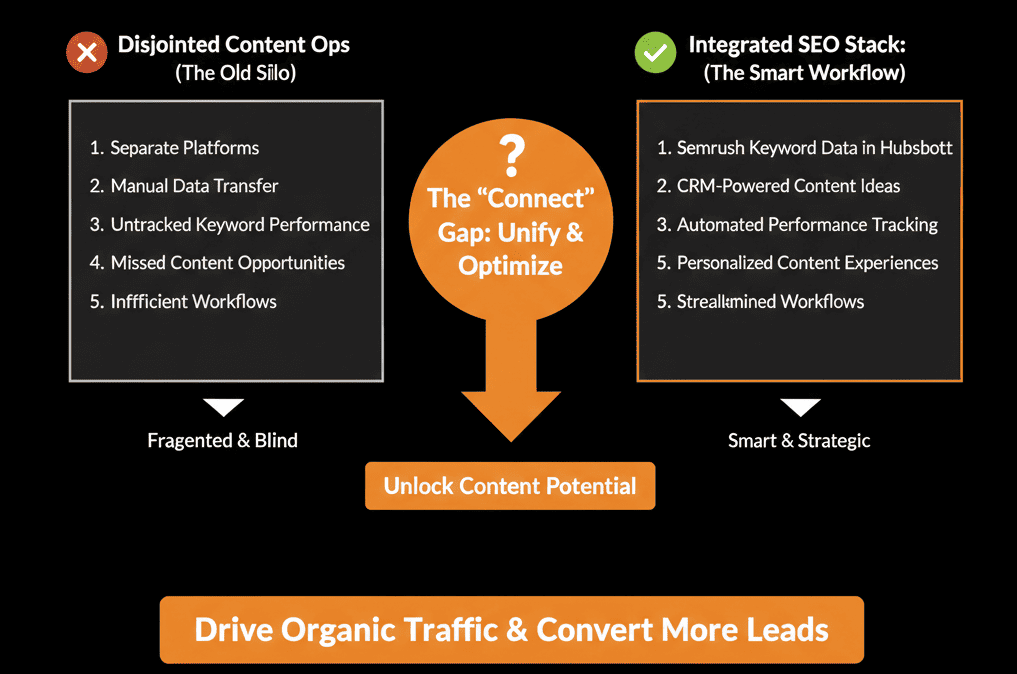
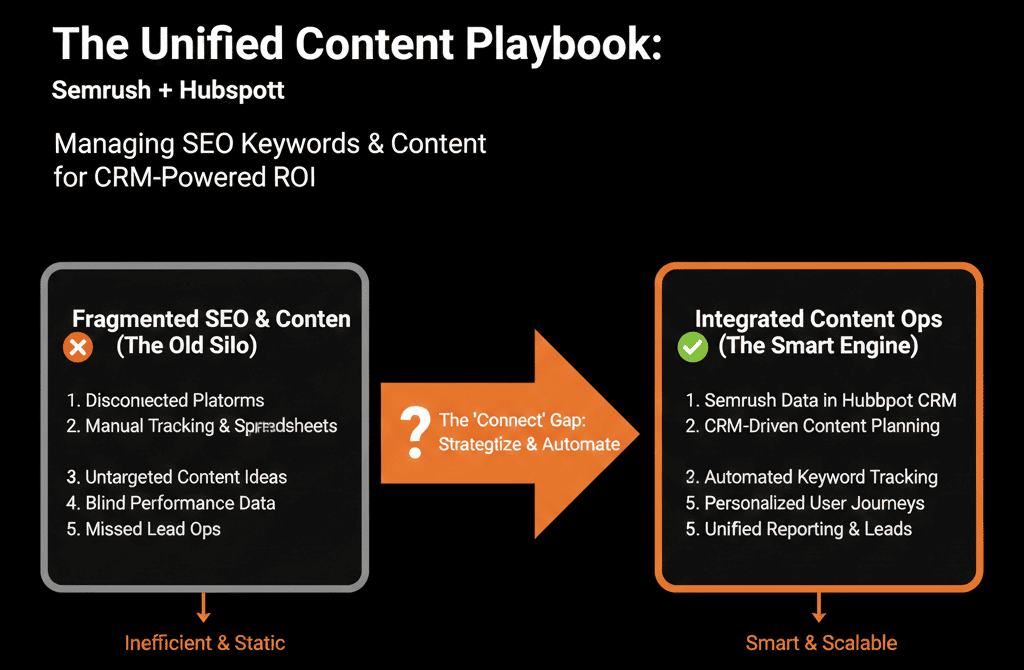
And worse, your content strategy is disconnected from your execution. Your "Target Keywords" live in a spreadsheet, but your "Published Pages" live in HubSpot. They rarely match.
You need to bridge the gap. You need Semrush inside HubSpot.
This native integration brings the world's best keyword data directly into your content editor. It turns "SEO" from a separate task into a seamless part of the writing process.
Here is how to set up your Content Operations engine.
🗝️ Feature 1: The "In-Editor" Keyword Researcher
The Pain: Guessing which keyword to target while drafting.
The Fix: Native Research.
- Open the Optimize tab inside the HubSpot Page/Blog Editor.
- Click "Find related keywords."
The Magic: HubSpot pulls live data from Semrush (Volume, CPC, Difficulty) right in the sidebar.
The Action: You see that "CRM Implementation" is too hard (KD 90), but "CRM Implementation Plan" is easier (KD 40). You check the box. It applies the target keyword to the page.
Result: You picked the winnable fight without leaving the screen.
🗝️ Feature 2: The "Topic Cluster" Architect
The Pain: Creating "Pillar Pages" based on gut feel.
The Fix: Data-Backed Clusters.
- Go to Marketing > Website > SEO > Topics.
When you add a "Subtopic" keyword, the Semrush integration shows you the Monthly Search Volume instantly.
The Strategy: You can visually map out your authority. If a subtopic has 0 volume, don't write it. If it has 10,000 volume, make it a priority.
Result: Your content calendar is based on data, not guesses.
🗝️ Feature 3: The "Competitor" Spy
The Pain: Not knowing who owns the keyword.
The Fix: Domain Analytics.
The integration allows you to see who is ranking for your target topic directly within the planning tool.
The Insight: "Oh, [Competitor X] owns this. We need to write a 'Best Of' guide to unseat them."
⚠️ The "Revenue" Connection (Advanced)
Semrush tells you about Traffic. HubSpot tells you about Revenue.
By aligning them, you can finally answer the question: "Do high-volume keywords actually close deals?"
The Audit:
- Look at your Topic Clusters in HubSpot.
- Sort by "New Contacts Rate."
- Compare to Semrush Volume.
The Insight: You might find that "Low Volume" keywords (Long-tail) have a much higher conversion rate than "High Volume" vanity keywords.
The Shift: Stop chasing volume. Chase conversion.
SEO is not "After the Fact."
- If you write a post and then try to "SEO it" later, you have failed.
- SEO must be baked into the Drafting phase.
- The Semrush + HubSpot integration removes the excuse. The data is right there, staring the writer in the face.
- "Volume: 500."
- "Difficulty: Hard."
- "Recommendation: Use 'Guide' in title."
- Make SEO the default setting.
Not sure if your Topic Clusters are set up correctly?
We will audit your "Content Strategy." We'll check your SEO settings, your cluster architecture, and your keyword targeting. We’ll help you build a content engine that drives traffic and revenue.