Introduction
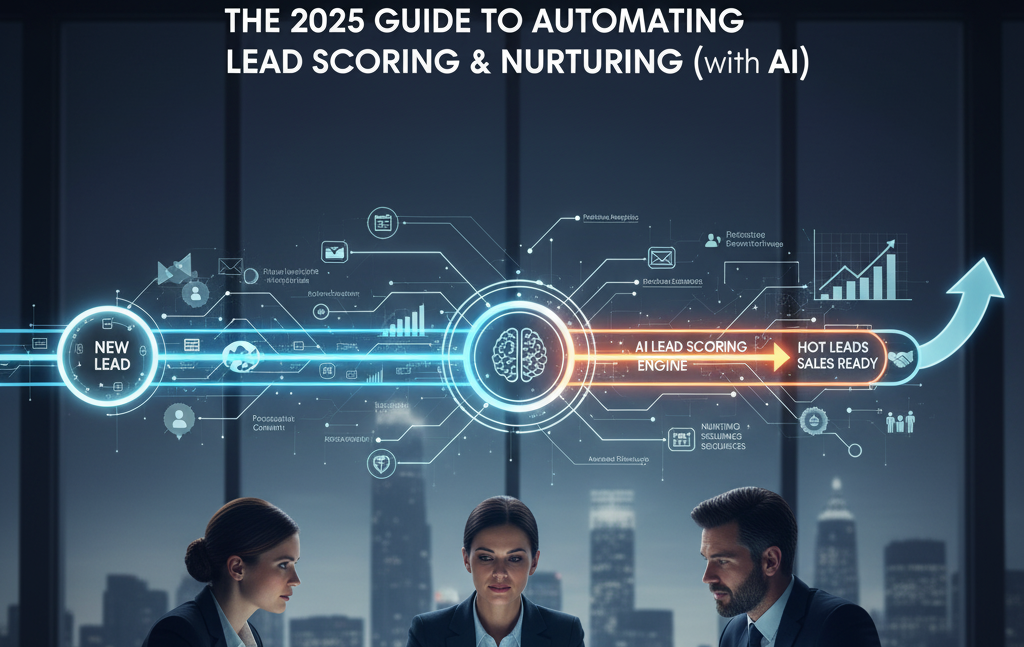
Manual lead management kills growth. By automating lead scoring and nurturing with modern CRM + AI tools, you speed up sales cycles, waste less time on unqualified prospects, and radically improve conversions. Here’s how it looks in action.
Core Steps for Lead Scoring and Nurturing Automation
Step 1: Identify Scoring Criteria
● Site visits, email engagement, demo signups, etc.
● Assign point values to “interest” behaviors.
Step 2: Implement in CRM
● HubSpot (workflow builder), Zoho (Scoring Rules), Pipedrive (custom fields + automation triggers).
● Sync with AI tools (e.g., Leadspace, HubSpot AI) for predictive scoring.
Step 3: Automate Nurturing
● Create workflow: When lead score passes threshold, trigger demo invite, custom sequence, or sales call.
● Use segments for personalized content and follow-up.
Use Case Deep Dive: SaaS Agency Ramps Up Demo Bookings With AI Scoring + Drip
Problem: A SaaS agency had too many cold leads mixed with hot ones—it took too long to nurture and sort.
Implementation
● Mapped top client behaviors that indicated buying intent.
● Built lead scoring rules in HubSpot (website visits, case study downloads, email clicks).
● Set automation to immediately trigger personalized drips and sales notifications at scoring thresholds.
Results:
● Demo booking rate increased from 9% to 23%.
● Sales reps spent 34% less time manually reviewing lists.
● Pipeline stayed hotter—sales cycle contracted by almost 2 weeks.
Takeaway: Let your CRM and AI identify and nurture your best leads—so you never miss a close-ready prospect.
Practical Action Steps
- Document what “hot” vs. “cold” lead looks like in your context.
- Model scoring inside your CRM—leverage AI/predictive help if available.
- Set up nurturing journeys based on scores—review impact monthly, optimize quarterly.
Conclusion: Modern lead management is about automation + personalization, not more manual effort.
Want hands-on help setting up your automated pipeline? Book an ElanceMind.com automation session.