Why You Need a Configuration Plan Before You “Build Stuff”
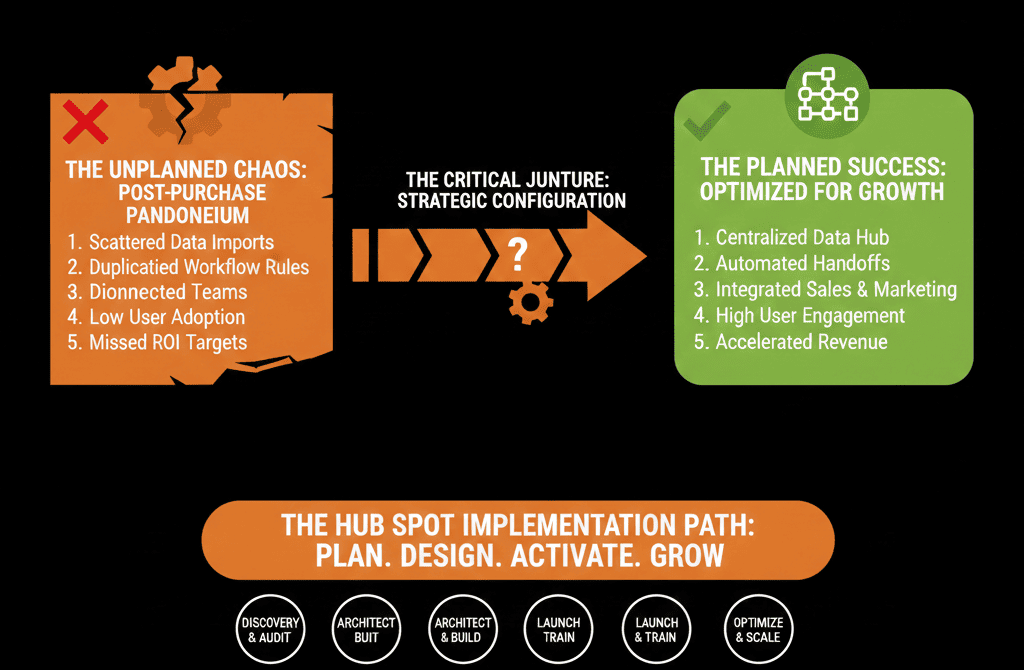
Most HubSpot portals don’t break because of the software.
They break because someone started with:
- “Let’s create a workflow for this.”
- “Let’s add a property for that.”
- “Let’s spin up a new pipeline.”
Without a configuration plan, every request seems reasonable.
After a year, you inherit:
- Property bloat.
- Conflicting lifecycle definitions.
- Dashboards nobody trusts.
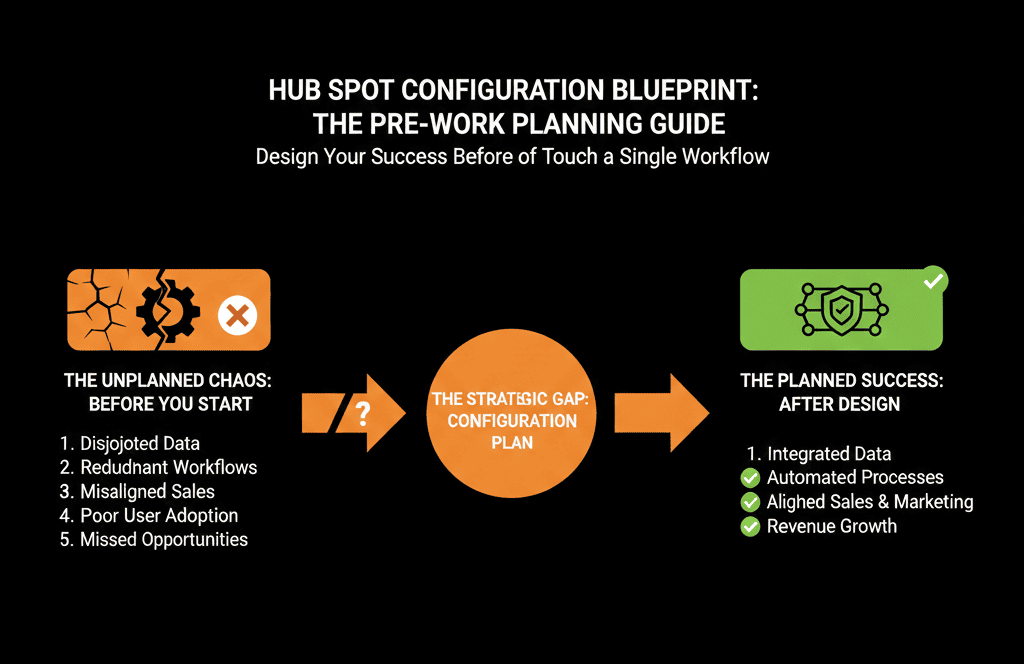
A HubSpot configuration plan is the blueprint for your portal:
- How your data model works.
- How your pipelines and lifecycles are structured.
- How handoffs and automation will flow.
- How leadership will see revenue and performance.
You build this before you touch a single workflow.

Step 1: Start from Business Outcomes, Not Features
HubSpot can do a lot.
Your configuration plan should start with what you actually need.
Sit down with your CEO/founder and GTM leaders and answer:
What revenue problems are we trying to solve in the next 12–24 months?
Examples:
- Unreliable pipeline and forecast.
- Poor lead follow-up and qualification.
- No visibility from marketing activity to revenue.
- Churn and renewals not tracked in a system.
What decisions must HubSpot support at leadership level?
Examples:
- Where to invest more marketing budget.
- When to hire more sales reps.
- Which segments and products to prioritize.
What must HubSpot be the system of record for?
Examples:
- Contacts, companies, and deals.
- Lead source and lifecycle.
- Pipeline and revenue stages.
- Renewals and expansion opportunities.
Write this into a 1–2 page “HubSpot Outcome Charter.”
This document anchors every configuration choice.
Step 2: Design Your Data Model on Paper
Next, you define which objects you’ll use and what they’re for.
For most B2B teams, a scalable HubSpot data model includes:
Core objects
- Contacts = people you market, sell, and support.
- Companies = accounts with revenue value.
- Deals = commercial opportunities.
- Tickets = post-sale work (onboarding, support, renewals).
Optional custom objects
Consider custom objects if you have:
- Subscriptions or contracts.
- Locations, branches, or projects.
- Products or services that need their own lifecycle.
Relationships between objects
Map on paper:
- How contacts relate to companies (1:1, 1:many).
- How deals attach to companies and contacts.
- How tickets relate to deals and companies.
- How custom objects fit into that graph.
Then list your must-have properties per object:
Segment, region, industry, ACV, owner, status, etc.
Keep this deliberately short at first.
The goal is a lean, intentional data model.
Every field should have:
- A clear owner.
- A clear purpose.
- A clear usage path (process or reporting).
Step 3: Define Lifecycle and Pipelines Before Building Fields
Many portals get this backwards:
- They create fields and workflows.
- Then they try to force lifecycles and pipelines to fit.
You want the opposite.
Lifecycle stages
Define what each lifecycle stage means in your GTM motion:
- Subscriber
- Lead
- MQL
- SQL
- Opportunity
- Customer
- Evangelist / Expansion
HubSpot supports lifecycle stages as a standard way to categorize contacts and companies, and you can also create/customize lifecycle stages in settings.
For each, specify:
- Entry criteria: what must be true for someone to enter this stage.
- Who owns that stage (marketing, SDR, AE, CS).
- What key actions need to happen.
Pipelines
Usually:
- A New Business pipeline.
- A Renewal/Expansion pipeline (if you have recurring revenue).
- Optional onboarding/delivery pipeline for complex services or SaaS.
For each pipeline stage, document:
- Name and description.
- Entry/exit criteria.
- Required fields on stage change.
- Downstream impact (tasks, tickets, notifications).
Only when lifecycle and pipelines are clear do you decide:
- Which properties to add.
- Which automations to later build.
Step 4: Map Handoffs and SLAs Across Teams
A good configuration plan treats handoffs as first-class citizens.
Map the key handoffs:
Marketing → Sales
- When does a lead become an MQL?
- What data must be present (fit + intent)?
- What is the SLA for first touch?
- What happens if sales rejects an MQL?
Sales → CS / Service
- What must be known when a deal is Closed Won?
- What information must move to onboarding or CS?
- What’s the expected time from Closed Won to onboarding kickoff?
CS → Sales (Renewal / Expansion)
- When is a renewal record created?
- How are expansion opportunities surfaced?
- How is customer health tracked?
Document:
- The trigger event.
- The owning team.
- The expected system behavior.
These diagrams tell you later:
- Which workflows need to exist.
- Which queues and views each team requires.
Step 5: Define Reporting Requirements Upfront
Reporting is not an afterthought.
It drives many configuration decisions.
Start by listing the 10–15 questions leadership wants answered from HubSpot.
Examples:
- What is our weighted pipeline by segment for the next 90 days?
- Which channels and campaigns actually drive opportunities and revenue?
- How long does it take a qualified lead to become a customer?
- How much ARR is at risk in the next 90 days?
- Which reps and teams are consistently hitting targets?
For each question, note:
- Which objects are involved (contacts, deals, tickets, custom).
- Which properties are required.
- Which lifecycles and stages this depends on.
This step often reveals:
- Missing fields you must include in the data model.
- Overcomplications you can ignore.
- Where you need consistent naming and standardized options.
Designing reports early prevents unreportable chaos later.
Step 6: Translate the Blueprint into a Configuration Backlog
Now you move from design to a build plan, still without touching workflows.
Create a configuration backlog grouped into:
Data model tasks
- Create core properties per object.
- Set standard naming conventions and descriptions.
- Configure required fields on forms and deal/ticket stages.
Object and pipeline setup
- Configure company, deal, ticket, and custom object pipelines.
- Set lifecycle stages and mapping rules.
- Define deal stages and pipeline permissions.
User access and permissions
- Set teams and roles.
- Lock down who can create properties, pipelines, and workflows.
- Configure field-level visibility where needed.
Reporting and dashboards
Create base dashboards for:
- Leadership.
- Marketing.
- Sales.
- CS/Support.
Each backlog item should have:
- A clear description.
- An owner.
- A priority (must-have vs nice-to-have).
- A dependency (what must be done before this).
This becomes your implementation roadmap.
Step 7: Only Now Do You Design Workflows and Automation
With the config plan in place, you decide which workflows actually matter.
Group them into:
Lifecycle and routing workflows
- MQL creation and assignment.
- Lead rotation logic.
- Lifecycle stage updates based on key events.
Pipeline hygiene workflows
- Tasks for stale deals.
- Auto-close lost after inactivity (with rules).
- Reminders for upcoming renewal dates.
Handoff and SLA workflows
- Creation of tickets when deals close.
- Alerts when SLAs are breached.
- Notifications when key milestones are hit.
Enrichment and data-quality workflows
- Standardizing values (e.g., job titles, industries).
- Backfilling missing information.
- Flagging incomplete or suspicious records.
The goal is to automate high-leverage steps, not every click.
Because you started with architecture:
- Each workflow has a clear purpose.
- You avoid duplicate logic.
- Debugging becomes far easier.
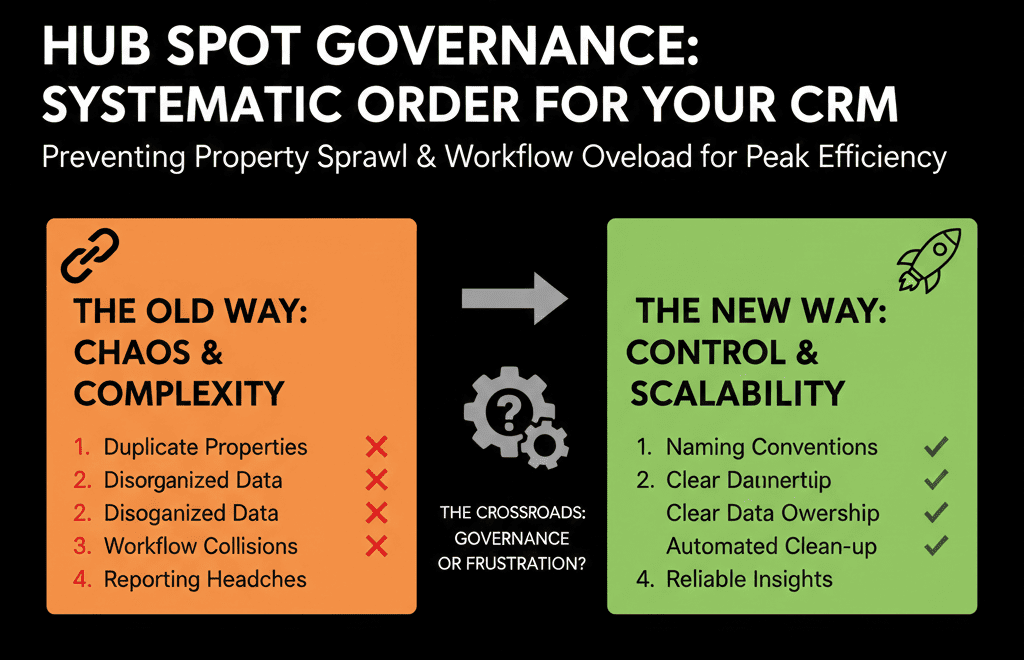
Step 8: Establish Governance So the Plan Survives Contact with Reality
A configuration plan is not static.
Your business will change. HubSpot will evolve.
To avoid chaos:
Appoint a HubSpot architect
- Internal or partner.
- Owns the data model, pipelines, and automation framework.
- Reviews major change requests.
Create a simple change process
New property requests must state:
- Purpose.
- Owner.
- How it will be used.
New workflows need:
- A written trigger, logic, and outcome.
- A test plan.
- A rollback plan.
Review regularly
Monthly:
- Audit new fields, workflows, and reports.
- Clean up unused assets.
Quarterly:
- Revisit the configuration plan vs business priorities.
- Adjust architecture where needed.
Governance is how your configuration plan stays useful, not theoretical.
When You Should Bring in a HubSpot Configuration Specialist
You can build a configuration plan internally.
You should consider external help when:
- You’re migrating from another CRM (Zoho, Salesforce, Pipedrive).
- You have multiple business units, segments, or regions.
- You’re layering in complex data (billing, product, support).
- You want to use custom objects or advanced Operations Hub features.
A specialist will help you:
- Turn your GTM and RevOps strategy into a clean HubSpot architecture.
- Avoid “cargo cult” setups copied from other companies.
- Build a configuration plan that your team can execute and own.
Design the Plan. Then Build the Machine.
If your HubSpot portal already feels messy, or you’re about to launch or relaunch, a configuration plan is not optional. It’s the difference between:
- A CRM that slowly fills with noise.
- A revenue system that your teams trust and rely on.
To recap, your HubSpot configuration plan should:
- Start from business outcomes and executive questions.
- Define your data model, lifecycles, and pipelines on paper.
- Map handoffs and SLAs before you automate.
- Translate into a prioritized configuration backlog.
- Only then define workflows and automations.
- Be governed with clear ownership and change rules.