



The Real Problem Isn’t Features. It’s Behavior.
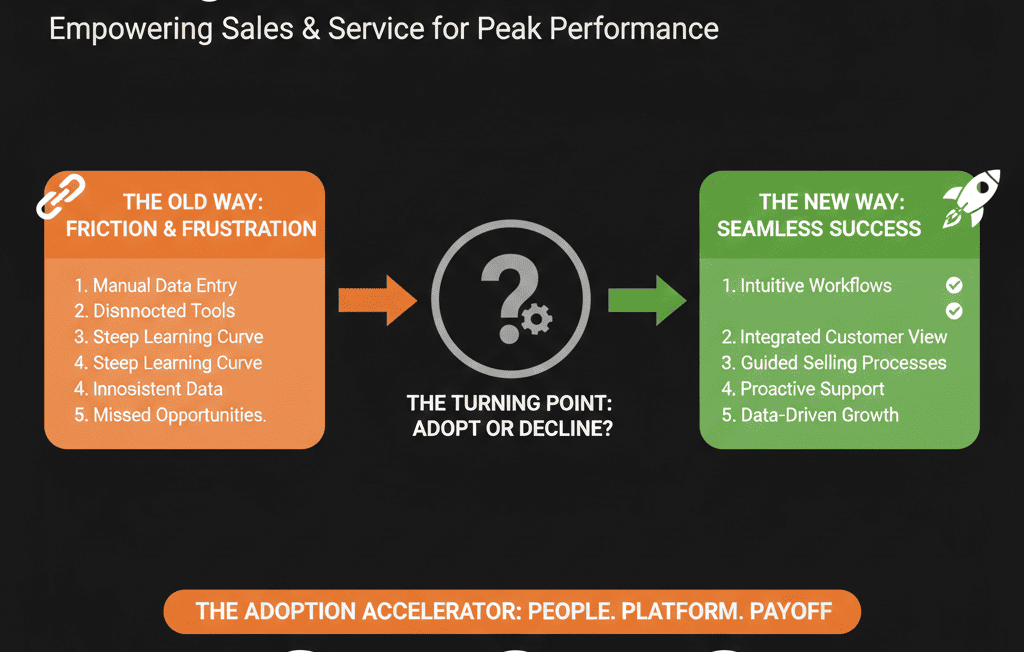
When sales and service teams “hate the CRM,” it usually sounds like:
- “It’s extra admin.”
- “It slows me down.”
- “The data is wrong anyway.”
- “We have our own system that works.”
You can add as many dashboards and workflows as you like.
If frontline teams don’t see what’s in it for them, HubSpot becomes a reporting tax instead of a revenue engine.
Change management for HubSpot is about:
- Designing the system around daily work, not management reports only.
- Turning usage into the path of least resistance for sales and service.
- Making it clear that “if it’s not in HubSpot, it doesn’t exist” for decisions.
Below is a practical playbook you can run in any B2B team.
Step 1: Start with WIIFM, Not Governance
Most CRM rollouts start with:
- “You must log every activity.”
- “You must update your deals daily.”
- “You must use these fields.”
That feels like surveillance.
Instead, start with WIIFM (What’s In It For Me) for each role.
For sales
Answer concretely: how will HubSpot help you close deals faster, protect hot opportunities, and reduce manual follow-up?
Examples you can deliver:
- Automated tasks and reminders on key deal stages.
- Clean “My Pipeline” views instead of spreadsheet maintenance.
- Sequences and templates that reduce manual emailing.
For service / CS
Answer: how will HubSpot help you reduce repeat issues, improve handoffs, and prove your impact?
Examples:
- Ticket views that show full customer context.
- Automations that assign and prioritize work.
- Dashboards that highlight resolved issues and CS impact.
Communicate those benefits before you talk about compliance or reporting.
Step 2: Involve Reps in the Design (Pilot Squads)
HubSpot adoption dies when configuration is done “to” teams instead of “with” them.
Create pilot squads:
- 3–5 sales reps from different segments/regions.
- 3–5 service agents/CSMs from key segments.
- Include at least one top performer, one average, one new-ish.
Involve them in:
- Reviewing proposed pipelines and stages.
- Testing field layouts and views.
- Defining what a “good day in HubSpot” looks like.
Give them a clear mandate:
“You are not here to approve everything. You are here to help us design something you’d actually use.”
Pilot squads become internal champions when you roll out widely.
Step 3: Design Pipelines Around Real Work, Not Admin Tasks
If stages read like internal admin (“Docs sent,” “Awaiting finance,” “Follow-up 1”), reps will ignore them or use them inconsistently.
Your sales and service pipelines should reflect:
- Customer journey milestones, not internal chores.
- Clear entry/exit criteria that reps agree on.
Examples:
- Sales stages: Discovery complete, Solution defined, Proposal shared, Decision maker aligned, Verbal yes, Closed won/lost.
- Service stages: New, In progress, Pending customer, Resolved, Closed (verified).
For each stage, ask: “How do you know you’re done here?”
Then make that real by using HubSpot playbooks (to standardize what gets asked/captured) and pipeline-linked recommendations.
Step 4: Make the HubSpot “Home Screen” Useful for Each Role
If users have to click five times to see what to do next, they will default to email and spreadsheets.
For each role, design:
Sales “home” view
- A filtered deals view (only my open deals, sorted by close date/size; columns: stage, amount, next activity, last contacted).
- A tasks view (today + overdue tasks, filtered by type).
Service “home” view
- A ticket board (assigned to me, by status, SLA/priority visible).
- A customer context view (active tickets for my accounts + recent interactions).
Train teams to start their day on these views:
“Open this view. Work top to bottom. Don’t leave until it’s clear.”
You’re making HubSpot the natural starting point, not a side system.
Step 5: Reduce Clicks with Templates, Snippets, and Playbooks
If HubSpot usage adds friction, people will resist.
You have to give them back time.
Concrete steps:
- Email templates: discovery follow-ups, proposal sent, onboarding welcome, issue resolved.
- Snippets: reusable answers, next-step language, resource links (HubSpot supports creating and using snippets).
- Playbooks: discovery questions, triage checklists, renewal/QBR frameworks (HubSpot supports Sales and Service playbooks, and they can be used inside CRM records).
This shifts CRM usage from “manual data entry” to “faster conversations with better context.”
Step 6: Tie HubSpot Usage to Coaching and Wins, Not Just Policing
Reps and agents adopt HubSpot when they see it used fairly in performance discussions and to highlight wins, not only hygiene.
Make HubSpot:
- The basis of pipeline and service reviews (use HubSpot views/dashboards in 1:1s and team meetings).
- A source of positive visibility (celebrate well-managed pipelines, fast resolutions, great notes/handoffs).
- The center of coaching (review timelines and patterns that led to closes or churn prevention).
The message becomes: “HubSpot helps us make you more successful,” not “HubSpot helps us watch you.”
Step 7: Set Non-Negotiables and Enforce Them Consistently
You still need hygiene.
The key is to keep requirements short and enforce them fairly.
Define 3–5 non-negotiables, for example:
- Sales: all opportunities above $X must be in HubSpot with owner, amount, close date, and stage.
- Sales: every stage change must have a next activity set.
- Service: every non-trivial issue gets a ticket; tickets require category, priority, owner; no closing without resolution notes.
Then enforce them with system design (not nagging): use required fields at specific stages, not everywhere, and make HubSpot the only system used in reviews.
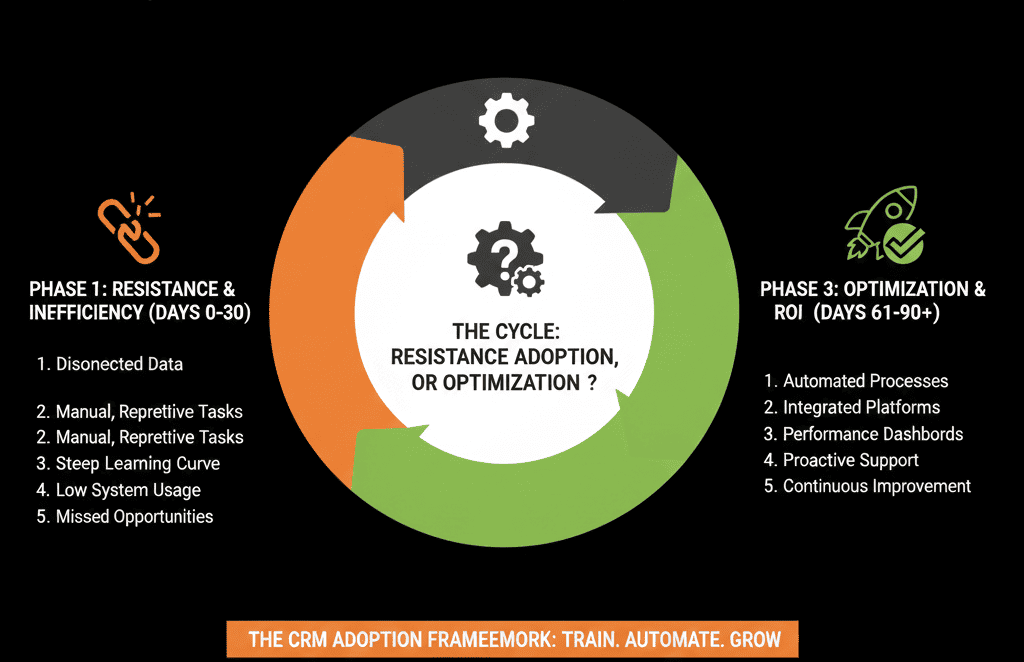
Step 8: Run a 90-Day Adoption Program, Not a One-Off Training
One training session doesn’t change behavior.
Structure adoption like this:
- Week 1–2: Launch & WIIFM, role-based sessions, live walkthroughs of home views and key actions.
- Week 3–6: Office hours + quick fixes, weekly Q&A, capture friction, fix small issues fast.
- Week 7–12: Embed into rituals, run pipeline meetings/standups/service reviews in HubSpot, highlight success stories.
Adoption is a habit formation project. Treat it like one.
Step 9: Give One Person Ownership of Adoption (Not Just Admin)
You need more than a technical admin. You need a HubSpot owner whose KPIs include adoption.
Their responsibilities:
- Monitor usage metrics (logins, activity logging, pipeline and ticket hygiene).
- Run regular feedback loops (interviews, surveys, friction logs).
- Prioritize changes (balance quick wins with structural improvements).
Without this role (internal or via a partner), HubSpot drifts away from how teams actually work.
Step 10: Adjust the System, Not Just the People
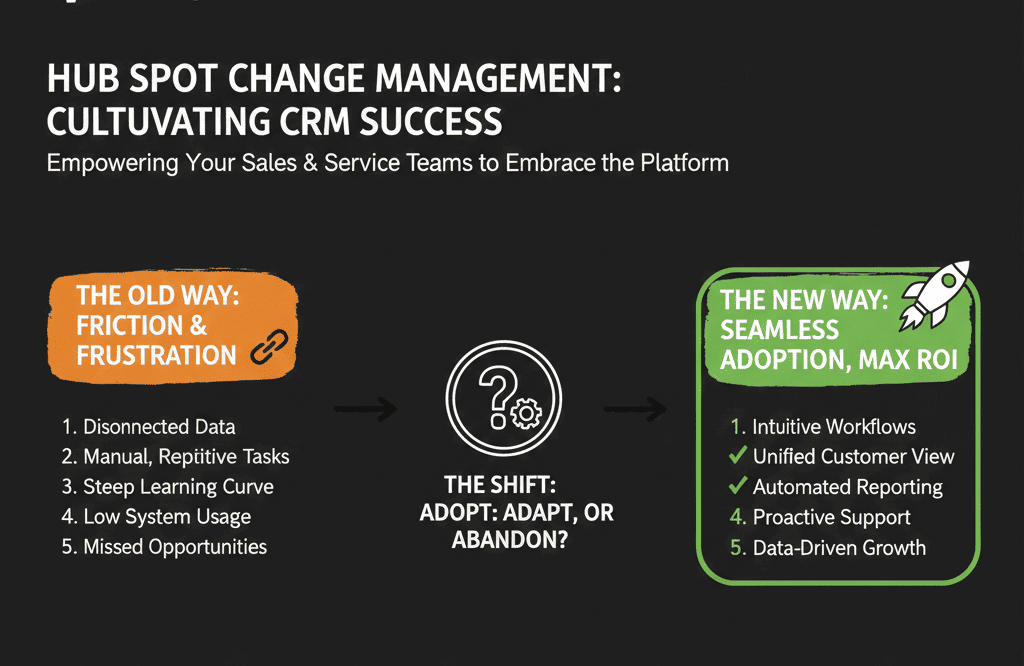
If adoption is low, the answer is rarely “more discipline” alone.
It’s usually a sign that the model is too complex, pipelines don’t match reality, required fields are excessive, or workflows are noisy.
Use real behavior as feedback:
- Where reps avoid updating stages → simplify stages or make criteria clearer.
- Fields that are always blank → remove them or move them later in the process.
- Tickets that get stuck → redesign statuses, ownership rules, and routing.
You’re building a system that earns adoption by being the easiest way to do the job right.
Turn HubSpot from a Reporting Tax into a Daily Tool Your Teams Trust
If sales and service teams see HubSpot as a burden today, you don’t fix it with another training deck or bigger threats.
You fix it by:
- Starting with WIIFM for each role.
- Involving frontline teams in design via pilot squads.
- Making HubSpot the simplest path to doing great work.
- Backing that up with clear non-negotiables and consistent leadership behavior.
- Treating adoption as a 90-day change program, not an announcement.
If you’d like an external, structured lens on why your teams are resisting and what to change—in the system and in your rollout—we can help.
Our team at ElanceMind runs HubSpot Portal Health Checks and Adoption Audits to:
- Diagnose where your setup fights user behavior.
- Redesign views, pipelines, and workflows around real work.
- Build a practical 90-day adoption plan you can run internally.






