



Long-Cycle Deals Need Process, Not Just Persistence
If you sell professional services (consulting, IT, engineering, legal, agency, etc.), your reality usually looks like:
- Multiple stakeholders across departments.
- Complex scoping and proposal phases.
- Long decision cycles and procurement.
- Heavy dependency on relationships and referrals.
Many firms use HubSpot mainly for:
- Email campaigns.
- A basic contact list.
- Light pipeline tracking.
Meanwhile:
- Stakeholder mapping lives in notes and inboxes.
- Proposals and follow-ups are managed in email threads.
- Project handoffs are manual.
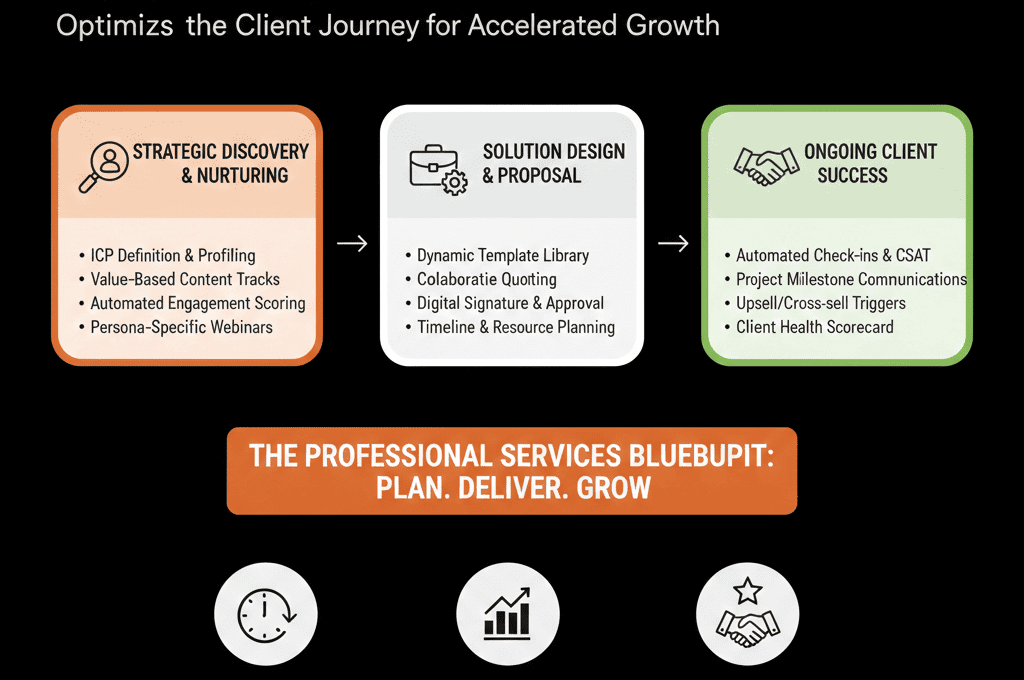
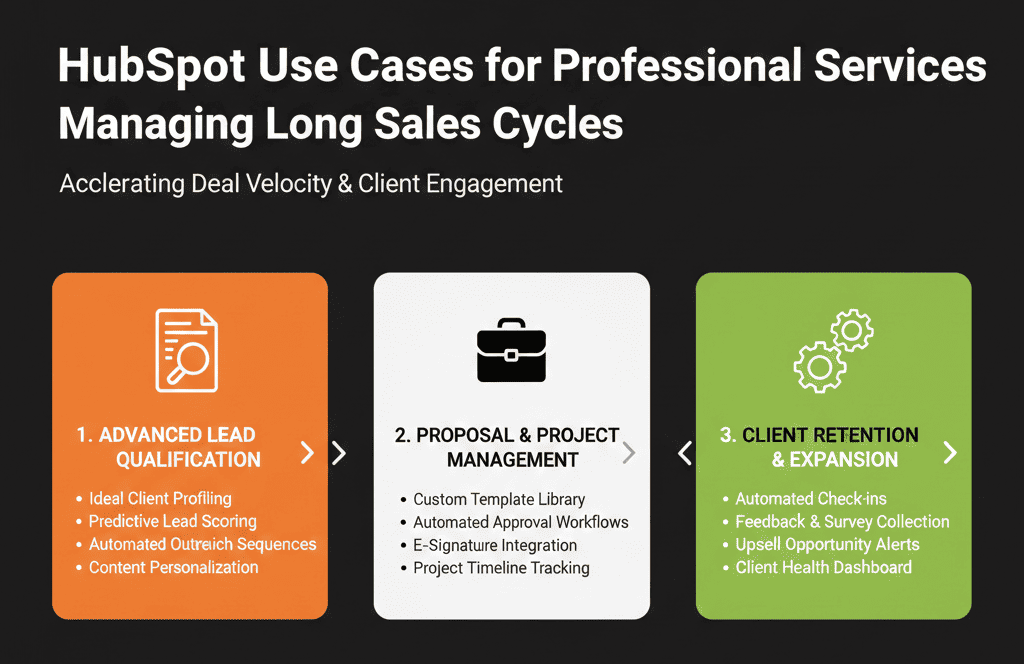
This article covers concrete HubSpot use cases tailored to professional services managing long sales cycles.
Use Case 1 – Account-Based Relationship Management for Key Clients and Prospects
Problem
With long cycles and big-ticket deals, accounts, not just leads, matter:
- Multiple contacts per account.
- Influencers vs decision makers.
- Internal champions who move between companies.
How to use HubSpot
Use Companies as the central object:
- Every meaningful opportunity is associated with a Company record and multiple Contacts.
- Use associations to connect deals, contacts, and companies cleanly.
Map stakeholders:
Add properties like:
- Buying role (Decision Maker, Influencer, Champion, User).
- Relationship strength (Strong, Medium, Weak).
Use contact associations and notes to track:
- Who trusts you.
- Who blocks you.
- Who needs more attention.
Create account views:
- “Strategic Accounts – Open Opportunities.”
- “Accounts with No Touch in 30/60+ Days.”
Use tasks and sequences for relationship nurturing:
- Regular check-ins, insight-sharing, event invites.
- Automated reminders for QBRs or executive syncs.
- Use sequences to nurture contacts with timed steps (emails + tasks).
Outcome:
- A single, structured view of each account’s relationship landscape.
- Less dependence on one person “knowing everyone” from memory.
Use Case 2 – Lead Nurturing for Long Consideration Periods
Problem
Professional services deals:
- Start early (e.g., content, webinars, referrals).
- Can take months or a year to come to life.
- Go dark for stretches, then revive.
Without structured nurturing:
- Early-stage leads go cold.
- Sales only sees “ready now” leads.
- You miss timing when needs resurface.
How to use HubSpot
Segment by stage and fit:
- Use Lifecycle + Fit/ICP fields to separate early interest, qualified nurture, and long-term nurture groups.
Design nurture tracks:
- Thought leadership: market insights, case studies.
- Problem-specific: content around a specific pain or service line.
- Relationship-based: invites to small events, roundtables.
Use workflows to move people through content:
Triggered by:
- Form fills.
- Event/webinar attendance.
- SDR/partner introductions.
Create re-activation alerts:
When old leads:
- Visit pricing/services pages.
- Re-engage with core content.
- Respond to nurture emails.
Outcome:
- Long-cycle prospects are systematically nurtured, not forgotten.
- Sales gets timely alerts when old leads become active again.
Use Case 3 – Opportunity and Stage Design for Complex Scoping & Proposals
Problem
Professional services deals often have:
- Pre-sales workshops.
- Detailed scoping.
- Multiple proposal rounds.
- Legal and procurement phases.
If your pipeline is too simple, you can’t:
- See where deals really stall.
- Forecast realistically.
- Coach teams on process.
How to use HubSpot
Design a services-specific pipeline. Possible stages:
- Discovery / Initial Fit
- Scoping / Diagnostic
- Proposal Drafted
- Proposal Presented
- Commercial/Legal Review
- Verbal Commit
- Closed Won / Closed Lost
Define what must happen in each stage:
- “Scoping” = requirements gathered + internal delivery alignment.
- “Proposal Presented” = proposal and statement of work reviewed with key stakeholders.
Attach key artifacts to deals:
- Proposals, SoWs, slide decks.
- Notes from scoping and workshops.
Report on stage durations and conversion:
- Where do deals stall most often?
- How long from Scoping → Closed Won on average?
- Which stages need better process/enablement?
Outcome:
- A pipeline that reflects how services deals actually move, not just generic SaaS stages.
- Better visibility for RevOps and leadership.
Use Case 4 – Seamless Handoff From Sales to Delivery/Project Teams
Problem
The handoff from “Closed Won” to project/delivery is where:
- Expectations can be misaligned.
- Scope gaps appear.
- Clients have a bumpy start.
If HubSpot is disconnected from delivery:
- Delivery doesn’t see the full history.
- Sales doesn’t see what happened post-sale.
- Renewals/upsell conversations suffer.
How to use HubSpot
Standardize close-out data (on the Deal):
- Final scope summary.
- Key deliverables (or link to SoW).
- Primary contacts and roles.
- Start date and expected end date.
- Pricing model (fixed, T&M, retainer).
Trigger a project handoff workflow on Close Won:
- Create a ticket or task for the delivery team.
- Optional: create a record in a project system (via integration).
- Notify the project manager / engagement lead.
- Associate the Company and key Contacts to keep context connected.
Keep basic delivery status visible in HubSpot:
- Project status (On Track / At Risk / Delayed).
- Milestones achieved.
Outcome:
- Delivery starts with full context.
- Sales and leadership can see, at a glance, how active engagements are doing.
Use Case 5 – Revenue and Pipeline Visibility by Service Line and Segment
Problem
Professional services firms need to see:
- Pipeline and revenue by service line (e.g., Strategy, Implementation, Training).
- Performance by industry or vertical.
- Mix of one-off projects vs retainers.
Without proper structure, you get:
- Generic “services” pipeline.
- No clarity on which offerings or segments drive growth.
How to use HubSpot
Define key classification fields on Deals:
- Service line (Strategy, Implementation, Managed Services, etc.).
- Pricing model (Project, Retainer, Hybrid).
- Industry / Vertical.
- Deal type (New logo, Existing client expansion).
Make them required at later stages:
- Especially before Proposal and Closed Won.
- Create these as standardized properties (dropdown/select where appropriate).
Build RevOps dashboards:
- Pipeline and revenue by service line, pricing model, and industry/segment.
- Average deal size and cycle length by category.
- Win rate by service line/vertical.
Outcome:
- You know which offerings and markets to prioritize.
- You can make resourcing and hiring decisions on real data.
Use Case 6 – Referral and Partner Source Tracking
Problem
Professional services firms often rely heavily on:
- Referrals from existing clients.
- Partnerships with vendors, agencies, or individuals.
But:
- Referral sources are tracked in ad hoc ways.
- You can’t easily see which partners or referrers really drive revenue.
How to use HubSpot
Normalize referral/partner source:
- Use a consistent lead source structure (e.g., Referral – Client, Referral – Individual, Referral – Partner).
- Use custom fields for referrer and source type (dropdown/select).
Use associations for the referrer:
- Referring client/partner as a Company association, and/or referrer as a Contact association.
Log referral attribution properly:
- Encourage Sales/CS to set referral fields when new opportunities are opened.
- Update fields when they learn how a prospect found you.
Report on referrals:
- Revenue and pipeline by source type (client vs partner vs individual).
- Revenue and pipeline by specific referrer or partner company.
Outcome:
- You see which relationships to double down on (and how to reward them).
- Referral motions get the attention they deserve.
What You Can Do in the Next 30–60 Days
If you’re running RevOps for professional services with long sales cycles:
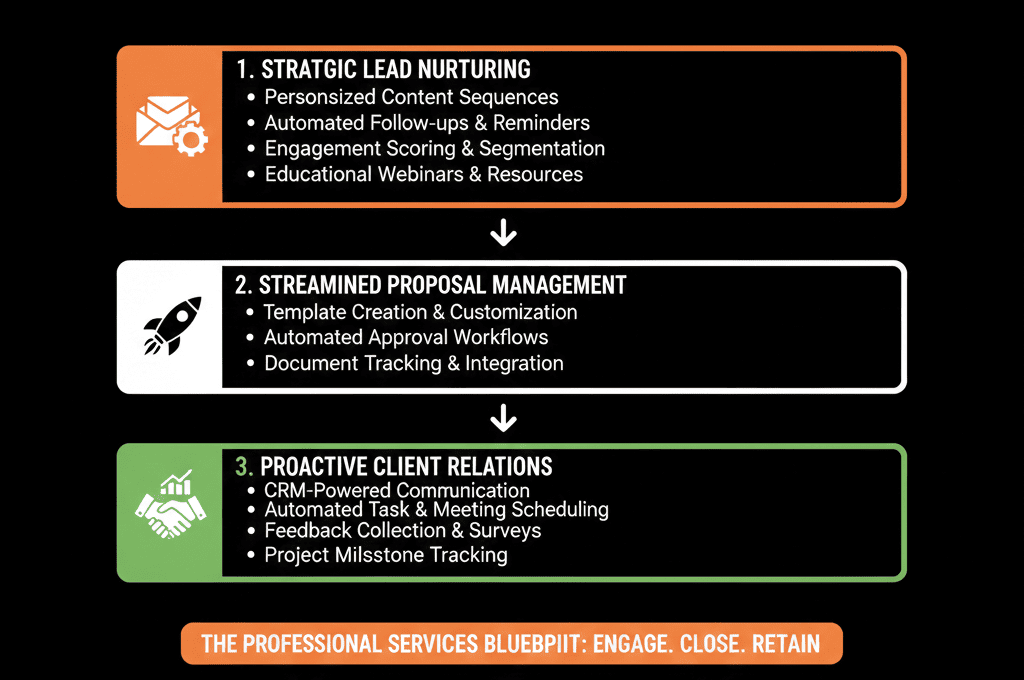
- Pick 2–3 use cases that match your current pain: relationship mapping, long-cycle nurturing, complex pipeline, Sales→Delivery handoff, service line/segment reporting, referral tracking.
- For each use case, design a Minimum Viable HubSpot setup: a few fields, 1–2 workflows, 1–2 views/dashboards.
- Implement and roll out one use case at a time.
- Start where the revenue impact is clearest (e.g., pipeline visibility or handoffs).
- Train teams on why and how to use the new setup.
- Use results and feedback to inform your next RevOps improvement sprint.
Want a Professional Services–Specific HubSpot Audit?
Generic CRM advice rarely fits professional services firms with:
- Multi-month or year-long sales cycles.
- Complex scopes and stakeholder groups.
- Heavy dependence on relationships and referrals.
Our HubSpot Portal Health Check / HubSpot Audit can be tailored to professional services by:
- Assessing how well your portal supports long-cycle selling and delivery handoffs.
- Identifying high-ROI use cases like the ones above for your firm.
- Providing a 60–90 day plan to make HubSpot your central services RevOps system.






