



If You Only Use Lists for Email, You’re Leaving Money on the Table
Most teams treat HubSpot lists as “email send groups”:
- Newsletter list
- Webinar list
- Nurture list
Useful, but limited.
In a well-architected HubSpot portal, lists and segments become:
- The backbone of lead routing and SLAs
- The control layer for workflows and scoring
- The audience definitions for reports and dashboards
- The operational glue for RevOps, CS, and sales
Smart segmentation doesn’t just fix email performance. It makes your entire revenue system cleaner, faster, and less fragile.
This guide walks through how to design a HubSpot list strategy that supports revenue, not just campaigns.
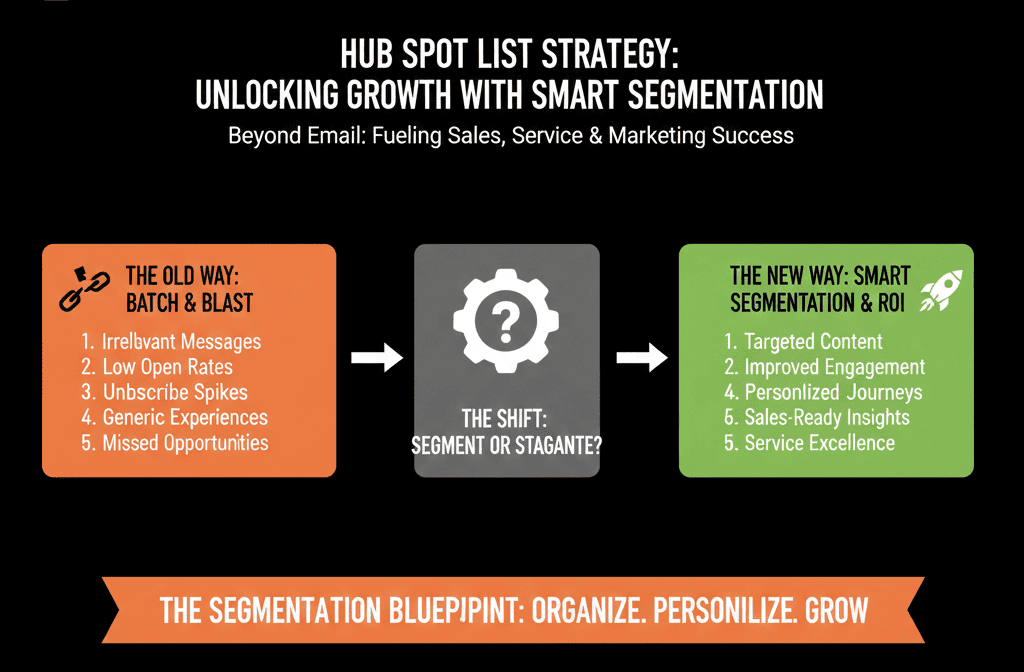
Step 1: Stop Creating Ad-Hoc Lists. Design Segments First.
Most messy portals have thousands of lists, few of which anyone understands:
- “Test – new list”
- “MQLs Oct 2022”
- “Webinar – old – don’t use”
The problem isn’t HubSpot. It’s the absence of a segment strategy.
Start by defining 5–10 core segments you need across functions, such as:
- ICP vs non‑ICP (fit)
- Active vs inactive (engagement)
- Lifecycle buckets (Lead, MQL, SQL, Customer, etc.)
- Region / territory
- Product or service line
- Customer type (SMB vs mid‑market vs enterprise)
For each segment, decide:
- What logical conditions define it?
- Which teams use it (marketing, sales, CS)?
- Where it’s needed: Email and ads, lead routing and ownership, reporting and capacity planning
Only then translate those segments into HubSpot lists.
Step 2: Use Folders and Naming Conventions to Keep Lists Under Control
Once you know your core segments, you need a way to keep the list library usable.
2.1 Create clear list folders
Use a structure like:
- 01 – Core Segments
- 02 – Lifecycle & Funnel
- 03 – Campaign Audiences
- 04 – Customer Lists (CS)
- 05 – Ops & QA
- ZZ – Archive
This helps everyone know where to look and what each list is for.
2.2 Standardize list naming
Avoid “test” and “final” in names. Use a pattern such as:
- SEG – ICP – Active
- SEG – ICP – High Intent
- LC – MQL – All
- CS – Customers – At Risk – 90d
- CAMP – 2024Q2 – Webinar XYZ – Invited
- OPS – QA – Form Submissions – Contact Us
Prefixes like SEG, LC, CAMP, CS, OPS make scanning easier and prevent random naming.
Step 3: Build Core “Segment Lists” That Power Everything Else
Think of some lists as infrastructure, not campaign assets.
Examples:
3.1 ICP & non‑ICP lists
SEG – ICP – All
Fit criteria: firmographic + technographic + role.
SEG – Non‑ICP – All
Everyone else.
Use them for:
- Lead scoring adjustments.
- Routing priorities.
- Reporting by quality of fit.
3.2 Engagement-based lists
SEG – Engaged – Last 30d
SEG – Dormant – 90d+ No Activity
Use for:
- Email send suppression (protect deliverability).
- Re‑engagement programs.
- Prioritizing outbound sequences.
3.3 Lifecycle lists
- LC – Leads – All
- LC – MQL – All
- LC – SQL – All
- LC – Customers – All
Use for:
- Basic funnel reporting.
- Nurture streams.
- SLA tracking.
These “backbone lists” are referenced everywhere; you optimize them carefully and rarely delete them.
Step 4: Use Lists to Improve Lead Routing and SLAs
Most teams think of workflows first for routing. Lists can make routing logic simpler and safer.
Examples:
4.1 Territory & segment routing
Create lists like:
- ROUTE – EMEA – ICP
- ROUTE – NA – SMB
- ROUTE – APAC – Enterprise
Use these as:
- Enrollment criteria in assignment workflows.
- Filters in queues and views for SDRs/AEs.
When territory rules change, you update list logic, not dozens of scattered workflows.
4.2 SLA monitoring lists
Build lists for:
- SLA – New MQLs – Not Touched – 24h
- SLA – New Tickets – Not Owned – 1h
These help you:
- Trigger alerts (e.g., internal emails, Slack via integration).
- Feed SLA reports and dashboards.
- Give RevOps a clear daily/weekly action view.
Result: better lead and ticket handling without writing complex workflow logic from scratch each time.
HubSpot supports creating active or static lists (segments) based on properties, events, and memberships (including workflow enrollment), which is what makes these routing and SLA lists practical to maintain.
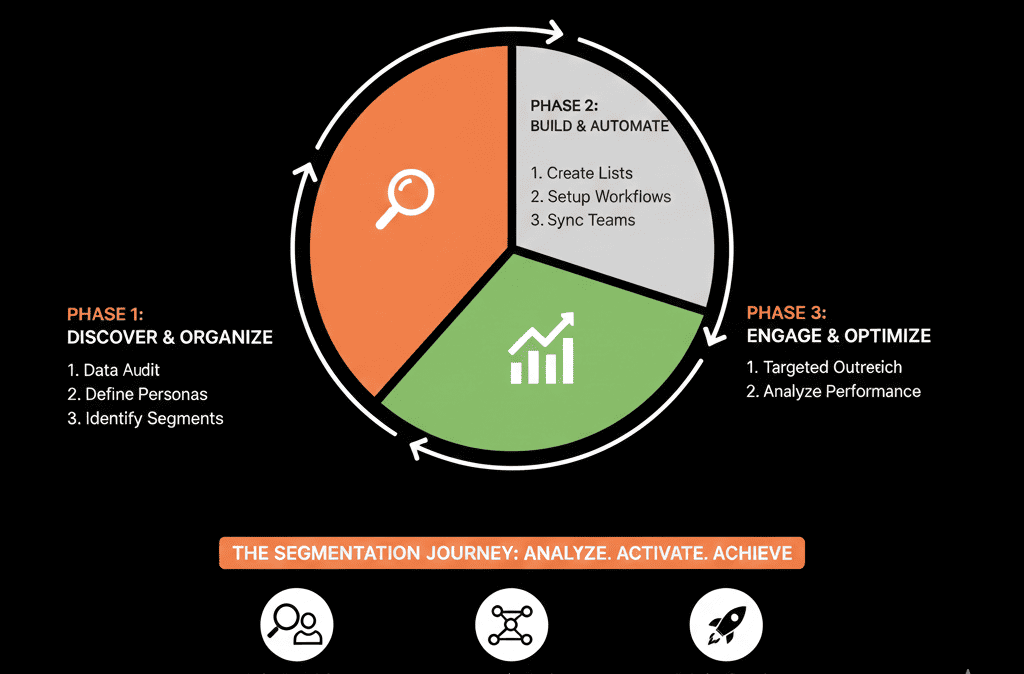
Step 5: Use Lists for CS and Revenue Expansion, Not Just Marketing
Service and CS teams often live in Tickets and Companies, but lists can give them:
- Proactive risk views
- Upsell opportunity views
- Renewal management shortcuts
Examples:
5.1 Health and risk lists
- CS – Customers – At Risk – Low Use
- CS – Customers – High Ticket Volume
- CS – Customers – No Touch – 90d
These lists can:
- Power CSM queues.
- Trigger “save” playbooks.
- Feed NRR risk dashboards.
5.2 Renewal and expansion lists
- CS – Renewals – 90d Out
- CS – Renewals – 30d Out – No Activity
- CS – Expansion – High Usage Tier
Use for:
- Renewal cadences and sequences.
- Upsell campaigns (email + sales outreach).
- CS and sales joint planning.
This is where lists start to act as revenue lenses across the lifecycle.
Step 6: Improve Reporting by Deciding Which Lists Are “Reporting Lists”
Many teams overcomplicate reporting filters on the fly. Instead:
Decide on a few key “reporting lists,” for example:
- RPT – Core Contacts
- RPT – ICP Accounts
- RPT – Active Customers
- RPT – New Leads – 2024+ Only
Use them as:
- Filters for deal and lifecycle reports (e.g., only ICP).
- Cohorts for funnel conversion analysis.
- Reference groups in dashboards.
This keeps reports consistent:
- Everyone uses the same definition of “core contacts” or “active customers”.
- You avoid re-creating filters in every report manually.
Step 7: Avoid List Bloat and Performance Issues
HubSpot can handle a lot of lists, but not infinite chaos.
7.1 Limit campaign-specific lists
For every new campaign, ask:
- Do we really need 3–5 new lists?
- Can we reuse or clone an existing structure?
- Can we use a combination of properties + a single campaign list?
Guidelines:
- Create one main “invited” list and one main “engaged” list per campaign.
- Use date and campaign properties instead of new lists for every minor variation.
7.2 Archive and deprecate
Quarterly:
- Move old, unused lists into an ZZ – Archive folder.
- Mark with DEPRECATED in the name if needed.
- Do not hurry to delete lists until you’re sure they’re not used by: Workflows, reports, users referencing them manually
This keeps clutter out of daily views while protecting you from accidental breaks.
Step 8: Use Lists to Safeguard Deliverability and Compliance
Lists are often the easiest way to protect email and legal posture.
8.1 Exclusion and suppression lists
Create and maintain:
- EXCL – Do Not Email – All
- EXCL – Competitors
- EXCL – Internal Contacts
- EXCL – High Risk / Legal
Reference these as exclusion lists in:
- Campaign sends
- Nurture workflows
- Ad audiences (through integrations)
8.2 GDPR / regional compliance
Use lists for:
- GDPR – EU Contacts
- GDPR – No Consent
- GDPR – Time‑Bound Consent Expiring
Then:
- Structure workflows and forms to respect consent and regional rules.
- Help marketing avoid manual filtering mistakes.
Step 9: Governance: Who Can Create Lists and How?
Poor list governance recreates the mess you’re trying to escape.
Introduce simple rules:
Role-based permissions
Allow most users to use lists.
Limit creation of new lists to:
- Admins
- RevOps / Marketing Ops
- Trained power users
Request process for core segments
For new segment-level lists:
Ask:
- What business question does it answer?
- Could an existing list be extended?
- Will it be reused beyond a one-off campaign?
Documentation
For core lists, add descriptions:
- What it represents.
- How it’s calculated.
- Which teams use it.
- Who owns it.
Now lists become shared infrastructure, not disposable artifacts.
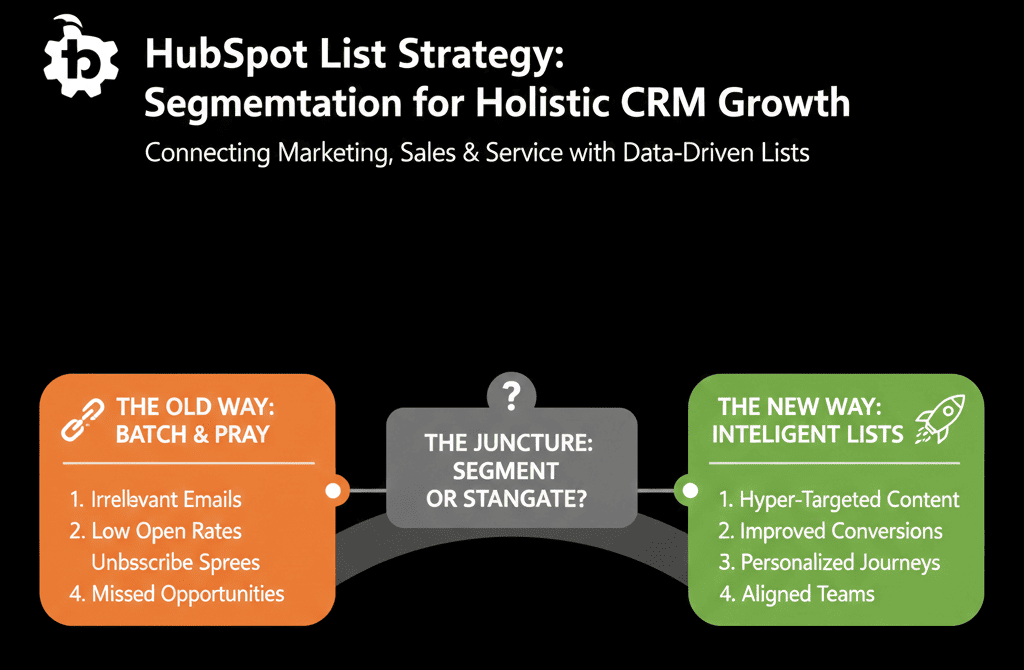
Step 10: Make Lists Part of Your RevOps Rhythm
Finally, embed list strategy into your ongoing RevOps routine.
Monthly or quarterly:
Review:
- Top used lists
- Lists with no recent usage
- Lists that are duplicates in logic
Align:
- Are our ICP and engagement lists still accurate?
- Do new products or regions need new segments?
- Are SLA lists still tracking what matters?
Treat list strategy like your data model and pipelines:
- Designed with intention
- Reviewed with discipline
- Updated with version control thinking
Smart Lists Make HubSpot Work for You, Not the Other Way Around
When you treat lists as “just email segments,” you underutilize one of HubSpot’s most powerful levers.
Smart segmentation helps you:
- Route leads more intelligently
- Enforce SLAs on sales and CS
- Create cleaner, reusable reporting filters
- Protect deliverability and compliance
- Give RevOps sharper tools without more complexity
If your lists page currently looks like a graveyard of “test” and “old” and “final_final,” you don’t need a rebuild. You need a deliberate list strategy.
Our team at ElanceMind helps B2B companies:
- Design list and segmentation frameworks tied to ICP, lifecycle, and RevOps.
- Clean and consolidate bloated list libraries.
- Wire lists into routing, SLAs, reporting, and campaigns.






