



When a “Helpful” HubSpot Change Becomes a Long-Term Problem
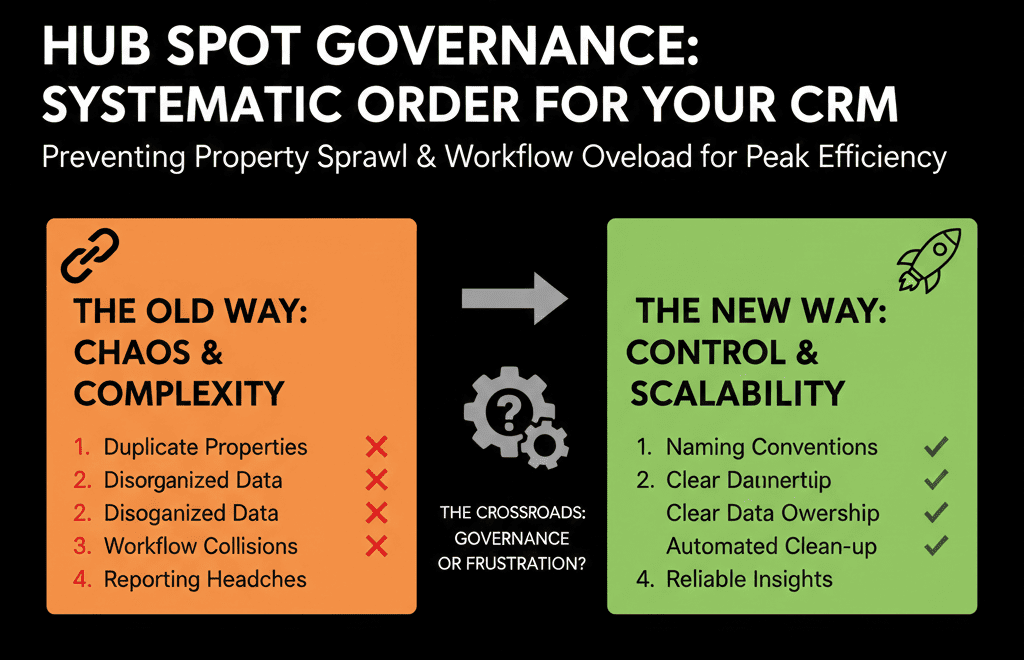
Most messy HubSpot portals didn’t start messy.
They decayed one “quick change” at a time:
- “Can I add one more field?”
- “I’ll just clone this workflow.”
- “We need a new pipeline for this special case.”
Twelve months later:
- Hundreds of custom properties nobody can explain.
- Dozens of half-broken workflows triggering in unknown ways.
- Reports that fail because fields are inconsistent.
Governance is how you stop this before it becomes an expensive cleanup project.
You don’t need a big bureaucracy.
You need a clear HubSpot governance model that’s lightweight but firm.
Step 1: Appoint an Architect and an Admin (Not Just “Everyone Can Touch It”)
Without ownership, your portal becomes a shared junk drawer.
Create two distinct roles:
HubSpot Architect (strategic)
Owns:
- Data model and objects.
- Lifecycle and pipelines.
- Integration and high-level automation design.
Approves:
- New properties that affect core objects.
- New pipelines, lifecycles, and major workflows.
HubSpot Admin(s) (operational)
Owns:
- Day-to-day configuration.
- User management and permissions.
- Implementing architect-approved changes.
In smaller orgs, this might be the same person wearing two hats.
The key is that someone is responsible for saying “no” or “not yet.”
Step 2: Define What Changes Need Approval (and What Don’t)
Not every tweak needs a meeting.
You want to protect the core while staying agile on the edge.
Create two categories of changes:
2.1 Governed (must be approved)
- New custom properties on Contacts, Companies, Deals, Tickets, and core custom objects
- New pipelines or reworking existing ones (especially if stages or required fields change).
- New workflows that change lifecycle/pipeline stages, ownership, critical properties, or create/delete records.
- New integrations or sync rules.
2.2 Self-serve (guardrails only)
- Personal or team views.
- Personal task queues.
- Email templates and sequences (within branding rules).
- Reports built from existing properties.
Communicate this clearly:
“You are free to build views, lists, and most reports. Any change to the data model, lifecycles, or key workflows goes through the architect.”
Step 3: Create a Simple Property Governance Policy
Property bloat is the fastest way to make HubSpot unusable.
Your policy should cover:
3.1 Request process
Require that every new property request answers:
- What object is it for?
- What question or decision does it support?
- Where will it be used (forms, workflows, reports, views/filters)?
- Is there an existing field that could serve this purpose?
If the requester can’t fill this out, the property isn’t needed yet.
3.2 Standards for new properties
When a property is approved:
- Naming: clear and consistent.
- Type: prefer dropdowns/multi-selects for reporting; avoid free-text when you’ll need segmentation.
- Description: make it mandatory; HubSpot supports adding details like labels/descriptions and managing access for properties.
- Ownership: one person/team accountable for the field staying relevant.
3.3 Limits and audits
Set soft limits (e.g., “we don’t exceed X custom properties per object without an audit”).
Quarterly, export/audit properties and tag them as in-use, consolidate, or deprecate using property usage visibility as a guide.
This turns “field requests” into design choices, not reflex actions.
Step 4: Workflow Governance: Avoid Automation Debt
Workflows can quietly break your portal if nobody knows what they do.
4.1 Require a workflow design note
Before building any significant workflow, document:
- Trigger: when should it run, and on which records?
- Logic summary: plain English “if X and Y, do Z.”
- Actions: which fields it sets, which records it creates, which notifications it sends.
- Owner: who is responsible for it continuing to work.
4.2 Naming conventions and folders
HubSpot supports organizing workflows into folders in the workflows tool, which makes governance and audits dramatically easier.
Use a naming pattern anyone can scan:
[Object] – [Process] – [Outcome] (e.g., “Deals – MQL to SQL – Assign & Notify”).
4.3 Testing and change management
For impactful workflows:
- Test in a sandbox or with a restricted segment first.
- Enroll manually first to observe behavior, then expand.
- Record what changed and why in the workflow description.
Automation should be documented and reviewable, not tribal knowledge.
Step 5: Control Pipelines and Lifecycle Changes Carefully
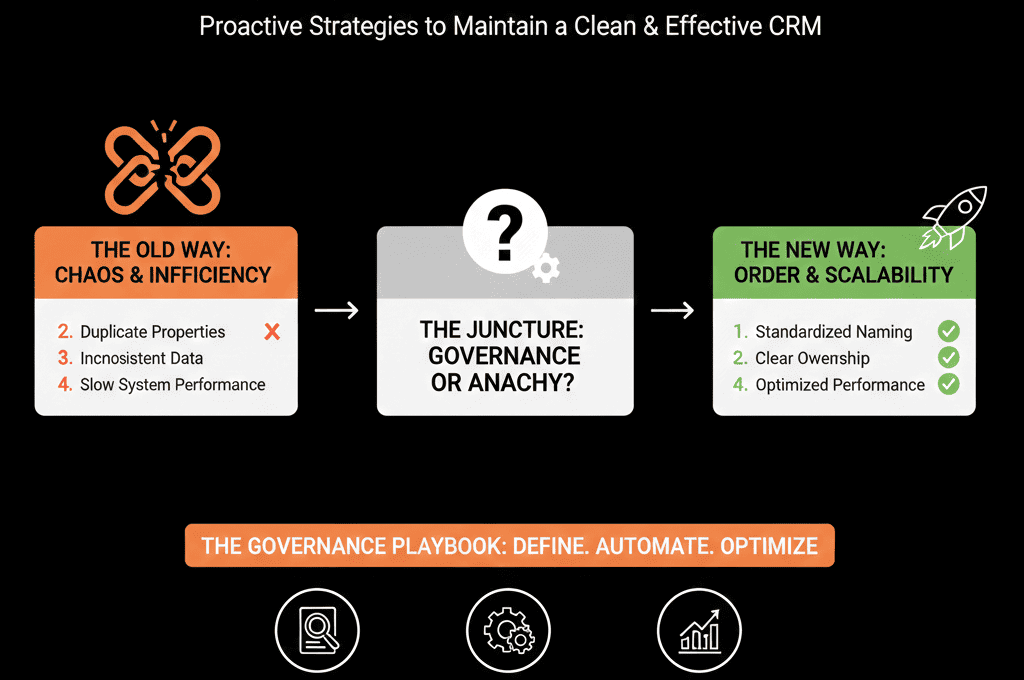
Pipeline and lifecycle changes are high-risk because they break reports, confuse teams, and disrupt forecasting.
Governance for pipelines:
- No new pipelines without a business case, defined stages/criteria, an owner, and a sunset plan for overlaps.
- Any stage rename/reorder must consider historical reporting impact and training needs.
- Re-check required fields and workflow dependencies before enabling changes.
Governance for lifecycle:
- Keep lifecycle definitions in a central, shared doc with examples.
- Test lifecycle logic changes in a subset, review with leadership, then announce clearly.
Treat pipeline and lifecycle as core architecture, not casual settings.
Step 6: Set Up a Recurring Governance Rhythm
Governance is not a binder; it’s a cadence.
6.1 Monthly “HubSpot Health” meeting (30–60 minutes)
Attendees: architect, admin(s), and reps from marketing, sales, service/CS, and RevOps.
Agenda:
- Approve/defer/reject new requests (properties, workflows, pipelines).
- Review lightweight metrics: active workflows, new properties created, duplicates, sync issues.
6.2 Quarterly clean-up and roadmap (60–90 minutes)
Look at:
- Properties: deprecations, consolidations (use property “Usages” and data quality signals).
- Workflows: old/duplicate logic (use workflow folders and filters to audit).
- Reports: dashboards unused in the last quarter.
Then agree next quarter’s priorities (data quality, integrations, process upgrades).
Step 7: Permissions: Stop “Everyone Is a Super Admin”
One of the easiest governance wins is restricting who can break things.
HubSpot supports granular user permissions, and Super Admin access is distinct and can only be granted by an existing Super Admin.
Use role-based permissions to:
- Limit who can create/edit properties, workflows, and pipelines.
- Allow most users to build views, lists, and reports within guardrails.
A simple pattern:
- Super Admins (very few): account-level authority.
- Architect/Admin: structural changes (properties, workflows, pipelines).
- Power users: lists/views/personal reports; suggest structural changes.
Step 8: Make Governance Visible and Easy to Engage With
Governance fails when it’s invisible or painful.
Create a lightweight “HubSpot Governance Hub” (internal doc/wiki) that includes:
- Who’s who: architect, admins, contact paths.
- Change request forms: new property, new workflow, pipeline/stage change, integration request.
- Rules of thumb: what’s self-serve vs governed.
- Review schedule: when the governance group meets and response SLAs.
Users follow rules when the rules are easy to find, the process is predictable, and good ideas ship safely.
Step 9: Use Metrics to Prove Governance Is Working
Governance shouldn’t feel like red tape.
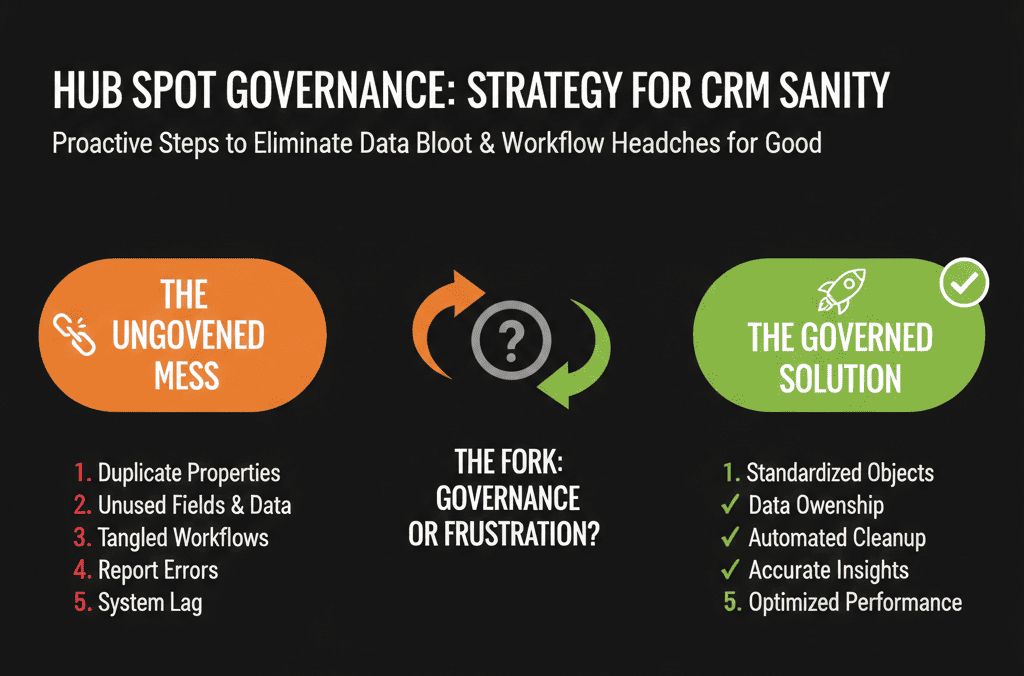
It should produce measurable improvements.
Track a few simple indicators:
- New custom properties per quarter (and net growth after deprecations).
- Active workflows vs deprecated ones.
- Duplicate record rates.
- Report reliability (fewer “numbers don’t match” meetings).
Share these in leadership reviews:
“We cut unused properties by 20% and reduced conflicting workflows. As a result, lifecycle reporting is now stable and trusted.”
Governance becomes easier to defend when you can show impact.
Prevent the Mess Instead of Paying to Clean It Up Later
Property bloat and workflow chaos are not inevitable.
They are the result of no clear ownership, no simple rules, and no recurring review.
By putting light but firm HubSpot governance in place, you:
- Keep your data model clean as you scale.
- Make automation safer and easier to understand.
- Maintain reporting that leadership can trust.
- Avoid expensive rebuilds 18–24 months from now.
If your HubSpot portal already feels fragile—or if you want to get ahead of the curve before it does—we can help.
Our team at ElanceMind runs HubSpot Portal Health Checks and Governance Audits to:
- Diagnose where your configuration is drifting out of control.
- Design a pragmatic governance model that fits your size and complexity.
- Help you clean up properties and workflows while putting guardrails in place.






